
LandbotNo-code conversational AI platform for building interactive chatbots across web, WhatsApp, and messaging apps.

Overview
Key features
- Drag-and-drop conversation flow builder
- WhatsApp Business API integration
- Pre-built templates and blocks
- Conditional logic and variables
- Analytics and conversation reports
- Webhooks and API access
Pricing
- Model
- Freemium
- Category
- Recommender Systems
- Rating
- 4.5 / 5 (6)
Use cases
Automated Lead Generation on Websites
Deploy interactive chatbots on websites to qualify leads through conversational forms, then sync captured data to CRMs like Salesforce via native integrations.
WhatsApp Customer Support
Use the WhatsApp Business API integration to handle customer inquiries at scale, routing complex cases to human agents while automating common questions.
Conversational Surveys and Feedback
Replace static forms with engaging chatbot-driven surveys that use conditional logic to ask relevant follow-up questions and increase completion rates.
User Onboarding Flows
Guide new users through product setup with step-by-step conversational onboarding, sending progress data to Google Sheets or Slack for team visibility.
Pros & Cons
Pros
- Visual builder requires no coding skills
- Multi-channel support including WhatsApp
- Wide range of native integrations
- Templates speed up bot creation
Cons
- Pricing can scale quickly with usage
- Advanced AI features may need higher tiers
- Learning curve for complex conversation logic
Battle record
Across 6 battles in the Pantheon.
Last 5 battles
- #2
Recommender Systems Showdown — March 17, 2026
Mar 17, 2026 · #2 of 4
- #2
Recommender Systems Showdown — May 13, 2025
May 13, 2025 · #2 of 4
- #3
Recommender Systems Showdown — May 2, 2025
May 2, 2025 · #3 of 4
- #2
Recommender Systems Showdown — October 28, 2024
Oct 28, 2024 · #2 of 4
- #3
Recommender Systems Showdown — August 30, 2024
Aug 30, 2024 · #3 of 4
Reviews
Average from 6 ratings.
Sign in to leave a review.

Compared a few options
Evaluated this against two competitors. Where it wins: conditional logic and variables and wide range of native integrations. Where it lags: learning curve for complex conversation logic. On balance the feature set — especially whatsApp Business API integration — justifies the 4 stars for our use case.

Does the job
Pretty happy overall. WhatsApp Business API integration just works and multi-channel support including WhatsApp. Advanced AI features may need higher tiers can be annoying, but no dealbreakers — I'd recommend it to a friend without hesitating.
Solid for our team
We rolled this out across the team last quarter and multi-channel support including WhatsApp. Conditional logic and variables fits neatly into how we already work, and pre-built templates and blocks removed a step we used to do by hand. Advanced AI features may need higher tiers, which is the main caveat, but it has held up under daily use.

Use it every day
Honestly didn't expect to like it this much. Webhooks and API access is exactly what I needed, and templates speed up bot creation. but I reach for it almost every day now and it just clicks.
Compared a few options
Evaluated this against two competitors. Where it wins: whatsApp Business API integration and multi-channel support including WhatsApp. Where it lags: advanced AI features may need higher tiers. On balance the feature set — especially analytics and conversation reports — justifies the 4 stars for our use case.
Years in this space
I've evaluated a lot of these over the years. What stands out here is analytics and conversation reports — handled better than most — and multi-channel support including WhatsApp. Worth the time if this is your use case.
Q&A
What is the WhatsApp opt-in and how does it work?
WhatsApp opt-in is the active consent users have to give you before you can contact them via WhatsApp. Opt-ins need to be done via a third-party channel. You can learn more about WhatsApp opt-ins and how they work here.
Asked by Fiorella Bianchi · Dec 31, 2025
Do you offer support resources on WhatsApp bot creation?
Yes, you have access to a large collection of support resources including WhatsApp guides, documentation and academy videos to help you get the most out of the WhatsApp chatbot builder and campaign manager. Listed below are some of the resources: - How to Create a WhatsApp Bot: Step By Step Guide - How to Create & Test your WhatsApp Chatbot: Video Guide - Landbot Academy: WhatsApp
Asked by Fatima Zahra · Nov 15, 2025
Can I start building my bot before my WhatsApp API access is approved?
Landbot’s special WhatsApp Test environment feature allows you to build and test your WhatsApp bot before your API application gets approved. This is possible because the testing channel is a closed one, and only allows communication between the Landbot interface and the phone number you associated with the test account. So you can already test your WhatsApp bot with your own phone, and have it ready to be published live to your users when the access is approved by WhatsApp.
Asked by Mei-Ling Wong · Oct 19, 2025
Does Landbot use the official WhatsApp Business API? How does the application process work?
Yes! Landbot uses WhatsApp’s official API to integrate the most popular instant messaging app. The API offered by Facebook (Meta) is under constant improvement, the reliability is fantastic and generates a frictionless experience for your users and for your team. To review which type of enterprises, businesses and brands WhatsApp accepts at the moment, please read our WhatsApp API application guide. Landbot’s onboarding team helps you in the application process. Once you sign up for Landbot’s WhatsApp solution, our team will ask you to submit the required information and initiate the application process on your behalf. The entire process usually lasts around 1-2 weeks, regardless of which provider you work with. We take utmost care to ensure each business we collaborate with has their application approved, managing the application process at every step of the way. However, ultimately, the final approval decision rests with WhatsApp.
Asked by Mustafa Yilmaz · Oct 6, 2025
Ask a question
Recommender Systems alternatives

Aivo
Recommender Systems
Conversational AI platform for automating customer service across chat, voice, and messaging channels.
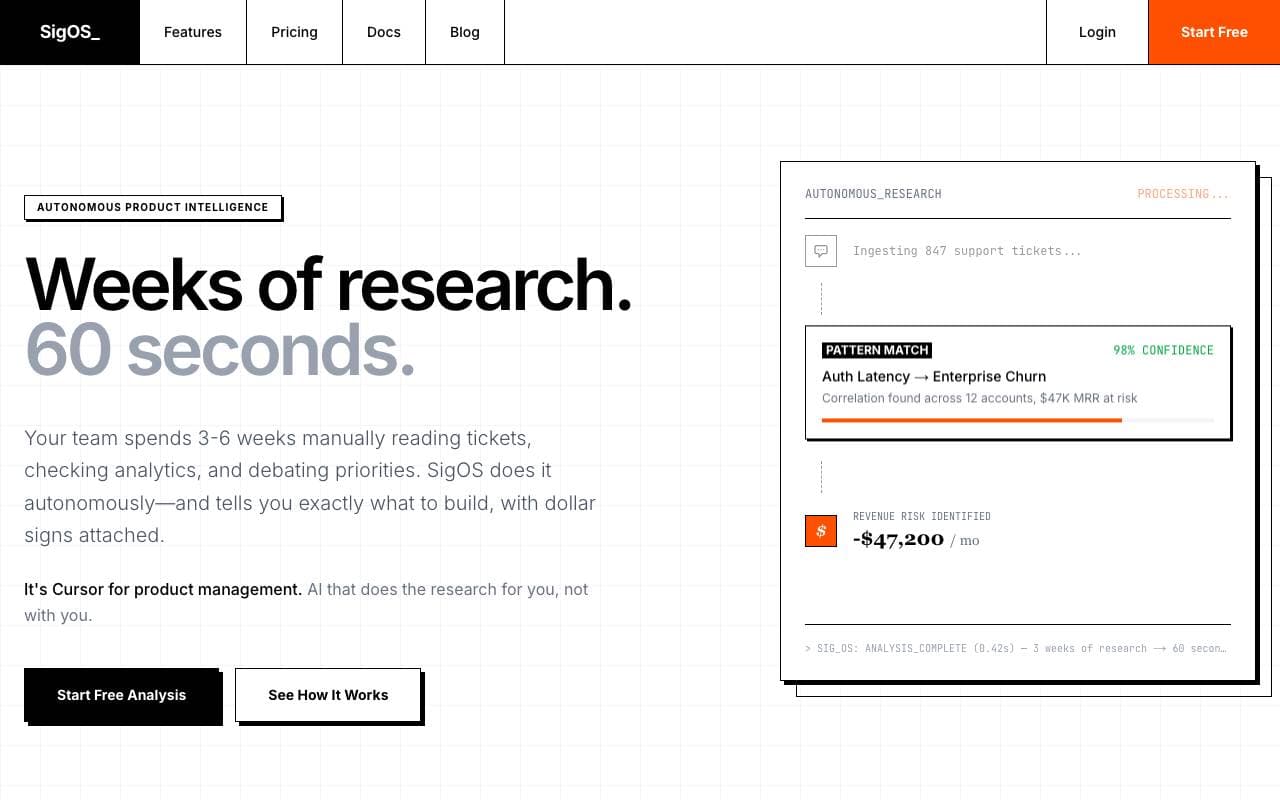

sigos
Recommender Systems
AI product intelligence that turns scattered customer feedback into revenue-driving insights.

GiftPrompt
Recommender Systems
AI gift recommender that suggests presents matched to a recipient's personality and vibe.
Trending now


Reducto AI
AI Agent Development Platforms
Document intelligence API that parses, splits, OCRs, and extracts structured data from complex PDFs, slides, and spreadsheets.


AdCrier
Marketing & Advertising
Sponsored answers, paid per click.


Biology AI
Education AI
Accurate Homework Help with Full Explanations


Pin AI
Workflow automation
Agentic AI recruiter that automates sourcing, screening, and outreach to accelerate hiring.