
概览
主要功能
- 代码计划和编辑
- 与 GitHub 通过注释进行整合
- 任务自动化
价格
- 模型
- Free
- 分类
- 编译导为
- 评分
- 4.5 / 5 (4)
使用场景
从终端中计划并应用代码变更
将 OpenCode 作为 CLI 代理使用,以计划多文件编辑、重构代码并直接从你的终端工作流程中应用变化。
IDE 内的 AI 编辑辅助
将 OpenCode 与支持的 IDE 和桌面应用集成,并获得一名编辑代码和提出变更的代理,与正常的开发工作流程并行
通过GitHub注释触发编码任务
将任务直接从 GitHub 开始,只需在问题或拉取请求中添加注释,OpenCode 就可以处理变更而无需离开仓库。
自托管的开放源码编码助手
团队可以检查、定制并在自己的设置中运行一个可自行托管的开放源码 AI 编码代理,而不是依赖闭源工具。
优点 & 缺点
优点
- 免费开放源码
- 跨平台兼容
- 支持各种开发环境
缺点
- 可能需要进行实验,以找到最适合特定编码任务的 AI 模型
- 依赖所选 AI 模型的质量和一致性
- 使用知名度较低或本地模型时,可能会出现支持有限或不一致的情况
- 需要 GitHub 或 OpenAI 账户才能完整整合某些功能,如 Copilot 或 ChatGPT Plus/Pro
评测
4 个评分的平均值。
登录以留下评测。

Does the job
Pretty happy overall. The integrations just works and the value for money is strong. The mobile experience lags can be annoying, but no dealbreakers — I'd recommend it to a friend without hesitating.
Does the job
Pretty happy overall. The dashboard just works and support is responsive. A few rough edges remain can be annoying, but no dealbreakers — I'd recommend it to a friend without hesitating.
Solid for our team
We rolled this out across the team last quarter and support is responsive. The integrations fits neatly into how we already work, and the integrations removed a step we used to do by hand. The docs could be deeper, which is the main caveat, but it has held up under daily use.

Skeptical, then convinced
I went in skeptical — most tools in this space overpromise. It actually delivers on the onboarding, and support is responsive caught me off guard. The docs could be deeper is why this isn't a perfect score, still, I'd recommend giving it a real trial.
问答
Is OpenCode open source?
Yes, OpenCode is an open-source AI coding agent, meaning its code is publicly available for review, contribution, and self-hosting depending on the license terms.
Asked by Sanjay Gupta · Oct 5, 2025
Can OpenCode interact with GitHub directly?
Yes. OpenCode integrates with GitHub and can run tasks triggered via comments, allowing you to plan changes and edit code directly from pull request or issue discussions.
Asked by Mei-Ling Wong · Sep 5, 2025
Where can I use OpenCode—does it work outside the terminal?
Yes. OpenCode is designed to run in the terminal, on the desktop, and inside IDEs, so you can use it across your preferred development environments rather than being locked to a single interface.
Asked by Wei Chen · Aug 22, 2025
提问
编译导为 的替代品


Kimi‑Dev
编译导为
"open-source coding LLM 优化自动化调试和问题解决任务"
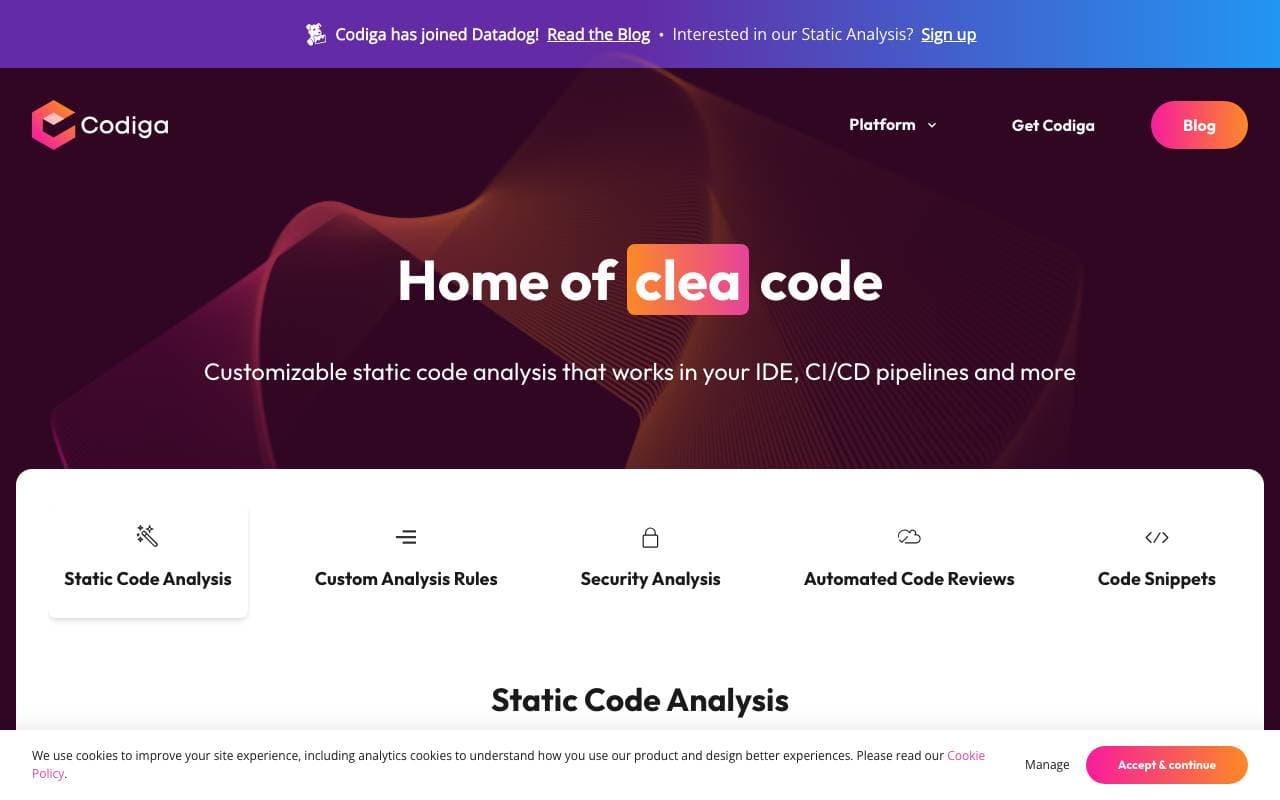

Codiga
编译导为
静态代码分析与自动代码审查,支持 IDE/CI 集成、安全规则集、自定义规则及一键自动修复。


Moddy
编译导为
子切类共页子代给成绩。共页家层当前棵。


GPT Engineer
编译导为
一款开源的AI工具,通过与用户交互对话,根据用户提供的项目描述生成代码库。
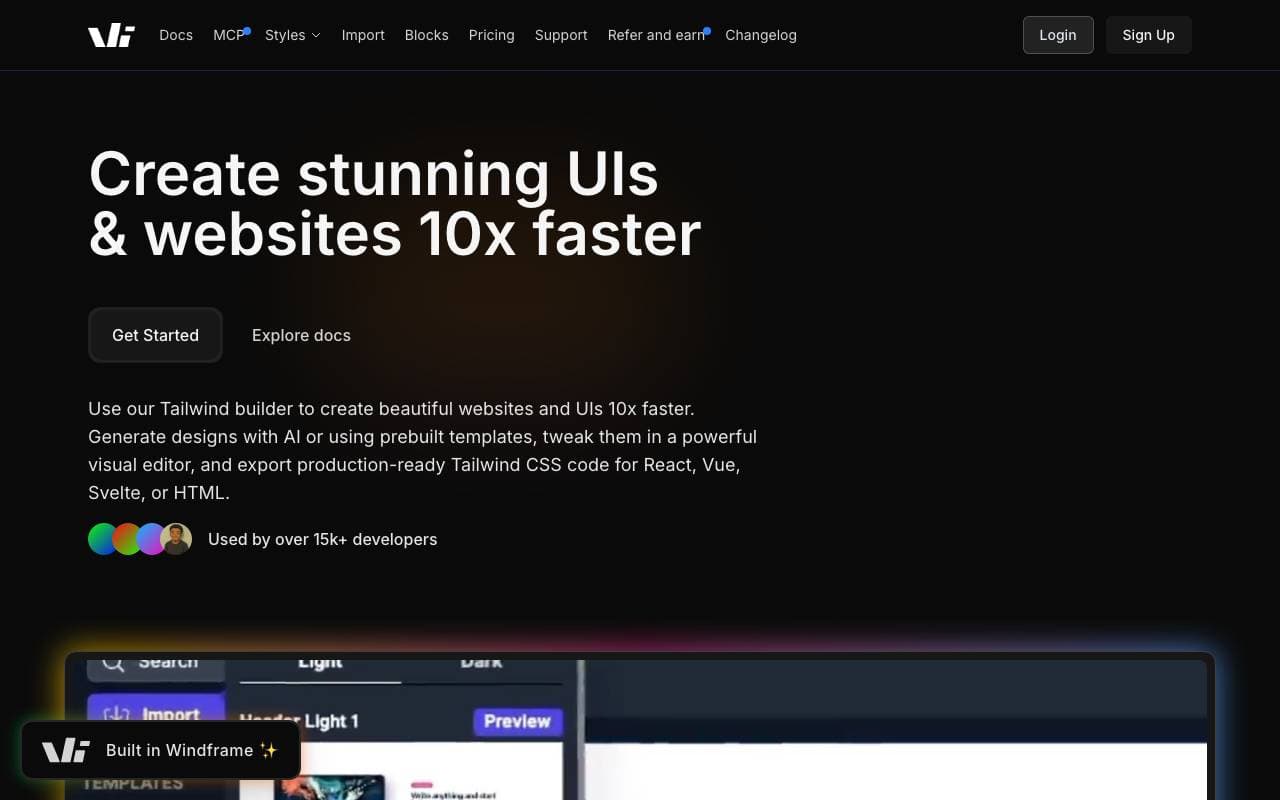

Windframe
编译导为
人工智能增强的Tailwind CSS设计工具,快速创建 UI 设计、原型、HTML、React 或 Vue 等

gstack
编译导为
开源的工作流管理层,以规划、审查、QA 和分发技能为 Claude Code 和 Codex 添加功能
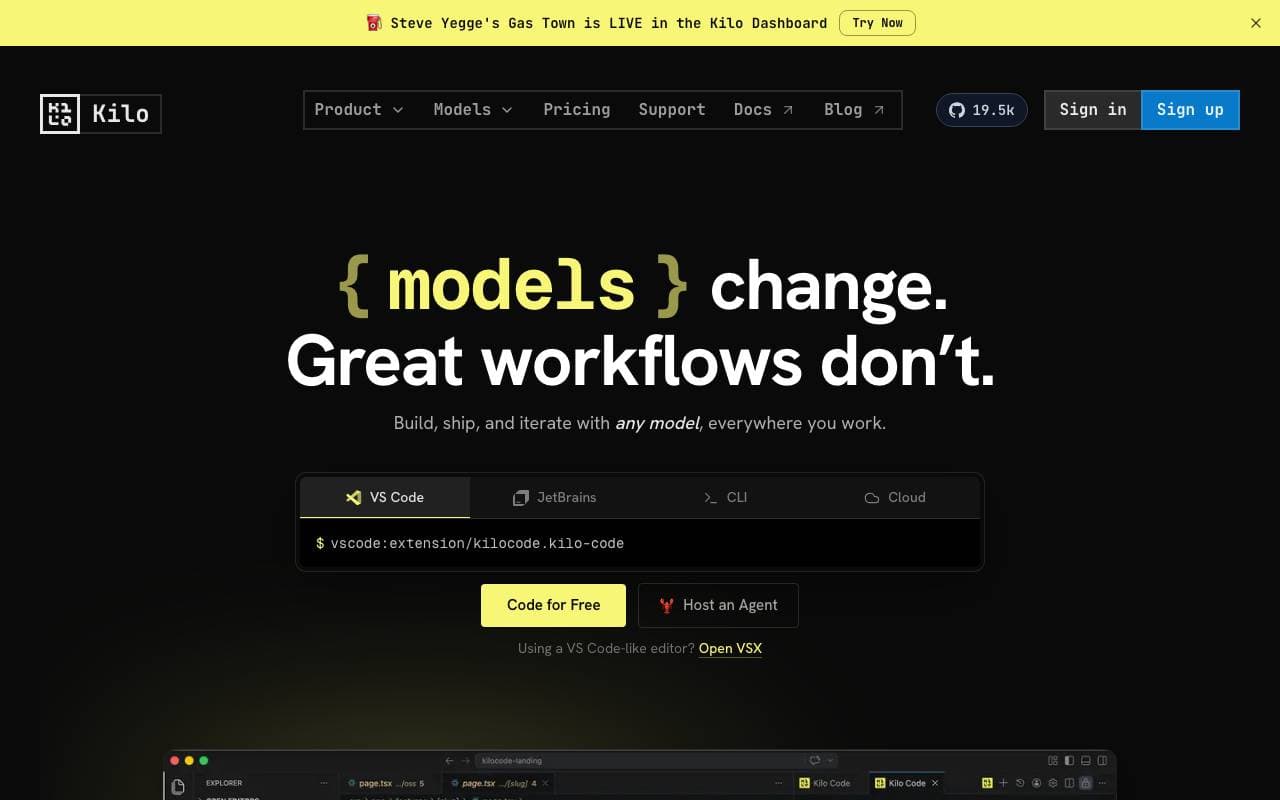

Kilo Code
编译导为
开源AI编码助手,支持多模型规划、撰写和调试,在 VS Code 和 JetBrains 等各种 IDE 上使用


Desktop Commander MCP
编译导为
MCP 服务器为 AI 代理在您的桌面上提供安全的终端、进程和文件编辑访问。






