
Imagen 3DПеретворити фотографії у розподілені 3D-моделі протягом декількох секунд без необхідності володіння спеціальними навичками моделювання.

Огляд
Ключові функції
- Перетворення фото у 3D-моделі
- Інтерфейс завантаження для мережі веббраузера
- Відмова 3D-покази
- Генерація геометрії із застосуванням штучного інтелекту
- Прийоми початку з мінімальними навичками
- Торкнутися експорту
- Швидкі варіанти експорту
Ціни
- Модель
- Freemium
- Категорія
- 3D генерація
- Рейтинг
- 4.4 / 5 (5)
Кейси використання
Рapid Prototyping for Small Businesses (Суперскористе прототипування бізнесів невеликої кількості робітників)
Власники бізнесів компанії можуть фотографувати товари та швидко створювати моделі 3D для використання у презентації, підготовчих робіт, етапі початку реалізації тощо, у звичайній роботі без спеціального навчання 3D-модельера.
Engaging Classroom Visual Aids (Інтернатури навчальні посібники-інструменти освітньої програми
Викладачі мають змогу перетворити ті знімки фотографії об'єктів у інтерактивні 3D-моделі та публікувати їх зі своїми учнями у навчальних матеріалах із застосуванням нових форматів візуалізації у навчальні програми
Social Media 3D Content (Соціальні мережі з використанням 3D-вмісту)
Творці мистецтва та їхні хобісти мають змогу перетворити звичні знімки усіх фотографій у інтерактивні 3D-візуалізації з публікуванням їх у світовій мережі з метою відрізнятися із застосуванням нових видів візуалізацій у світових Інтернету і мережах
Quick Asset Generation for Visualization (Швидке створення ресурсів для візуалізації)
Проєктувальники, спеціалісти виробництва та творці мистецтва мають змогу швидко створювати 3D-представлення зі звичних знімків-фіго для застосування в розвитку ідеї візуалізації, підготовчих робіт у презентації або розповсюдження новин з використанням нових інтерактивних інструментів візуалізації
Плюси і мінуси
Плюси
- Немає необхідності володіння навичками 3D-моделювання
- Прийом швидко створює модель з фото
- Розширений шлях завантаження-публікування
- Доступний для користувачів-напівпрофесійників
- Має менше часу, ніж при застосуванні спеціальної програми
Мінуси
- Якість виходу залежить від вмісту зображення
- Контроль над виходом менше ніж у спеціальних програмах
- Немає бажання застосовувати складну форму об'єкта чи освітлення від світла при застосуванні
- Програма може відмовитися від застосування у тих випадках, коли необхідно застосувати кілька видів матеріалів та освітлення від світла
Бойовий рекорд
У 4 битвах у Пантеоні.
Last 4 battles
Відгуки
Середнє з 5 оцінок.
Увійди, щоб залишити відгук.
Skeptical, then convinced
I went in skeptical — most tools in this space overpromise. It actually delivers on aI-driven geometry generation, and simple upload-and-share workflow caught me off guard. Less control than manual modeling tools is why this isn't a perfect score, still, I'd recommend giving it a real trial.
Years in this space
I've evaluated a lot of these over the years. What stands out here is aI-driven geometry generation — handled better than most — and accessible to non-technical users. Output quality depends on input photo is my one real gripe. Worth the time if this is your use case.

Years in this space
I've evaluated a lot of these over the years. What stands out here is photo-to-3D model conversion — handled better than most — and simple upload-and-share workflow. Less control than manual modeling tools is my one real gripe. Worth the time if this is your use case.
Skeptical, then convinced
I went in skeptical — most tools in this space overpromise. It actually delivers on photo-to-3D model conversion, and accessible to non-technical users caught me off guard. Less control than manual modeling tools is why this isn't a perfect score, still, I'd recommend giving it a real trial.

Compared a few options
Evaluated this against two competitors. Where it wins: quick export options and fast turnaround from photo to model. On balance the feature set — especially quick export options — justifies the 5 stars for our use case.
Питання
How do I share my 3D preview with others?
The easiest way is to share the preview link directly—anyone can view and interact with your 3D model in their browser without downloading anything. You can also download the 3D files if you want to use them elsewhere. The online preview works on phones, tablets, and computers, making it perfect for sharing with customers, clients, or friends.
Asked by Jarrah Whitlock · Nov 1, 2025
Can I use the 3D previews for commercial purposes?
Yes! All 3D models generated from your photos belong to you with full commercial rights. Use them on your product pages, in marketing materials, for client presentations, or anywhere else you need. Just make sure you have the rights to the original photos you upload—don't use copyrighted images you don't own.
Asked by Lorenzo Bianchi · Oct 9, 2025
Do I need to understand 3D modeling to use this tool?
Not at all! That's the whole point. Our image to 3D tool is designed for people with zero 3D experience. Just upload your photo, choose a quality setting, and we'll create a 3D model you can view and share immediately. No need to learn Blender, Maya, or any complex 3D software. If you can upload a photo, you can create 3D showcases.
Asked by Wei Chen · Sep 28, 2025
What types of photos work best for image to 3D conversion?
Best results come from clear, well-lit photos of single objects on simple backgrounds. Products, furniture, toys, collectibles, and everyday items work great. Use photos at least 1024x1024 pixels (higher is better). Avoid busy backgrounds, very reflective or transparent materials, or heavy shadows. For multi-view uploads, try to keep lighting and angles consistent across all photos.
Asked by Ximenez Alvarado · Sep 24, 2025
Can I upload multiple photos for better results?
Yes! Pro and Ultra modes support uploading 3-4 photos from different angles (front, back, left, right). Using multiple views significantly improves the quality of your image to 3D conversion, especially for complex objects. If you only have one photo, that works too—but multiple angles will give you more complete and accurate 3D previews.
Asked by Priya Nair · Sep 11, 2025
Постав питання
Альтернативи 3D генерація

 STYLE AI-3D Multiverse3D генерація
Платформа дизайну 3D з AI для креативних і поглиблених робочих процесів

 AI 3D Model Generator Free3D генерація
Творіть 2D-зуразі 3D-моделі протягом декількох секунд, зручніше без реєстрації.

 KlapAI3D генерація
Платформа, яка сполучає АІ та Web3, дозволяючи гравцям створювати, міняти, підтверджувати та заробляти на своїх гральних активах.
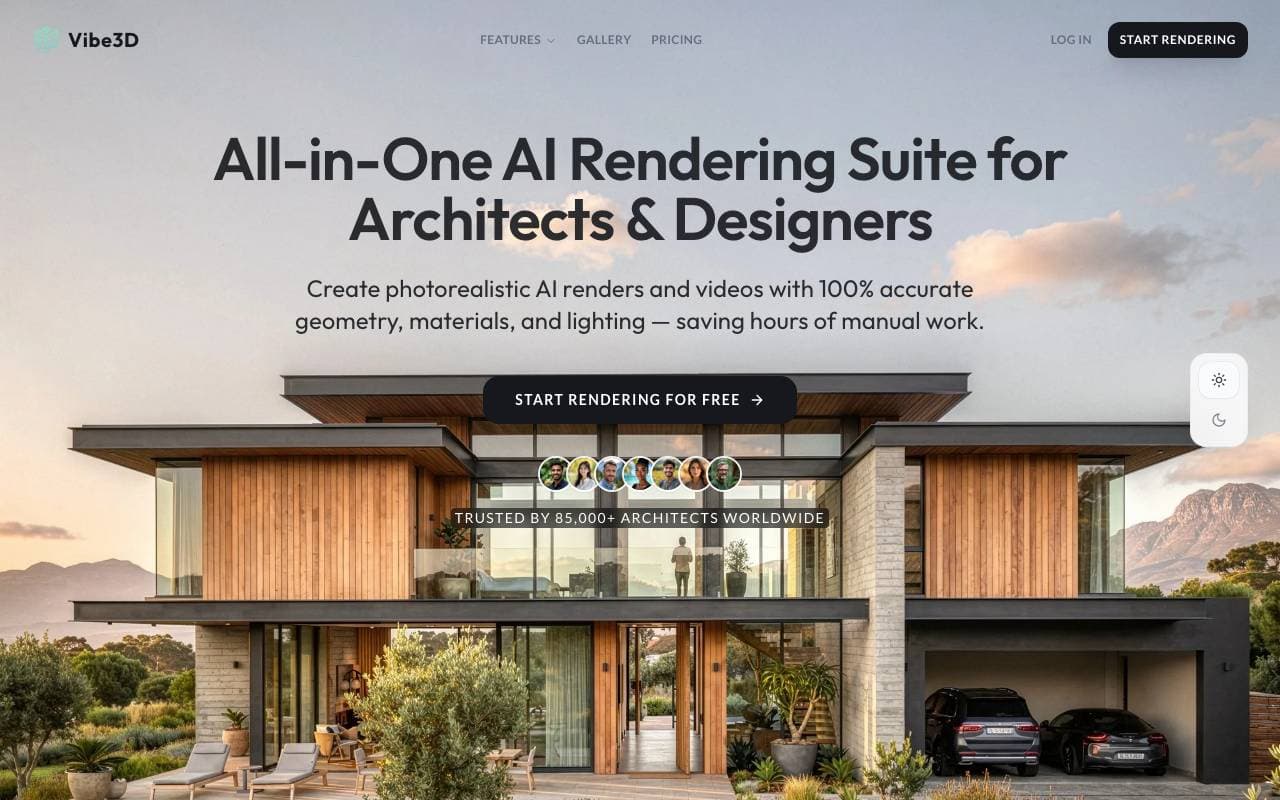
 Vibe3D3D генерація
AI‑рендерингова платформа, що перетворює 3D‑моделі у фотореалістичні інтер’єрні та архітектурні візуалізації.
 Saga3D генерація
AI‑підтримувана платформа RPG з текстовим інтерфейсом для колективних, занурюючих пригод у вигляді розповіді
Trending now

 Reducto AIПлатформи розробки штучного інтелекту та агентів
API розумного документу, що парсить, розділяє, виконує OCR і видобуває структуру даних з комплексних PDF, презентацій та електронних таблиць.

 AdCrierРинок реклами та маркетингу
Спонсорські відповіді за гроші за клік

 Biology AIОсвітня технологія AI
Довірена Поміч із Поясненнями по Біології

 Pixtral 12B 24.09ЛМК (Модель Мислення Лінійної Зв'язковості)
Відкрита багатомодальна модель 12B, що обробляє перемішані зображення та текст з контекстним вікном 128K токенів.