SlideSpeakBelgeler, önergeler ve fikirleri editöryel PowerPoint sunumına çevirme yeteneğine sahip AI sunum oluşturucu.

Genel Bakış
Temel özellikler
- Metin-sunum oluşturma
- Belge-eleman çevirmesi (PDF, DOCX)
- İçerideki şablonlar ve tema
- PPTX exportu için offline düzenleme
- Belge özeti ve Q&A
- Çok dilli destek
Fiyatlar
- Model
- $4
- Kategori
- Satış ve Gelirler İşlemleri
- Puan
- 4.7 / 5 (6)
Kullanım senaryoları
Önergeleri şablonlara dönüştürmek
Sorunları açıklığa kavuşturmak için metin içerikten bir şablon ile sunumu oluşturmak.
Raporları Sunuma Dönüştürmek
PDF veya Word belgelerini yüklemek ve uzun raporları özetlenmiş ve şablonlanmış, editöryel PowerPoint sunumlarına dönüştürmek.
Global Kitleler için Sunumları Çevirmek
Çok dilli desteği kullanarak mevcut sunumları tercüme etmek; takımlar uluslar arası piyasalar ve paydaşlar arasında içerikleri paylaşabilme olanağı sağlıyor.
Hızlı Öğrenci Proje Süreçleri
Öğrenciler kaynak dosyalarını tercüme etmek için çok dilli desteği kullanarak hızlı bir şekilde araştırmaya dayalı sunumlar oluşturabilir.
Artılar ve eksiler
Artılar
- Önergeler veya belgelerden hızlı şablon oluşturma
- Düzenlenebilir PowerPoint formatına export
- Varolan dosyaları özetleyip yeniden formatlandırmak
- Temalar ve tema için tutarlı stil
Eksiler
- AI oluşturduğu içerik ihtiyaç halinde el ile gözden geçirme ve düzenleme gerektirebilir
- Dedicated araçlardakine göre tasarım özelleştirme sınırlıdır
- En iyi sonuçlar için açık önergeler veya iyi yapılandırılmış kaynaklar gereklidir
Savaş rekoru
Pantheon’da 2 savaş.
Last 2 battles
İncelemeler
6 puandan ortalama.
İnceleme bırakmak için giriş yap.

Compared a few options
Evaluated this against two competitors. Where it wins: document-to-slides conversion (PDF, DOCX) and templates and themes for consistent styling. Where it lags: design customization is more limited than dedicated tools. On balance the feature set — especially text-to-presentation generation — justifies the 5 stars for our use case.
Use it every day
Honestly didn't expect to like it this much. Built-in templates and themes is exactly what I needed, and exports to editable PowerPoint format. I do wish aI-generated content may need manual review and edits, but I reach for it almost every day now and it just clicks.
Skeptical, then convinced
I went in skeptical — most tools in this space overpromise. It actually delivers on document-to-slides conversion (PDF, DOCX), and fast slide generation from prompts or documents caught me off guard. Best results require clear input prompts or well-structured sources is why this isn't a perfect score, still, I'd recommend giving it a real trial.
Skeptical, then convinced
I went in skeptical — most tools in this space overpromise. It actually delivers on built-in templates and themes, and supports summarizing and reformatting existing files caught me off guard. Best results require clear input prompts or well-structured sources is why this isn't a perfect score, still, I'd recommend giving it a real trial.
Years in this space
I've evaluated a lot of these over the years. What stands out here is built-in templates and themes — handled better than most — and exports to editable PowerPoint format. Worth the time if this is your use case.
Use it every day
Honestly didn't expect to like it this much. Document summarization and Q&A is exactly what I needed, and exports to editable PowerPoint format. but I reach for it almost every day now and it just clicks.
Sorular
How do I create a PowerPoint presentation with AI?
Simply enter a topic, paste your text, or upload a document like a PDF or Word file. SlideSpeak's AI analyzes your content and generates a complete, professionally designed PowerPoint presentation in minutes. You can then edit, customize, and download it as a .pptx file ready for use.
Asked by Chidi Okonkwo · Dec 8, 2025
Can I convert a PDF or Word document into a presentation?
Yes! SlideSpeak automatically transforms PDFs, Word documents, and Excel files into structured slide decks. The AI summarizes key points, organizes content logically, and applies professional layouts - no manual copying and pasting required.
Asked by Lindiwe Mahlangu · Nov 10, 2025
How does SlideSpeak compare to Gamma and other AI presentation tools?
Unlike Gamma, SlideSpeak generates native, editable PowerPoint files (.pptx) you can download and use anywhere - not locked into a web platform. SlideSpeak also lets you use your own PowerPoint templates and includes features like AI video generation and brand kits. See our full SlideSpeak vs Gamma comparison.
Asked by Fumiko Sato · Nov 6, 2025
Is SlideSpeak good for consultants and business professionals?
SlideSpeak is one of the best AI presentation tools for consultants and business professionals. Convert client briefs, reports, and research into polished slide decks in minutes. Apply your brand colors and fonts automatically, and export to PowerPoint for client-ready deliverables.
Asked by Beatriz Costa · Nov 5, 2025
Can I create a presentation with AI using my own template?
Yes! You can upload your own PowerPoint template (.pptx or .potx) or use SlideSpeak's Brand Kit feature to apply your company's fonts, colors, and logo. The AI respects your design system while generating content, so every presentation stays on-brand.
Asked by Gustav Lindberg · Oct 22, 2025
Soru sor
Satış ve Gelirler İşlemleri alternatifleri
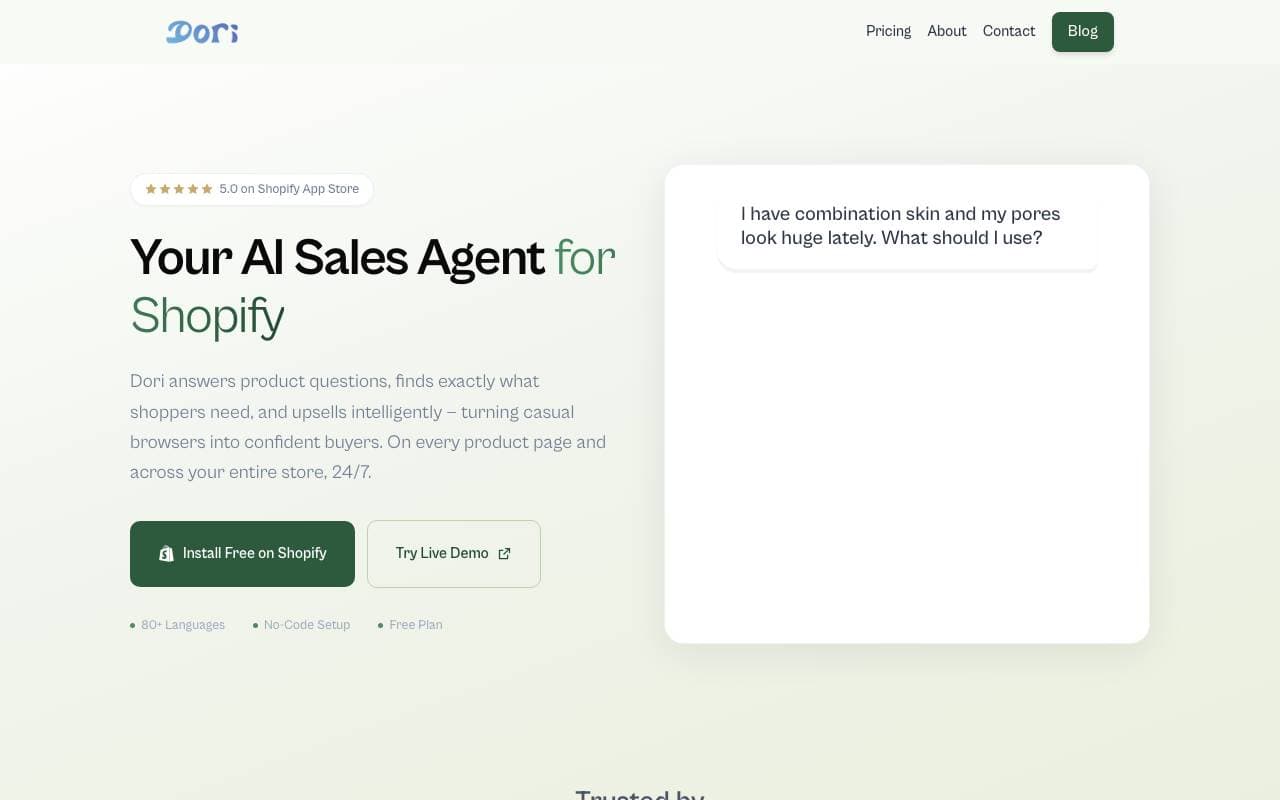
 DoriSatış ve Gelirler İşlemleri
Satış için AI temsilci, Shopify mağazalarında daha fazla gözüken müşteri satıncına dönüştürmek içi yardımcı olur.
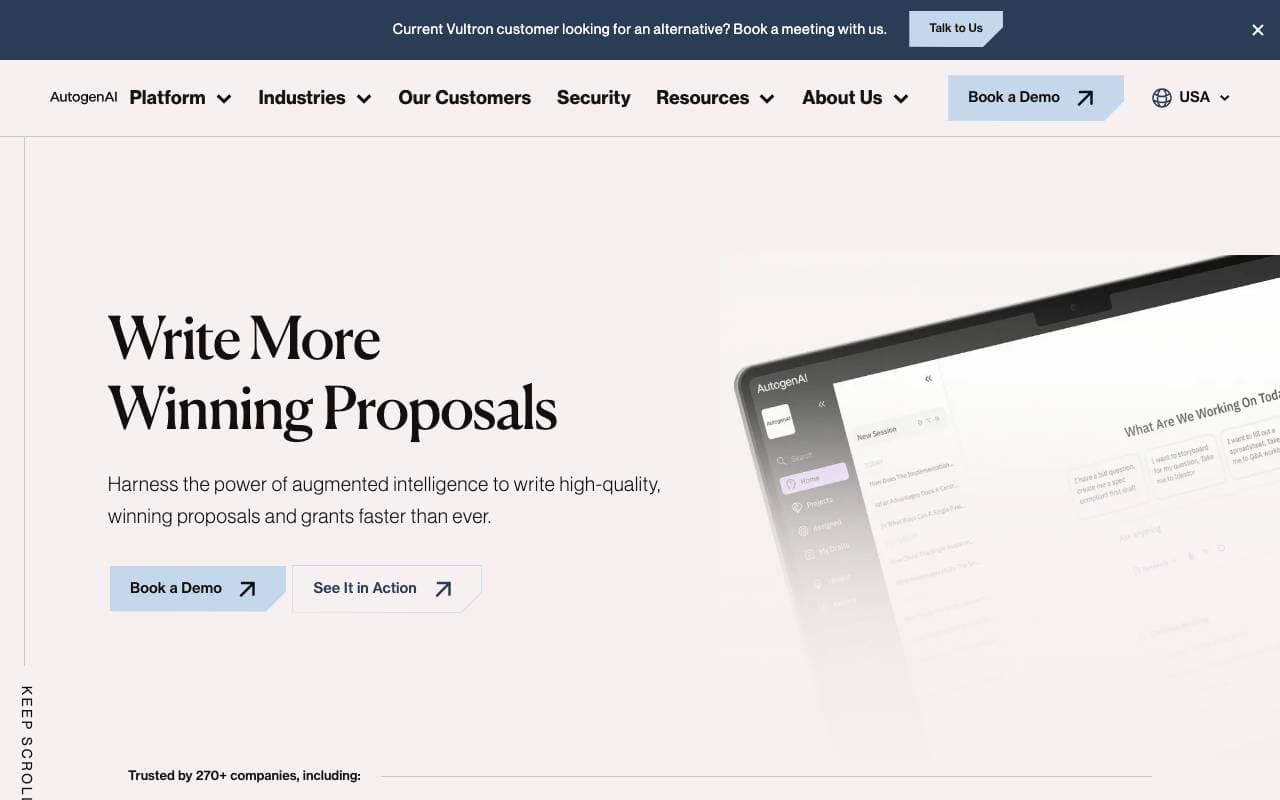
Şirketler için gelişmiş teklif, teklifler ve burs başvuruları için AI tabanlı bir platform.

 matmat AISatış ve Gelirler İşlemleri
Her kanal üzerinden AI kullanılarak anında yanıt veren eşleştirmeli posta kutusu.

 Jason AISatış ve Gelirler İşlemleri
Otomatik olarak bağlantı kurma, outreach yapma ve toplantı takibi için AI sales asistanı.

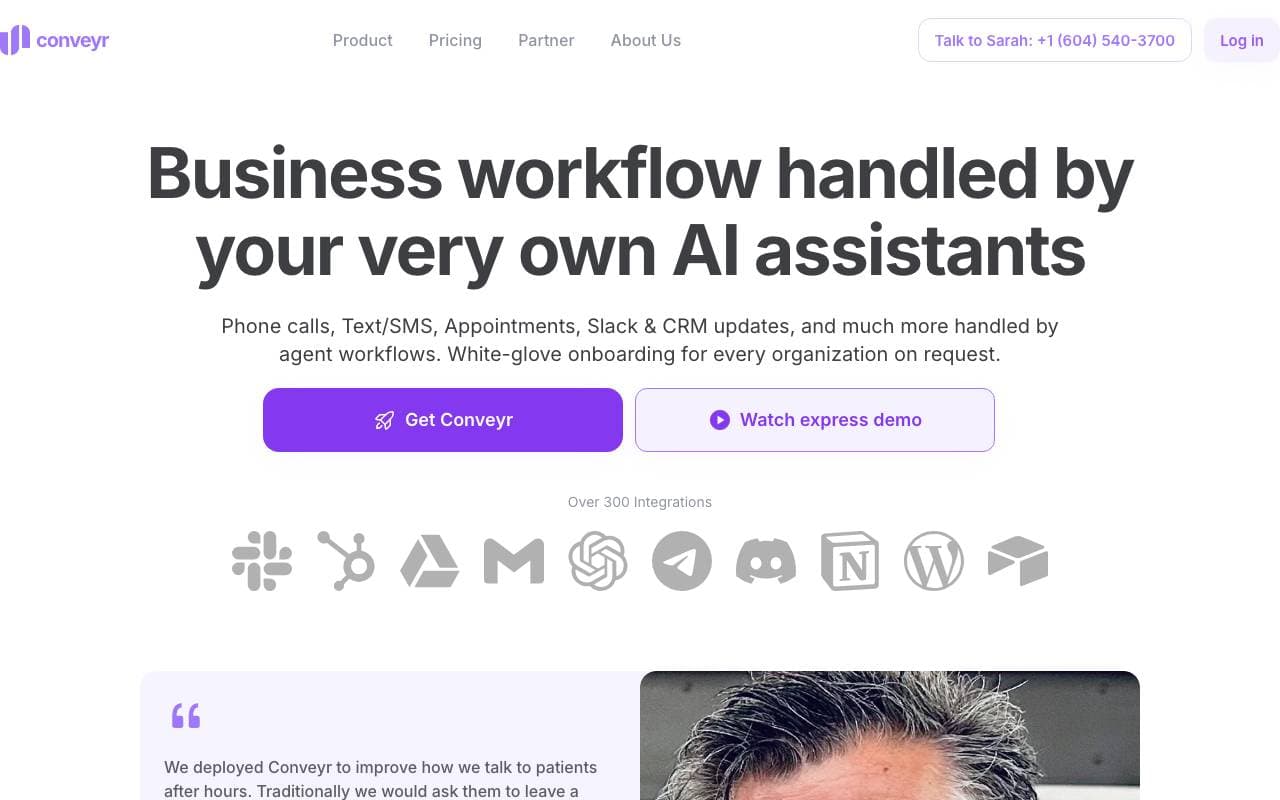
Satın alma ve pazarlama verilerinizi kullanarak pazarlama geçiş akışlarını otomatikleştiren AI özneleri.
Güvenlik soruları ve RFP yanıtlarını otomatikleştirmek için kullanılan AI yardımcılar
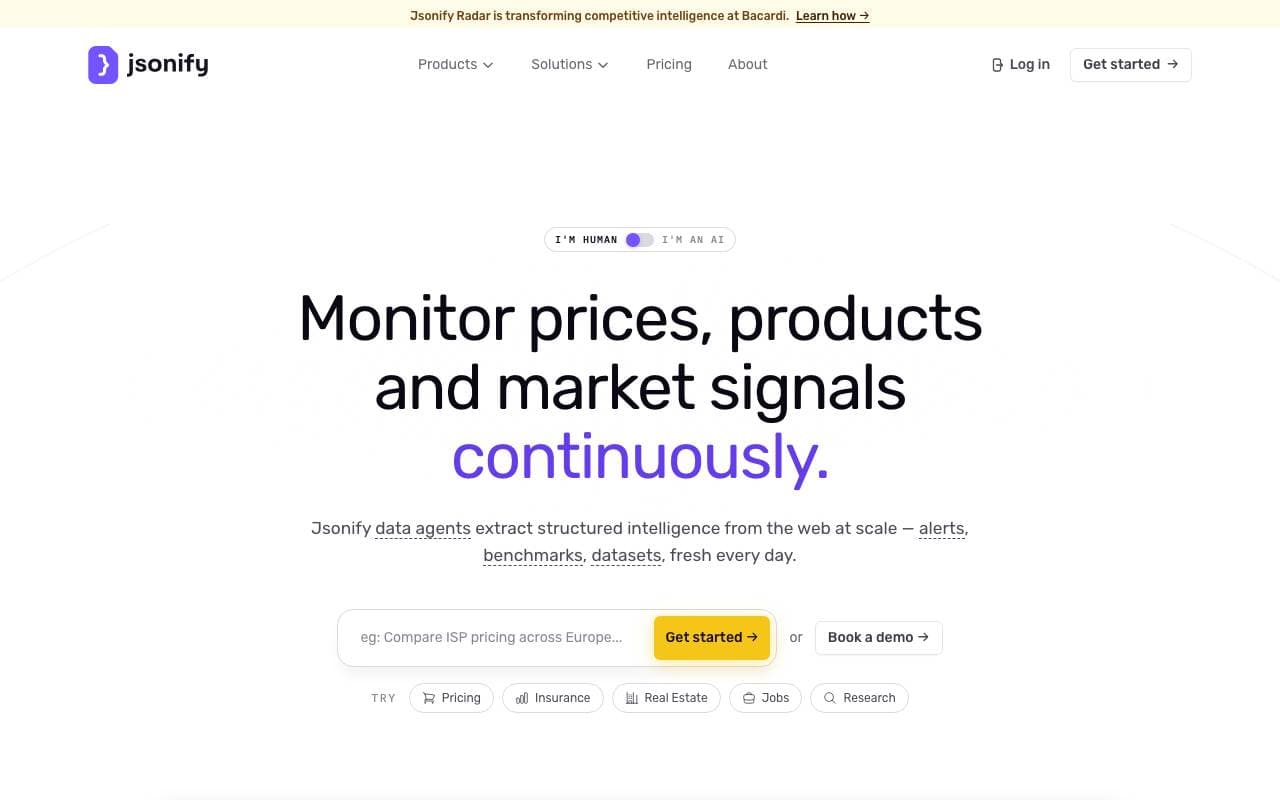
İçerişimsel makinelere web sitelerinden ölçeklenebilir JSON verisinin extrasyonu
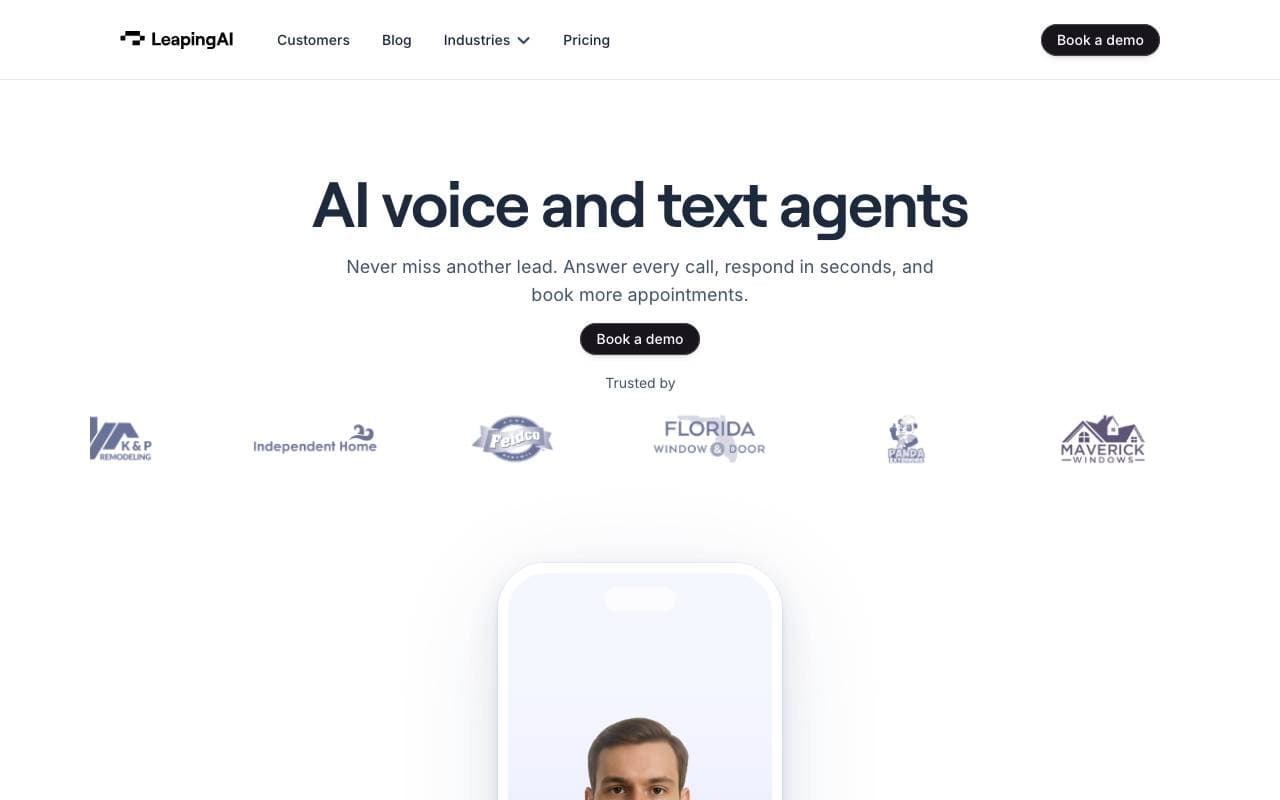
 Leaping AI voice agentsSatış ve Gelirler İşlemleri
Sesli AI ajansları, merkezli çağrı operasyonlarını otomatize etmenin ve müşteri memnuniyetini iyileştmenin yolu
Trending now

 Reducto AIAI Agent Geliştirme Platformları
Belge zeka API, karmaşık PDF'ler, sunumlar ve tabloları okur ve yapılandırılmış verileri ayırarak, ayrıştırır, ayırır, OCR yapar ve çıkartır.

 AdCrierPazarlama ve Reklam
Sponsorlu yanıtlar, tık başına tahsil edilen

 Biology AIEğitim AI
Daha doğru Homework Yardımıyla Tam Açıklamalar

 Pixtral 12B 24.09LLM
Çıkarılmış modda 12B model, 128K bağlam penceresi ile karışık görüntü ve metin ile işlenir.