MD2WordÜcretsiz çevrimiçi aracımız Markdown dosyalarını biçimlendirilmiş Word dosyalarına dönüştürmek için kullanılır.

Genel Bakış
Temel özellikler
- Markdown'u .docx'e dönüştürme
- Bastırılar, liste ve tabloları destekler
- Kod blokları ve iç biçimlendirmesi işler
- Metni yapıştırın veya .md dosyalarını yükleyin
- .docx çıktısının otomatik indirimi
- Direkt olarak tarayıcı içinde çalışır
Fiyatlar
- Model
- Free
- Kategori
- Tool Kütüphaneleri
- Puan
- 5.0 / 5 (4)
Kullanım senaryoları
Markdown taslaklarını Word'a dönüştürün
Yazarlar ve freelancerlar, markdown'u draft içerik için işleyip ardından Word formatındaki dosya ile müşteri veya editorlar için gözden geçirme ve değişiklikler yapabilirler.
Word formatındaki öğrenci görevlerini gönderin
Öğrenciler, taklit için markdown'u kullanarak çalışmayı Word dosyasına dönüştürebilirler, görev teslim gereksinimlerini karşılayabilirler
README dosyaları veya teknik markdown belgelerini Word formatına dönüştürün
Geliştiriciler, teknolojiyi veya markdown belgelerini Word formatında koruyarak, başlıkları, tabloları ve kod bloklarını dahil ederek, çeşitli paydaşları yönlendirin.
Markdown biçimlendirin, yazılımı yüklemenize gerek yok
Casual kullanıcılar, tarayıcıda markdown'ın yapıştırılması, biçimlendirilmiş Word dosyasını otomatik olarak indirilebileceğini görecektir.
Artılar ve eksiler
Artılar
- Ücretsiz ve kayıtsızca kullanılabilir
- Tarayıcı temelli, kurulum gerektirmez
- Çoğu Markdown biçimlendirmesini korur
- Basit ve_BEGINner_- dostu arayüz
- Kullanıcı aracları
Eksiler
- Sınırlı ileri düzey stil ayarları kontrolü
- Müzikli karmaşık özel Markdown uzantıalarını işlemez
- İnternet bağlantısına ihtiyaç duyulur
- Çıkış biçimlendirmesi bazen ufak ayarlarla gerebilir
- uygar
Savaş rekoru
Pantheon’da 2 savaş.
Last 2 battles
İncelemeler
4 puandan ortalama.
İnceleme bırakmak için giriş yap.

Skeptical, then convinced
I went in skeptical — most tools in this space overpromise. It actually delivers on markdown to .docx conversion, and preserves common Markdown formatting caught me off guard. still, I'd recommend giving it a real trial.
Compared a few options
Evaluated this against two competitors. Where it wins: supports headings, lists, and tables and preserves common Markdown formatting. Where it lags: limited advanced styling controls. On balance the feature set — especially paste text or upload .md files — justifies the 5 stars for our use case.
Skeptical, then convinced
I went in skeptical — most tools in this space overpromise. It actually delivers on supports headings, lists, and tables, and browser-based, no installation needed caught me off guard. still, I'd recommend giving it a real trial.

Skeptical, then convinced
I went in skeptical — most tools in this space overpromise. It actually delivers on handles code blocks and inline formatting, and simple, beginner-friendly interface caught me off guard. still, I'd recommend giving it a real trial.
Sorular
How do I convert a .md file to a readable document?
A .md file is just plain text — any text editor can open it, but you'll see raw symbols like # and ** instead of formatting. To turn it into a readable document, paste the content or upload the file here: the live preview instantly renders it as a formatted page, and one click converts the .md to a readable Word document you can share with anyone — no Markdown knowledge required.
Asked by Willa Thompson · Oct 4, 2025
Is it safe to convert confidential Markdown files online?
Yes. Your file is transmitted over an encrypted HTTPS connection, used only to perform the conversion, then deleted immediately afterward — it is never permanently stored, read, analyzed, or shared with third parties.
Asked by Robert Ainsworth · Oct 3, 2025
How to keep Markdown formatting when converting to Word?
A good Markdown to Word converter maps each Markdown element to its native Word equivalent: headings become Word heading styles, tables become editable Word tables, and code blocks retain syntax highlighting. Advanced elements like LaTeX math and Mermaid diagrams are rendered as high-fidelity images embedded in the .docx. The key is choosing a converter that supports the full GFM specification.
Asked by Sami Virtanen · Sep 30, 2025
How to convert Markdown with Mermaid diagrams to Word?
To include Mermaid diagrams in a Word document, use a converter that renders mermaid code blocks into images. Flowcharts, sequence diagrams, Gantt charts, and class diagrams are converted to high-quality PNG images and embedded directly in the .docx file. This eliminates the need to manually export diagrams from tools like draw.io or Lucidchart.
Asked by Henrik Dahl · Sep 27, 2025
How to convert Markdown with LaTeX math to Word?
For Markdown files containing LaTeX equations, use a converter that supports math rendering. Both inline formulas (e.g., $E=mc^2$) and display equations ($$...$$) are rendered with accurate mathematical layout and embedded in the Word document — useful for academic papers, research reports, and engineering documentation.
Asked by Nadia Petrova · Sep 16, 2025
Soru sor
Tool Kütüphaneleri alternatifleri

 Markdown Converter ProTool Kütüphaneleri
Markdown' ı PDF, HTML ve Word'a dönüştürün ve PDF'leri temiz Markdown'a çevirin.

 AI prompt libraryTool Kütüphaneleri
Büyük arama yapitable, önceden hazırlanmış ChatGPT, MidJourney gibi AI modelleri için etiketler koleksiyonu.
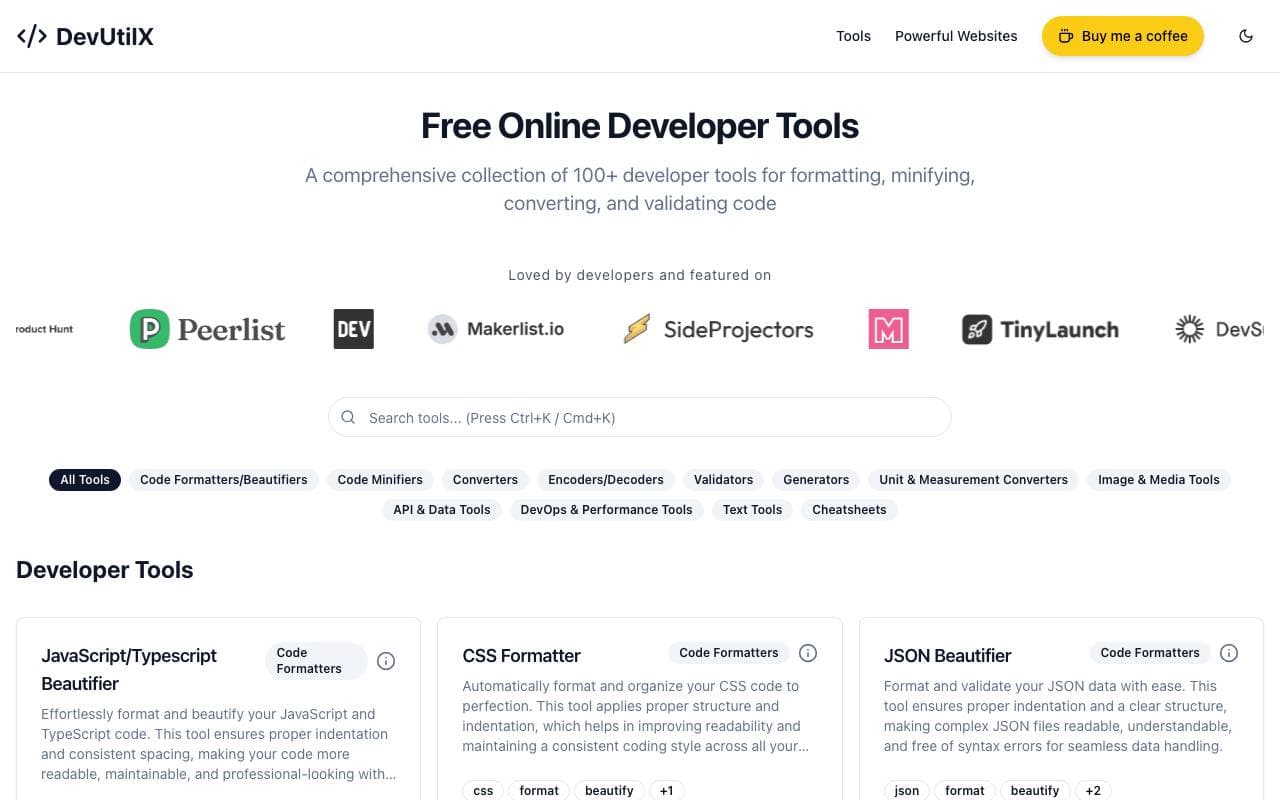
 DevUtilXTool Kütüphaneleri
Her gün kodlamada kullanılan araçlar için tek bir web suite, 100'den fazla geliştirici aracı.

 AgentAuthTool Kütüphaneleri
AI agentlerinin kullanıcıların hesabına 250+'den fazla uygulamaya güvenli bir şekilde erişebildiği otomatikleştirme katmanı sağlar.

Markalar için ChatGPT ve diğer AI yardımcı programlarında ürünlerin ortaya çıkması ve satılması için yardımcı olan bir araçtır.

 Machine GeneratedTool Kütüphaneleri
Makine audience ve AI tüketici için tasarlanmış içerik akışları

 NomadicMLTool Kütüphaneleri
Sürekli üretimde AI modellerini gerçek dünyada görülmeyen veri ile gerçek zamanlı olarak optimize edin ve adapte edin.

 Grimly AITool Kütüphaneleri
App ve akışlara dil modellerini birleştirmek için geliştirici odaklı AI API.
Trending now

 Biology AIEğitim AI
Daha doğru Homework Yardımıyla Tam Açıklamalar

 Reducto AIAI Agent Geliştirme Platformları
Belge zeka API, karmaşık PDF'ler, sunumlar ve tabloları okur ve yapılandırılmış verileri ayırarak, ayrıştırır, ayırır, OCR yapar ve çıkartır.

 Pixtral 12B 24.09LLM
Çıkarılmış modda 12B model, 128K bağlam penceresi ile karışık görüntü ve metin ile işlenir.

 AdCrierPazarlama ve Reklam
Sponsorlu yanıtlar, tık başına tahsil edilen