
ZuniAI pomočnik v stranski vrstici Chrome, ki pripravi e-pošto in deluje na vseh odprtih zavihkih.

Pregled
Ključne funkcije
- Vmesnik v stranski vrstici Chrome
- Razumevanje konteksta glede na zavihek
- Ustvarjanje in odgovarjanje e-pošte v Gmailu
- Povzemanje spletnih strani
- Pisanje po več aplikacijah
- Hitri bližnjiški
Cene
- Model
- Freemium
- Kategorija
- Proizvodnostni agenci
- Ocena
- 4.5 / 5 (6)
Primeri uporabe
Sestavi odgovore v Gmailu v stranski vrstici
Sestavljaj in izboljšuj odgovore na e-pošto neposredno v Gmailu s pomočjo stranske vrstice Zuni, kar pospeši upravljanje prejemnika brez preklapljanja na ločen AI klepetalni orodje.
Povzemi članke in spletne strani
Izpiši ključne točke iz strani, ki jo trenutno bereš, tako, da Zuni uporabi aktiven zavihek kot kontekst; uporabno za raziskovanje in branje novic.
Odgovori na vprašanja o vsebini na zaslonu
Vprašaj Zuni o čemerkoli, kar je vidno v trenutnem zavihku, da razjasniš koncepte, izvlečeš podrobnosti ali dobiš pojasnila brez kopiranja besedila drugje.
Pisanje po več aplikacijah
Uporabi Zuni za pisanje, urejanje ali preoblikovanje besedila v večini spletnih aplikacij, kar zmanjša potrebo po preklapljanju med oddanimi AI klepetalnimi okni in delom.
Prednosti in slabosti
Prednosti
- Vedno dostopen iz stranske vrstice Chrome
- Uporablja vsebino trenutnega zavihka za ustrezen kontekst
- Močna integracija z Gmailom za pripravo odgovorov
- Deluje v več spletnih aplikacijah, ne le v eni
- Zmanjšuje preklapljanje zavihkov in oken
Slabosti
- Omejeno uporabnikom Chrome
- Odvisen od dovoljenj razširitve za spletni dostop
- Manj uporabno zunaj brskalnika
- Kakovost se razlikuje glede na strukturo spletnega mesta
Ocene
Povprečje iz 6 ocen.
Prijavi se za oddajo ocene.
Solid for our team
We rolled this out across the team last quarter and works across many web apps, not just one. Quick-access shortcuts fits neatly into how we already work, and cross-app writing assistance removed a step we used to do by hand. Limited to Chrome users, which is the main caveat, but it has held up under daily use.

Years in this space
I've evaluated a lot of these over the years. What stands out here is web page summarization — handled better than most — and strong Gmail integration for drafting replies. Worth the time if this is your use case.
Skeptical, then convinced
I went in skeptical — most tools in this space overpromise. It actually delivers on cross-app writing assistance, and reduces tab and window switching caught me off guard. Less useful outside the browser is why this isn't a perfect score, still, I'd recommend giving it a real trial.
Years in this space
I've evaluated a lot of these over the years. What stands out here is cross-app writing assistance — handled better than most — and works across many web apps, not just one. Less useful outside the browser is my one real gripe. Worth the time if this is your use case.
Years in this space
I've evaluated a lot of these over the years. What stands out here is chrome sidebar interface — handled better than most — and always accessible from the Chrome sidebar. Limited to Chrome users is my one real gripe. Worth the time if this is your use case.
Solid for our team
We rolled this out across the team last quarter and uses current tab content for relevant context. Gmail email drafting and replies fits neatly into how we already work, and gmail email drafting and replies removed a step we used to do by hand. but it has held up under daily use.
Vprašanja
What are Zuni's main limitations?
Zuni only works in Chrome and isn't useful outside the browser, so desktop or mobile app workflows aren't covered. It also relies on extension permissions for web access, and output quality can vary depending on how a website is structured.
Asked by Camille Laurent · Oct 16, 2025
What can Zuni actually do with the page I'm viewing?
Zuni is tab-aware, meaning it can read the context of your current page to summarize articles, answer questions about the content, and pull key details. It also assists with writing and quick tasks across web apps without switching windows.
Asked by Diego Fernández · Oct 5, 2025
Which browsers and apps does Zuni support?
Zuni runs as a Chrome sidebar extension, so it's limited to the Chrome browser. Inside Chrome, it works across most web apps, with particularly strong integration in Gmail for drafting and replying to emails.
Asked by Aisha Khan · Aug 27, 2025
Are there any limitations to using Zuni?
Yes, Zuni is limited to Chrome users, depends on extension permissions, and its usefulness may vary by website structure.
Asked by Petros Georgiou · Aug 19, 2025
How does Zuni understand context?
Zuni can read the context of your current tab, allowing it to summarize articles, answer questions, and pull key details from the web page you're on.
Asked by Ola Eriksen · Aug 10, 2025
Postavi vprašanje
Alternative za Proizvodnostni agenci


Dashworks AI
Proizvodnostni agenci
AI asistent, ki združuje znanje na delovnem mestu, omogoča takojšnje, natančne odgovore v vseh orodjih in aplikacijah vašega podjetja.


Codex Bar
Proizvodnostni agenci
Aplikacija v menijski vrstici macOS, ki spremlja omejitve, ponastavitve in kredite AI kodirnih orodij za razvijalce in napredne uporabnike.


Friday AI
Proizvodnostni agenci
AI-podprti pisalni asistent, zasnovan za izboljšanje sestavljanja e-pošte z zagotavljanjem osebnih predlogov in poenostavitvijo komunikacije.


ProdPad CoPilot for Product Managers
Proizvodnostni agenci
AI pomočnik vgrajen v ProdPad, ki pospeši vsakdanje naloge upravljanja izdelka.

Logical
Proizvodnostni agenci
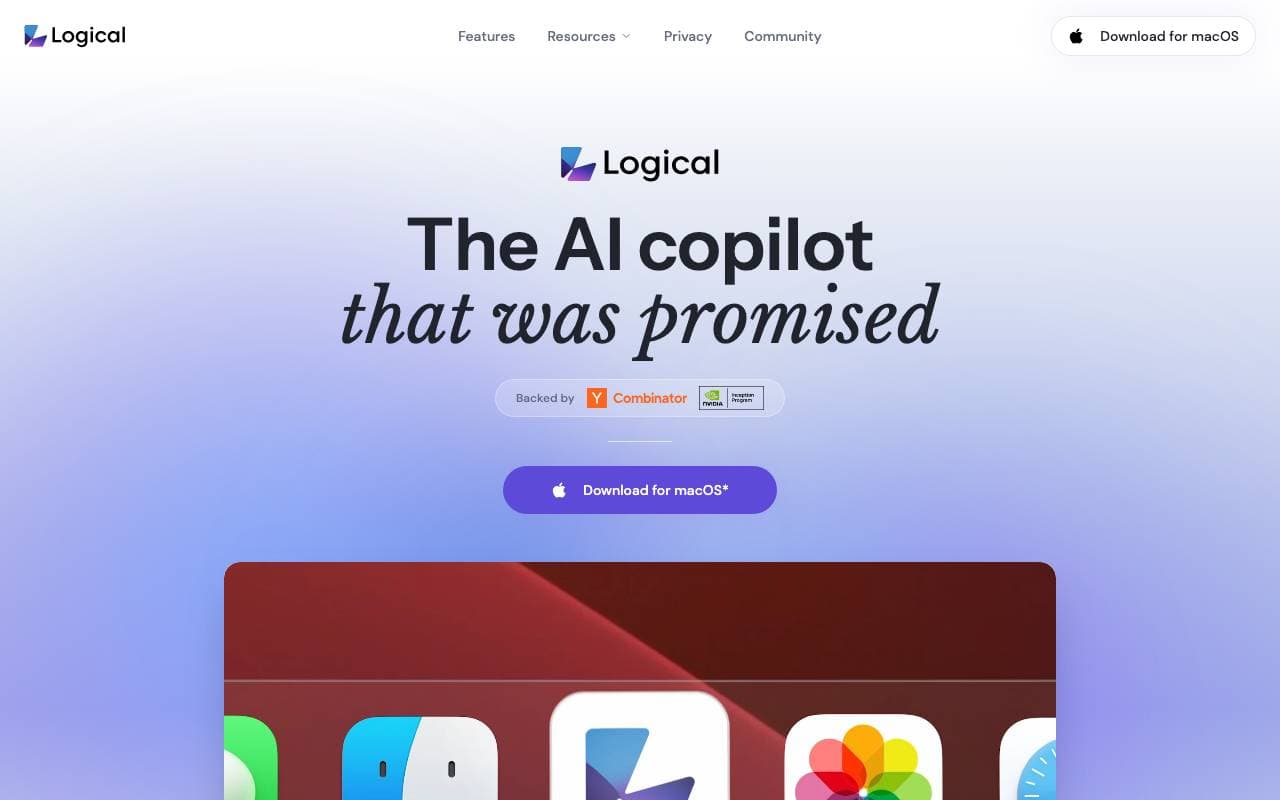
Proaktiven AI copilot za namizje, ki razume kontekst na zaslonu, pripravi delo in predlaga naslednje korake v različnih aplikacijah.


Such Much AI
Proizvodnostni agenci
Platforma umetne inteligence za pripravo prodajnih predlogov in nabavnih pogodb v nekaj minutah.


Orchid
Proizvodnostni agenci
Proaktiven agent za delegiranje dela, ki prebere prihajajoče naloge, pripravi naslednje korake in čaka na odobritev uporabnika.

TealKit
Proizvodnostni agenci
Mobilni AI pomočnik za Android, ki uporablja orodja, avtomatizacije in več ponudnikov modelov za izvajanje realnih opravil.
Trending now


Reducto AI
Platforme za razvijanje avtomatiziranih agenstv AI
API za dokumentno inteligenco, ki razčleni, deli, OCR-uje in izvaja strukturirane podatke iz zapletenih PDF-jev, predstavitev in preglednic.


AdCrier
Trženje & Oglasovanje
Sponzorirana odgovora, plačano po kliku


Biology AI
Obrazovna AI
Natančna pomoč pri domači nalogi z celovito razlago


Pin AI
Automatizacija tokov dela
Agentic AI regruter, ki avtomatizira iskanje, pregledovanje in obveščanje kandidatov, da pospeši zaposlovanje.