SlideSpeakAI generator prezentacji, który przekształca dokumenty, podpowiedzi i pomysły w edytowalne slajdy PowerPoint.

Przegląd
Kluczowe funkcje
- Generowanie prezentacji na podstawie tekstu
- Konwersja dokumentów na slajdy (PDF, DOCX)
- Wbudowane szablony i motywy
- Eksport do PPTX do edycji offline
- Podsumowywanie dokumentów i funkcja Q&A
- Wsparcie wielojęzyczne
Cennik
- Model
- $4
- Kategoria
- Handel i Operacje Zyskowe
- Ocena
- 4.7 / 5 (6)
Zastosowania
Generowanie slajdów na podstawie podpowiedzi
Opisz temat w zwykłym tekście i pozwól SlideSpeak przygotować strukturalny zestaw slajdów z tytułami, punktami wypunktowanymi i wizualizacjami gotowymi do edycji.
Konwersja raportów na prezentacje
Prześlij PDF-y lub dokumenty Word i automatycznie przekształć długie raporty w podsumowane, gotowe do prezentacji zestawy slajdów PowerPoint.
Tłumaczenie prezentacji dla globalnej publiczności
Wykorzystaj wsparcie wielojęzyczne, aby tłumaczyć istniejące prezentacje, pomagając zespołom udostępniać treści na rynkach międzynarodowych oraz wobec interesariuszy.
Szybkie zestawy prezentacji dla studentów
Studenci mogą szybko przekształcić notatki badawcze lub pliki źródłowe w tematyczne prezentacje, a następnie dopracować je w PowerPoint, Google Slides czy Keynote.
Plusy i minusy
Plusy
- Szybka generacja slajdów z podpowiedzi lub dokumentów
- Eksport do edytowalnego formatu PowerPoint
- Wsparcie podsumowywania i przekształcania istniejących plików
- Szablony i motywy zapewniające spójny styl
Minusy
- Treść wygenerowana przez AI może wymagać ręcznego przeglądu i edycji
- Dostosowanie projektu jest bardziej ograniczone niż w dedykowanych narzędziach
- Najlepsze wyniki wymagają jasnych podpowiedzi lub dobrze zorganizowanych źródeł
Wynik bitew
W 2 bitwach w Panteonie.
Last 2 battles
Recenzje
Średnia z 6 ocen.
Zaloguj się, aby zostawić recenzję.

Compared a few options
Evaluated this against two competitors. Where it wins: document-to-slides conversion (PDF, DOCX) and templates and themes for consistent styling. Where it lags: design customization is more limited than dedicated tools. On balance the feature set — especially text-to-presentation generation — justifies the 5 stars for our use case.
Use it every day
Honestly didn't expect to like it this much. Built-in templates and themes is exactly what I needed, and exports to editable PowerPoint format. I do wish aI-generated content may need manual review and edits, but I reach for it almost every day now and it just clicks.
Skeptical, then convinced
I went in skeptical — most tools in this space overpromise. It actually delivers on document-to-slides conversion (PDF, DOCX), and fast slide generation from prompts or documents caught me off guard. Best results require clear input prompts or well-structured sources is why this isn't a perfect score, still, I'd recommend giving it a real trial.
Skeptical, then convinced
I went in skeptical — most tools in this space overpromise. It actually delivers on built-in templates and themes, and supports summarizing and reformatting existing files caught me off guard. Best results require clear input prompts or well-structured sources is why this isn't a perfect score, still, I'd recommend giving it a real trial.
Years in this space
I've evaluated a lot of these over the years. What stands out here is built-in templates and themes — handled better than most — and exports to editable PowerPoint format. Worth the time if this is your use case.
Use it every day
Honestly didn't expect to like it this much. Document summarization and Q&A is exactly what I needed, and exports to editable PowerPoint format. but I reach for it almost every day now and it just clicks.
Pytania i odpowiedzi
How do I create a PowerPoint presentation with AI?
Simply enter a topic, paste your text, or upload a document like a PDF or Word file. SlideSpeak's AI analyzes your content and generates a complete, professionally designed PowerPoint presentation in minutes. You can then edit, customize, and download it as a .pptx file ready for use.
Asked by Chidi Okonkwo · Dec 8, 2025
Can I convert a PDF or Word document into a presentation?
Yes! SlideSpeak automatically transforms PDFs, Word documents, and Excel files into structured slide decks. The AI summarizes key points, organizes content logically, and applies professional layouts - no manual copying and pasting required.
Asked by Lindiwe Mahlangu · Nov 10, 2025
How does SlideSpeak compare to Gamma and other AI presentation tools?
Unlike Gamma, SlideSpeak generates native, editable PowerPoint files (.pptx) you can download and use anywhere - not locked into a web platform. SlideSpeak also lets you use your own PowerPoint templates and includes features like AI video generation and brand kits. See our full SlideSpeak vs Gamma comparison.
Asked by Fumiko Sato · Nov 6, 2025
Is SlideSpeak good for consultants and business professionals?
SlideSpeak is one of the best AI presentation tools for consultants and business professionals. Convert client briefs, reports, and research into polished slide decks in minutes. Apply your brand colors and fonts automatically, and export to PowerPoint for client-ready deliverables.
Asked by Beatriz Costa · Nov 5, 2025
Can I create a presentation with AI using my own template?
Yes! You can upload your own PowerPoint template (.pptx or .potx) or use SlideSpeak's Brand Kit feature to apply your company's fonts, colors, and logo. The AI respects your design system while generating content, so every presentation stays on-brand.
Asked by Gustav Lindberg · Oct 22, 2025
Zadaj pytanie
Alternatywy dla Handel i Operacje Zyskowe
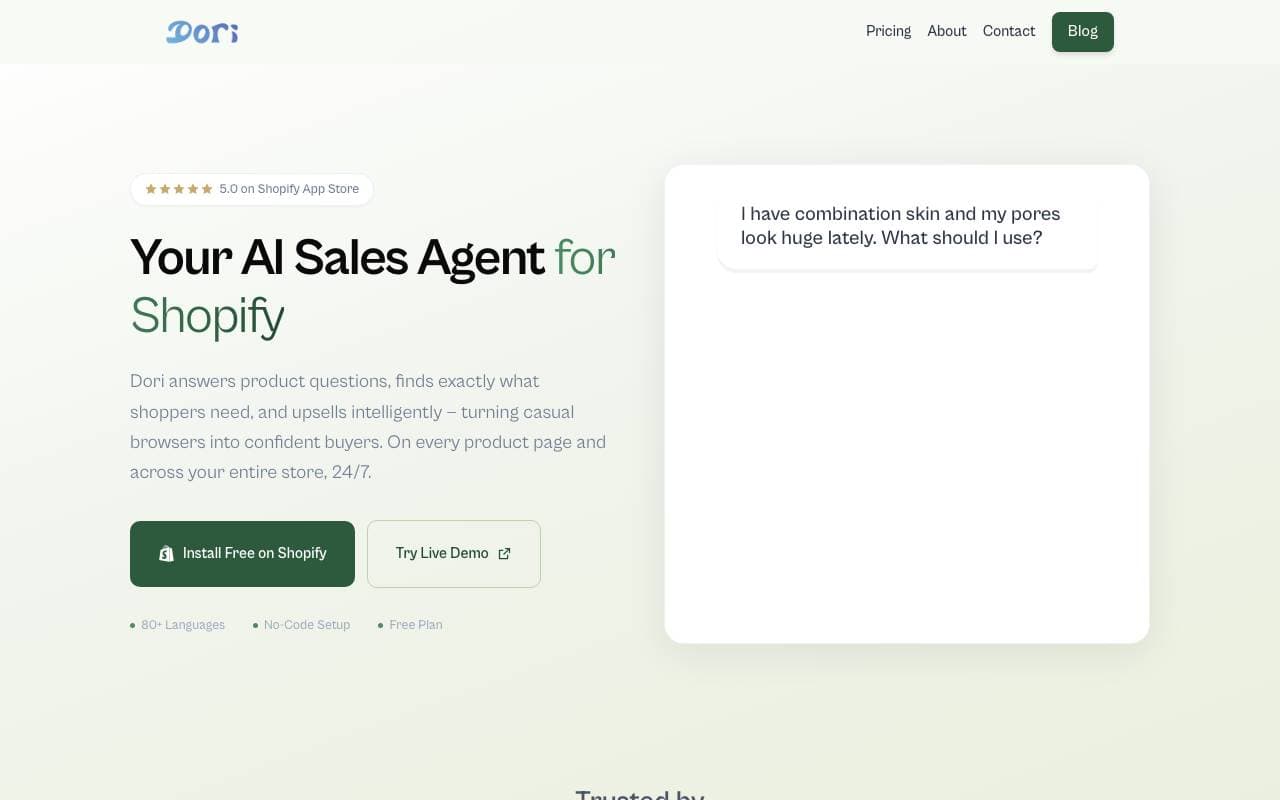

Dori
Handel i Operacje Zyskowe
Agent sprzedaży AI, który pomaga sklepom Shopify przekształcać więcej odwiedzających w klientów.
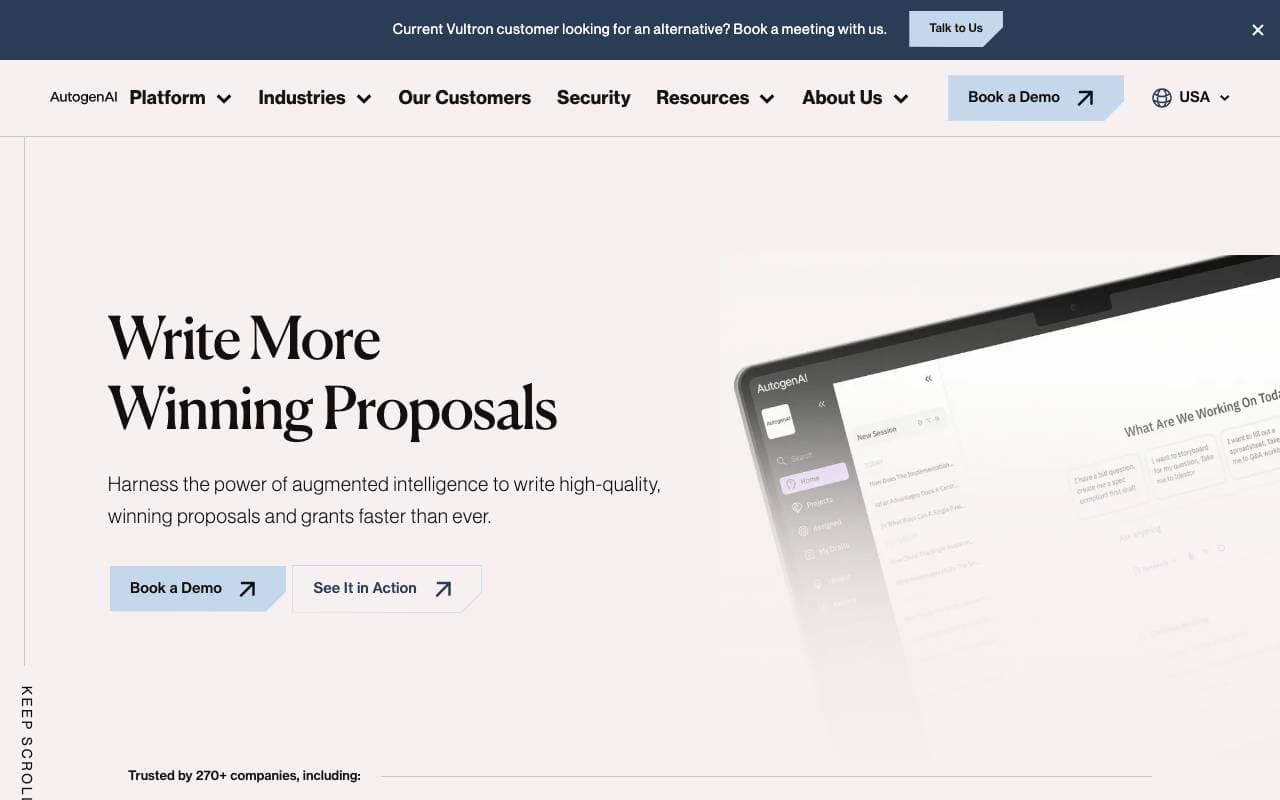
AutogenAI
Handel i Operacje Zyskowe
Platforma do tworzenia ofert, propozycji i wniosków grantowych zasilana AI dla zespołów korporacyjnych


matmat AI
Handel i Operacje Zyskowe
Zunifikowana skrzynka odbiorcza, która wykorzystuje sztuczną inteligencję do natychmiastowej odpowiedzi na leady na wszystkich kanałach.


Jason AI
Handel i Operacje Zyskowe
Asystent sprzedaży AI, który znajduje leady, przeprowadza outreach i rezerwuje spotkania na autopilocie.

Kolena Go-to-Market Agents
Handel i Operacje Zyskowe
Agenci AI, którzy automatyzują przepływy pracy związane z wejściem na rynek, korzystając z danych sprzedaży i marketingu.
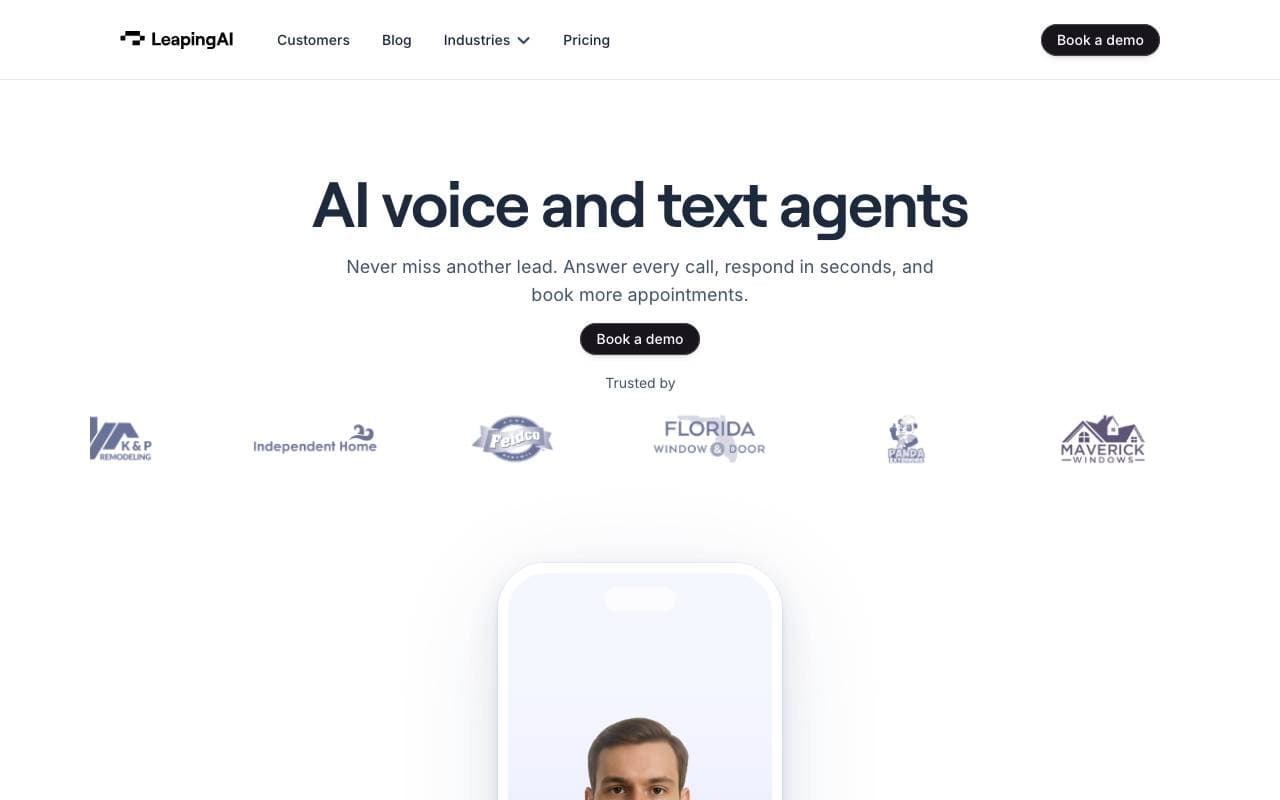

Leaping AI voice agents
Handel i Operacje Zyskowe
Agenci głosowi AI, którzy automatyzują operacje call center i poprawiają zadowolenie klientów.
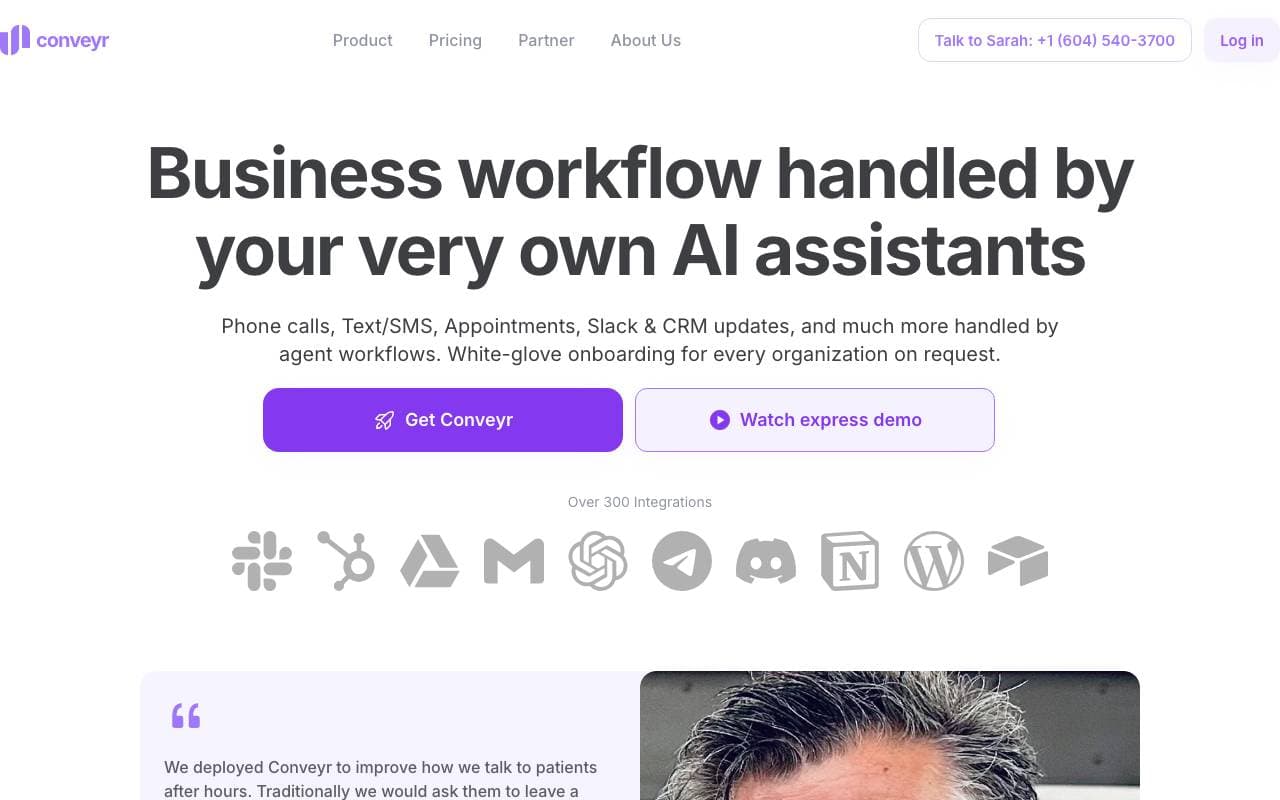
Conveyr
Handel i Operacje Zyskowe
AI‑asystent automatyzujący ankiety bezpieczeństwa i odpowiedzi na RFP
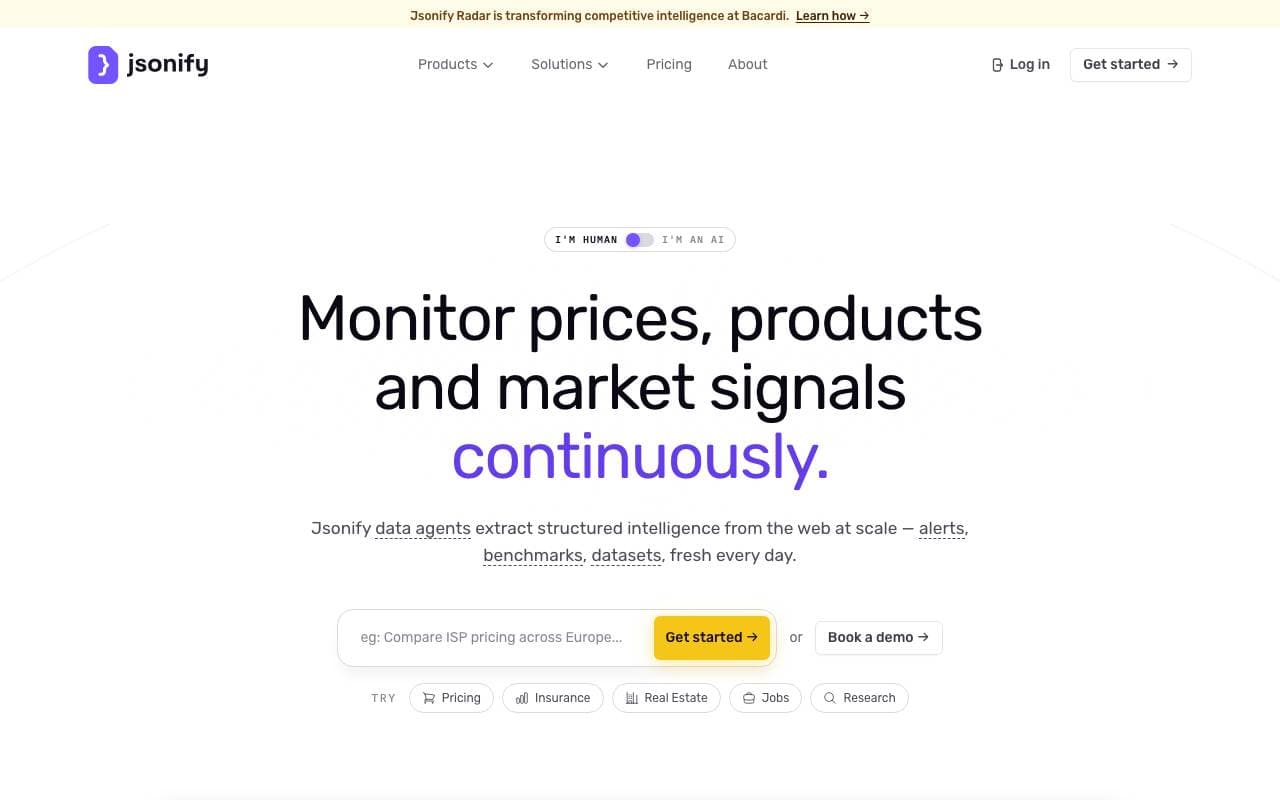
Jsonify
Handel i Operacje Zyskowe
Agenci AI, którzy ekstrahują ustrukturyzowane dane JSON ze stron internetowych w dużej skali
Trending now


Reducto AI
Platformy Rozwoju Agentów Inteligentnych
API inteligencji dokumentowej, które analizuje, dzieli, wykonuje OCR i wyodrębnia strukturalne dane z złożonych PDF-ów, slajdów i arkuszy kalkulacyjnych.


Biology AI
AI w Edukacji
Precyzyjna pomoc z zadaniami domowymi z pełnymi wyjaśnieniami


AdCrier
Marketing i Reklama
Sponsorowane odpowiedzi, płatne za kliknięcie.


Beam AI
Agenci AI (Inteligencja Przyszłości)
Przewodnia platforma do automatyzacji procesów agentycznych, wykorzystująca samouczy sięjące agenty AI do usprawnienia przepływów pracy w różnych branżach.