OllamaUruchamiaj otwarte modele językowe dużej skali lokalnie na swoim komputerze

Przegląd
Kluczowe funkcje
- Pobieranie i uruchamianie modelu jednym poleceniem
- Lokalny interfejs API REST dla integracji aplikacji
- Biblioteka modeli z wersjami skwantowanymi
- Kustomizowany plik Modelfile dla dopasowanych konfiguracji modeli
- Przyspieszenie GPU na obsługiwanym sprzęcie
- Działa offline po wstępnej konfiguracji
Cennik
- Model
- Freemium
- Kategoria
- Duże Modyfikacje Języka (LLM)
- Ocena
- 4.4 / 5 (5)
Zastosowania
Czat z prywatnym modelem LLM offline
Uruchamiaj modele takie jak Llama lub Mistral lokalnie, aby rozmawiać z asystentem AI bez wysyłania podpowiedzi lub danych do zewnętrznych usług chmury.
Rozwój lokalnych aplikacji AI
Użyj lokalnego interfejsu API REST Ollama, aby zintegrować modele LLM o otwartych wagach z niestandardowymi aplikacjami, chatbotami lub narzędziami wewnętrznymi podczas prototypowania i produkcji.
Asystent kodowania na Twojej maszynie
Połącz Ollama z modelami skoncentrowanymi na kodzie, aby uzyskać automatyczne uzupełnianie, refactoring i pomoc w wyjaśnianiu bezpośrednio na laptopie, nawet bez dostępu do Internetu.
Eksperymentowanie z modelem dla badaczy
Szybko pobierz, przełączaj i porównuj różne modele otwarte za pomocą niestandardowych konfiguracji plików Modelfile, aby ocenić wydajność dla przepływów pracy badawczych lub strojenia.
Plusy i minusy
Plusy
- Wykonanie całkowicie lokalne utrzymuje dane prywatne
- Darmowy i otwarty kod źródłowy
- Obsługuje wiele popularnych modeli o otwartych wagach
- Prosty interfejs CLI i lokalny interfejs API dla łatwej integracji
- Wielopłytowy (macOS, Linux, Windows)
Minusy
- Wymaga wydajnego sprzętu dla większych modeli
- Brak wbudowanego interfejsu graficznego jako domyślnego
- Wydajność mocno zależy od lokalnej karty graficznej lub pamięci RAM
- Ograniczony do modeli o otwartych wagach, nieproprietarne
Wynik bitew
W 1 bitwie w Panteonie.
Last battle
Recenzje
Średnia z 5 ocen.
Zaloguj się, aby zostawić recenzję.
Years in this space
I've evaluated a lot of these over the years. What stands out here is works offline after initial setup — handled better than most — and free and open source. Requires capable hardware for larger models is my one real gripe. Worth the time if this is your use case.
Solid for our team
We rolled this out across the team last quarter and cross-platform (macOS, Linux, Windows). Works offline after initial setup fits neatly into how we already work, and works offline after initial setup removed a step we used to do by hand. No built-in graphical interface by default, which is the main caveat, but it has held up under daily use.
Years in this space
I've evaluated a lot of these over the years. What stands out here is custom Modelfile for tailored model configs — handled better than most — and cross-platform (macOS, Linux, Windows). Limited to open-weight models, not proprietary ones is my one real gripe. Worth the time if this is your use case.
Skeptical, then convinced
I went in skeptical — most tools in this space overpromise. It actually delivers on custom Modelfile for tailored model configs, and free and open source caught me off guard. No built-in graphical interface by default is why this isn't a perfect score, still, I'd recommend giving it a real trial.

Solid for our team
We rolled this out across the team last quarter and simple CLI and local API for easy integration. Local REST API for app integration fits neatly into how we already work, and works offline after initial setup removed a step we used to do by hand. but it has held up under daily use.
Pytania i odpowiedzi
How does extra usage work?
Pro and Max users can add extra usage balance. Ollama uses included plan limits first, then draws from the extra usage balance. Team usage draws from one balance shared by the organization.
Asked by Ekaterina Orlova · Aug 26, 2025
How much usage does each model use?
Models consume a different amount of usage based on how difficult they are to run. To view a model's usage level, visit the model's page, where its usage level is displayed from small, light models (level 1), like gpt-oss:20b, to extra heavy models (level 4), like deepseek-v4-pro.
Asked by Greta Nowak · Aug 21, 2025
How is usage measured?
Individual plans have usage limits based on the model and the number of input, cached input, and output tokens processed. They don't cap you at a fixed number of tokens because different models use different amounts of compute. For teams, each member's usage draws from the usage included with their seat first. Once it's used, further usage draws from the team's shared extra usage balance at the model's token rate.
Asked by Ravi Kapoor · Aug 16, 2025
What are the usage limits for each plan?
Running models on your own hardware is always unlimited. Cloud usage varies by plan: Plan Usage Example use cases Free Light usage Chatting with models, evaluating larger models, coding and AI assistants with smaller models Pro Day-to-day work Larger models, coding automation, deep research Max Heavy, sustained usage Continuous agent tasks, multiple concurrent agents, large models over extended sessions Each plan has session limits that reset every 5 hours and weekly limits that reset every 7 days.
Asked by Noor Siddiqui · Aug 12, 2025
How fast is Ollama?
Speed depends on model size, architecture, and hardware optimization. We target and monitor for low time-to-first-token and high throughput across all cloud models. Priority tiers with faster performance may be available in the future.
Asked by Constantin Ionescu · Aug 11, 2025
Zadaj pytanie
Alternatywy dla Duże Modyfikacje Języka (LLM)
 Mistral AIDuże Modyfikacje Języka (LLM)
Modele na granicy

 🍌 Nano Banana - Where Ideas Instantly Come to Life, The New Era of AI Image GenerationDuże Modyfikacje Języka (LLM)
Szybkie generowanie obrazów AI w oparciu o Google Gemini 2.5 Flash do błyskawicznego prototypowania wizualnego.

 Kore.aiDuże Modyfikacje Języka (LLM)
Platforma AI konwersacyjna bez kodu umożliwiająca przedsiębiorstwom budowanie i wdrażanie inteligentnych wirtualnych asystentów.

 Reka AIDuże Modyfikacje Języka (LLM)
Wielomodalne modele bazowe, które rozumieją tekst, obrazy, wideo i dźwięk.
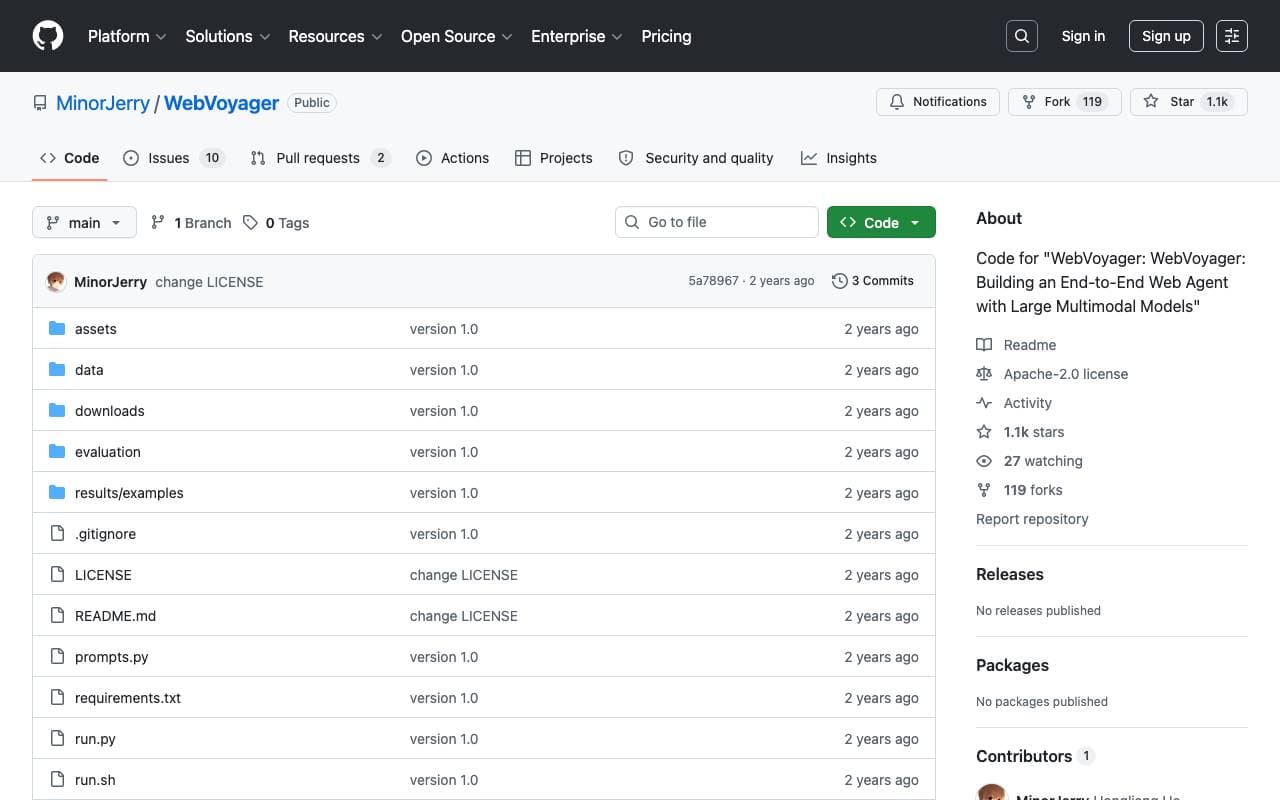
 WebVoyagerDuże Modyfikacje Języka (LLM)
Agent internetowy oparty na LMM, realizujący instrukcje użytkownika od początku do końca poprzez interakcję z rzeczywistymi stronami internetowymi.

 AI WriterDuże Modyfikacje Języka (LLM)
Platforma pisania wspomagana przez AI do generowania, badania i doskonalenia długich treści.
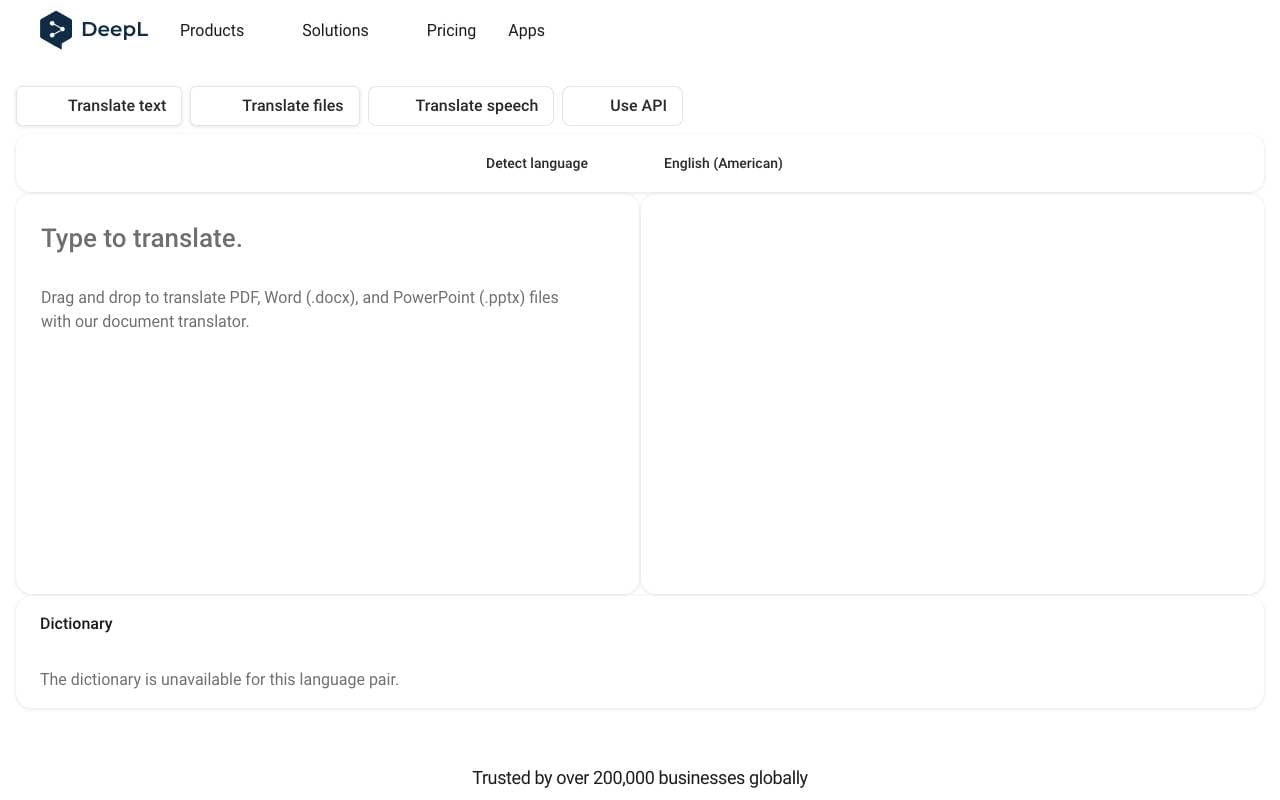
 DeepLDuże Modyfikacje Języka (LLM)
Narzędzie do tłumaczenia maszynowego neuralnego, znane z dokładnych, naturalnie brzmiących wyników w głównych językach.

 Slesh.aiDuże Modyfikacje Języka (LLM)
Asystent przeglądania oparty na AI, który zamienia badania w sieci w natychmiastowe odpowiedzi.
Trending now

 Reducto AIPlatformy Rozwoju Agentów Inteligentnych
API inteligencji dokumentowej, które analizuje, dzieli, wykonuje OCR i wyodrębnia strukturalne dane z złożonych PDF-ów, slajdów i arkuszy kalkulacyjnych.

 AdCrierMarketing i Reklama
Sponsorowane odpowiedzi, płatne za kliknięcie.

 Biology AIAI w Edukacji
Precyzyjna pomoc z zadaniami domowymi z pełnymi wyjaśnieniami

 Pixtral 12B 24.09Model Lekki Modyfikacji Maszyny Wielorzędnego
Otwarte, multimodalne model 12B obsługujący przeplatanie obrazów i tekstu przy 128K oknie kontekstowym