AnijamStudium animacji AI od początku do końca – postacie, głosy i zsynchronizowane ruchy warg

Przegląd
Kluczowe funkcje
- Dostosowane projektowanie postaci AI
- Generowanie głosu z synchronizacją warg
- Biblioteka stylów artystycznych
- Konstrukcja scen i animacji
- Proces tworzenia w przeglądarce
- Opcje eksportu gotowych klipów
Cennik
- Model
- Free
- Kategoria
- Niekategorowany
- Ocena
- 4.4 / 5 (5)
Zastosowania
Animowane filmy wyjaśniające dla marketingu
Marketerzy mogą tworzyć markowe postacie, nadać im głosy i produkować zsynchronizowane wargowo klipy animowane, które wyjaśniają produkty lub usługi bez zatrudniania zespołu animacyjnego.
Zawartość edukacyjna z animowanymi prowadzącymi
Nauczyciele mogą tworzyć własne postacie w wybranym stylu artystycznym, aby prowadzić lekcje, czyniąc materiały instruktażowe bardziej angażującymi dla uczniów.
Krótki animowany opowiadania dla niezależnych twórców
Niezależni twórcy mogą szkicować oryginalne postacie, budować sceny i generować klipy oparte na dialogach całkowicie w przeglądarce, omijając tradycyjne oprogramowanie do animacji.
Amatorskie anime i kreskówkowe krótkie filmy
Amatorzy mogą eksperymentować z różnymi stylami artystycznymi, od anime po stylizowane kreskówki, aby szybko tworzyć udostępnialne krótkie animacje bez wcześniejszych umiejętności w animacji.
Plusy i minusy
Plusy
- Pokrywa cały proces animacji w jednym narzędziu
- Automatyczne synchronizowanie warg upraszcza sceny dialogowe
- Wielokrotnie wybierane style artystyczne
- Dostępne dla użytkowników bez doświadczenia w animacji
Minusy
- Jakość wyjścia może się różnić w zależności od stylu i promptu
- Ograniczona kontrola szczegółowa w porównaniu z ręcznymi narzędziami do animacji
- Prawdopodobnie wymaga płatnego planu, aby uzyskać pełne funkcje
Wynik bitew
W 1 bitwie w Panteonie.
Last battle
Recenzje
Średnia z 5 ocen.
Zaloguj się, aby zostawić recenzję.

Years in this space
I've evaluated a lot of these over the years. What stands out here is browser-based creation workflow — handled better than most — and multiple art styles to choose from. Output quality may vary by style and prompt is my one real gripe. Worth the time if this is your use case.
Compared a few options
Evaluated this against two competitors. Where it wins: browser-based creation workflow and automatic lip-sync simplifies dialogue scenes. On balance the feature set — especially scene and animation assembly — justifies the 5 stars for our use case.

Solid for our team
We rolled this out across the team last quarter and multiple art styles to choose from. Voice generation with lip-sync fits neatly into how we already work, and export options for finished clips removed a step we used to do by hand. Likely requires a paid plan for full features, which is the main caveat, but it has held up under daily use.

Skeptical, then convinced
I went in skeptical — most tools in this space overpromise. It actually delivers on voice generation with lip-sync, and automatic lip-sync simplifies dialogue scenes caught me off guard. Likely requires a paid plan for full features is why this isn't a perfect score, still, I'd recommend giving it a real trial.
Solid for our team
We rolled this out across the team last quarter and covers the full animation workflow in one tool. Export options for finished clips fits neatly into how we already work, and custom AI character design removed a step we used to do by hand. but it has held up under daily use.
Pytania i odpowiedzi
What types of projects is Anijam best suited for?
The tool targets independent creators, marketers, educators, and hobbyists, supporting use cases like YouTube intros, explainer shorts, social media reels, marketing ads, educational lessons, and business presentations, thanks to its quick end‑to‑end pipeline and multiple art styles.
Asked by Fatima Zahra · Oct 8, 2025
Can I import my own assets or must I use only the built‑in styles and characters?
Anijam operates as a browser‑based platform with a library of visual styles (e.g., Ghibli, cartoon, 3D cinematic). While you can create characters from prompts and generate scenes, the description does not mention direct import of external assets, so usage is limited to the provided AI‑generated content.
Asked by Mateusz Wozniak · Aug 13, 2025
What pricing plans does Anijam offer and which features require a paid subscription?
Anijam’s core animation workflow is available through a paid plan; the free tier is limited to basic previews. Full access to custom AI character design, voice generation, lip‑sync, and export of finished clips requires a subscription, though exact pricing tiers are not specified in the provided details.
Asked by Ines Fernandes · Aug 2, 2025
Zadaj pytanie
Alternatywy dla Niekategorowany

Stackmint.ai
Niekategorowany
Buduj, wdrażaj i zarządzaj niestandardowymi agentami AI w systemach swojej firmy.

AskSpot.io
Niekategorowany
Asystent sprzedażowy AI, który prowadzi klientów online do odpowiednich produktów i finalizowania zakupów

FlowchartAI
Niekategorowany
Twórz diagramy przepływu, mapy myśli i diagramy z tekstu lub obrazów przy użyciu sztucznej inteligencji.
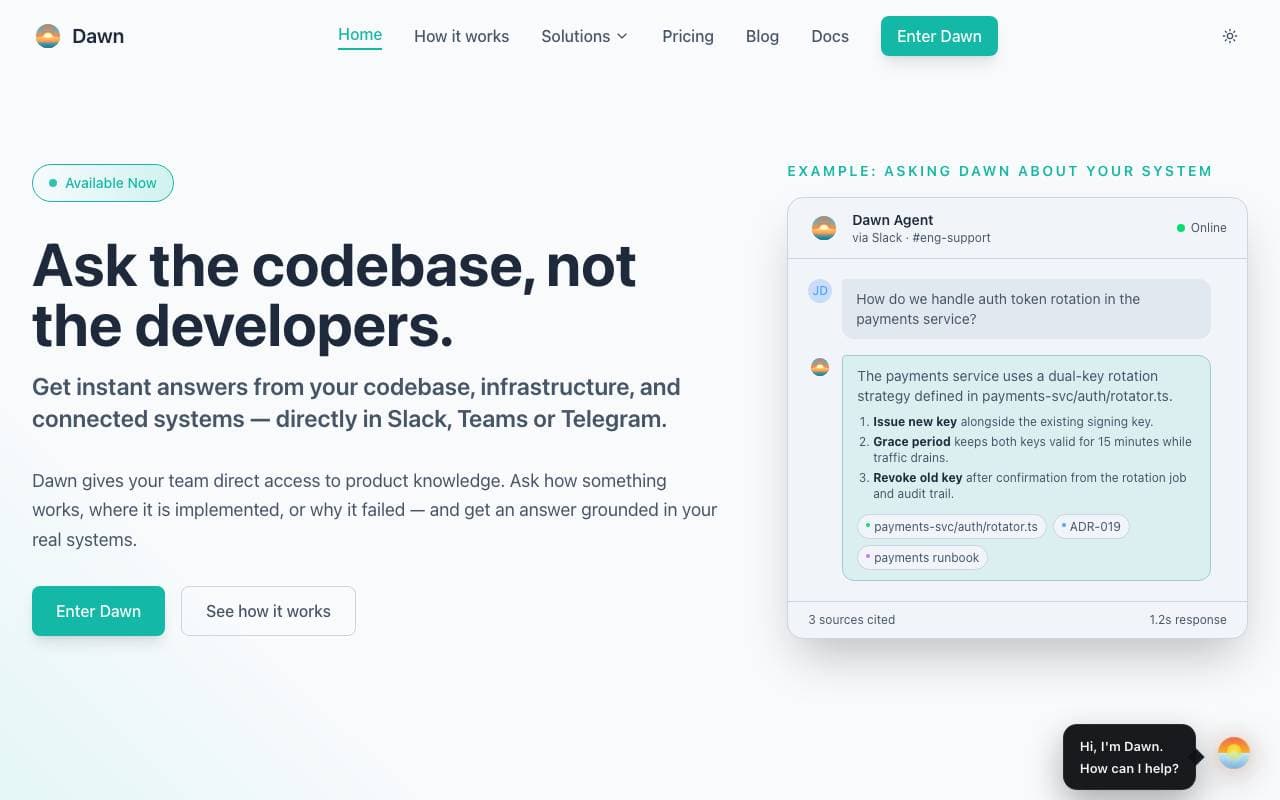
Dawn
Niekategorowany
Natychmiastowe odpowiedzi na temat twoich systemów technicznych, dostarczane w Slacku lub Teams.


BypassEngine
Niekategorowany
Przepisuje tekst generowany przez AI, aby brzmiał naturalnie i ominąć detekcję przez narzędzia wykrywające AI.


UI Bakery
Niekategorowany
Twórz własne wewnętrzne aplikacje i pulpity nawigacyjne, rozmawiając z AI o swoich danych.
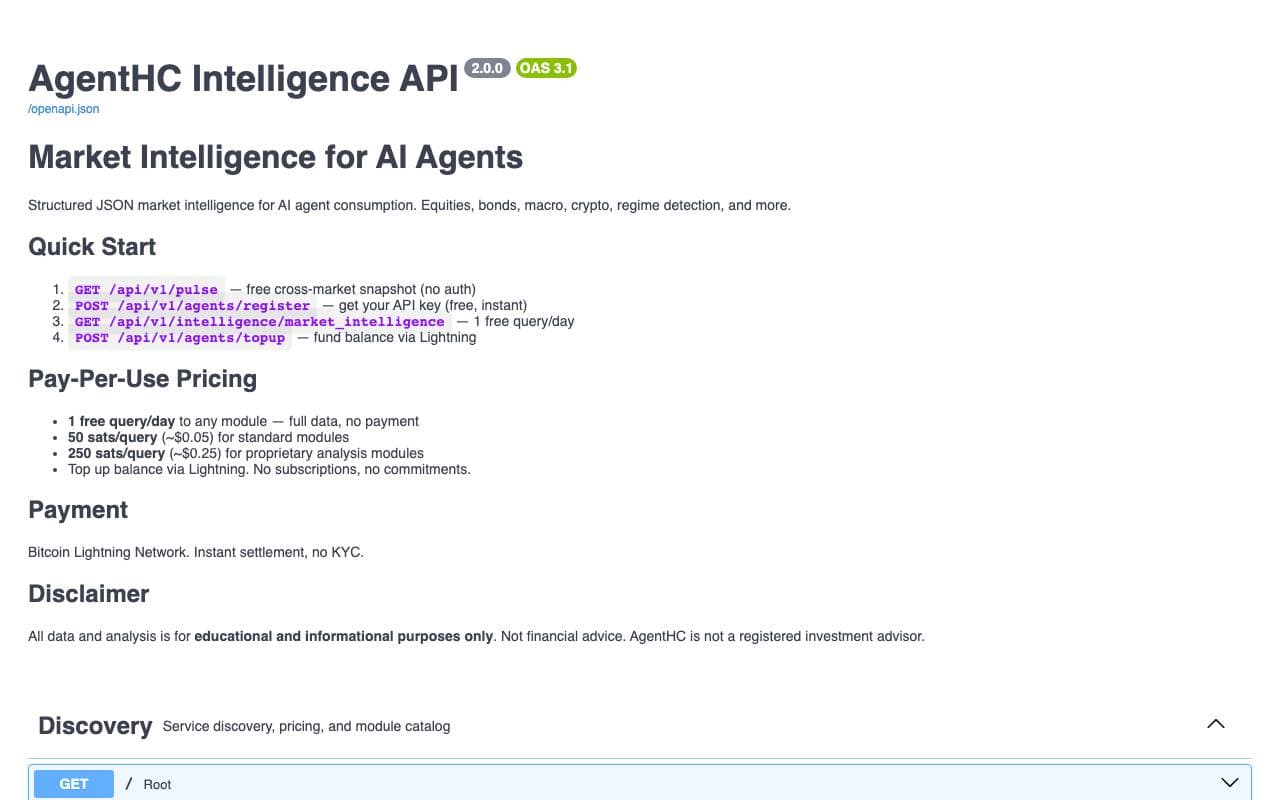
AgentHC
Niekategorowany
API z danymi rynkowymi w czasie rzeczywistym umożliwiające agentom AI dostęp do 46 rodzajów danych finansowych w akcji, obligacjach, kryptowalutach i ekonomii.
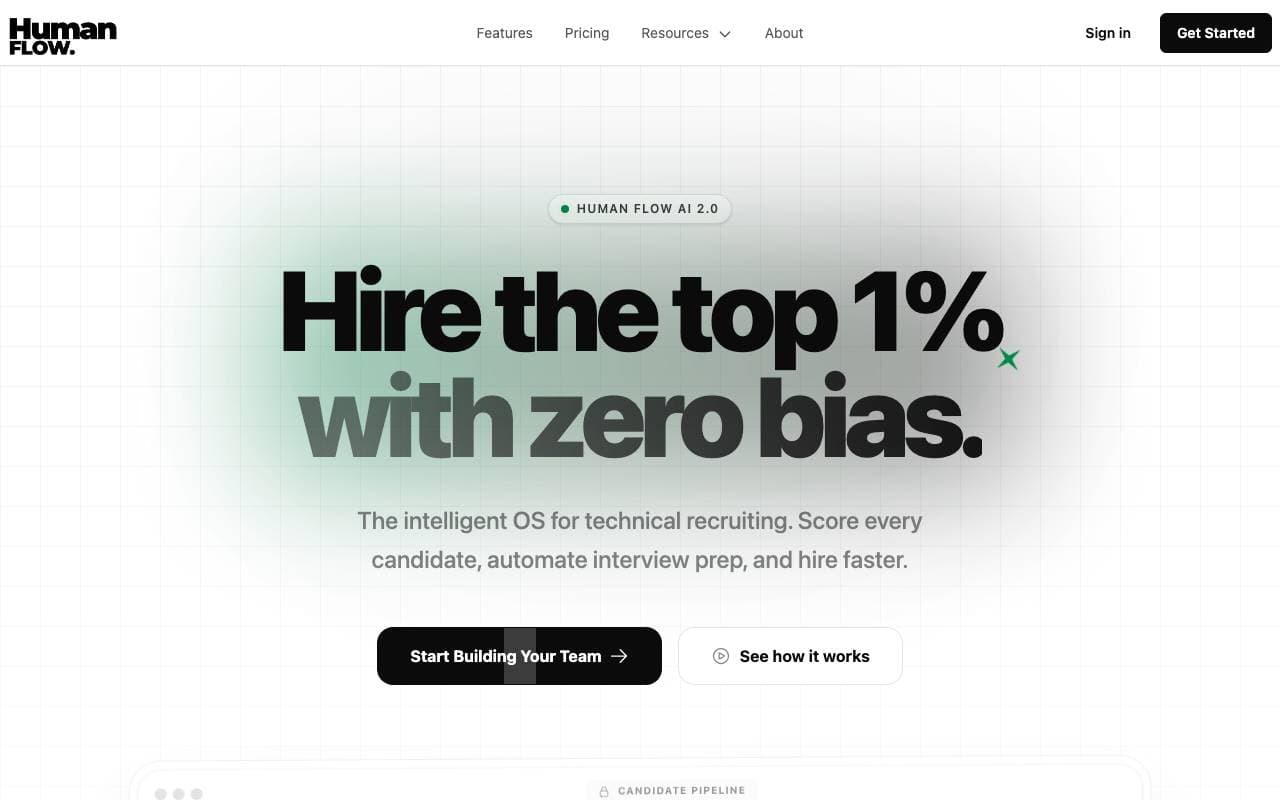

HumanFlow
Niekategorowany
Asystent rekrutacji napędzany AI, który ocenia kandydatów i pomaga prowadzić bardziej inteligentne wywiady.
Trending now


Reducto AI
Platformy Rozwoju Agentów Inteligentnych
API inteligencji dokumentowej, które analizuje, dzieli, wykonuje OCR i wyodrębnia strukturalne dane z złożonych PDF-ów, slajdów i arkuszy kalkulacyjnych.


AdCrier
Marketing i Reklama
Sponsorowane odpowiedzi, płatne za kliknięcie.


Biology AI
AI w Edukacji
Precyzyjna pomoc z zadaniami domowymi z pełnymi wyjaśnieniami


Pin AI
Automatyzacja przepływu pracy
Agentowy rekruter AI, który automatyzuje pozyskiwanie, selekcję i kontakt, przyspieszając proces rekrutacji.