MakeVisuele no-code-platform voor het maken van AI-gebaseerde automatiseringen, workflows en agents

Overzicht
Belangrijkste functies
- Visueel scenario-canvas
- Duizenden vooraf gebouwde app-connectors
- AI- en LLM-integraties
- Slimme agent- en workflow-orchestratie
- Scheduling, webhooks en foutafhandeling
- Sjablonenbibliotheek en teamcollaboratie
Prijs
- Model
- Free
- Categorie
- AI Agents Platform
- Beoordeling
- 4.2 / 5 (6)
Toepassingen
Automatiseer marketingworkflows
Verbind marketingtools om lead-routing, contentgeneratie met LLM's en multi-step campagnetaken op een visueel canvas te automatiseren zonder code te schrijven.
AI-gebaseerde documentverwerking
Bouw scenarios die documenten inpakken, gegevens extraheren met AI-modellen en resultaten doorgeven aan downstream-apps zoals CRM's of spreadsheets automatisch.
Orkestratie van klantenservice
Maak slimme agents die tickets categoriseren, antwoorden opstellen met AI en acties triggeren over helpdesk-, chat- en interne tools om oplossingen te versnellen.
Cross-app-verkoopoperaties
Synchroniseer gegevens tussen verkoopplatforms, verrijk leads en automatiseer follow-ups met vooraf gebouwde connectors en geplande triggers om pipelines te stroomlijnen.
Pluspunten & minpunten
Pluspunten
- Intuïtieve slepen-en-neerzetten-visuele bouwer
- Grote bibliotheek van app-integraties
- Ondersteunt AI-modellen en aangepaste agents
- Flexibele prijzen, inclusief een gratis tier
- Herbruikbare sjablonen versnellen de installatie
Minpunten
- Complexe scenarios kunnen moeilijk te debuggen zijn
- Operationele prijzen kunnen oplopen bij grote schaal
- Leercurve voor geavanceerde logica
Recensies
Gemiddelde van 6 beoordelingen.
Log in om een review te schrijven.
Does the job
Pretty happy overall. Template library and team collaboration just works and flexible pricing including a free tier. Operation-based pricing adds up at scale can be annoying, but no dealbreakers — I'd recommend it to a friend without hesitating.
Does the job
Pretty happy overall. Scheduling, webhooks, and error handling just works and flexible pricing including a free tier. but no dealbreakers — I'd recommend it to a friend without hesitating.
Solid for our team
We rolled this out across the team last quarter and large library of app integrations. Scheduling, webhooks, and error handling fits neatly into how we already work, and template library and team collaboration removed a step we used to do by hand. Complex scenarios can be hard to debug, which is the main caveat, but it has held up under daily use.
Solid for our team
We rolled this out across the team last quarter and flexible pricing including a free tier. Thousands of pre-built app connectors fits neatly into how we already work, and scheduling, webhooks, and error handling removed a step we used to do by hand. Learning curve for advanced logic, which is the main caveat, but it has held up under daily use.
Does the job
Pretty happy overall. AI and LLM integrations just works and reusable templates speed up setup. Learning curve for advanced logic can be annoying, but no dealbreakers — I'd recommend it to a friend without hesitating.

Solid for our team
We rolled this out across the team last quarter and intuitive drag-and-drop visual builder. Scheduling, webhooks, and error handling fits neatly into how we already work, and template library and team collaboration removed a step we used to do by hand. Complex scenarios can be hard to debug, which is the main caveat, but it has held up under daily use.
Vragen
What are the main challenges when building complex automations in Make?
While the drag‑and‑drop interface is intuitive, highly complex scenarios can be difficult to debug because error handling and step tracing are visual rather than code‑based. Additionally, operation‑based pricing may increase costs quickly if the workflow runs at high frequency or processes large data volumes.
Asked by Henrik Dahl · Jun 4, 2026
How can I incorporate AI or large language models into my workflows?
Make’s visual canvas lets you add AI steps by connecting to LLM providers or custom models. You can generate text, summarize documents, or build decision‑making agents directly within a scenario, chaining the AI output to subsequent actions like sending emails or updating databases.
Asked by Salome Beridze · May 29, 2026
What kind of app integrations does Make provide and can I connect custom APIs?
Make includes thousands of pre‑built connectors for popular SaaS tools across marketing, sales, IT, and support. For services not listed, you can use HTTP modules, webhooks, or custom API calls to integrate any RESTful endpoint, allowing you to extend the platform beyond the native library.
Asked by Ola Eriksen · May 18, 2026
How does Make’s pricing work and what’s included in the free tier?
Make offers a free tier that lets you build and run scenarios with a limited number of operations per month. Paid plans are billed based on the volume of operations you execute, so you pay more as your automations run more frequently. This model scales from solo builders to enterprise workloads.
Asked by Sanjay Gupta · May 10, 2026
Stel een vraag
Alternatieven voor AI Agents Platform


Moltcorp
AI Agents Platform
Autonome AI-agenten die producten ontwerpen en lanceren van begin tot einde


AI Best
AI Agents Platform
Alles-in-één platform voor AI-afbeeldings- en videocreatie op basis van tekst- of afbeeldingsprompts.
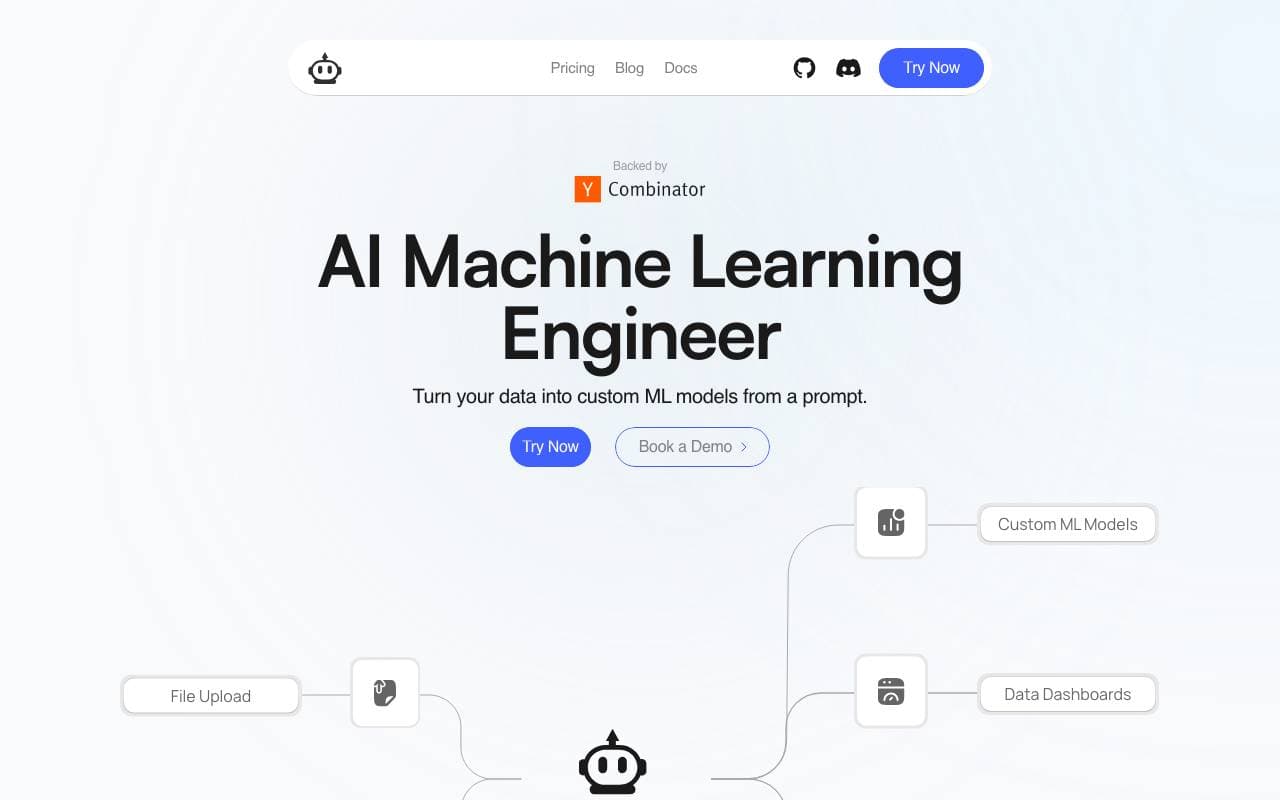

PlexeAI
AI Agents Platform
Bouw aangepaste machine learning-modellen vanuit gewone Engelstalige instructies, zonder code vereist.
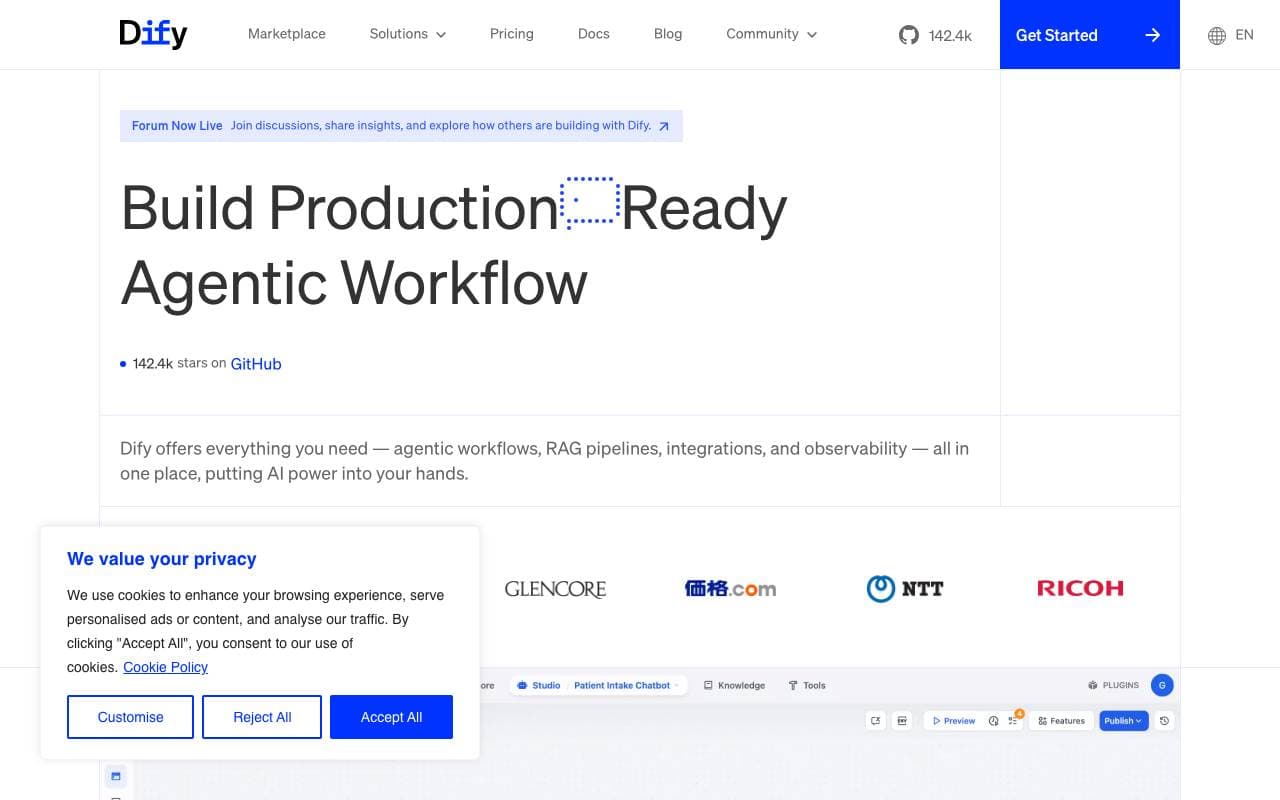

Dify
AI Agents Platform
Open‑source platform voor het bouwen en orkestreren van LLM‑apps met ingebouwde RAG en agent‑workflows.

Tasking AI
AI Agents Platform
Bouw snel AI-assistenten en -apps met je eigen data en aangepaste tools.

OpenManus
AI Agents Platform
Open-source AI-agentframework voor het automatiseren van complexe, multi-stappentaken


Agent Browser
AI Agents Platform
AI browserautomatisatieassistent die webworkflows uitvoert met verifieerbaar bewijs van uitvoering.


Transcribe Audio to Text
AI Agents Platform
AI spraak-naar-tekst converter die audiobestanden omzet in nauwkeurige geschreven transcripties in 120+ talen.
Trending now


Reducto AI
Platformen voor ontwikkeling van AI Agents
Document intelligence-API die pdf's, Presentaties en spreadsheets analyseert, splijt en extraheren van complexe gestructureerde gegevens.


Biology AI
Onderwijs AI
Nauwkeurige Huiswerkhulp met Volledige Uitleg


AdCrier
Marketing & Adverteren
Gesponsorde antwoorden, betaald per klik.


Pin AI
Werkstroom automatisering
AI-recruiter die sourcing, screening en outreach automatiseert om het inhuren te versnellen.