
Highlight StudioMac-schermopname met ingebouwde bewerking voor verzorgde, professionele video's.

Overzicht
Belangrijkste functies
- Opname van scherm, webcam en audio
- Ingebouwde videobewerker
- Snijden, trimmen en splitsen van clips
- Annotaties en visuele effecten
- Exporteren in gangbare videoformaten
- Geoptimaliseerd voor macOS
Prijs
- Model
- Freemium
- Categorie
- Video bewerking
- Beoordeling
- 4.5 / 5 (6)
Toepassingen
Software tutorials maken
Opnemen van scherm, webcam en voice-over, vervolgens knippen en annoteren van clips in één app om stap‑voor‑stap tutorials te produceren zonder tools te wisselen.
Productdemo's opnemen
Opnemen van verzorgde productpresentaties met visuele verbeteringen en annotaties, klaar om te exporteren voor marketing of sales outreach.
Interne trainingcontent bouwen
Produceer onboarding- en training video's voor teams door workflows op macOS op te nemen en ze inline te bewerken voordat ze intern gedeeld worden.
Snel software walkthroughs publiceren
Versnel de contentproductie door software walkthroughs op te nemen en te bewerken in één workflow, waardoor de postproductie vermindert.
Pluspunten & minpunten
Pluspunten
- Alles-in-één opname- en bewerk-workflow
- Native Mac-prestaties en ontwerp
- Geschikt voor tutorials en demonstraties
- Vermindert de noodzaak voor aparte bewerkingssoftware
Minpunten
- Alleen macOS, geen ondersteuning voor Windows of Linux
- Minder krachtig dan dedicated NLE-editors
- Kan een leercurve hebben voor geavanceerde bewerkingen
Strijdrecord
Over 6 strijden in het Pantheon.
Last 5 battles
- #1
Video editing Showdown — August 2, 2026
Aug 2, 2026 · #1 of 5
- #1
Video editing Showdown — May 22, 2026
May 22, 2026 · #1 of 5
- #4
Video editing Showdown — September 22, 2025
Sep 22, 2025 · #4 of 5
- #2
Video editing Showdown — August 2, 2025
Aug 2, 2025 · #2 of 3
- #4
Video editing Showdown — June 13, 2025
Jun 13, 2025 · #4 of 4
Recensies
Gemiddelde van 6 beoordelingen.
Log in om een review te schrijven.
Solid for our team
We rolled this out across the team last quarter and suitable for tutorials and demos. Built-in video editor fits neatly into how we already work, and built-in video editor removed a step we used to do by hand. but it has held up under daily use.
Does the job
Pretty happy overall. Built-in video editor just works and reduces need for separate editing software. MacOS only, no Windows or Linux support can be annoying, but no dealbreakers — I'd recommend it to a friend without hesitating.
Compared a few options
Evaluated this against two competitors. Where it wins: trim, cut, and split clips and native Mac performance and design. Where it lags: less powerful than dedicated NLE editors. On balance the feature set — especially optimized for macOS — justifies the 4 stars for our use case.

Compared a few options
Evaluated this against two competitors. Where it wins: trim, cut, and split clips and native Mac performance and design. Where it lags: may have a learning curve for advanced edits. On balance the feature set — especially export in common video formats — justifies the 4 stars for our use case.

Does the job
Pretty happy overall. Built-in video editor just works and suitable for tutorials and demos. Less powerful than dedicated NLE editors can be annoying, but no dealbreakers — I'd recommend it to a friend without hesitating.
Does the job
Pretty happy overall. Screen, webcam, and audio recording just works and suitable for tutorials and demos. MacOS only, no Windows or Linux support can be annoying, but no dealbreakers — I'd recommend it to a friend without hesitating.
Vragen
What makes Highlight Studio different from other screen recorders?
Highlight Studio is a native macOS app built with SwiftUI and Metal — not Electron. It includes a full multi-track editor, AI-powered smart zoom, cursor effects, device frames, brand kits, and facial expression detection.
Asked by Tariq Aziz · Jun 12, 2026
Can I record my iPhone or iPad screen?
Yes. Connect your iOS device via USB and Highlight Studio captures the screen directly. You can wrap the recording in pixel-perfect device frames — 27+ Apple devices with accurate bezels.
Asked by Paloma Ruiz · May 29, 2026
How does the AI smart zoom work?
During recording, we track your cursor position and click events. After recording, our AI analyzes click clusters and mouse movement patterns to automatically generate zoom keyframes at the most important moments.
Asked by Elena Rossi · May 31, 2026
What export formats are supported?
MP4 and GIF. The free plan exports up to 720p. Pro unlocks 1080p, 1440p, 4K, and source quality export, plus GIF export with custom FPS settings.
Asked by Vincenzo Greco · May 21, 2026
What's the difference between Pro and Lifetime?
Same features. Pro is $50/year. Lifetime is a one-time $55 payment — you get Pro forever with all future updates included.
Asked by Ines Fernandes · May 19, 2026
Stel een vraag
Alternatieven voor Video bewerking
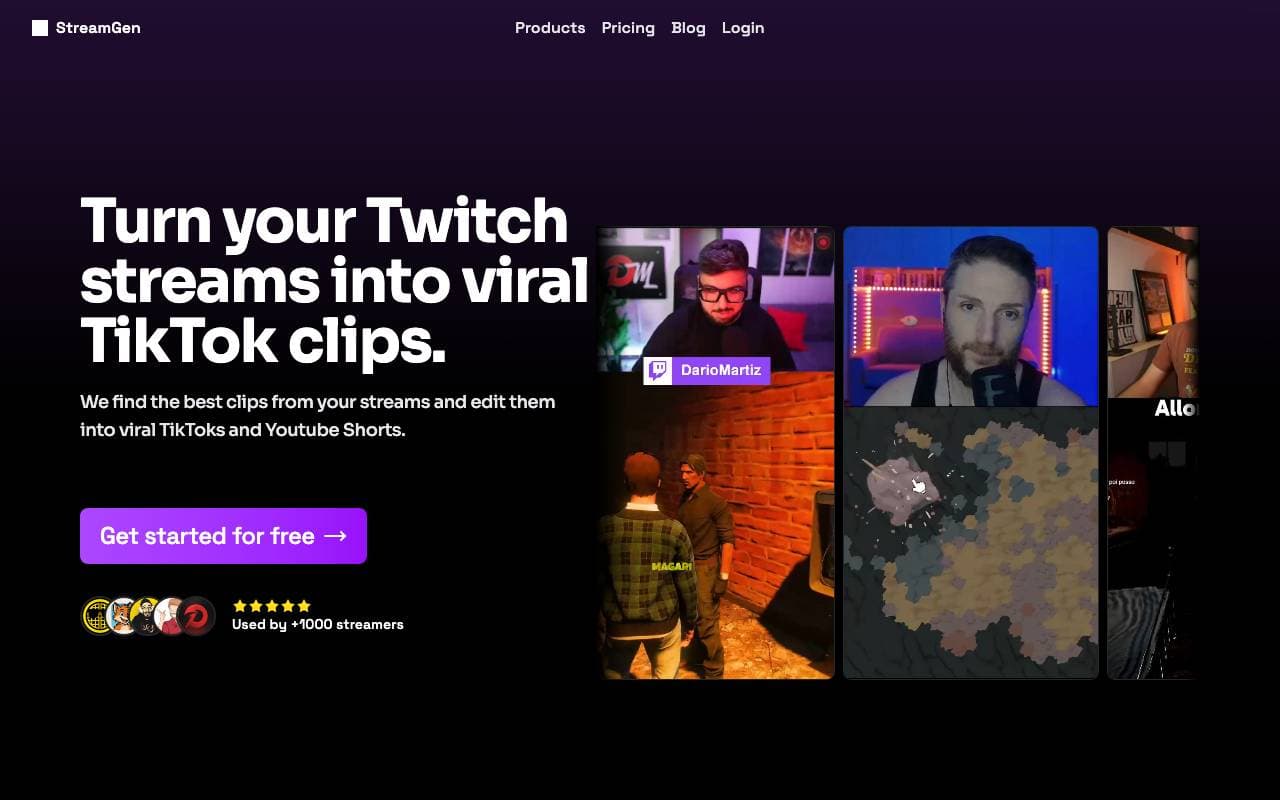

StreamGen
Video bewerking
AI-aangedreven Twitch-clipeditor die virale momenten automatisch detecteert en omzet in deelbare korte clips.


Satura AI
Video bewerking
Maak van lange videos korte, deelbare clips die zijn ontworpen voor sociale groei.
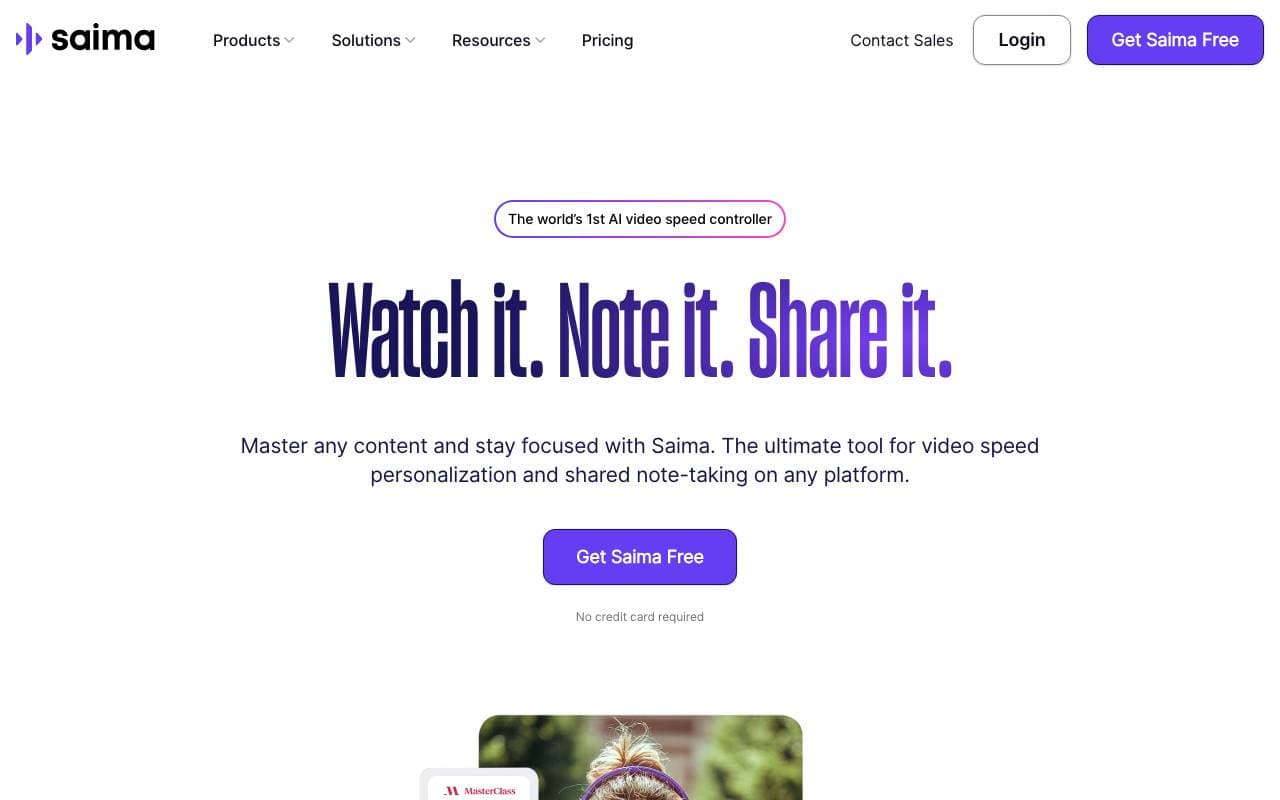

Saima
Video bewerking
Saima is een AI gebaseerde video-snelheidsregelaar die video's kijkt met een adaptieve afspelsnelheid, geluidsuitfiltering, audioverrijking en samenwerkingloos...


Lovo Ai
Video bewerking
Realistische AI-text-naar-spraak en videocreatie in meer dan 100 talen.
Trending now


Reducto AI
Platformen voor ontwikkeling van AI Agents
Document intelligence-API die pdf's, Presentaties en spreadsheets analyseert, splijt en extraheren van complexe gestructureerde gegevens.


AdCrier
Marketing & Adverteren
Gesponsorde antwoorden, betaald per klik.


Biology AI
Onderwijs AI
Nauwkeurige Huiswerkhulp met Volledige Uitleg


Beam AI
Artificiële Agentsystemen
Een toonaangevend platform voor agentische procesautomatisering, dat zelflerende AI‑agents gebruikt om workflows in diverse sectoren te stroomlijnen.