SlideSpeakAI prezentāciju ģenerators, kas dokumentus, uzvednes un idejas pārvērš rediģējamās PowerPoint prezentācijās.

Pārskats
Galvenās funkcijas
- Prezentāciju ģenerēšana no teksta
- Dokumentu pārvēršana slaidos (PDF, DOCX)
- Iebūvētas veidnes un tēmas
- PPTX eksportēšana ārpus tiešsaistes rediģēšanas
- Dokumentu kopsavilkšana un jautājumu-atbildes
- Daudzu valodu atbalsts
Cenas
- Modelis
- $4
- Kategorija
- Pārdošanas un Ienākumu Operāciju vadība
- Vērtējums
- 4.7 / 5 (6)
Lietošanas gadījumi
Ģenerēt slaidus no uzvednes
Aprakstiet tēmu vienkāršā tekstā un ļaujiet SlideSpeak sagatavot strukturētu komplektu ar nosaukumiem, punktiem un vizuāliem elementiem, kas gatavs rediģēšanai.
Pārveidot pārskatus prezentācijās
Augšupielādējiet PDF vai Word dokumentus un automātiski pārvērtiet ilgstošus pārskatus kopsavilkumā, slaidiem gatavās PowerPoint prezentācijās.
Tulkot dekļu globālām auditorijām
Izmantojiet daudzvalodu atbalstu esošu prezentāciju tulkošanai, palīdzot komandām dalīties ar saturu starptautiskos tirgos un ieinteresētajās pusēs.
Ātri studentu projektu dekļi
Studenti var pārvērst pētniecības piezīmes vai avota failus tematiskās prezentācijās ātri, pēc tam tos uzlabot programmās PowerPoint, Google Slides vai Keynote.
Plusi un mīnusi
Plusi
- Ātra slaidu ģenerēšana no uzvednēm vai dokumentiem
- Eksports uz rediģējamu PowerPoint formātu
- Atbalsta esošu failu kopsavilkšanu un pārformatēšanu
- Veidnes un tēmas konsekventai stilizēšanai
Mīnusi
- Ar mākslīgo intelektu ģenerētais saturs var būt nepieciešams manuāls pārskats un labojumi
- Dizaina pielāgošana ir vairāk ierobežota nekā speciālos rīkos
- Labākie rezultāti prasa skaidras ievades uzvednes vai labi strukturētus avotus
Kauju rekords
1 kaujā Panteonā.
Last battle
Atsauksmes
Vidējais no 6 vērtējumiem.
Pieslēdzies, lai atstātu atsauksmi.

Compared a few options
Evaluated this against two competitors. Where it wins: document-to-slides conversion (PDF, DOCX) and templates and themes for consistent styling. Where it lags: design customization is more limited than dedicated tools. On balance the feature set — especially text-to-presentation generation — justifies the 5 stars for our use case.
Use it every day
Honestly didn't expect to like it this much. Built-in templates and themes is exactly what I needed, and exports to editable PowerPoint format. I do wish aI-generated content may need manual review and edits, but I reach for it almost every day now and it just clicks.
Skeptical, then convinced
I went in skeptical — most tools in this space overpromise. It actually delivers on document-to-slides conversion (PDF, DOCX), and fast slide generation from prompts or documents caught me off guard. Best results require clear input prompts or well-structured sources is why this isn't a perfect score, still, I'd recommend giving it a real trial.
Skeptical, then convinced
I went in skeptical — most tools in this space overpromise. It actually delivers on built-in templates and themes, and supports summarizing and reformatting existing files caught me off guard. Best results require clear input prompts or well-structured sources is why this isn't a perfect score, still, I'd recommend giving it a real trial.
Years in this space
I've evaluated a lot of these over the years. What stands out here is built-in templates and themes — handled better than most — and exports to editable PowerPoint format. Worth the time if this is your use case.
Use it every day
Honestly didn't expect to like it this much. Document summarization and Q&A is exactly what I needed, and exports to editable PowerPoint format. but I reach for it almost every day now and it just clicks.
Jautājumi
How do I create a PowerPoint presentation with AI?
Simply enter a topic, paste your text, or upload a document like a PDF or Word file. SlideSpeak's AI analyzes your content and generates a complete, professionally designed PowerPoint presentation in minutes. You can then edit, customize, and download it as a .pptx file ready for use.
Asked by Chidi Okonkwo · Dec 8, 2025
Can I convert a PDF or Word document into a presentation?
Yes! SlideSpeak automatically transforms PDFs, Word documents, and Excel files into structured slide decks. The AI summarizes key points, organizes content logically, and applies professional layouts - no manual copying and pasting required.
Asked by Lindiwe Mahlangu · Nov 10, 2025
How does SlideSpeak compare to Gamma and other AI presentation tools?
Unlike Gamma, SlideSpeak generates native, editable PowerPoint files (.pptx) you can download and use anywhere - not locked into a web platform. SlideSpeak also lets you use your own PowerPoint templates and includes features like AI video generation and brand kits. See our full SlideSpeak vs Gamma comparison.
Asked by Fumiko Sato · Nov 6, 2025
Is SlideSpeak good for consultants and business professionals?
SlideSpeak is one of the best AI presentation tools for consultants and business professionals. Convert client briefs, reports, and research into polished slide decks in minutes. Apply your brand colors and fonts automatically, and export to PowerPoint for client-ready deliverables.
Asked by Beatriz Costa · Nov 5, 2025
Can I create a presentation with AI using my own template?
Yes! You can upload your own PowerPoint template (.pptx or .potx) or use SlideSpeak's Brand Kit feature to apply your company's fonts, colors, and logo. The AI respects your design system while generating content, so every presentation stays on-brand.
Asked by Gustav Lindberg · Oct 22, 2025
Uzdod jautājumu
Pārdošanas un Ienākumu Operāciju vadība alternatīvas
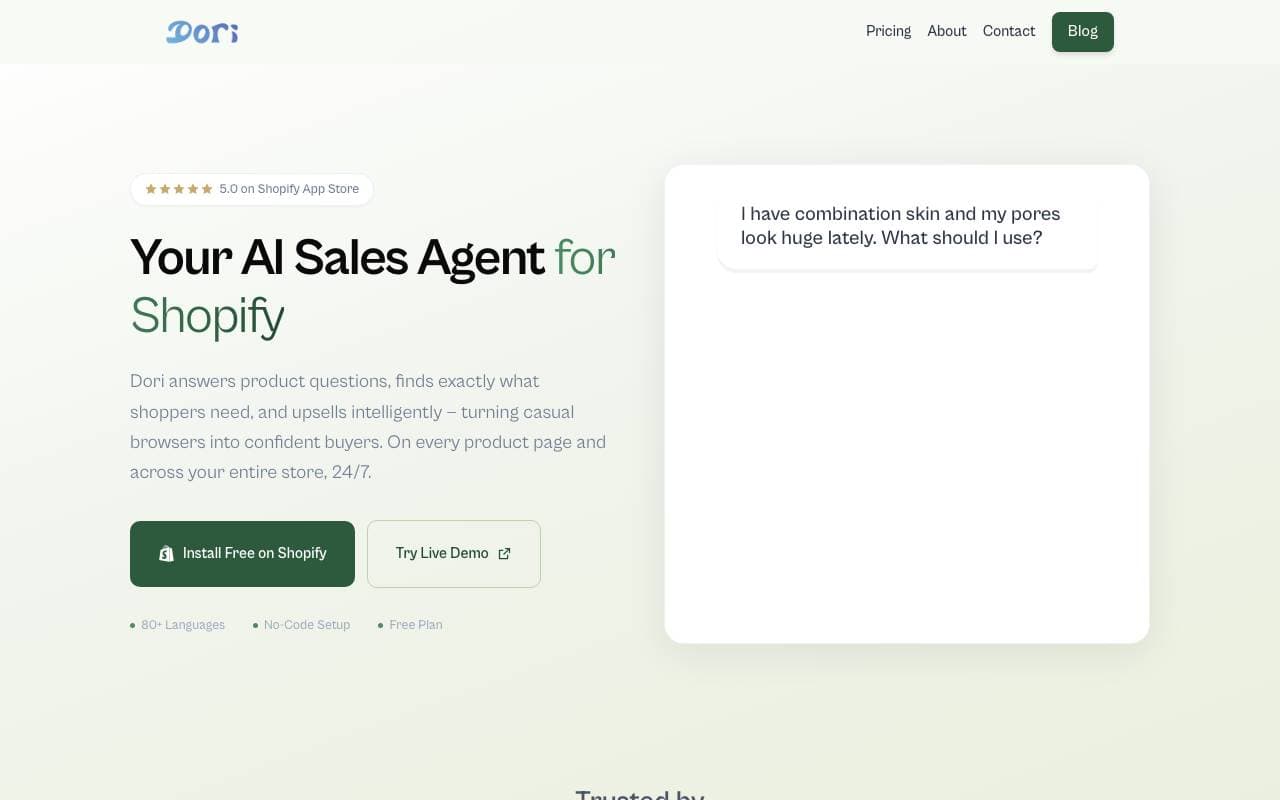

Dori
Pārdošanas un Ienākumu Operāciju vadība
AI pārdošanas agents, kas palīdz Shopify veikalām pārvērst vairāk apmeklētāju par pircējiem.
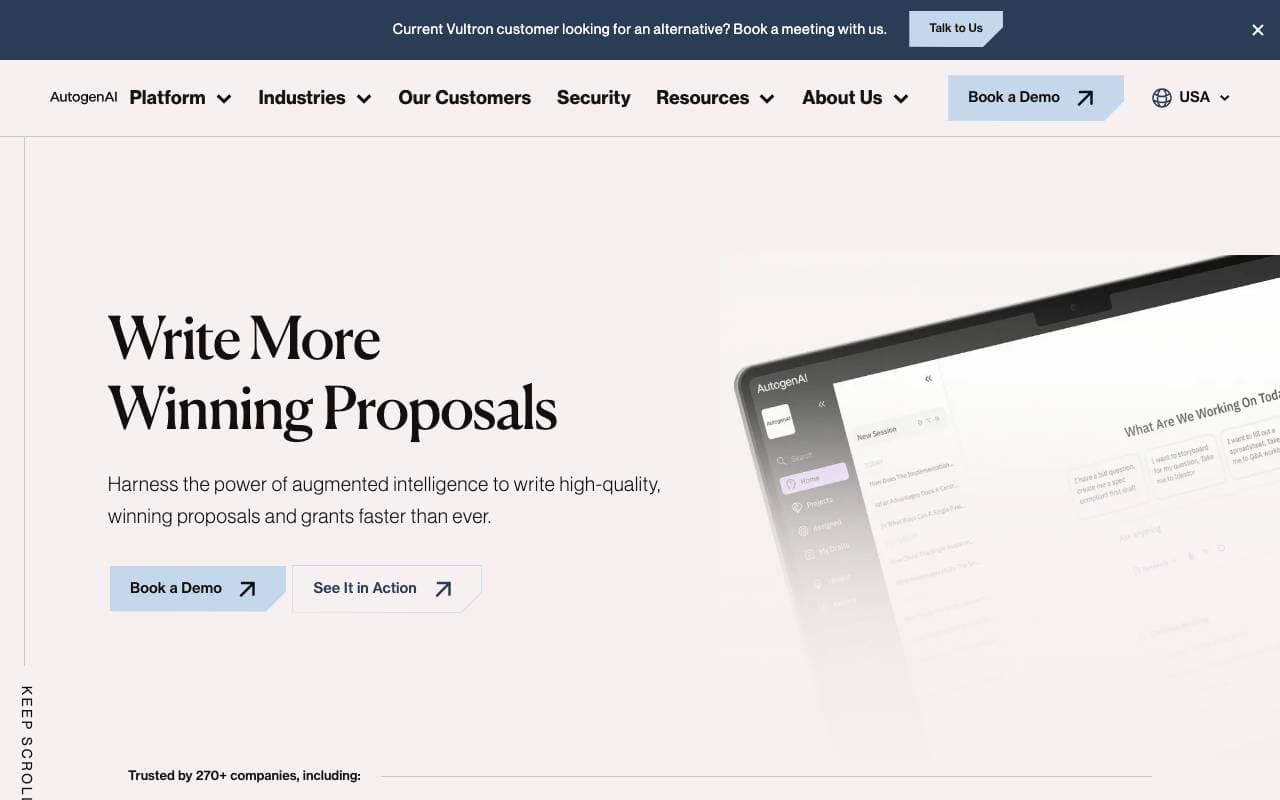
AutogenAI
Pārdošanas un Ienākumu Operāciju vadība
Atgatāja ražošana, kas tiek izmantota lai sagatavot būtu un pieteikumu ievadījumus uzņēmumu komandai.


matmat AI
Pārdošanas un Ienākumu Operāciju vadība
Vienots iesūtne, kas izmanto mākslīgo intelektu, lai uzreiz atbildētu uz potenciālo klientu pieprasījumiem visos kanālos.


Jason AI
Pārdošanas un Ienākumu Operāciju vadība
AI pārdošanas asistents, kas atrod potenciālos klientus, veic izpēti un rezervē tikšanās automātiski.

Kolena Go-to-Market Agents
Pārdošanas un Ienākumu Operāciju vadība
AI agenti, kas automatizē tirgus ieiešanas darbības, izmantojot jūsu pārdošanas un mārketinga datus.
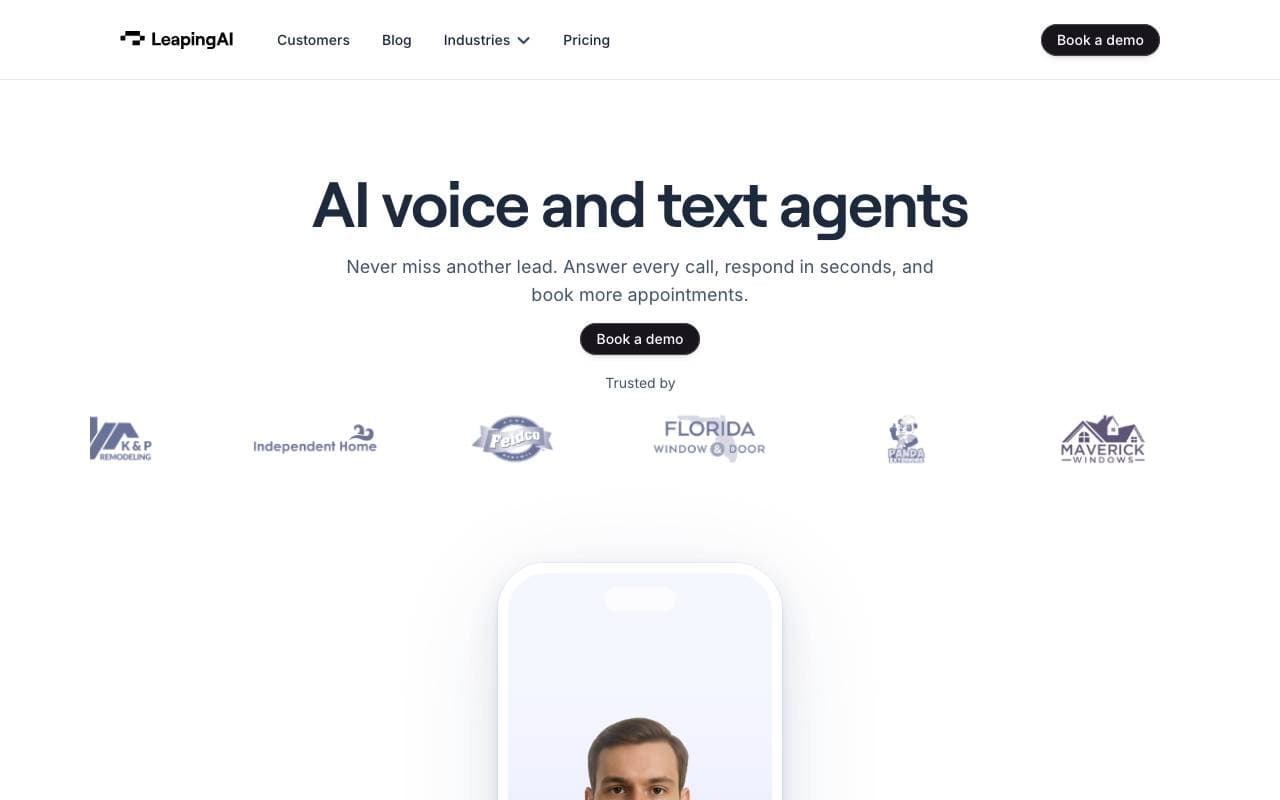

Leaping AI voice agents
Pārdošanas un Ienākumu Operāciju vadība
AI balss agenti, kas automatizē zvantrūkumu centrā operācijas un uzlabo klientu apmierinātību.
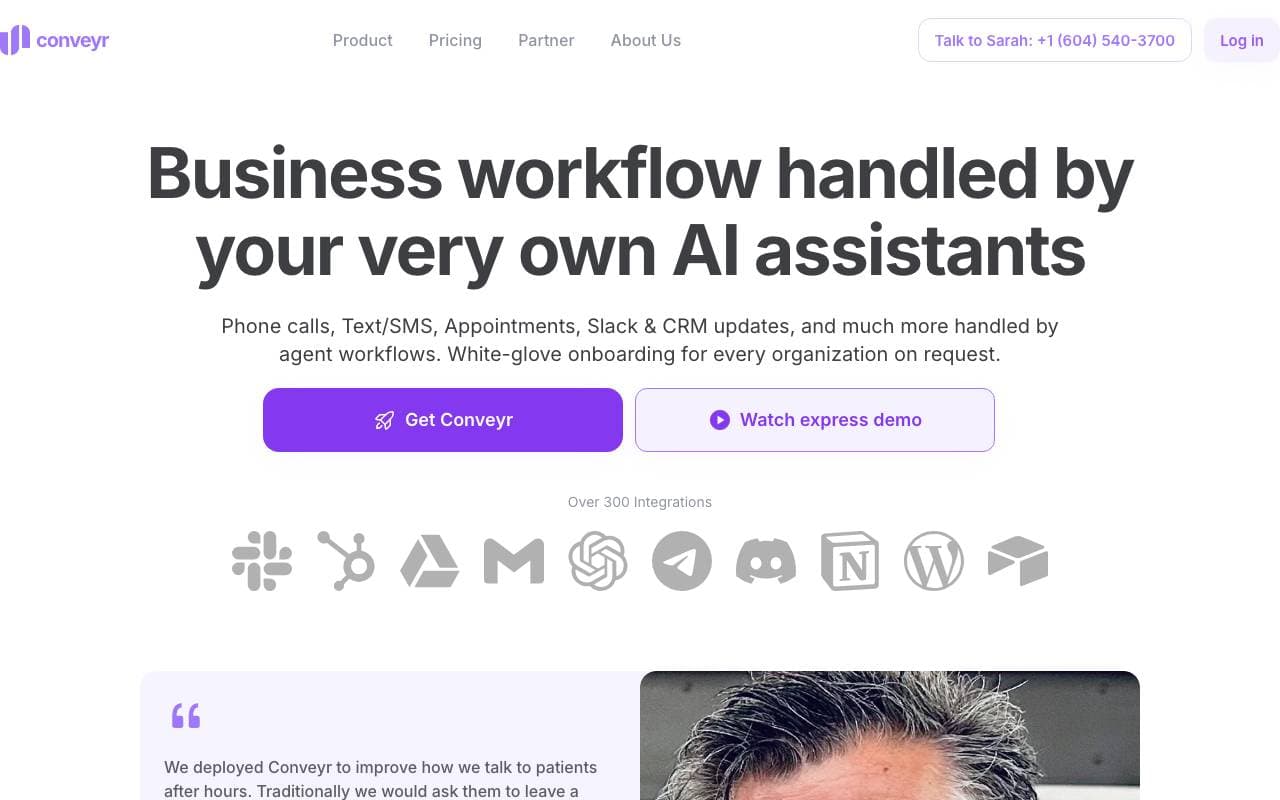
Conveyr
Pārdošanas un Ienākumu Operāciju vadība
AI asistents, kas automatizē drošības veidlapas un RFP atbildes
Jsonify
Pārdošanas un Ienākumu Operāciju vadība
AI agenti, kas skaitļo struktūru JSON datus no tīmekļa vietnēm masīvajā mērogā
Trending now


Reducto AI
Attīstības platformas AI aģentiem
Dokumentu intelekta API, kas parse, dalās, OCR un izvelk strukturētus datus no kompleksām PDF, slaidēm un kalkulāciju tabulām.


AdCrier
Reklāma un Publicitāte
Finansētas atbildes, maksām uz klikšķi.


Biology AI
Izglītības AI
Precīza Pildījuma Palīdzība ar Vispārējām Izskaidrojumiem


Pin AI
Flaitu strādīšanas automatizācija
AI atlases asistents ar agentu pieeju, kas automatizē pieprasījumu meklēšanu, atlasi un kontaktēšanu, paātrinot atlases procesu.