OllamaPalaidiet atvērtā pirmkoda lielos valodas modeļus lokāli savā datorā

Pārskats
Galvenās funkcijas
- Vienkomandas modelis lejupielādēšana un palaišana
- Lokālais REST API lietojumprogrammu integrācijai
- Modeļu bibliotēka ar kvantizētām versijām
- Pasūtījuma Modelfile personalizētām modeļu konfigurācijām
- GPU paātrinājums atbalstītajā aparatūrā
- Darbojas bezsaistē pēc sākotnējās iestatīšanas
Cenas
- Modelis
- Freemium
- Kategorija
- Lieli valodas modele (LLMs)
- Vērtējums
- 4.4 / 5 (5)
Lietošanas gadījumi
Privāta bezsaistes LLM tērzēšana
Palaidiet modeļus, piemēram, Llama vai Mistral, lokāli, lai tērzētu ar AI palīgu, nesūtot ievades vai datus uz ārējiem mākoņpakalpojumiem.
Lokāla AI lietojumprogrammu izstrāde
Izmantojiet Ollama lokālo REST API, lai integrētu atvērtos valodas modeļus pielāgotās lietojumprogrammās, tērzēšanas robotos vai iekšējos rīkos prototipēšanas un ražošanas laikā.
Kodēšanas palīgs jūsu datorā
Apvienojiet Ollama ar koda fokusētiem modeļiem, lai iegūtu automātisku papildināšanu, pārstrukturēšanu un skaidrojumu palīdzību tieši jūsu klēpjdatorā, pat bez interneta piekļuves.
Modeļu eksperimentēšana pētniekiem
Ātri lejupielādējiet, mainiet un etalonējiet dažādus atvērtos modeļus ar pielāgotām Modelfile konfigurācijām, lai novērtētu veiktspēju pētniecībai vai smalkās noregulēšanas darbplūsmām.
Plusi un mīnusi
Plusi
- Pilnībā lokāla izpilde saglabā datu privātumu
- Bezmaksas un atvērtā pirmkoda
- Atbalsta daudzus populārus atvērtos modeļus
- Vienkārša komandrinda un lokālais API vieglai integrācijai
- Platformas neatkarība (macOS, Linux, Windows)
Mīnusi
- Prasa spējīgu aparatūru lielākiem modeļiem
- Nav iebūvētas grafiskās saskarnes pēc noklusējuma
- Veiktspēja ļoti atkarīga no lokālās GPU vai RAM
- Ierobežots līdz atvērtajiem modeļiem, nevis patentētiem
Kauju rekords
1 kaujā Panteonā.
Last battle
Atsauksmes
Vidējais no 5 vērtējumiem.
Pieslēdzies, lai atstātu atsauksmi.
Years in this space
I've evaluated a lot of these over the years. What stands out here is works offline after initial setup — handled better than most — and free and open source. Requires capable hardware for larger models is my one real gripe. Worth the time if this is your use case.
Solid for our team
We rolled this out across the team last quarter and cross-platform (macOS, Linux, Windows). Works offline after initial setup fits neatly into how we already work, and works offline after initial setup removed a step we used to do by hand. No built-in graphical interface by default, which is the main caveat, but it has held up under daily use.
Years in this space
I've evaluated a lot of these over the years. What stands out here is custom Modelfile for tailored model configs — handled better than most — and cross-platform (macOS, Linux, Windows). Limited to open-weight models, not proprietary ones is my one real gripe. Worth the time if this is your use case.
Skeptical, then convinced
I went in skeptical — most tools in this space overpromise. It actually delivers on custom Modelfile for tailored model configs, and free and open source caught me off guard. No built-in graphical interface by default is why this isn't a perfect score, still, I'd recommend giving it a real trial.

Solid for our team
We rolled this out across the team last quarter and simple CLI and local API for easy integration. Local REST API for app integration fits neatly into how we already work, and works offline after initial setup removed a step we used to do by hand. but it has held up under daily use.
Jautājumi
How does extra usage work?
Pro and Max users can add extra usage balance. Ollama uses included plan limits first, then draws from the extra usage balance. Team usage draws from one balance shared by the organization.
Asked by Ekaterina Orlova · Aug 26, 2025
How much usage does each model use?
Models consume a different amount of usage based on how difficult they are to run. To view a model's usage level, visit the model's page, where its usage level is displayed from small, light models (level 1), like gpt-oss:20b, to extra heavy models (level 4), like deepseek-v4-pro.
Asked by Greta Nowak · Aug 21, 2025
How is usage measured?
Individual plans have usage limits based on the model and the number of input, cached input, and output tokens processed. They don't cap you at a fixed number of tokens because different models use different amounts of compute. For teams, each member's usage draws from the usage included with their seat first. Once it's used, further usage draws from the team's shared extra usage balance at the model's token rate.
Asked by Ravi Kapoor · Aug 16, 2025
What are the usage limits for each plan?
Running models on your own hardware is always unlimited. Cloud usage varies by plan: Plan Usage Example use cases Free Light usage Chatting with models, evaluating larger models, coding and AI assistants with smaller models Pro Day-to-day work Larger models, coding automation, deep research Max Heavy, sustained usage Continuous agent tasks, multiple concurrent agents, large models over extended sessions Each plan has session limits that reset every 5 hours and weekly limits that reset every 7 days.
Asked by Noor Siddiqui · Aug 12, 2025
How fast is Ollama?
Speed depends on model size, architecture, and hardware optimization. We target and monitor for low time-to-first-token and high throughput across all cloud models. Priority tiers with faster performance may be available in the future.
Asked by Constantin Ionescu · Aug 11, 2025
Uzdod jautājumu
Lieli valodas modele (LLMs) alternatīvas
 Mistral AILieli valodas modele (LLMs)
Atvērta svara robežas modeļi

 🍌 Nano Banana - Where Ideas Instantly Come to Life, The New Era of AI Image GenerationLieli valodas modele (LLMs)
Ātra AI attēlu ģenerēšana, ko nodrošina Google Gemini 2.5 Flash, paredzēta straujai vizuālajai prototipēšanai.

 Kore.aiLieli valodas modele (LLMs)
Bez kodēšanas sarunmatercēšanas AI platforma, kas ļauj uzņēmumiem izveidot un izvietot inteliģentus virtuālos asistentus.

 Reka AILieli valodas modele (LLMs)
Multimodālie pamatmodeļi, kas saprot tekstu, attēlus, video un audio.
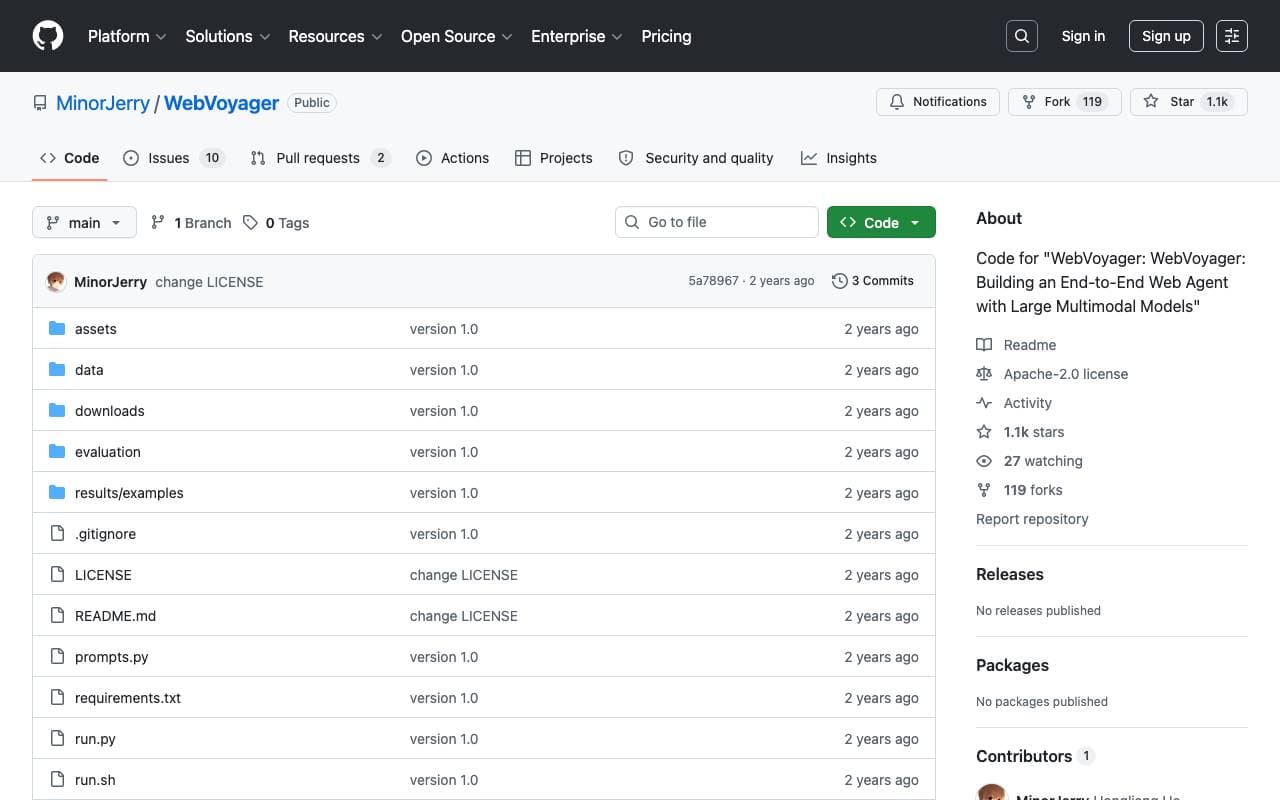
 WebVoyagerLieli valodas modele (LLMs)
LMM-dzinēts tīmekļa aģents, kas izpilda lietotāja norādījumus no sākuma līdz beigām, mijiedarbojoties ar reālām tīmekļa vietnēm.

 AI WriterLieli valodas modele (LLMs)
AI-derēta rakstīšanas platforma, kas ļauj ģenerēt, izpētīt un uzlabot garā formāta saturu.
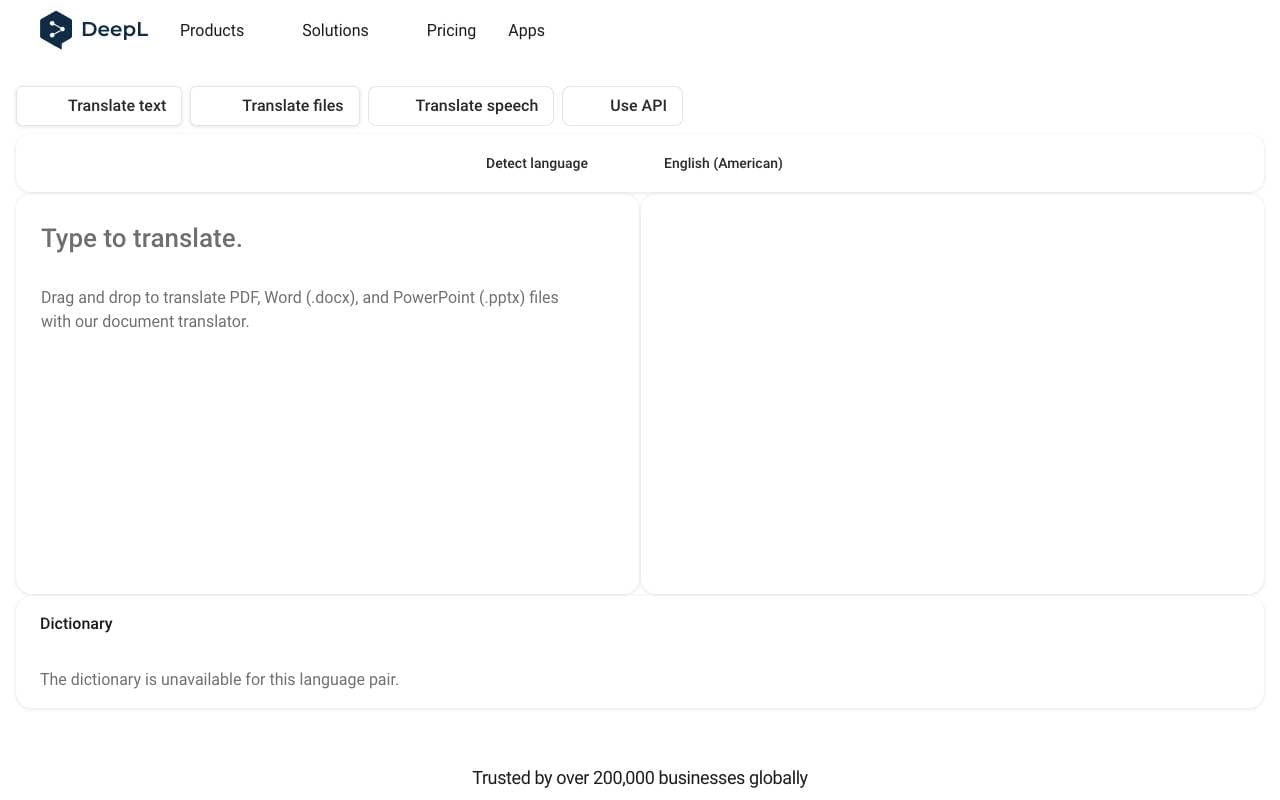
 DeepLLieli valodas modele (LLMs)
Neironu mašīnu tulkošanas rīks, kas pazīstams ar precīziem, dabīgi dzirdējamiem rezultātiem galvenajās valodās.

 Slesh.aiLieli valodas modele (LLMs)
AI-powered pārlūkošanas palīgs, kas pārvērš tīmekļa izpēti acumirklī atbildēs.
Trending now

 Reducto AIAttīstības platformas AI aģentiem
Dokumentu intelekta API, kas parse, dalās, OCR un izvelk strukturētus datus no kompleksām PDF, slaidēm un kalkulāciju tabulām.

 AdCrierReklāma un Publicitāte
Finansētas atbildes, maksām uz klikšķi.

 Biology AIIzglītības AI
Precīza Pildījuma Palīdzība ar Vispārējām Izskaidrojumiem

 Pixtral 12B 24.09LLM
Atvērts multimodāls 12B modelis, kas apstrādā iekavētus attēlus un tekstu ar 128K konteksta logu.