markdown2pdf.aiマークダウンをAIによって生成したものを、簡単に作成して配布可能な素晴らしいフォームでpdfに変換します。

概要
主な機能
- マークダウンのペーストと変換機能
- デフォルトできれいなpdfのスタイリング
- 標準マークダウン構文のサポート
- 生成されたpdfをすぐにダウンロードできます
- 登録不要
- どのモダンブラウザでも使用可能
料金
- モデル
- Free
- カテゴリー
- AIドキュメントエージェント
- 評価
- 4.5 / 5 (4)
ユースケース
ChatGPTの答えをpdfにダウンロードする
ChatGPTやClaudeなどのAIによって生成されたマークダウン形式の回答を、簡単にダウンロードしたpdfとして保存することができます。これを共有したりアーカイブしたりするのに便利です。
AIによって作成された学習ノートを作成する
ヘッダー、リスト、その他コードブロックなどを含むAIによって作成された学習資料を、マークダウンから読むと、プロのフォームで保存したPDFノートを参照できます。
迅速なレポートやドキュメントの作成
レポートの草案や技術文書の草案をマークダウンファイルとして保存し、実際のフォーマットのpdfドキュメントに変換できます。
コードのスニペットと表を共有する
コードブロックや表のマークダウンで書きましたら、これを読みやすいpdfフォーマットに変換して、それを同僚やクライアントにメールで送ることができます。
メリット & デメリット
メリット
- 登録もなく、利用が簡単です
- マークダウンをpdfに変換まで、実行するまでに秒しかかかりません
- コードブロック、表やリストもすべて対応しています
- ブラウザーでしか使わないので、インストールをする必要はありません
- Aiによるチャットの出力にも対応しています
デメリット
- pdfのスタイリングについては、カスタマイズが限られています
- インターネット接続が必要です
- 大量の変換や機械的な変換用途には不適切です
- 専用のエディターのような高度な機能もありません
レビュー
4件の評価の平均。
レビューを投稿するにはログインしてください。
Years in this space
I've evaluated a lot of these over the years. What stands out here is direct Markdown paste-and-convert — handled better than most — and fast Markdown-to-PDF conversion. Fewer advanced features than dedicated editors is my one real gripe. Worth the time if this is your use case.
Years in this space
I've evaluated a lot of these over the years. What stands out here is no registration required — handled better than most — and browser-based, nothing to install. Worth the time if this is your use case.

Skeptical, then convinced
I went in skeptical — most tools in this space overpromise. It actually delivers on no registration required, and browser-based, nothing to install caught me off guard. Requires an internet connection is why this isn't a perfect score, still, I'd recommend giving it a real trial.

Does the job
Pretty happy overall. Support for standard Markdown syntax just works and fast Markdown-to-PDF conversion. Not built for bulk or automated conversion can be annoying, but no dealbreakers — I'd recommend it to a friend without hesitating.
Q&A
What PDF styling options are available?
The tool uses a clean default style generated via LaTeX and supports standard Markdown elements, but it does not offer extensive customization of fonts, colors, or layout.
Asked by Tatiana Popescu · Jan 19, 2026
Can I integrate markdown2pdf.ai into my own scripts or applications?
Yes. The service offers an API with pay‑per‑call using Lightning (L402) or Solana (X402) and provides client libraries for Python and TypeScript to convert Markdown programmatically.
Asked by Kwabena Asante · Oct 17, 2025
Do I need to create an account or log in to use the service?
No. markdown2pdf.ai works entirely without registration; you just paste your Markdown into the browser, pay per PDF, and download the result.
Asked by Petra Vogel · Oct 15, 2025
How much does it cost to generate a PDF with markdown2pdf.ai?
Each PDF costs 5 satoshis (≈ 0.01 USD) when paying via Bitcoin Lightning, or 0.01 USDC when paying on Solana; there are no subscriptions or hidden fees.
Asked by Margaret Whitfield · Oct 14, 2025
質問する
AIドキュメントエージェントの代替


PerfectParser
AIドキュメントエージェント
ドキュメントデータ抽出のためのノーコードAIエージェント、ページあたり課金


Converzation AI
AIドキュメントエージェント
AIチャットボットが自社のデータを使用して顧客支援を自動化し、質問に答える。
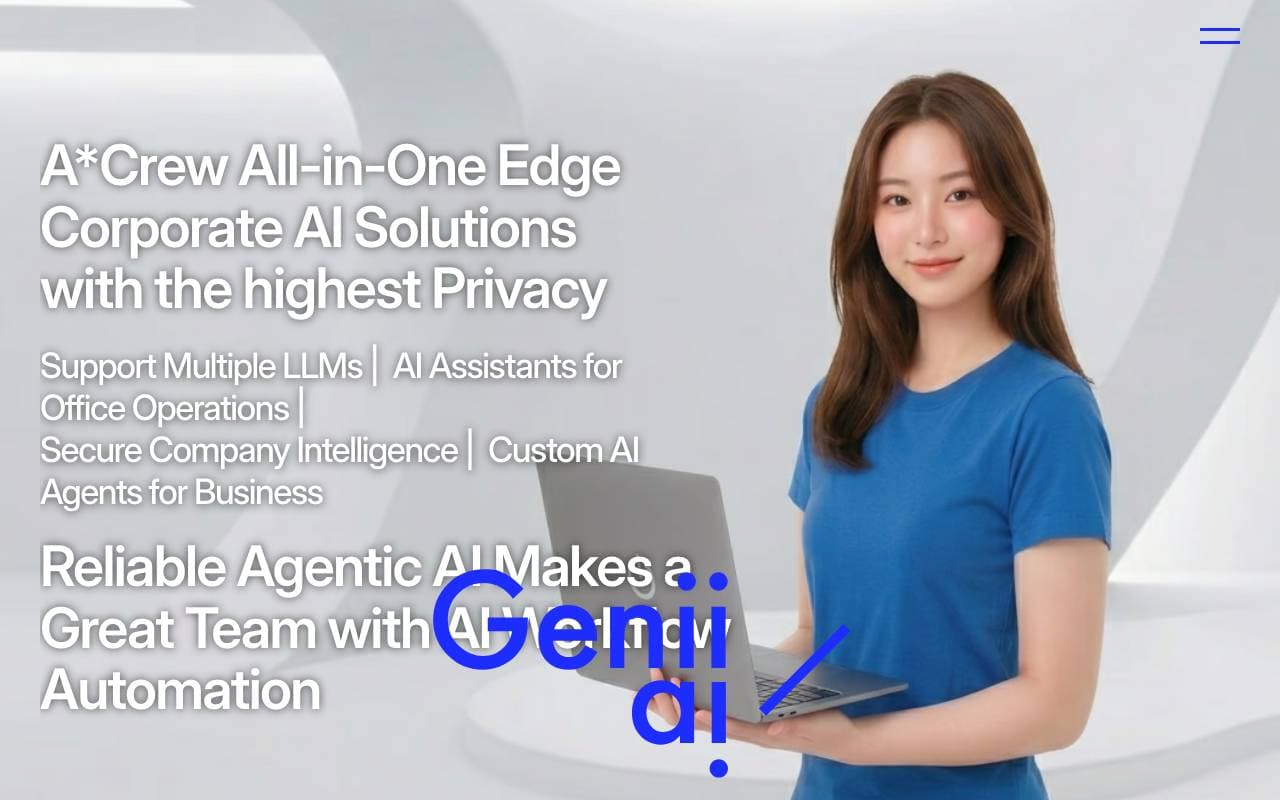

GeniiAI
AIドキュメントエージェント
バーチャルエージェントoffice アシスタントが、各種のスキルを持つロボットチームを使用して、日常的なビジネスワークフローを自動化します。


AUM
AIドキュメントエージェント
機械学習を用いたエンタープライズデータの分析用ソフトウェア

Context
AIドキュメントエージェント
エンドツーエンドのプレゼンテーション、ドキュメント、スプレッシーの自動化ツールです。
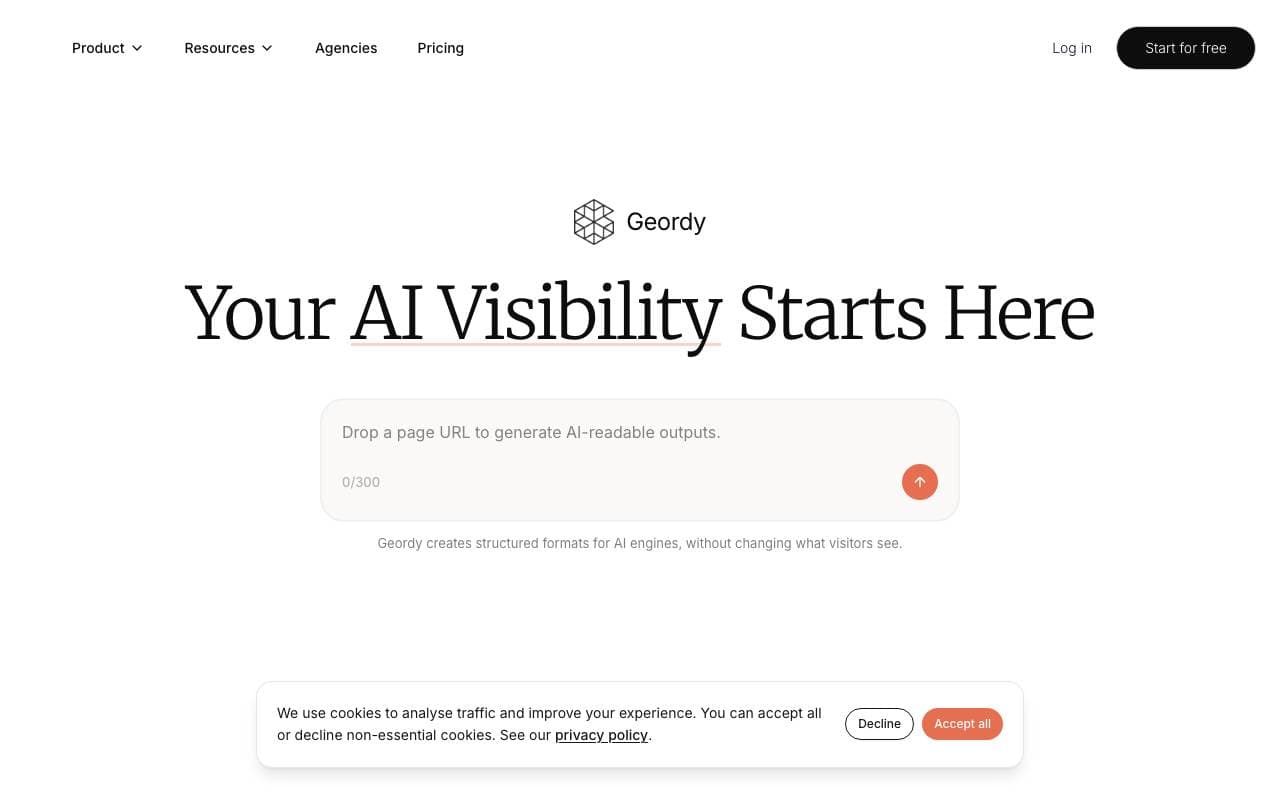

Geordy
AIドキュメントエージェント
秒でサイトをGEOを整えるために、AI検索のための準備ができる


Langbase Docs Agent
AIドキュメントエージェント
ユーザーがドキュメントと会話できる会話型のAIエージェント
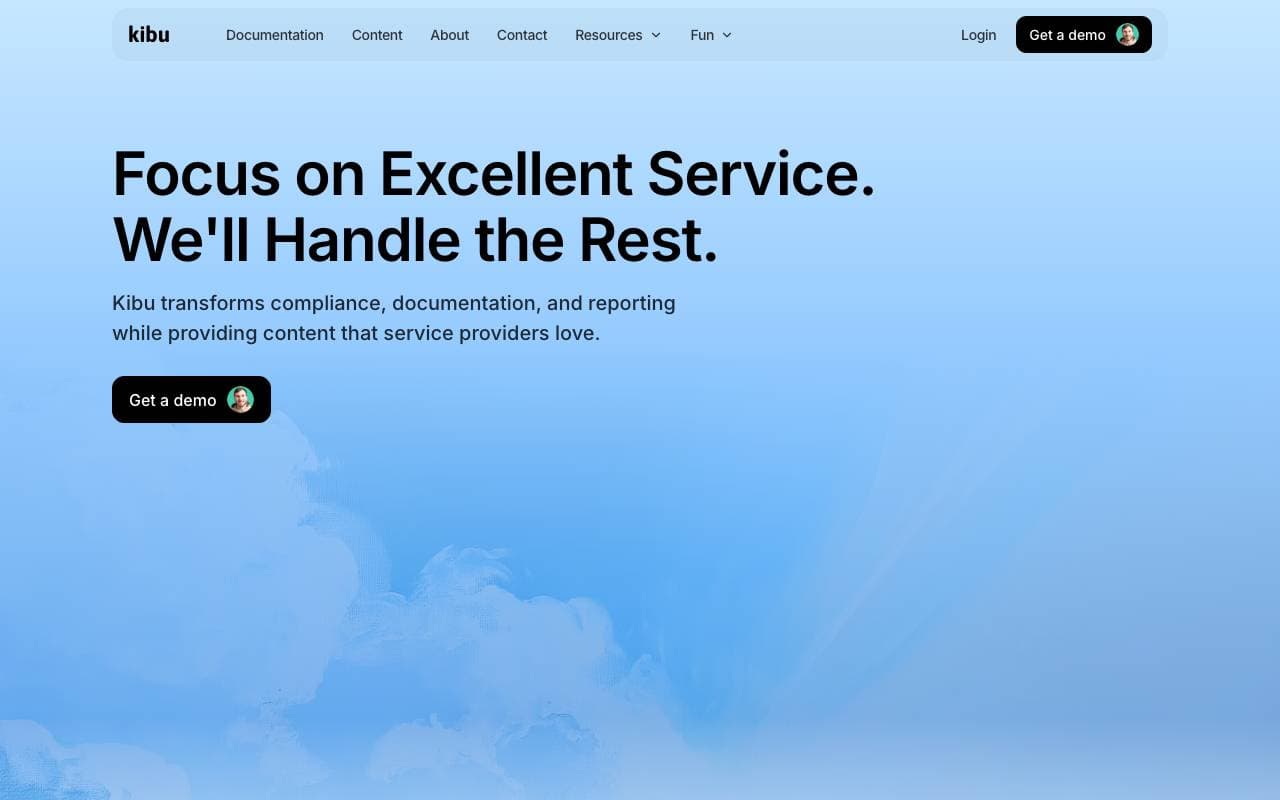

Kibu
AIドキュメントエージェント
サービス デリバリーをスピーディかつ効果的に行う AI パワーで、チームは顧客に焦点を合わせたことができます。
Trending now


Reducto AI
アサインケャクターサンツィルプログ・パトロクソーダバヺスクト
複雑なPDF、スライド、スプレッドシートを.parse、分割、OCR、構造化データを抽出するドキュメント インテリジェンス API。


Biology AI
花給方引用ブォイコテター
正確な宿題の助けとなる説明がある


AdCrier
マーケティングおよび広告
スポンサード回答、クリックごとに収益


Beam AI
AI エージェント
エンタープライズ向けプロセス自動化のパイオニア、自律学習型AIエージェントを活用し、業界を問わずワークフローを高速かつ精度98%でストリーミングするプラットフォーム。