SlideSpeakGeneratore di presentazioni AI che trasforma documenti, punti di partenza e idee in diapositive di PowerPoint editabili.

Panoramica
Funzionalità chiave
- Generazione di presentazioni di testo a diapositive
- Conversione da documenti a diapositive (PDF, DOCX)
- Temi e temi interni
- Esportazione in PPTX per edizione offline
- Riassunto e domande di documenti
- Sostegno multilingue
Prezzi
- Modello
- $4
- Valutazione
- 4.7 / 5 (6)
Casi d’uso
Genera diapositive da un punto di partenza
Descrivere un argomento in testo e fare in modo che SlideSpeak elabori una cartella di diapositive strutturata con titoli, punti elencati e oggetti visivi pronti per l'edizione.
Converti rapporti in presentazioni
Carica file PDF o documenti Word e trasforma automaticamente lunghi rapporti in presentazioni ricapitolate, pronte per diapositive di PowerPoint.
Traduci deck per audienze mondiali
Utilizza il sostegno multilingue per tradurre presentazioni esistenti, aiutando le squadre a condividere i contenuti in mercati internazionali e stakeholder.
Decks di progetto di studente veloci
Gli studenti possono trasformare appunti di ricerca o file di origine in presentazioni tema in rapida maniera, poi poterli ulteriormente raffinare in PowerPoint, Google Slides o Keynote.
Pro & contro
Pro
- Generazione rapida di diapositive da punti di partenza o documenti
- Esegue esportazione in formato di PowerPoint editabile
- Sostiene la sintesi e la ristrutturazione di file esistenti
- Temi e temi per stile coerente
- Limitazioni nella personalizzazione del design rispetto a strumenti dedicati
Contro
- Il contenuto generato dall'IA può richiedere revisioni e modifiche manuali
- L'evasione personalizzata del design è più limitata rispetto a strumenti dedicati
- I risultati migliori necessitano di input chiari o fonti ben strutturate
Storico battaglie
Su 1 battaglia nel Pantheon.
Last battle
Recensioni
Media su 6 valutazioni.
Accedi per lasciare una recensione.

Compared a few options
Evaluated this against two competitors. Where it wins: document-to-slides conversion (PDF, DOCX) and templates and themes for consistent styling. Where it lags: design customization is more limited than dedicated tools. On balance the feature set — especially text-to-presentation generation — justifies the 5 stars for our use case.
Use it every day
Honestly didn't expect to like it this much. Built-in templates and themes is exactly what I needed, and exports to editable PowerPoint format. I do wish aI-generated content may need manual review and edits, but I reach for it almost every day now and it just clicks.
Skeptical, then convinced
I went in skeptical — most tools in this space overpromise. It actually delivers on document-to-slides conversion (PDF, DOCX), and fast slide generation from prompts or documents caught me off guard. Best results require clear input prompts or well-structured sources is why this isn't a perfect score, still, I'd recommend giving it a real trial.
Skeptical, then convinced
I went in skeptical — most tools in this space overpromise. It actually delivers on built-in templates and themes, and supports summarizing and reformatting existing files caught me off guard. Best results require clear input prompts or well-structured sources is why this isn't a perfect score, still, I'd recommend giving it a real trial.
Years in this space
I've evaluated a lot of these over the years. What stands out here is built-in templates and themes — handled better than most — and exports to editable PowerPoint format. Worth the time if this is your use case.
Use it every day
Honestly didn't expect to like it this much. Document summarization and Q&A is exactly what I needed, and exports to editable PowerPoint format. but I reach for it almost every day now and it just clicks.
Domande e risposte
How do I create a PowerPoint presentation with AI?
Simply enter a topic, paste your text, or upload a document like a PDF or Word file. SlideSpeak's AI analyzes your content and generates a complete, professionally designed PowerPoint presentation in minutes. You can then edit, customize, and download it as a .pptx file ready for use.
Asked by Chidi Okonkwo · Dec 8, 2025
Can I convert a PDF or Word document into a presentation?
Yes! SlideSpeak automatically transforms PDFs, Word documents, and Excel files into structured slide decks. The AI summarizes key points, organizes content logically, and applies professional layouts - no manual copying and pasting required.
Asked by Lindiwe Mahlangu · Nov 10, 2025
How does SlideSpeak compare to Gamma and other AI presentation tools?
Unlike Gamma, SlideSpeak generates native, editable PowerPoint files (.pptx) you can download and use anywhere - not locked into a web platform. SlideSpeak also lets you use your own PowerPoint templates and includes features like AI video generation and brand kits. See our full SlideSpeak vs Gamma comparison.
Asked by Fumiko Sato · Nov 6, 2025
Is SlideSpeak good for consultants and business professionals?
SlideSpeak is one of the best AI presentation tools for consultants and business professionals. Convert client briefs, reports, and research into polished slide decks in minutes. Apply your brand colors and fonts automatically, and export to PowerPoint for client-ready deliverables.
Asked by Beatriz Costa · Nov 5, 2025
Can I create a presentation with AI using my own template?
Yes! You can upload your own PowerPoint template (.pptx or .potx) or use SlideSpeak's Brand Kit feature to apply your company's fonts, colors, and logo. The AI respects your design system while generating content, so every presentation stays on-brand.
Asked by Gustav Lindberg · Oct 22, 2025
Fai una domanda
Alternative a Operazioni per la Vendita e il Guadagno
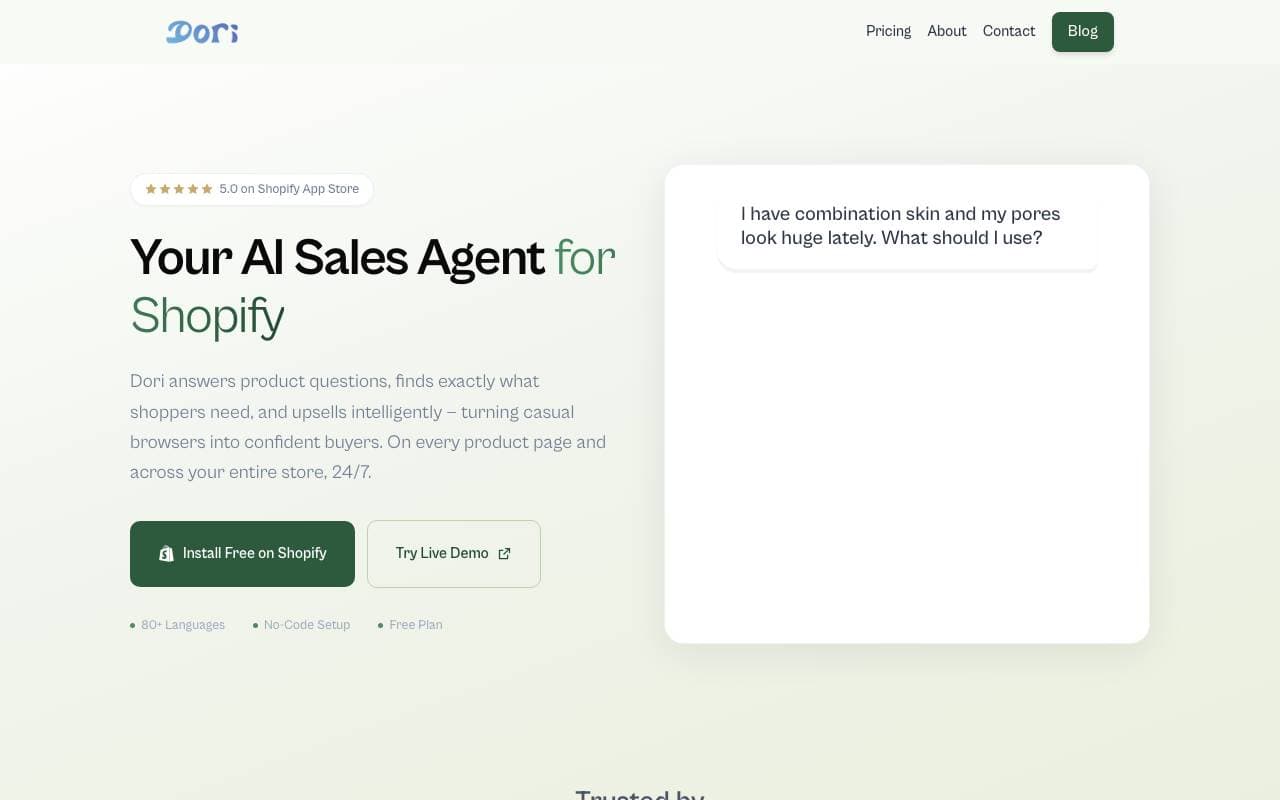

Dori
Operazioni per la Vendita e il Guadagno
Agente di vendite AI che aiuta i negozi Shopify a convertire più acquirenti tra i visitatori.
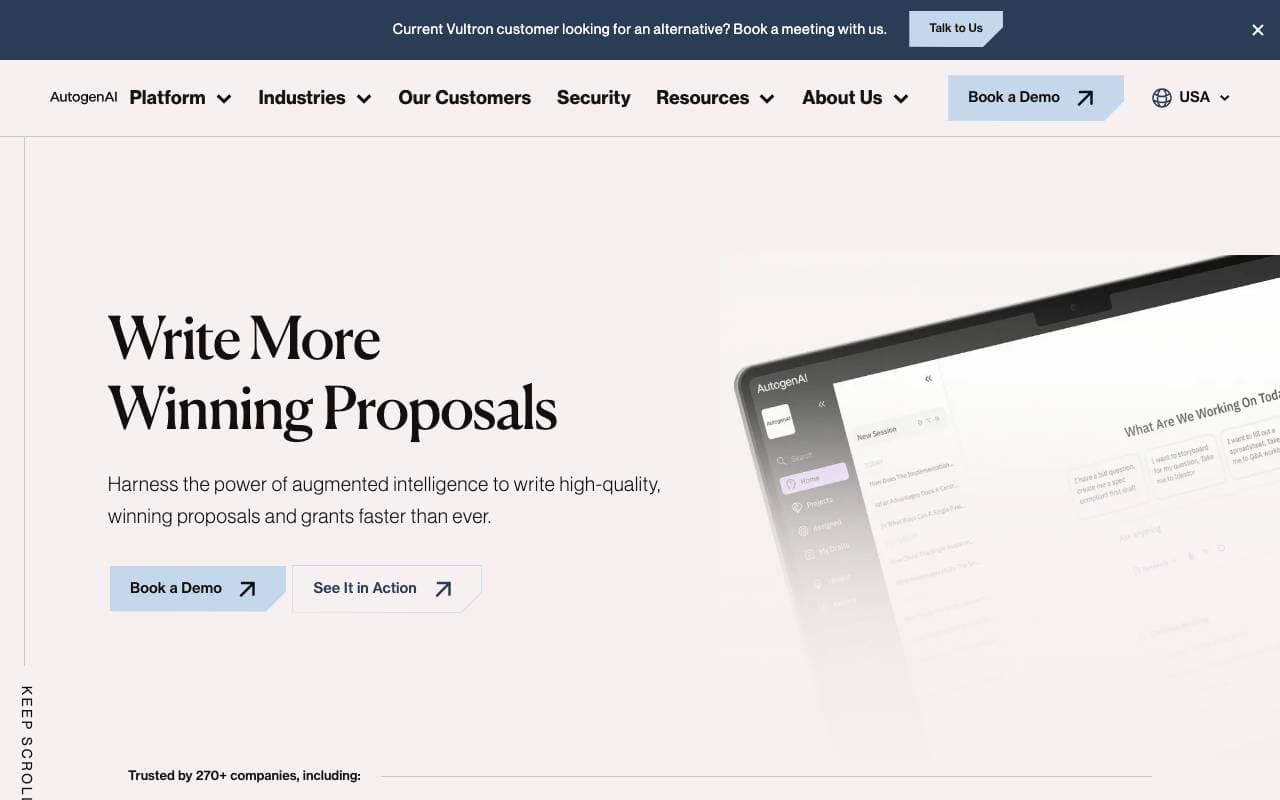
AutogenAI
Operazioni per la Vendita e il Guadagno
Piattaforma di scrittura automatizzata di offerte, proposte e candidature di fondi basata sull'intelligenza artificiale per team delle imprese


matmat AI
Operazioni per la Vendita e il Guadagno
Postino unificato che utilizza l'intelligenza artificiale per rispondere istantaneamente a lead su ogni canale.


Jason AI
Operazioni per la Vendita e il Guadagno
Assistente commerciale AI che trova leads, esegue outreach e prenota riunioni in autopilota.

Kolena Go-to-Market Agents
Operazioni per la Vendita e il Guadagno
Agenti AI per automatizzare flussi di lavoro go-to-market utilizzando i tuoi dati di vendita e di marketing.
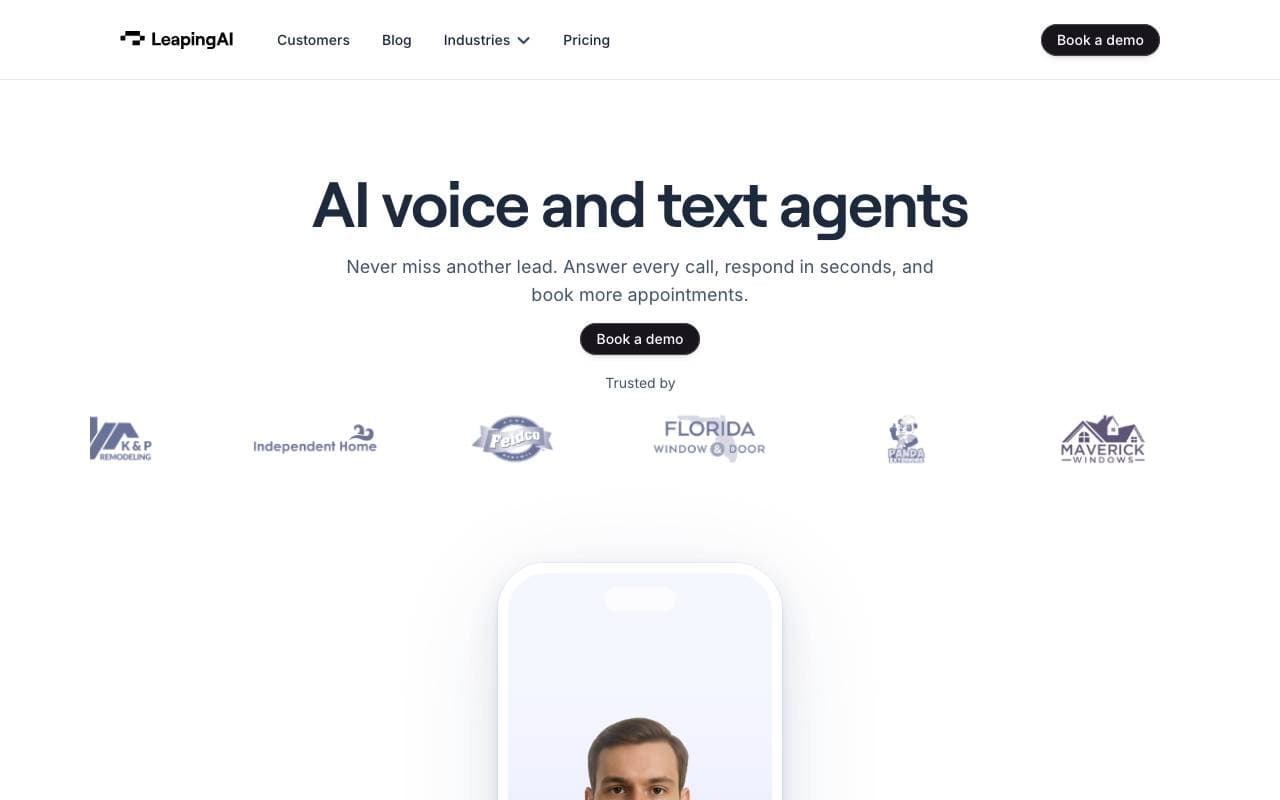

Leaping AI voice agents
Operazioni per la Vendita e il Guadagno
Aggiungi agenti vocali AI per automatizzare le operazioni delle chiamate al centro di assistenza e migliorare la soddisfazione del cliente.
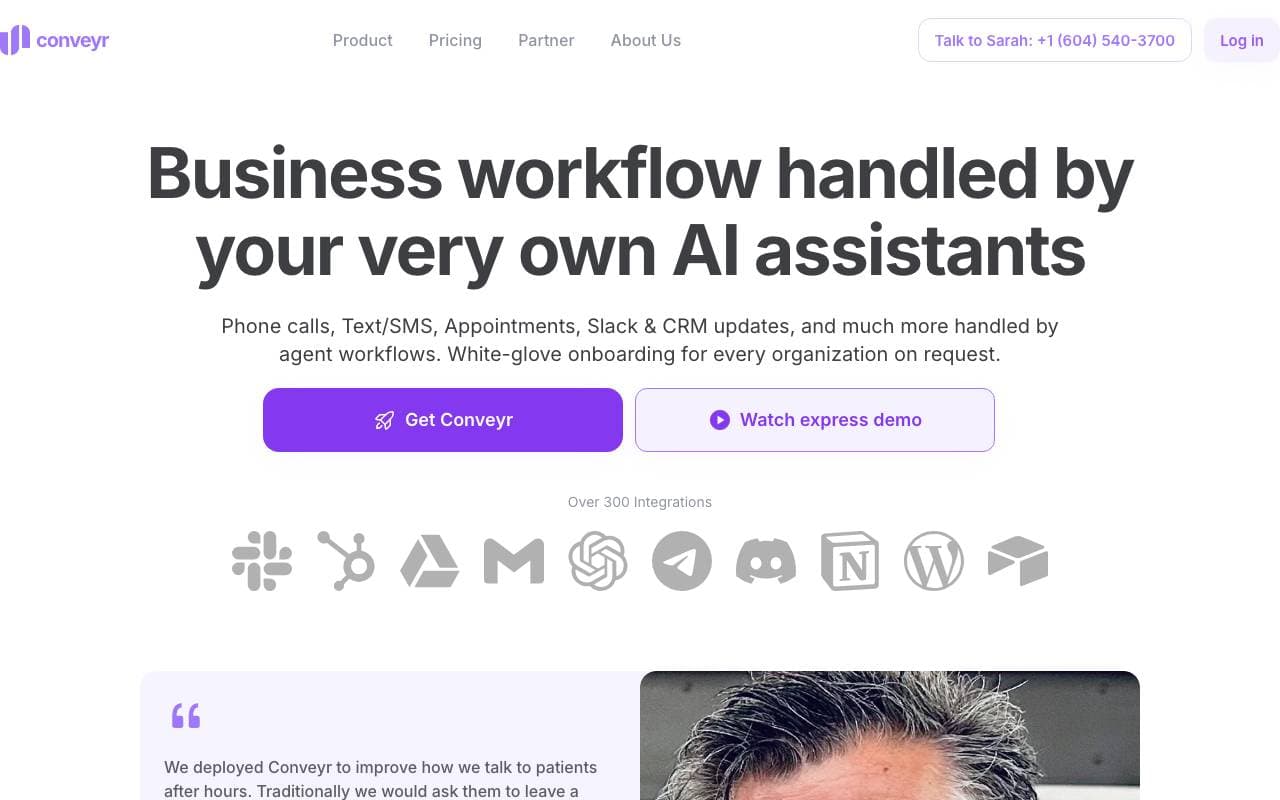
Conveyr
Operazioni per la Vendita e il Guadagno
Assistente AI che automa risposte a questionari di sicurezza e RFP
Jsonify
Operazioni per la Vendita e il Guadagno
Aggenti AI che estraggono dati JSON strutturato da siti web in scala
Trending now


Reducto AI
Piattaforme per lo Sviluppo di Agenti AI
API di intelligenza dei documenti che elabora, suddivide, riconosce testi da immagine e estrae dati strutturati da PDFs complessi, diapositive e fogli elettronici


AdCrier
Marketing & Publicità
Risposte sponsorizzate, pagate per clic


Biology AI
Intelligenza Artificiale per l"Educazione
Aiuto di Alta Qualità per i Compiti con Spiegazioni Dettagliate


Pin AI
Automazione di workflow
Recruiter AI Agent che automatizza la sorgenza, lo screening e la outreach per velocizzare il processo di assunzione.