
Shogo AIPiattaforma AI basata su visualizzazioni che genera dashboard interattivi e strumenti da promemoria.

Panoramica
Funzionalità chiave
- Generazione di dashboard interattivi AI
- Creazione di strumenti e workflow da promemoria
- Componenti visuali al di là delle chat plain
- Interfacce di esplorazione e filtro dei dati
- Strumenti generati reutilizzabili e condivisibili
Prezzi
- Modello
- Freemium
- Categoria
- Chatbot
- Valutazione
- 4.5 / 5 (4)
Casi d’uso
Rapid Dashboard Prototipi
Gli analisti possono descrivere le metriche in linguaggio naturale e generare dashboard interattivi istantaneamente, saltando la configurazione manuale richiesta dai tradizionali strumenti BI.
Esplorazione Ad-Hoc dei Dati
Gli operatori esplorano i dataset attraverso componenti visivi cliccabili e modificabili piuttosto che charts statici o risposte in testo, consentendo una scoperta degli insight più rapida.
Creazione Leggera di Strumenti Interni
I team di prodotto generano strumenti e flussi di lavoro reutilizzabili e condivisibili dai comandi, riducendo la dipendenza dall'ingegneria per semplici utility interne.
Relazioni Visive per Utenti Non Tecnici
I clienti aziendali ottengono risposte visive interattive senza dover imparare il software BI, abbassando la barriera all'affidamento alle decisioni motivate dai dati all'interno dei team.
Pro & contro
Pro
- Genera visualizzazioni interattive invece di uscita testo solo
- Barriera di ingresso più bassa rispetto ai tradizionali strumenti BI
- Utile per prototipare rapidamente dashboard e workflow
- Incentiva l'esplorazione mediante componenti cliccabili
- Limitato ecosistema rispetto alle piattaforme BI consolidate
- Richiede rifinimenti visivi per usi di produzione
- Integrazioni limitate rispetto a strumenti BI maturi
Contro
- Piattaforma più nuova con un ecosistema più piccolo
- Output visivi potrebbero richiedere rifinimenti per usi di produzione
- Integrazioni limitate rispetto a strumenti BI tradizionali
- useCases
- :
- [object Object],[object Object],[object Object],[object Object]
Storico battaglie
Su 1 battaglia nel Pantheon.
Last battle
Recensioni
Media su 4 valutazioni.
Accedi per lasciare una recensione.
Skeptical, then convinced
I went in skeptical — most tools in this space overpromise. It actually delivers on visual components beyond plain chat, and generates interactive visuals instead of text-only output caught me off guard. still, I'd recommend giving it a real trial.
Solid for our team
We rolled this out across the team last quarter and generates interactive visuals instead of text-only output. Data exploration and filtering interfaces fits neatly into how we already work, and data exploration and filtering interfaces removed a step we used to do by hand. Limited integrations compared to established BI tools, which is the main caveat, but it has held up under daily use.
Skeptical, then convinced
I went in skeptical — most tools in this space overpromise. It actually delivers on prompt-based tool and workflow creation, and lower barrier than traditional BI tools caught me off guard. Newer platform with a smaller ecosystem is why this isn't a perfect score, still, I'd recommend giving it a real trial.

Compared a few options
Evaluated this against two competitors. Where it wins: visual components beyond plain chat and generates interactive visuals instead of text-only output. On balance the feature set — especially visual components beyond plain chat — justifies the 5 stars for our use case.
Domande e risposte
What are the limitations of Shogo AI for production‑grade dashboards?
As a newer platform with a smaller ecosystem, its visual outputs may require refinement before production use, and it currently offers fewer integrations than established BI solutions.
Asked by Idris Suleiman · Feb 4, 2026
Can non‑technical users create and modify dashboards with Shogo AI?
Yes, users simply describe their needs in natural language prompts; Shogo’s agents automatically wire data, compose the UI, and generate interactive dashboards, lowering the barrier compared to traditional BI tools.
Asked by Youssef El-Sayed · Jan 7, 2026
What integrations does Shogo AI support for connecting existing tools?
Shogo AI includes "1000 bridges" to the tools your team already uses, allowing agents to connect and reshape workflows across a wide range of applications, though specific partner integrations are not listed.
Asked by Olamide Fashola · Jan 2, 2026
How does pricing work for Shogo AI and is there a free tier?
Shogo AI offers a free starter plan that lets you begin building dashboards and workflows at no cost; beyond that, plans are unlimited and you can upgrade for additional features, though exact pricing tiers are not detailed in the provided information.
Asked by Jamal Carter · Dec 10, 2025
Fai una domanda
Alternative a Chatbot
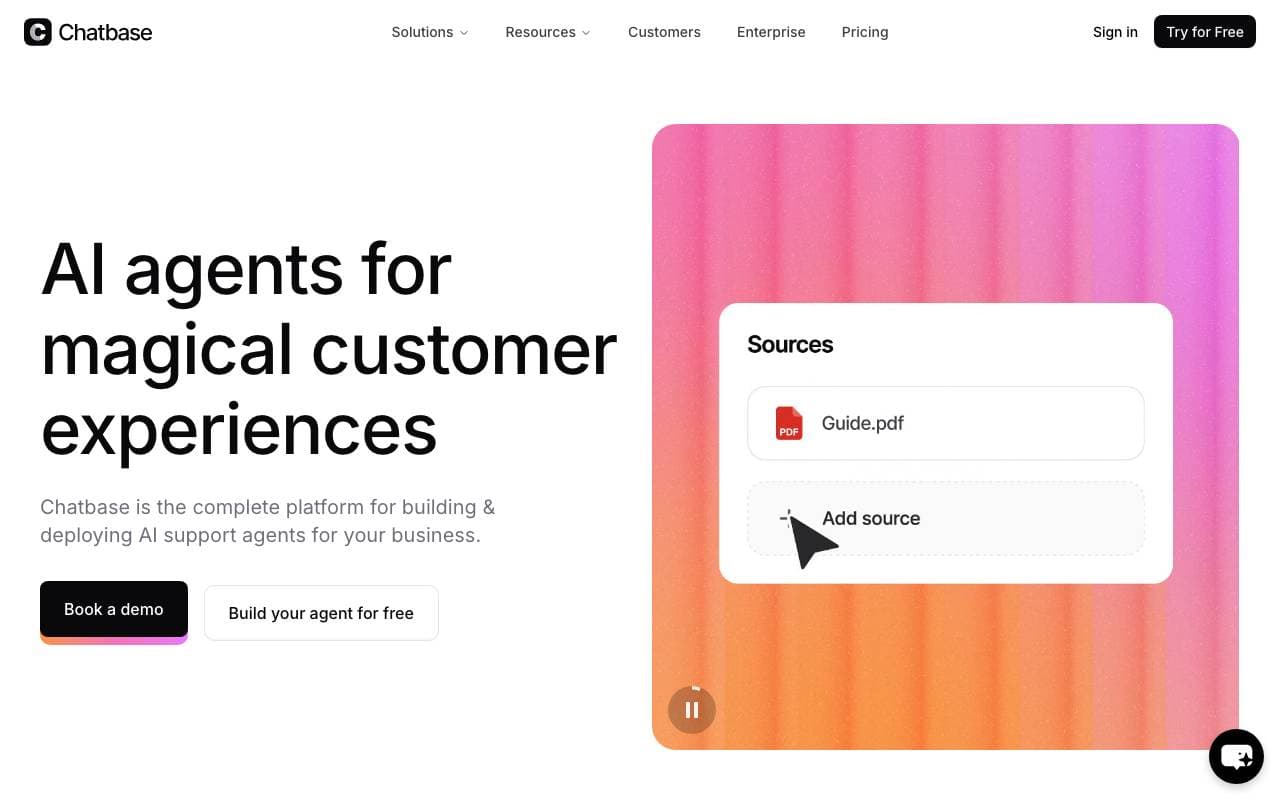
 ChatbaseChatbot
Crea e distribuisci chatbot AI personalizzati addestrati sui dati aziendali
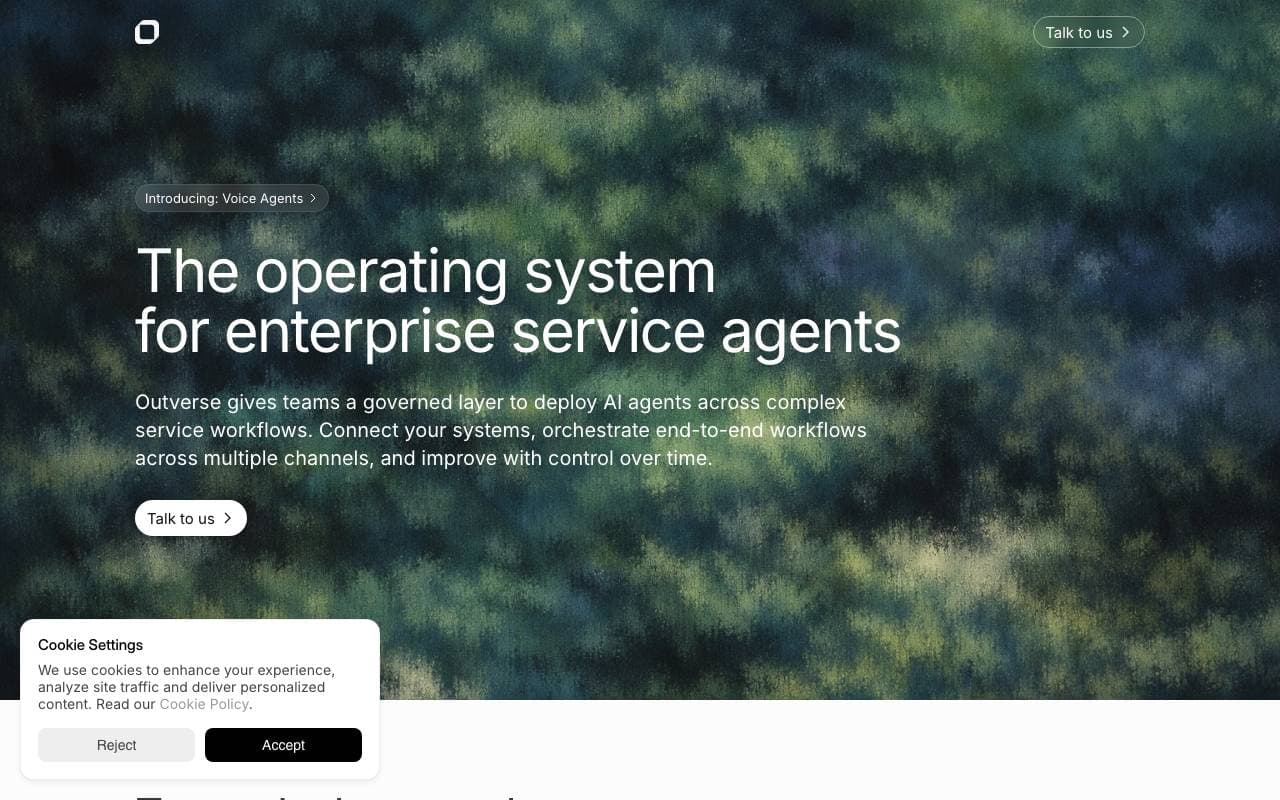
 OutverseChatbot
Una piattaforma di supporto ai clienti alimentata da AI che automatizza la risoluzione delle richieste e migliora l'esperienza dei clienti.

 Marvyn AIChatbot
Agente di supporto clienti AI costruito per negozi Shopify per automatizzare le domande degli acquirenti e l'aiuto alle ordinazioni.

 InnerVoiceChatbot
Compagno di benessere mentale con analisi delle emozioni e guida basata sulla terapia comportamentale cognitiva

 Website SEO ScannerChatbot
Scansionatore SEO gratuito con assistente di chat AI per l'aumento della visibilità del sito

 ReplikaChatbot
Compagna chatbot AI progettata per la conversazione, il sostegno emotivo e lo sviluppo personale.
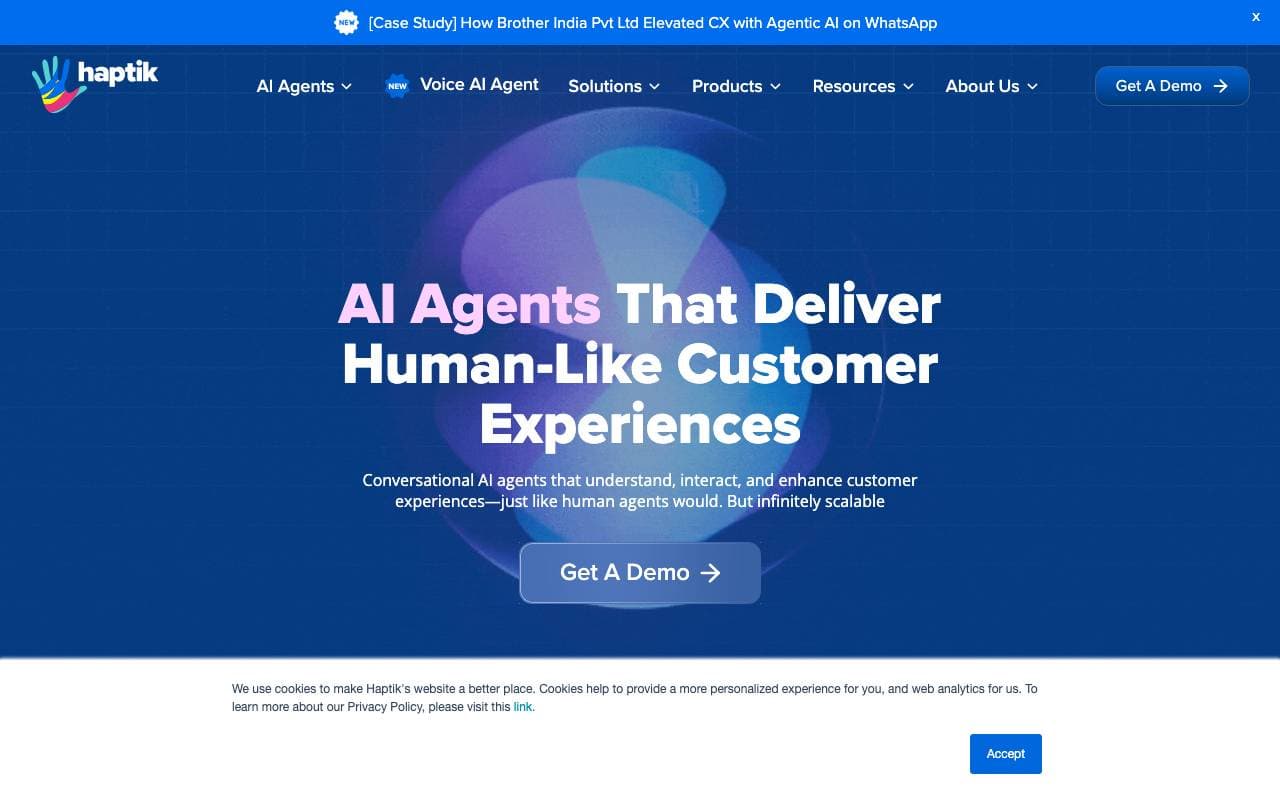
 HaptikChatbot
Piattaforma IA conversazionale per l'automazione dei servizi clienti, delle vendite e dell'impegno su diversi canali.

 Fire Chat MusicChatbot
Assistente per chat alimentato dall'IA per scoprire e esplorare la musica
Trending now

 Biology AIIntelligenza Artificiale per l"Educazione
Aiuto di Alta Qualità per i Compiti con Spiegazioni Dettagliate

 Reducto AIPiattaforme per lo Sviluppo di Agenti AI
API di intelligenza dei documenti che elabora, suddivide, riconosce testi da immagine e estrae dati strutturati da PDFs complessi, diapositive e fogli elettronici

 AdCrierMarketing & Publicità
Risposte sponsorizzate, pagate per clic

 Pixtral 12B 24.09Modelli Linguistici di Raffinamento
Modello multimodale di 12B con finestra di contesto di 128K per l'elaborazione di immagini e testi intercalati.