KommentDocumentazione del codice automatica che resta in sincrono con il tuo codebase.

Panoramica
Funzionalità chiave
- Commenti e docstring inline automatici
- Aggiornamenti di documentazione continui sulle modifiche al codice
- Supporto per il codice in diverse lingue
- Integrazione con flussi di lavoro dei developers
- Riepilogi del livello del codebase e spiegazioni
Prezzi
- Modello
- Free
- Categoria
- Agenti dei Documenti AI
- Valutazione
- 4.6 / 5 (5)
Casi d’uso
Genera automaticamente le docstring per i codici precedenti
Esegui Komment su un codebase precedente non documentato per produrre automaticamente commenti inline e docstring per le funzioni, le classi e i moduli esistenti.
Mantieni la documentazione in sincrono con le modifiche
Integra Komment nel flusso di lavoro di sviluppo per che la documentazione sia automaticamente aggiornata ogni volta che il codice viene modificato, prevenendo così documentazioni obsolete o vecchiotte.
Accelera l'ingresso dei nuovi developers
Fornisci ai nuovi membri dell'equipe dei riassunti e delle spiegazioni del livello del codebase prodotti da Komment per aiutarli a capire meglio un sistema sconosciuto.
Stabilisci il documento standardizzato per i progetti poliglotti
Utilizza il supporto per diverse lingue di Komment per mantenere uno stile di documentazione coerente attraverso i repository costruiti in diverse lingue di programmazione.
Pro & contro
Pro
- Crea la documentazione automaticamente dai codici esistenti
- Mantiene gli aggiornamenti dei doc quando il codebase evolve
- Supporta diverse lingue di programmazione
- Riduce lo sforzo di documentazione manuale per i developers
- Integra nel flusso di lavoro dei developers
Contro
- Le spiegazioni prodotte dall'AI possono richiedere un'esame umano
- La qualità può variare con il codice complesso o male strutturato
- È meno utile per gli equipe che mantengono un approfondito documento
Storico battaglie
Su 1 battaglia nel Pantheon.
Last battle
Recensioni
Media su 5 valutazioni.
Accedi per lasciare una recensione.
Compared a few options
Evaluated this against two competitors. Where it wins: integration with developer workflows and supports multiple programming languages. Where it lags: quality can vary with complex or poorly structured code. On balance the feature set — especially automated inline comments and docstrings — justifies the 4 stars for our use case.
Use it every day
Honestly didn't expect to like it this much. Multi-language code support is exactly what I needed, and keeps docs in sync as the codebase evolves. but I reach for it almost every day now and it just clicks.
Solid for our team
We rolled this out across the team last quarter and keeps docs in sync as the codebase evolves. Integration with developer workflows fits neatly into how we already work, and codebase-level summaries and explanations removed a step we used to do by hand. but it has held up under daily use.

Use it every day
Honestly didn't expect to like it this much. Multi-language code support is exactly what I needed, and keeps docs in sync as the codebase evolves. I do wish aI-generated explanations may need human review, but I reach for it almost every day now and it just clicks.
Years in this space
I've evaluated a lot of these over the years. What stands out here is automated inline comments and docstrings — handled better than most — and generates documentation automatically from existing code. Worth the time if this is your use case.
Domande e risposte
How do I get started with Komment?
Sign in to Komment using your email or git account, then connect a code repository. Trigger documentation jobs by clicking Quickstart or set up a schedule, and watch as Komment automatically builds your wiki.
Asked by Petra Vogel · Oct 3, 2025
Do you offer a free trial?
Yes, all new users automatically receive a 30-day free trial for any paid plan. Upon completion of the trial period, your account will automatically switch to the Free plan unless you choose to upgrade your subscription.
Asked by Fiorella Bianchi · Sep 13, 2025
How does Komment ensure accuracy?
Komment heavily leverages purpose-built algorithms, deterministic static analyses and multi-layer quality assurance to generate the best in-class output for technical documentation. Our rules-based approach to leveraging AI in production settings offers far superior performance over LLM wrappers. We also regularly run benchmarks against our output to continuously monitor reliability and performance. Fun fact — Komment's own code repos are documented by Komment as well!
Asked by Dmitri Volkov · Sep 8, 2025
Which languages and platforms does Komment support?
Languages Komment supports over 90 programming languages! Unless you're working with a highly specialized or obscure language, it's likely that Komment can generate a wiki for your codebase. Check out the full list of supported languages here. Dev Platforms You can use your GitHub, GitLab or BitBucket account to sign up and log in to Komment. You can also connect any GitHub-hosted repository to Komment for wiki generation. We plan to release adapters for GitLab and Bitbucket in 2025. Infrastructure Komment is available as a Software-as-a-Service (SaaS) solution at https://app.komment.ai. For teams that prefer self-hosting, Komment can be deployed on virtual private clouds (VPCs) via AWS, Azure, or GCP. Would you benefit from having Komment available in the AWS, Azure, or GCP Marketplace? Tell us about it and get early access to our marketplace offerings!
Asked by Nour Khalil · Aug 16, 2025
What types of documentation does Komment generate?
Komment currently generates: Usage instructions, Architectures diagrams, General overviews, Implementation details, API documentation, Security insights, Example snippets, In-code comments. Komment tailors documentation for each file based on its size, content, and complexity so that only the most relevant pieces from this list are produced for your code. Users on the Scale plan also receive documentation as markdown files submitted to their repo as a pull request, allowing them to keep their docs alongside their code. If your business needs a specific kind of documentation, let us know and we'll make it happen!
Asked by Olga Ivanova · Aug 7, 2025
Fai una domanda
Alternative a Agenti dei Documenti AI


PerfectParser
Agenti dei Documenti AI
Agenti AI senza codice per l'estrazione dei dati dei documenti, fatturato per pagina.


Converzation AI
Agenti dei Documenti AI
Chatbot automatizzati di assistenza al cliente che utilizzano dati aziendali per rispondere a domande


GeniiAI
Agenti dei Documenti AI
Agente intelligente per assistente di ufficio che automatisca i flussi di lavoro di ogni giorno con un equipaggio di bot specializzati.
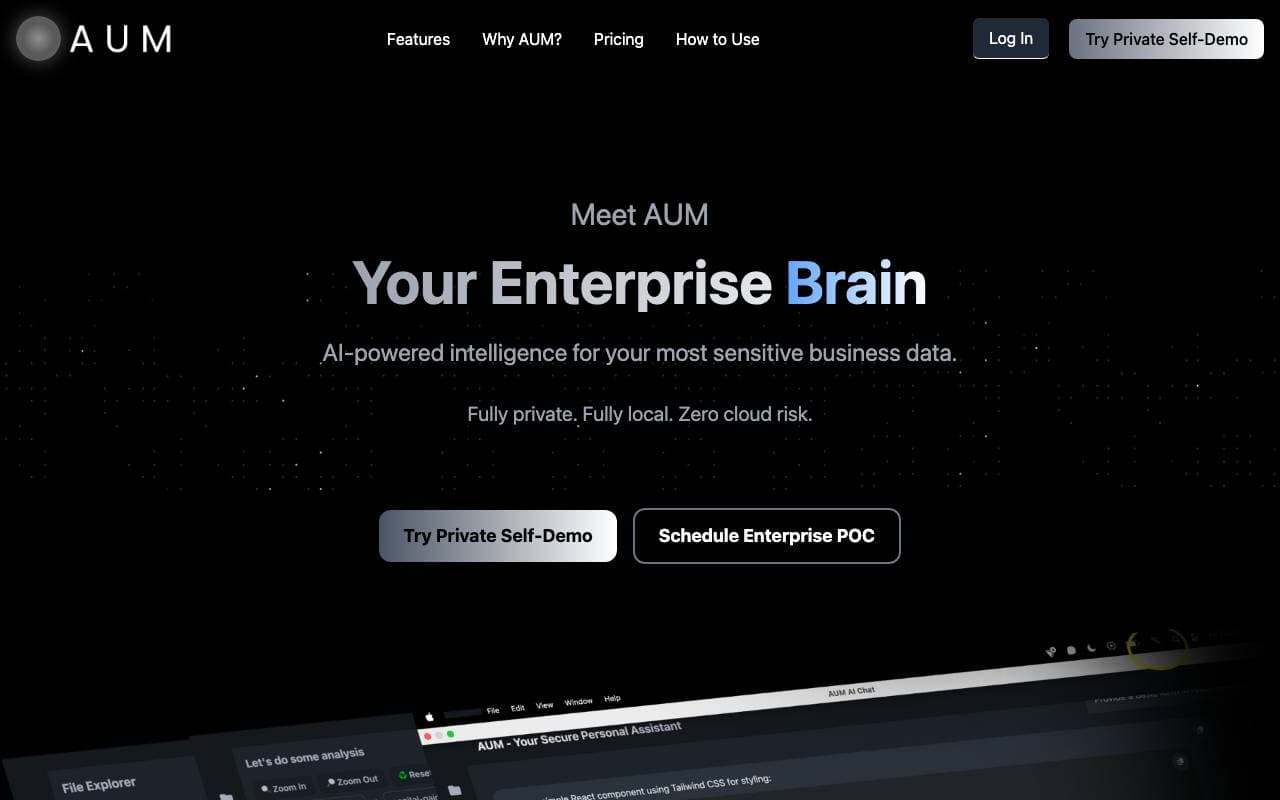

AUM
Agenti dei Documenti AI
Livello di intelligenza alimentato dall'IA per l'analisi dei dati aziendali sensibili in modo sicuro.

Context
Agenti dei Documenti AI
Suite ufficio AI che automata presentazioni, documenti e fogli di calcolo da partenza a arrivo.
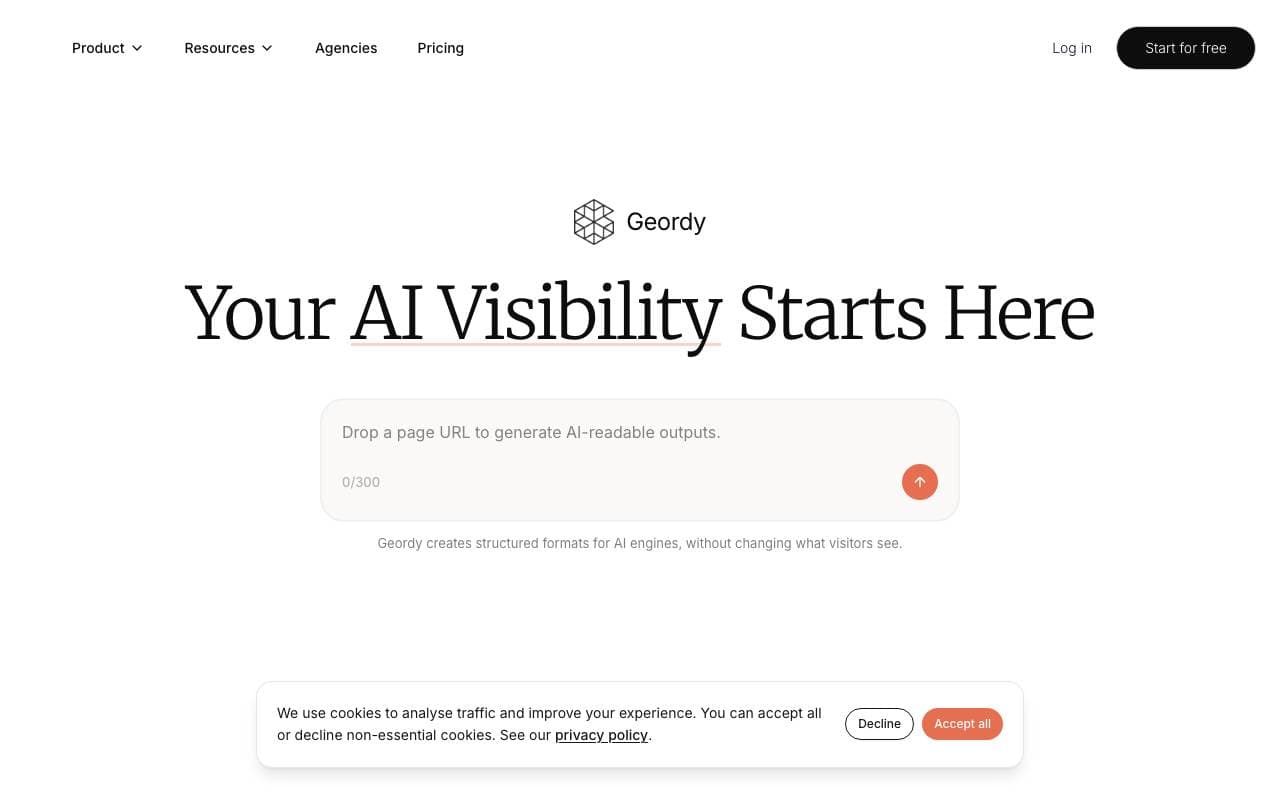

Geordy
Agenti dei Documenti AI
Rendi il tuo sito GEO-reale nell'istante in cui serve per la visibilità dei motori di ricerca AI.


Langbase Docs Agent
Agenti dei Documenti AI
Agente di intelligenza artificiale converszionale che consente agli utenti di chattare con le tue documentazioni
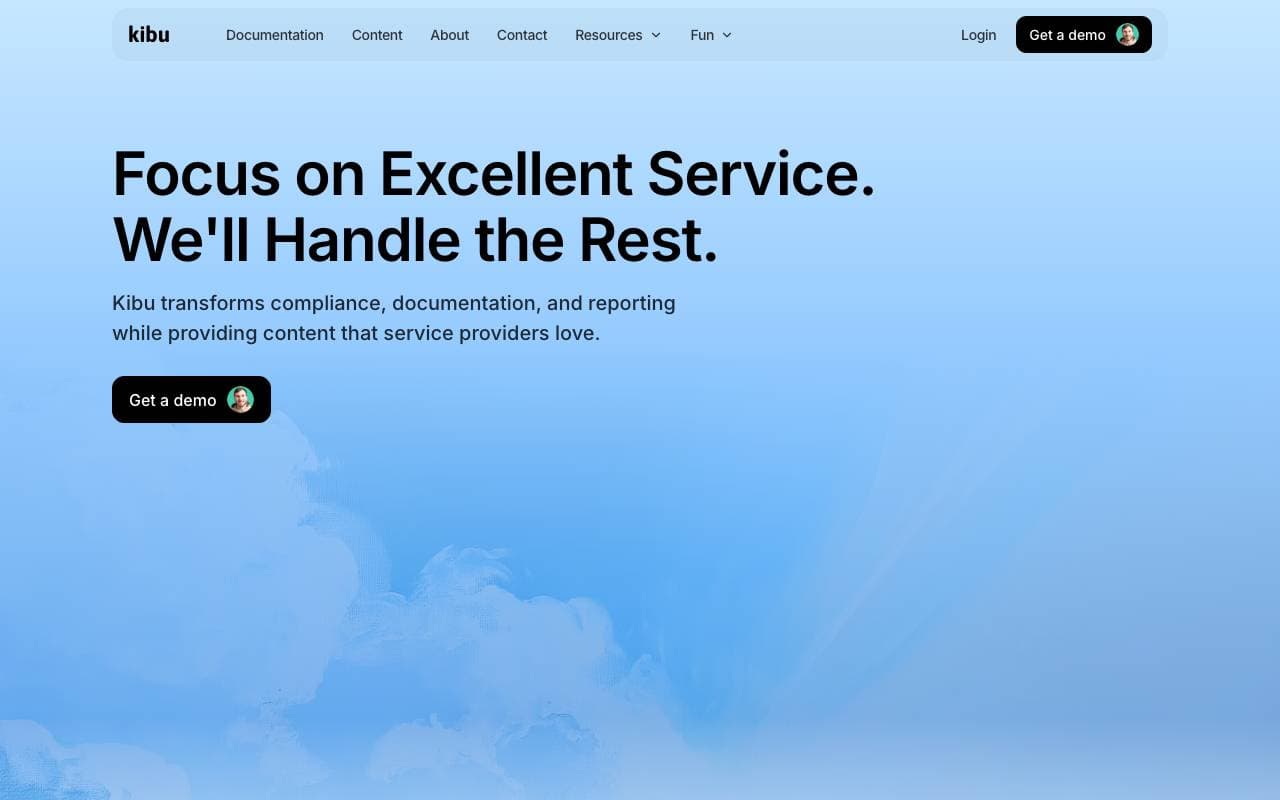

Kibu
Agenti dei Documenti AI
Piattaforma di supporto aiutata dall'IA che streamlines la deliverey dei servizi per consentire alle squadre di concentrarsi sui clienti.
Trending now


Reducto AI
Piattaforme per lo Sviluppo di Agenti AI
API di intelligenza dei documenti che elabora, suddivide, riconosce testi da immagine e estrae dati strutturati da PDFs complessi, diapositive e fogli elettronici


Biology AI
Intelligenza Artificiale per l"Educazione
Aiuto di Alta Qualità per i Compiti con Spiegazioni Dettagliate


AdCrier
Marketing & Publicità
Risposte sponsorizzate, pagate per clic


Pin AI
Automazione di workflow
Recruiter AI Agent che automatizza la sorgenza, lo screening e la outreach per velocizzare il processo di assunzione.