
Coloringbook AIGeneratore di AI gratuito che converte i punti testuali in pagine da colorare stampabili in pochi secondi.

Panoramica
Funzionalità chiave
- Generazione di pagine da colorare mediante AI tramite testo
- Output di linea arte nero e bianco stampabile
- Interfaccia web-based, senza installazione di software
- Accedere gratis
- Sostegno di una grande varietà di soggetti e temi
- Download di file immagine per la stampa a casa su carta standard
Prezzi
- Modello
- Free
- Categoria
- Educazione
- Valutazione
- 4.5 / 5 (6)
Casi d’uso
Creazione di pagine da colorare pronte per stampare per i venditori di Amazon KDP
Lo strumento di Generator di Pagine da Colorare AI consente agli utenti di creare progetti di design originali e di alta qualità per i loro prodotti Amazon KDP in pochi secondi.
Converzione di foto in pagine da colorare stampabili
L'strumento consente agli utenti di caricare un'immagine e generare istantaneamente una pagina da colorare, ideale per creare libri di colorazione personalizzati.
Conversione di punti testuali in pagine da colorare stampabili e libri
Gli utenti possono descrivere le loro idee e far convertire l'AI per produrre pagine da colorare pulite e artistiche che possono essere stampate o scaricate, oppure creare un libro da colorare multi-page.
Pro & contro
Pro
- Utilizza a noleggio gratuito senza abilità di disegno
- Genera pagine uniche da punti testuali piani
- Utile per i genitori, gli insegnanti e i progettisti di eventi
- Risparmio di tempo rispetto al disegno manuale
Contro
- Qualità dell'output dipende dalla chiarezza del prompt
- La linea arte può richiedere pulizia prima di stampare
- Controllo limitato sulle dettagli artistiche fini
- Varietà di stili può essere più stretta di quella dei generatori di immagini generali
Storico battaglie
Su 2 battaglie nel Pantheon.
Last 2 battles
Recensioni
Media su 6 valutazioni.
Accedi per lasciare una recensione.
Years in this space
I've evaluated a lot of these over the years. What stands out here is text-to-coloring-page AI generation — handled better than most — and useful for parents, teachers, and event planners. Limited control over fine artistic details is my one real gripe. Worth the time if this is your use case.
Skeptical, then convinced
I went in skeptical — most tools in this space overpromise. It actually delivers on supports a wide range of subjects and themes, and useful for parents, teachers, and event planners caught me off guard. Line art may need cleanup before printing is why this isn't a perfect score, still, I'd recommend giving it a real trial.
Solid for our team
We rolled this out across the team last quarter and fast turnaround compared to manual illustration. Free access tier fits neatly into how we already work, and printable black-and-white line art output removed a step we used to do by hand. but it has held up under daily use.
Compared a few options
Evaluated this against two competitors. Where it wins: supports a wide range of subjects and themes and generates unique pages from plain-text prompts. Where it lags: line art may need cleanup before printing. On balance the feature set — especially text-to-coloring-page AI generation — justifies the 4 stars for our use case.
Use it every day
Honestly didn't expect to like it this much. Supports a wide range of subjects and themes is exactly what I needed, and free to use with no design skills required. but I reach for it almost every day now and it just clicks.
Compared a few options
Evaluated this against two competitors. Where it wins: browser-based, no software install and useful for parents, teachers, and event planners. Where it lags: style variety may be narrower than general image generators. On balance the feature set — especially downloadable image files for home printing — justifies the 4 stars for our use case.
Domande e risposte
How do I remove watermarks or enhance image quality?
Watermark removal and image upscaling are available on Coloringbook.ai paid plans. Once you're on a qualifying plan, you can disable watermarks directly in the coloring page download settings. The Upscale for Print feature enhances each coloring page to a higher resolution — ideal for professional print-on-demand and Amazon KDP publishing where sharp, clean lines are essential.
Asked by Piotr Baranowski · May 1, 2026
Can I batch-generate multiple coloring pages at once?
Yes. The Coloringbook.ai AI coloring page generator supports batch creation, allowing you to generate dozens of unique coloring pages or build a complete coloring book in one workflow. This is especially useful for publishers producing themed coloring books at scale — you maintain consistent style across every coloring page while dramatically reducing production time.
Asked by Abebe Girma · Apr 27, 2026
Where are my previously created coloring books?
All your generated coloring pages and books are saved under Dashboard → My Creations. If you don't see a project, scroll down — older creations are listed chronologically.
Asked by Robert Ainsworth · Apr 12, 2026
Will my creation history be saved if I cancel my subscription?
Yes. All your generation records are permanently saved to your account, regardless of whether you have an active subscription. Every coloring page and coloring book you've ever created on Coloringbook.ai remains accessible in your history — cancelling a plan never deletes your work.
Asked by Hosanna Marte · Apr 11, 2026
What file formats can I download?
Coloringbook.ai supports two download formats for your generated coloring pages: PNG for individual high-resolution images, and PDF for complete coloring books or multi-page exports ready for printing or KDP upload. Both formats are available on paid plans, and the PDF export is the recommended option for Amazon KDP publishing.
Asked by Quang Nguyen · Apr 1, 2026
Fai una domanda
Alternative a Educazione

 LingoLeopardEducazione
Impara le lingue attraverso letture immersive assistite dall'AI di testi reali.
 flashpaperaiEducazione
Assistente AI per trovare articoli accademici e generare sommari di ricerca rapidamente.

 PerfectEssayWriter.aiEducazione
Assistente di scrittura di AI per la redazione di saggi accademici da un promemoria di argomento.
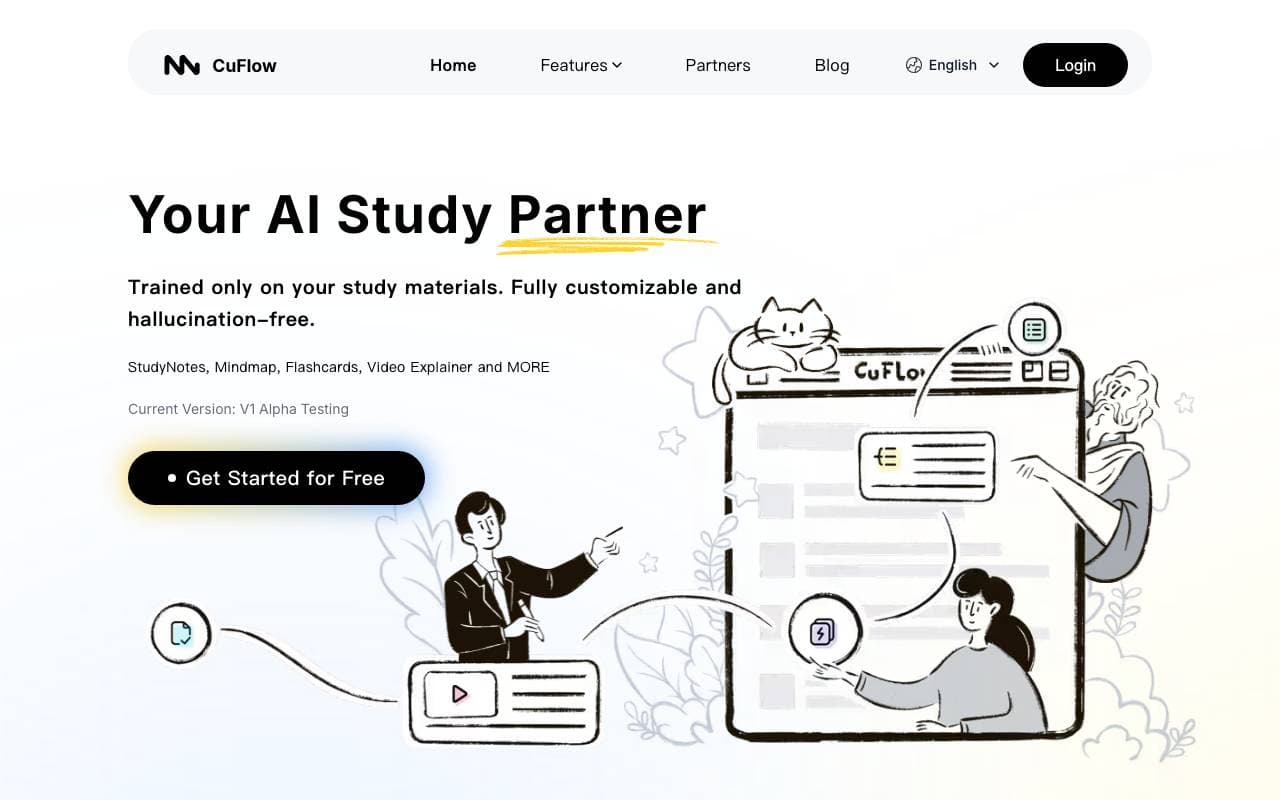
 CuflowEducazione
Trasforma documenti e video in riassunti, flashcards e quiz con l'intelligenza artificiale.

 LoveStudy.aiEducazione
Compagno di studio alimentato dall'intelligenza artificiale per girare appunti in flashcard, quiz e riassunti.
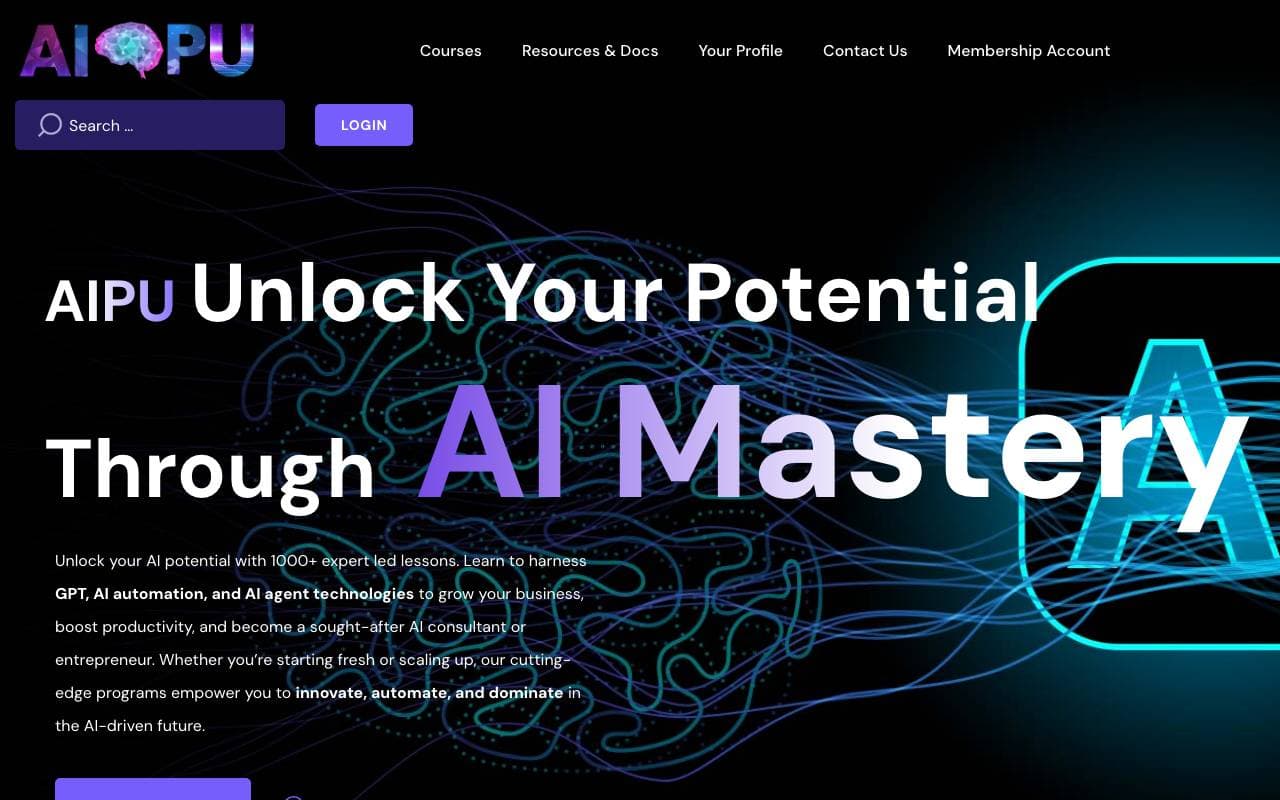
 AIPUEducazione
Piattaforma di apprendimento per la maturazione della padronanza di ChatGPT e workflow di auto-ammodernamento AI
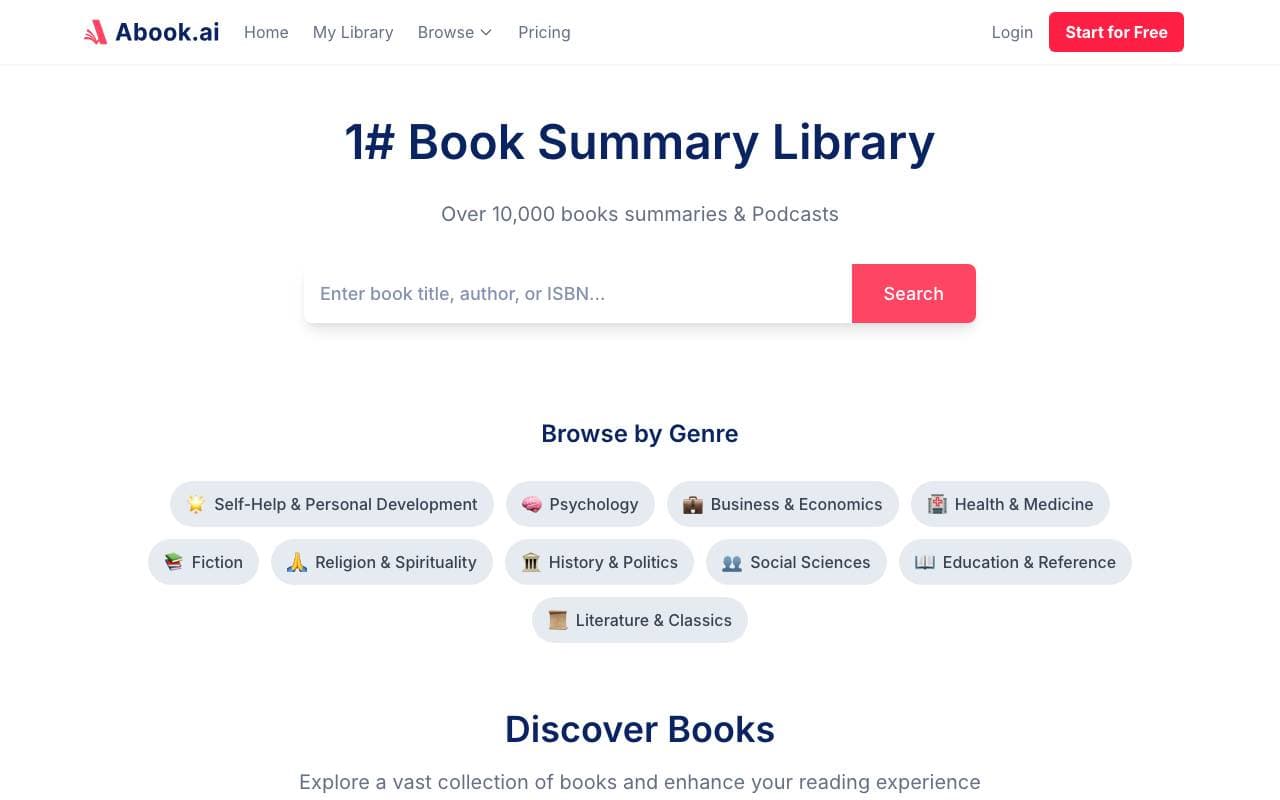
 AbookEducazione
Riassunti di libri generati dall'AI gratuiti, con podcast audio e download in PDF
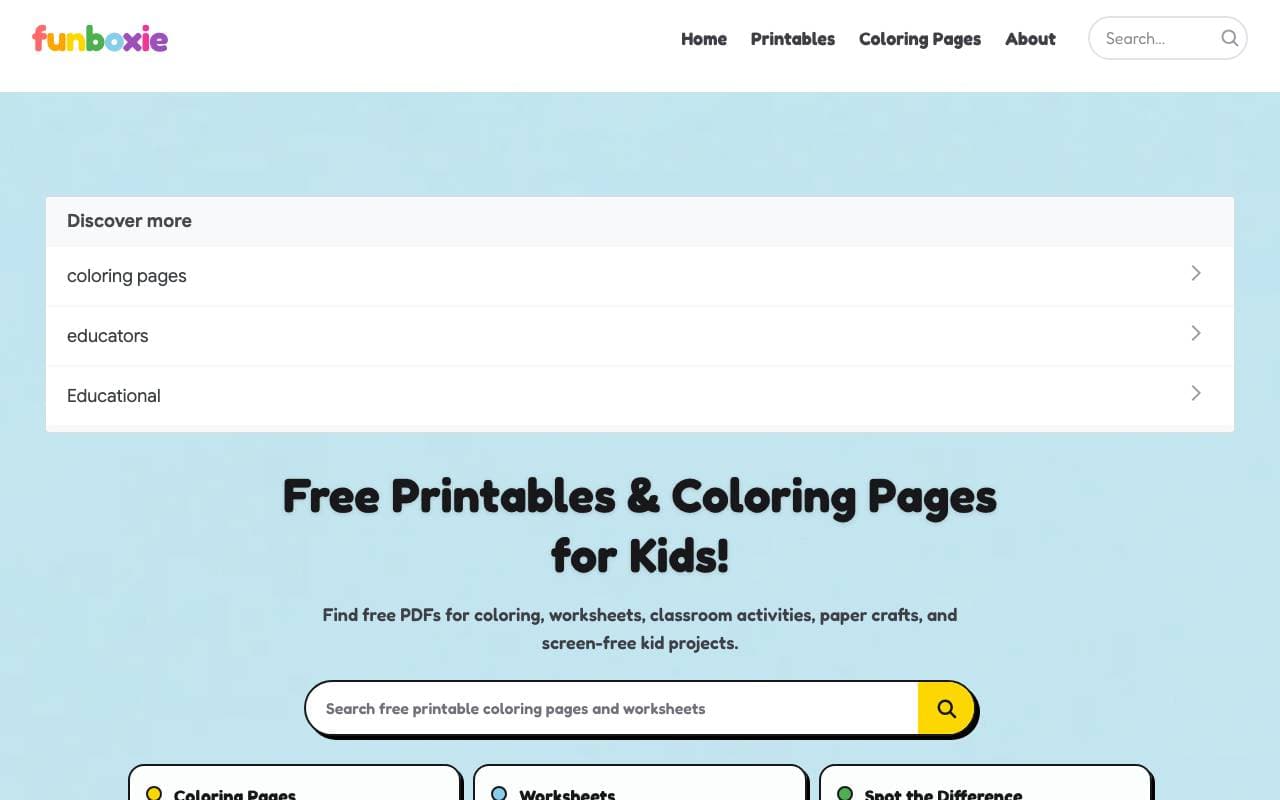
 FunboxieEducazione
Libero coloritura stampabile di pagine e fogli di esercizi educativi per bambini
Trending now

 Biology AIIntelligenza Artificiale per l"Educazione
Aiuto di Alta Qualità per i Compiti con Spiegazioni Dettagliate

 Reducto AIPiattaforme per lo Sviluppo di Agenti AI
API di intelligenza dei documenti che elabora, suddivide, riconosce testi da immagine e estrae dati strutturati da PDFs complessi, diapositive e fogli elettronici

 Pixtral 12B 24.09Modelli Linguistici di Raffinamento
Modello multimodale di 12B con finestra di contesto di 128K per l'elaborazione di immagini e testi intercalati.

 AdCrierMarketing & Publicità
Risposte sponsorizzate, pagate per clic