
Banana AI – Free AI Photo EditorEditor di foto AI gratuito e generatore di immagini guidato da semplici promemoria di testo.

Panoramica
Funzionalità chiave
- Generazione di immagini da testo
- Editing fotografico basato su promemoria
- Rimosso e sostituzione di sfondi
- Aggiunta o rimozione di oggetti
- Trasformazioni di stile e artistiche
- Accesso browser-based senza installazione richiesta
Prezzi
- Modello
- Free
- Categoria
- Immagini
- Valutazione
- 4.3 / 5 (4)
Casi d’uso
Edizioni rapide di immagini per social media
Creativi occasionale possono caricare foto e utilizzare promemoria per rimuovere sfondi, scambiare oggetti o applicare trasformazioni di stile per post senza imparare complesse tecnologie di editing.
Generazione di arte originale da promemoria
Designer e hobbyisti possono creare visuali nuove da zero tramite descrizioni semplici, utile per il concept art, le mood board o i progetti creativi sperimentali.
Rimozione e sostituzione di sfondi
Utenti possono isolare soggetti e posizionarli su sfondi nuovi attraverso semplici promemoria, ideale per scatti di prodotti, profili o visivi leggeri per la marketing.
Trasferimenti di stile per la sperimentazione creativa
Applica trasformazioni artistiche a foto esistenti per esplorare estetiche diverse, aiutando i creativi a iterare sulle idee visive velocemente e gratuitamente in browser.
Pro & contro
Pro
- Utilizzo gratuito senza limiti di pagamento per le funzionalità di base
- Flusso di lavoro basato su semplici promemoria per ridurre il curvo di apprendimento
- Gestione sia dell'editing che della generazione di immagini
- Esecuzione in browser senza installazione richiesta
Contro
- La resa del output può variare con promemoria complessi
- Controlli manuali fine-granulari limitati
- Servizio gratuito potrebbe avere limitazioni di utilizzo o coda di attesa
- Meno adatto per il lavoro produttivo professionale
Recensioni
Media su 4 valutazioni.
Accedi per lasciare una recensione.
Solid for our team
We rolled this out across the team last quarter and simple text-prompt workflow lowers the learning curve. Text-to-image generation fits neatly into how we already work, and prompt-based photo editing removed a step we used to do by hand. but it has held up under daily use.
Years in this space
I've evaluated a lot of these over the years. What stands out here is style and artistic transformations — handled better than most — and runs in the browser with no install required. Limited fine-grained manual controls is my one real gripe. Worth the time if this is your use case.

Does the job
Pretty happy overall. Text-to-image generation just works and free to use with no paywall for core features. Free service may have usage limits or queues can be annoying, but no dealbreakers — I'd recommend it to a friend without hesitating.
Skeptical, then convinced
I went in skeptical — most tools in this space overpromise. It actually delivers on object addition or removal, and free to use with no paywall for core features caught me off guard. Limited fine-grained manual controls is why this isn't a perfect score, still, I'd recommend giving it a real trial.
Domande e risposte
How does Banana AI handle privacy and data security?
Banana AI processes your images securely and does not share your data without your consent. Images are handled with privacy and security in mind throughout the editing process. Once you download or share your edited photo, it is under your control.
Asked by Winifred Adeyemi · Jul 6, 2026
Can I customize the edits in Banana AI?
Yes! While Banana AI offers pre-set styles like anime and Pixar, you can also use custom text prompts to create specific effects or transformations, allowing you to tailor the edits to your exact needs.
Asked by Halima Bello · Jun 19, 2026
Do I need any design experience to use Banana AI?
Not at all! Banana AI is designed to be user-friendly, so even if you don't have any design experience, you can easily transform your photos with simple text prompts. The tool is perfect for both beginners and professionals.
Asked by Ines Zeković · May 31, 2026
Can I use Banana AI for professional projects?
Yes! Banana AI is great for business use—whether you're creating marketing visuals, social media content, or product photos. Its ability to produce high-quality, consistent edits in seconds makes it perfect for businesses looking to enhance their creative assets.
Asked by Amina Diallo · May 27, 2026
How does Banana AI maintain consistency across edits?
One of the key features of Banana AI is its ability to maintain identity consistency across multiple edits. Even when you change the style or background, faces and key features remain recognizable, making it ideal for avatars or brand consistency.
Asked by Leila Hassan · May 15, 2026
Fai una domanda
Alternative a Immagini

 Banana PromptImmagini
Biblioteca di esempi di richiesta e generatore per la creazione di immagini AI con Nano Banana

 Made to SparkImmagini
Generatore di pin Pinterest con IA per creatori e mercanti

 Image to Image MakerImmagini
Generatore gratuito di immagini AI per la creazione, edizione e miglioramento visive a partire da foto esistenti.

 Duct Tape AIImmagini
Generatore di immagini AI con editing di input e collaborazione in team incorporata

 Kirkify AI FaceSwap GeneratorImmagini
Strumento di scambi facciali AI che trasforma le foto sovrapponendo l'immagine di Charlie Kirk su qualsiasi soggetto.

 AI Image Editor AgentImmagini
Editor di immagini AI gratuito e generatore alimentato da Gemini 2.5 Flash.

 OctoComicsImmagini
Strumento di creazione a base di intelligenza artificiale per trasformare le idee in storie illustrate.

 AI Personal Color AnalysisImmagini
Trova il tuo arco coloristico stagionale da una singola foto usando l'intelligenza artificiale.
Trending now

 Biology AIIntelligenza Artificiale per l"Educazione
Aiuto di Alta Qualità per i Compiti con Spiegazioni Dettagliate

 Pixtral 12B 24.09Modelli Linguistici di Raffinamento
Modello multimodale di 12B con finestra di contesto di 128K per l'elaborazione di immagini e testi intercalati.

 AdCrierMarketing & Publicità
Risposte sponsorizzate, pagate per clic
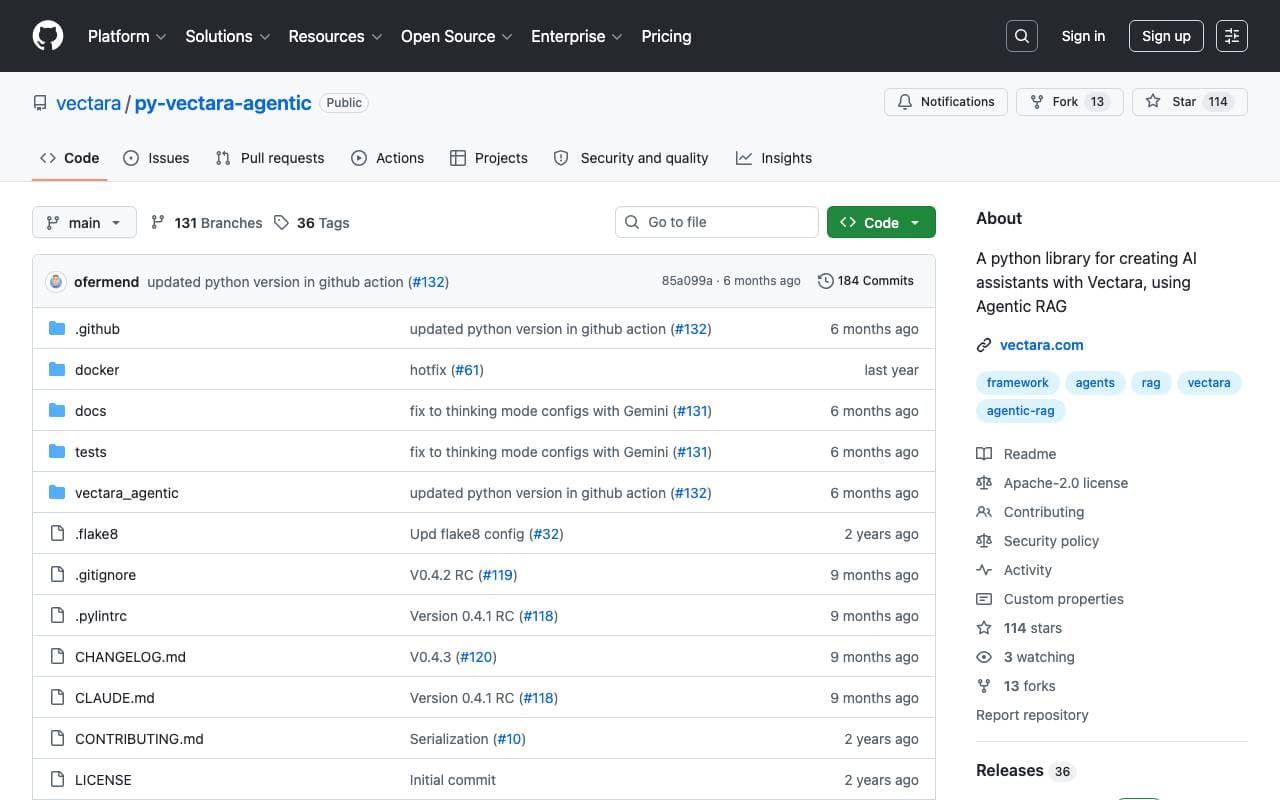
 Vectara-agenticArchitettura per Agenti AI
Raccolta gratuita di Python per la creazione di agenti AI potenziati da Rag su base di Vectara.