AutoQAAgenti AI che testano automaticamente il tuo software e catturano i bug fluttuanti dell'interfaccia utente prima che gli utenti lo facciano.

Panoramica
Funzionalità chiave
- Aggenti di testing AI autonomi
- Authorizzazione di test con linguaggio naturale
- Selezionate di auto-rinforzo
- Integrazione con CI/CD
- Verifiche di regressione visive e funzionali
- Tracce di fallimento dettagliate e screenshot
- Cons
Prezzi
- Modello
- Free
- Categoria
- Test di software
- Valutazione
- 4.8 / 5 (6)
Casi d’uso
Test di Regressione nei Pipelines CI/CD
Eseguire verifiche di regressione autonome su ogni pull request, catturando problemi visivi e funzionali prima che il codice venga inviato in produzione.
Sviluppo di Test in Linguaggio Naturale per PM e QA
Gli ingegneri non specializzati descrivono i flussi degli utenti critici in linguaggio naturale, permettendo all'agente AI di generare e eseguire i test senza expertise in scripting.
Eliminazione delle Falle dei Test di Interfaccia Utente Fluttuanti
Usare selettori che si autofissano e tentativi intelligenti di ripetenza per adattarsi ai cambiamenti di UI, riducendo i falsi positivi e le edizioni rumorose dei CI.
Scelta Semplice di Debugging con Tracce di Fallimento
Gli ingegneri diagnosticano i difetti velocemente usando le immagini a schermo, le tracce e le informazioni per la riproduzione che vengono fornite in modo automatico quando i test falliscono.
Pro & contro
Pro
- Riduce le fallite di testing fluttuanti
- Creazione di test senza codice a mezzo del linguaggio naturale
- Si adatta automaticamente ai cambiamenti dell'interfaccia
- Si integra con pipeline di CI/CD
- Relazioni dettagliate di fallimento con screenshot
- Riduce le fallite di testing fluttuanti
Contro
- Le decisioni dell'AI possono essere difficili da auditare
- Potrebbe mancare casi di angolo abbastanza personalizzati
- Ha bisogno di fiducia negli agenti autonomi
- Il costo può aumentare con la quantità di test
- useCases
- :
- [object Object],[object Object],[object Object],[object Object]
Recensioni
Media su 6 valutazioni.
Accedi per lasciare una recensione.
Compared a few options
Evaluated this against two competitors. Where it wins: cI/CD integration and detailed failure reports with screenshots. On balance the feature set — especially autonomous AI testing agents — justifies the 5 stars for our use case.

Skeptical, then convinced
I went in skeptical — most tools in this space overpromise. It actually delivers on self-healing selectors, and adapts to UI changes automatically caught me off guard. AI decisions can be hard to audit is why this isn't a perfect score, still, I'd recommend giving it a real trial.
Years in this space
I've evaluated a lot of these over the years. What stands out here is autonomous AI testing agents — handled better than most — and no-code test creation via natural language. AI decisions can be hard to audit is my one real gripe. Worth the time if this is your use case.
Use it every day
Honestly didn't expect to like it this much. Detailed failure traces and screenshots is exactly what I needed, and detailed failure reports with screenshots. but I reach for it almost every day now and it just clicks.
Use it every day
Honestly didn't expect to like it this much. Natural language test authoring is exactly what I needed, and integrates with CI/CD pipelines. but I reach for it almost every day now and it just clicks.
Years in this space
I've evaluated a lot of these over the years. What stands out here is visual and functional regression checks — handled better than most — and no-code test creation via natural language. Worth the time if this is your use case.
Domande e risposte
Do I need to write scripts to use AutoQA?
No, teams can describe what to test in plain language and let the agents handle execution, regression checks, and reporting.
Asked by Mireille Dupont · Jan 22, 2026
Are there any limitations to using AutoQA?
Yes, AutoQA may miss highly custom edge cases, and AI decisions can be hard to audit. Additionally, the cost can scale with test volume.
Asked by Ines Fernandes · Jan 9, 2026
What are the benefits of using AutoQA?
AutoQA reduces flaky test failures, allows for no-code test creation via natural language, adapts to UI changes automatically, and provides detailed failure reports with screenshots.
Asked by Miriam Cohen · Dec 17, 2025
How does AutoQA integrate with my workflow?
AutoQA fits into existing CI/CD pipelines, making it suitable for engineering teams that want broader test coverage without the maintenance overhead of traditional end-to-end frameworks.
Asked by Piotr Baranowski · Dec 4, 2025
Fai una domanda
Alternative a Test di software
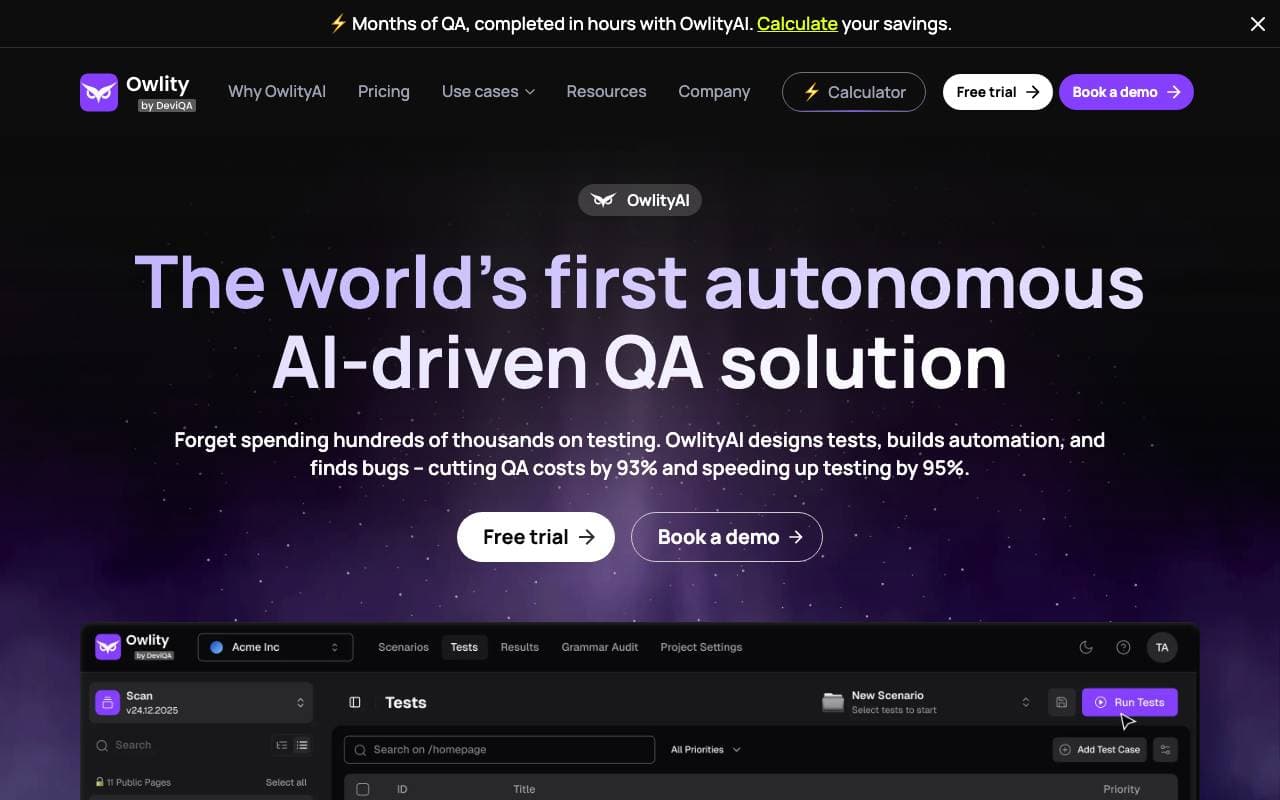

Owlity
Test di software
Piattaforma di integrità autonoma basata su AI che testa le app web senza scripting manuale
Posium
Test di software
Agenti AI che automatizzano il testing web e mobile fino a 10 volte più velocemente.


TestDriver.ai
Test di software
Agente di QA artificiale che aggiunge una copertura di test end-to-end per applicazioni web, mobili ed desktop

CodeBeaver
Test di software
Test unità automatizzato e rilevazione di bug che tiene la suite di test in perfetta salute a pilot automatico.

Credit Card Generator
Test di software
Genera numeri di carta di credito personalizzabili casuali per il testing e lo sviluppo.
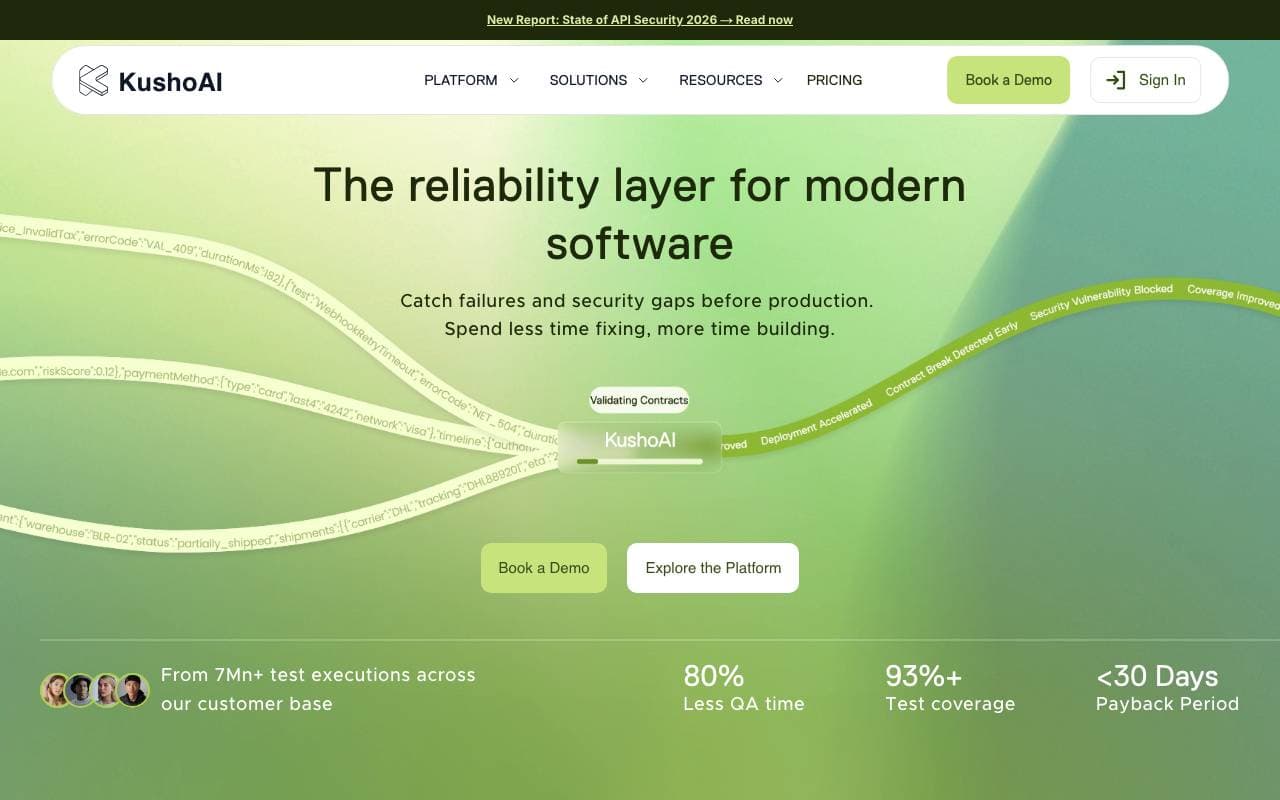
KushoAI
Test di software
Agente di AI che automatizza le prove di API e scopre i difetti in minuti
Bismuth
Test di software
Agente di intelligenza artificiale autonomo che scandaglia codebase, individua errori e porta fix testate


Vijil Evaluate
Test di software
Piattaforma di test e valutazione pre-deploy per agenti AI e applicazioni LLM.
Trending now


Reducto AI
Piattaforme per lo Sviluppo di Agenti AI
API di intelligenza dei documenti che elabora, suddivide, riconosce testi da immagine e estrae dati strutturati da PDFs complessi, diapositive e fogli elettronici


AdCrier
Marketing & Publicità
Risposte sponsorizzate, pagate per clic


Biology AI
Intelligenza Artificiale per l"Educazione
Aiuto di Alta Qualità per i Compiti con Spiegazioni Dettagliate


Pin AI
Automazione di workflow
Recruiter AI Agent che automatizza la sorgenza, lo screening e la outreach per velocizzare il processo di assunzione.