MD2WordBesplatan online alat za pretvorbu datoteka u Markdounu u oblikovane datoteke u formatu Word.

Pregled
Ključne značajke
- Pretvorba Markdouna u .docx datoteku
- Podržava glavne zaglavlja, spiskove i table
- Riješi blokove koda i uvučenost
- Pojednostavite spajanje tekst ili učinke .md datoteku
- Instantni preuzimanje output u obliku Worda
- Radno mjesto neposredno u pregledniku
Cijene
- Model
- Free
- Kategorija
- Knjižnice korisnih alata
- Ocjena
- 5.0 / 5 (4)
Slučajevi uporabe
Pretvorba draftova iz Markdouna u Word za klijente
Pisatelji i slobodni profesionalci mogu kreirati sadržaj u Markdounu i dostaviti poliranu .docx datoteku klijentima ili urednicima koji preferiraju Word za pregled i uređivanja.
Podnesite studentski rad u formatu Worda
Studenti koji preferiraju Markdoun za bilježenje mogu brzo pretvoriti svoj rad u datoteke u Wordu za dijagnostička zahtjeva podnošenja ugovora.
Podijelite dokaze razvoja kao .docx
Razvijaci mogu preraditi README datoteke ili tehničke Markdown dokumente u format Word za interesirane stranke, sačuvavši zaglavlja, table, i bloke koda.
Brzo formatirajte Markdoun bez instalacije programa
Casual korisnici mogu pričvrstiti Markdoun u preglednik i instanstno preuzeti formatiranu datoteku u Wordu, bez potrebe za prijavom ili lokalnim oruđem.
Prednosti i nedostaci
Prednosti
- Besplatan za uporabu bez potrebe za prijavom
- Preglednik zasnovano, bez potrebe za instalacijom
- Zadržava zajedničku Markdounu uvučenost
- Pojednostavljena, početnik-friendly interfejs
- Lanac zahtjeva internetsku veze
Nedostaci
- Ograničene napredne uređivačke kontrolle
- Možda ne bude moguće obrađivati složen određena Markdounu proširenja
- Potreban je internetski spoj
- Formatiranje u outputu može trebati manje prilagođavanja
Rekord bitaka
U 2 bitkama u Panteonu.
Last 2 battles
Recenzije
Prosjek iz 4 ocjena.
Prijavi se za ostavljanje recenzije.

Skeptical, then convinced
I went in skeptical — most tools in this space overpromise. It actually delivers on markdown to .docx conversion, and preserves common Markdown formatting caught me off guard. still, I'd recommend giving it a real trial.
Compared a few options
Evaluated this against two competitors. Where it wins: supports headings, lists, and tables and preserves common Markdown formatting. Where it lags: limited advanced styling controls. On balance the feature set — especially paste text or upload .md files — justifies the 5 stars for our use case.
Skeptical, then convinced
I went in skeptical — most tools in this space overpromise. It actually delivers on supports headings, lists, and tables, and browser-based, no installation needed caught me off guard. still, I'd recommend giving it a real trial.

Skeptical, then convinced
I went in skeptical — most tools in this space overpromise. It actually delivers on handles code blocks and inline formatting, and simple, beginner-friendly interface caught me off guard. still, I'd recommend giving it a real trial.
Pitanja
How do I convert a .md file to a readable document?
A .md file is just plain text — any text editor can open it, but you'll see raw symbols like # and ** instead of formatting. To turn it into a readable document, paste the content or upload the file here: the live preview instantly renders it as a formatted page, and one click converts the .md to a readable Word document you can share with anyone — no Markdown knowledge required.
Asked by Willa Thompson · Oct 4, 2025
Is it safe to convert confidential Markdown files online?
Yes. Your file is transmitted over an encrypted HTTPS connection, used only to perform the conversion, then deleted immediately afterward — it is never permanently stored, read, analyzed, or shared with third parties.
Asked by Robert Ainsworth · Oct 3, 2025
How to keep Markdown formatting when converting to Word?
A good Markdown to Word converter maps each Markdown element to its native Word equivalent: headings become Word heading styles, tables become editable Word tables, and code blocks retain syntax highlighting. Advanced elements like LaTeX math and Mermaid diagrams are rendered as high-fidelity images embedded in the .docx. The key is choosing a converter that supports the full GFM specification.
Asked by Sami Virtanen · Sep 30, 2025
How to convert Markdown with Mermaid diagrams to Word?
To include Mermaid diagrams in a Word document, use a converter that renders mermaid code blocks into images. Flowcharts, sequence diagrams, Gantt charts, and class diagrams are converted to high-quality PNG images and embedded directly in the .docx file. This eliminates the need to manually export diagrams from tools like draw.io or Lucidchart.
Asked by Henrik Dahl · Sep 27, 2025
How to convert Markdown with LaTeX math to Word?
For Markdown files containing LaTeX equations, use a converter that supports math rendering. Both inline formulas (e.g., $E=mc^2$) and display equations ($$...$$) are rendered with accurate mathematical layout and embedded in the Word document — useful for academic papers, research reports, and engineering documentation.
Asked by Nadia Petrova · Sep 16, 2025
Postavi pitanje
Alternative za Knjižnice korisnih alata


Markdown Converter Pro
Knjižnice korisnih alata
Konvertirajte Markdown u PDF, HTML i Word—and preobratite PDFs nazad u čisti Markdown.


AI prompt library
Knjižnice korisnih alata
Veći pretraga dostupnih spremnopravilnih zahtjeva za ChatGPT, MidJourney i druga AI modela.
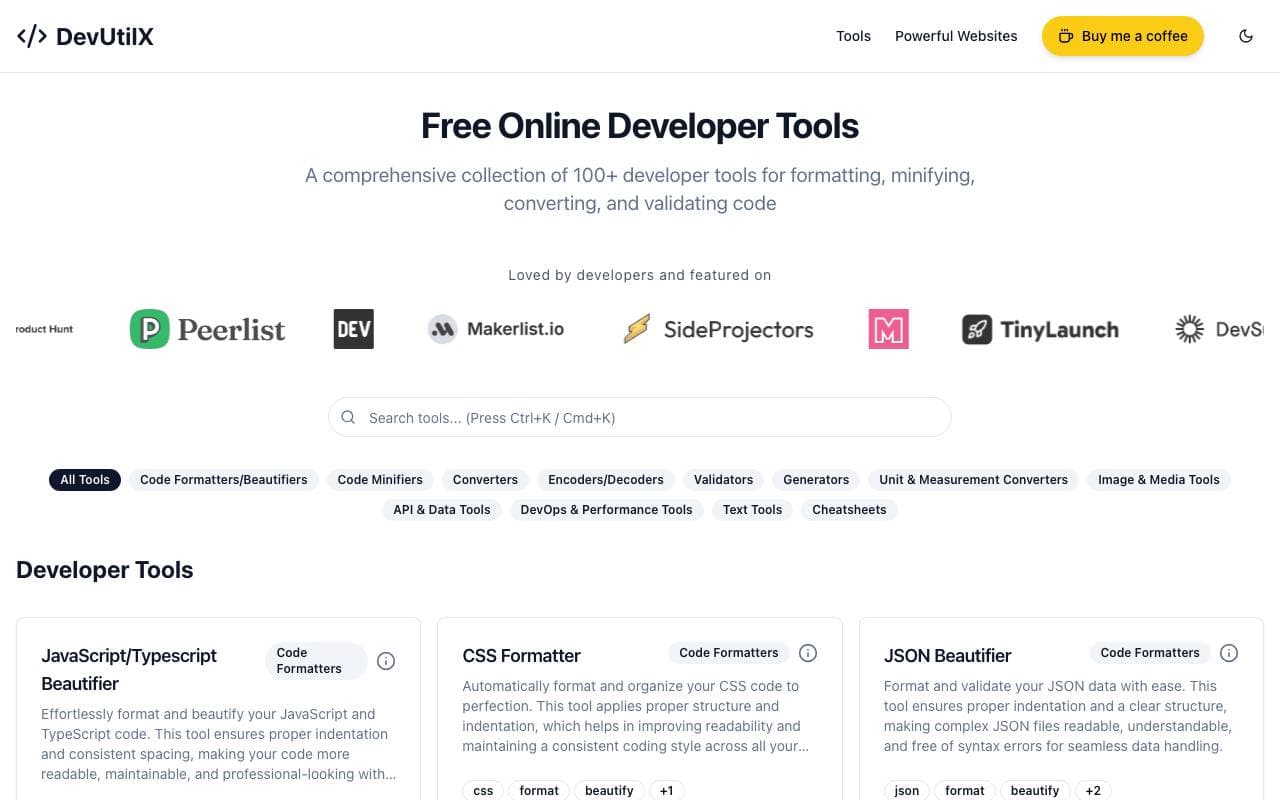

DevUtilX
Knjižnice korisnih alata
Ujedinjena web suite od 100+ alata za programere za svakodnevne programerske zadatke.


AgentAuth
Knjižnice korisnih alata
Sloj autentifikacije koji omogućava inteligentnim agentima sigurni pristup više od 250 aplikacija na račun korisnika.

Wildcard
Knjižnice korisnih alata
Pomaže brendove koji uvrste i prodaju proizvode unutar ChatGPT-a i drugih pomoćnika AI-a.

Machine Generated
Knjižnice korisnih alata
Sadržajni prilike projektirani za strojove publikacije i AI kupce.


NomadicML
Knjižnice korisnih alata
Nastavitveno optimirajte i prilagodite proizvodne AI modele nepredvidljivoj realnoj podacima u stvarnom vremenu.

Grimly AI
Knjižnice korisnih alata
Fokusirano na razvoju API za integraciju jezika u aplikacije i tokove rada.
Trending now


Reducto AI
Platforme za razvoj inteligentnih agenata AI
API za inteligenciju dokumenata koji parsira, dijeli, OCR-uje i iskreće strukturirane podatke iz složnih PDF-a, dijaloga i tablica s podacima.


Biology AI
Odjeljak za obuku inteligentnih sustava
Točno pomoć pri domaćem radu s potpunim objašnjima


AdCrier
Marketing i Oglašavanje
Sponzirani odgovori, plaća po klik


Pin AI
Automatizacija radnog protoka
Recruiterski agent koji automatisira pristupanje kandidatima, ekraniranje i outreach kako bi ubrzao proces zaposljavanja.