
Highlight StudioPoznatniji skriner za Mac s grafičkim uređivačem video snimki.

Pregled
Ključne značajke
- Snimanje ekrana, webkame i audio
- Sadržan grafički uređivač video snimki
- Uređivanje, rez i segmentiranje klipa
- Oznake i vizualne efekte
- Isporuka u zajedničkim formatima videoa
- Optimiran za macOS
Cijene
- Model
- Freemium
- Kategorija
- Video uređivanje
- Ocjena
- 4.5 / 5 (6)
Slučajevi uporabe
Stvaranje tutorijala za softver
Snimite ekran, webkamu i naraciju, a potom izreďte i oznakete klipse u jednoj aplikaciji kako bi proizveli korak-po-korak tutorijale bez promjene alata.
Snovanje demonstracija proizvoda
Snimo polirane demonstracije proizvoda s vizualnim poboljšanjima i oznakama, spremne za isporuku za marketing ili prodaju.
Gradnja internog sadržaja za treniranje
Proizvedite sadržaje za uvodne i trenirajuće sadržaje tima snimanjem rada na Macu i uređivanjem ih linijerno prije dijeljenja unutar tima.
Objavljivanje brzih sadržaja za voditelje kroz softver
Ubrzajte proizvodnju sadržaja snimanjem i uređivanjem voditelja kroz softver u jednom toku, smanjujući prijenosnu naknadu.
Prednosti i nedostaci
Prednosti
- Umetak proces snimanja i uređivanja
- Dnevno učinkovitost i dizajn Maca
- Podržan za tutoriala i demonstracije
- Smanjuje potrebu za zasebnim uređivačem videa
Nedostaci
- Podrška samo za macOS, bez Windowsa ili Linuxa
- Manje moć od profesionalnih uređivača videa NLE
- Moguće učenje krivulje za napredne izmjene
Rekord bitaka
U 6 bitkama u Panteonu.
Last 5 battles
- #1
Video editing Showdown — August 2, 2026
Aug 2, 2026 · #1 of 5
- #1
Video editing Showdown — May 22, 2026
May 22, 2026 · #1 of 5
- #4
Video editing Showdown — September 22, 2025
Sep 22, 2025 · #4 of 5
- #2
Video editing Showdown — August 2, 2025
Aug 2, 2025 · #2 of 3
- #4
Video editing Showdown — June 13, 2025
Jun 13, 2025 · #4 of 4
Recenzije
Prosjek iz 6 ocjena.
Prijavi se za ostavljanje recenzije.
Solid for our team
We rolled this out across the team last quarter and suitable for tutorials and demos. Built-in video editor fits neatly into how we already work, and built-in video editor removed a step we used to do by hand. but it has held up under daily use.
Does the job
Pretty happy overall. Built-in video editor just works and reduces need for separate editing software. MacOS only, no Windows or Linux support can be annoying, but no dealbreakers — I'd recommend it to a friend without hesitating.
Compared a few options
Evaluated this against two competitors. Where it wins: trim, cut, and split clips and native Mac performance and design. Where it lags: less powerful than dedicated NLE editors. On balance the feature set — especially optimized for macOS — justifies the 4 stars for our use case.

Compared a few options
Evaluated this against two competitors. Where it wins: trim, cut, and split clips and native Mac performance and design. Where it lags: may have a learning curve for advanced edits. On balance the feature set — especially export in common video formats — justifies the 4 stars for our use case.

Does the job
Pretty happy overall. Built-in video editor just works and suitable for tutorials and demos. Less powerful than dedicated NLE editors can be annoying, but no dealbreakers — I'd recommend it to a friend without hesitating.
Does the job
Pretty happy overall. Screen, webcam, and audio recording just works and suitable for tutorials and demos. MacOS only, no Windows or Linux support can be annoying, but no dealbreakers — I'd recommend it to a friend without hesitating.
Pitanja
What makes Highlight Studio different from other screen recorders?
Highlight Studio is a native macOS app built with SwiftUI and Metal — not Electron. It includes a full multi-track editor, AI-powered smart zoom, cursor effects, device frames, brand kits, and facial expression detection.
Asked by Tariq Aziz · Jun 12, 2026
Can I record my iPhone or iPad screen?
Yes. Connect your iOS device via USB and Highlight Studio captures the screen directly. You can wrap the recording in pixel-perfect device frames — 27+ Apple devices with accurate bezels.
Asked by Paloma Ruiz · May 29, 2026
How does the AI smart zoom work?
During recording, we track your cursor position and click events. After recording, our AI analyzes click clusters and mouse movement patterns to automatically generate zoom keyframes at the most important moments.
Asked by Elena Rossi · May 31, 2026
What export formats are supported?
MP4 and GIF. The free plan exports up to 720p. Pro unlocks 1080p, 1440p, 4K, and source quality export, plus GIF export with custom FPS settings.
Asked by Vincenzo Greco · May 21, 2026
What's the difference between Pro and Lifetime?
Same features. Pro is $50/year. Lifetime is a one-time $55 payment — you get Pro forever with all future updates included.
Asked by Ines Fernandes · May 19, 2026
Postavi pitanje
Alternative za Video uređivanje
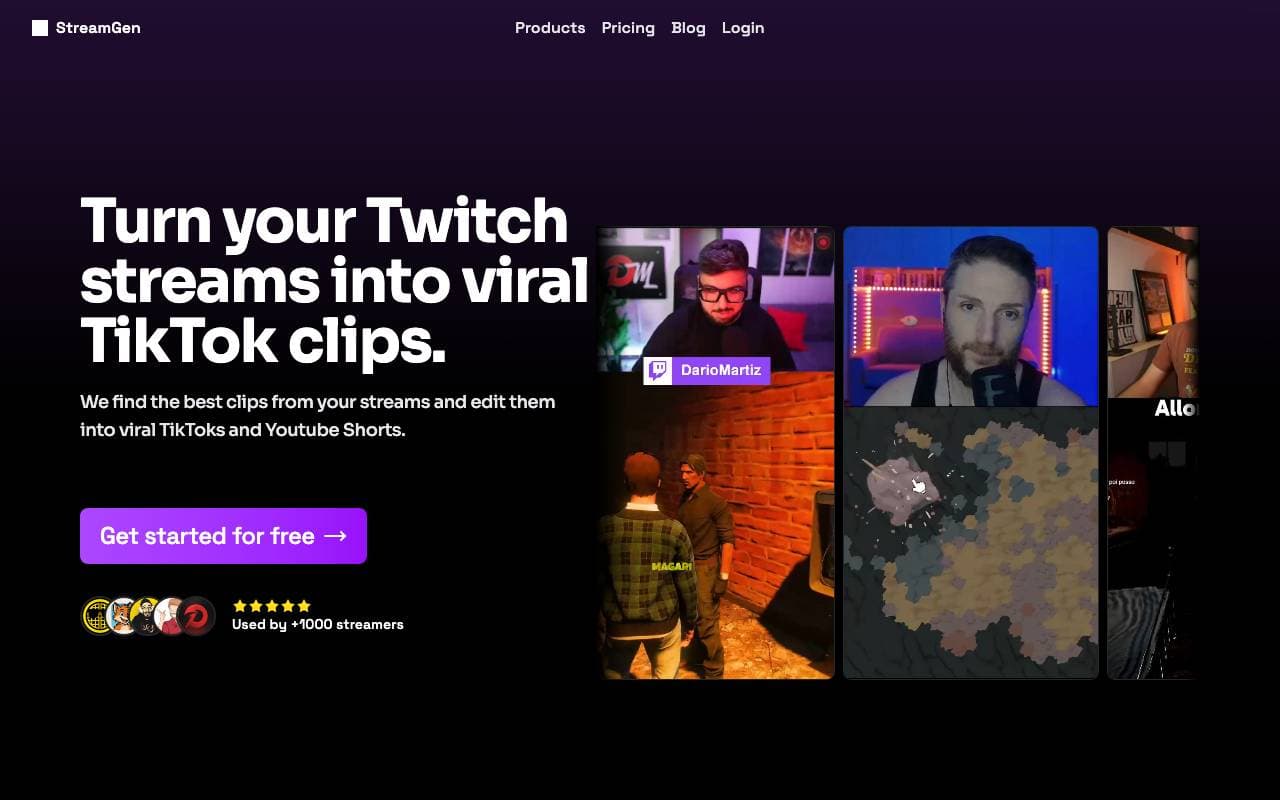

StreamGen
Video uređivanje
Inteligentno osmišljena AI uređivačka stranica za Twitch klipove, koja automatski detekcira viralne trenutke i pretvara ih u dijeljive kratke forme.


Satura AI
Video uređivanje
Preobražajte dugometražne video zapise u kratke, dijeljive klipse dizajnirane za društveni rast.
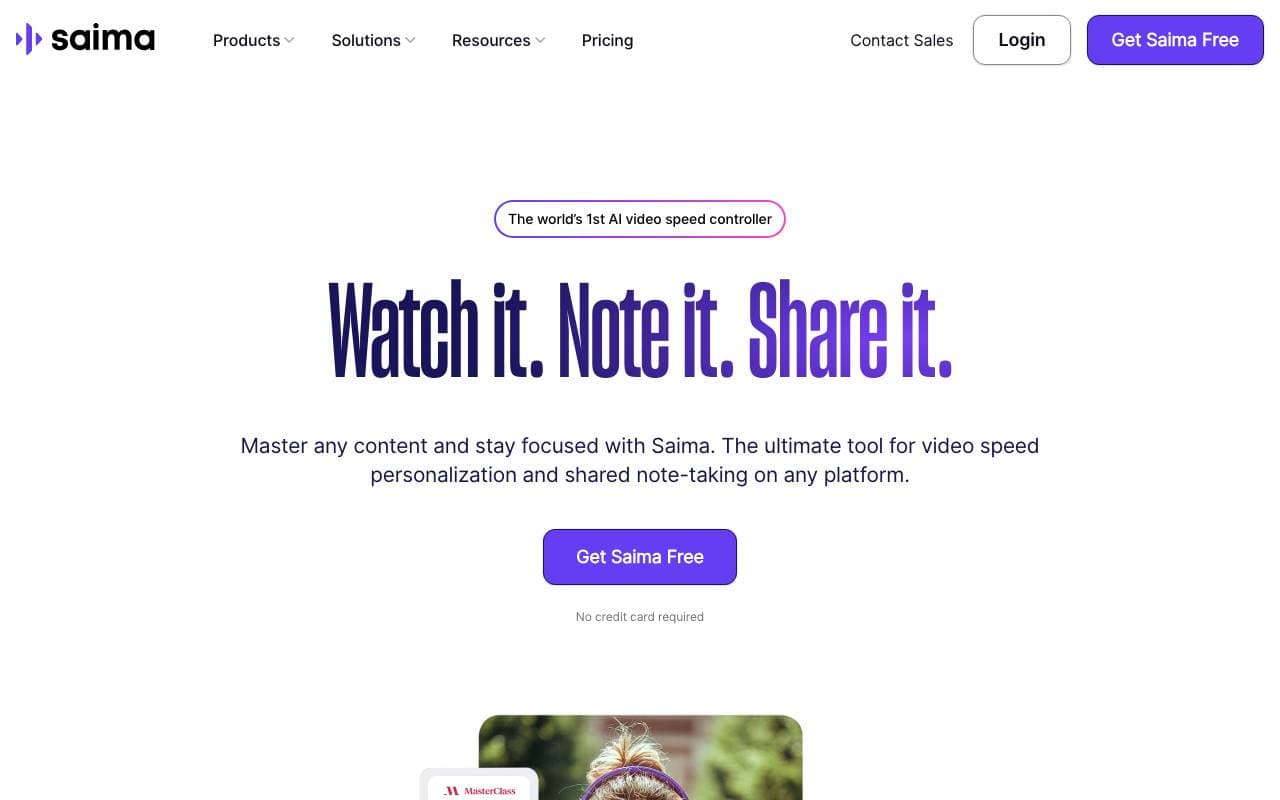

Saima
Video uređivanje
Saima je AI-prediktivni kontroler izborne brzine videa koji preko prilagodbe brzine prikaza videa, uklanjanja šuma, očitanja audio i suradnje osigurava bolju pričitanje sadržaja.


Lovo Ai
Video uređivanje
Realistic AJ tekst prevođenja i kreiranja videozapisa u 100+ jezika.
Trending now


Reducto AI
Platforme za razvoj inteligentnih agenata AI
API za inteligenciju dokumenata koji parsira, dijeli, OCR-uje i iskreće strukturirane podatke iz složnih PDF-a, dijaloga i tablica s podacima.


Biology AI
Odjeljak za obuku inteligentnih sustava
Točno pomoć pri domaćem radu s potpunim objašnjima


AdCrier
Marketing i Oglašavanje
Sponzirani odgovori, plaća po klik


Pin AI
Automatizacija radnog protoka
Recruiterski agent koji automatisira pristupanje kandidatima, ekraniranje i outreach kako bi ubrzao proces zaposljavanja.