SlideSpeakAI-pohjainen esitysgeneraattori, joka muuntaa asiakirjat, ohjeet ja ideat muokattaviksi PowerPoint-esityksiksi.

Yleiskatsaus
Pääominaisuudet
- Tekstin esityksen luonti
- Dokumentin muuntaminen dioiksi (PDF, DOCX)
- Sisäänrakennetut mallipohjat ja teemat
- PPTX-vienti offline-muokkausta varten
- Dokumentin tiivistys ja Q&A
- Monikielinen tuki
Hinnat
- Malli
- $4
- Kategoria
- Myynti- ja Tulot Johtaminen
- Arvio
- 4.7 / 5 (6)
Käyttötapaukset
Diojen luominen ohjeesta
Kuvaile aihetta selkeällä tekstillä ja anna SlideSpeak laatia rakenteellinen esityskokonaisuus otsikoilla, luettelomerkeillä ja visuaalisilla elementeillä, jotka ovat valmiita muokattavaksi.
Muunna raportit esityksiin
Lataa PDF- tai Word-asiakirjat ja muunna pitkät raportit automaattisesti tiivistetyiksi, dioihin valmiiksi PowerPoint-esityksiksi.
Käännä esityksiä globaalille yleisölle
Käytä monikielistä tukea olemassa olevien esitysten kääntämiseen, jotta tiimit voivat jakaa sisältöä kansainvälisten markkinoiden ja sidosryhmien kanssa.
Nopeat opiskelijaprojektien esitykset
Oppilaat voivat nopeasti muuntaa tutkimusmuistiinpanot tai lähdetiedostot teemoituiksi esityksiksi ja hienosäätää niitä PowerPointissa, Google Slidesissa tai Keynoteissa.
Plussat ja miinukset
Plussat
- Nopea diiden luonti ohjeista tai asiakirjoista
- Vienti muokattavaksi PowerPoint-muodossa
- Tukee olemassa olevien tiedostojen tiivistämistä ja uudelleenmuotoilua
- Mallipohjat ja teemat johdonmukaiselle tyylille
Miinukset
- AI:n luoma sisältö saattaa tarvita manuaalista tarkistusta ja muokkauksia
- Suunnittelun räätälöinti on rajoitetumpaa kuin erikoisohjelmistoissa
- Parhaat tulokset vaativat selkeitä syöttäohjeita tai hyvin strukturoituja lähteitä
Taisteluennätys
1 taistelussa Panteonissa.
Last battle
Arvostelut
Keskiarvo 6 arviosta.
Kirjaudu sisään jättääksesi arvostelun.

Compared a few options
Evaluated this against two competitors. Where it wins: document-to-slides conversion (PDF, DOCX) and templates and themes for consistent styling. Where it lags: design customization is more limited than dedicated tools. On balance the feature set — especially text-to-presentation generation — justifies the 5 stars for our use case.
Use it every day
Honestly didn't expect to like it this much. Built-in templates and themes is exactly what I needed, and exports to editable PowerPoint format. I do wish aI-generated content may need manual review and edits, but I reach for it almost every day now and it just clicks.
Skeptical, then convinced
I went in skeptical — most tools in this space overpromise. It actually delivers on document-to-slides conversion (PDF, DOCX), and fast slide generation from prompts or documents caught me off guard. Best results require clear input prompts or well-structured sources is why this isn't a perfect score, still, I'd recommend giving it a real trial.
Skeptical, then convinced
I went in skeptical — most tools in this space overpromise. It actually delivers on built-in templates and themes, and supports summarizing and reformatting existing files caught me off guard. Best results require clear input prompts or well-structured sources is why this isn't a perfect score, still, I'd recommend giving it a real trial.
Years in this space
I've evaluated a lot of these over the years. What stands out here is built-in templates and themes — handled better than most — and exports to editable PowerPoint format. Worth the time if this is your use case.
Use it every day
Honestly didn't expect to like it this much. Document summarization and Q&A is exactly what I needed, and exports to editable PowerPoint format. but I reach for it almost every day now and it just clicks.
Kysymykset
How do I create a PowerPoint presentation with AI?
Simply enter a topic, paste your text, or upload a document like a PDF or Word file. SlideSpeak's AI analyzes your content and generates a complete, professionally designed PowerPoint presentation in minutes. You can then edit, customize, and download it as a .pptx file ready for use.
Asked by Chidi Okonkwo · Dec 8, 2025
Can I convert a PDF or Word document into a presentation?
Yes! SlideSpeak automatically transforms PDFs, Word documents, and Excel files into structured slide decks. The AI summarizes key points, organizes content logically, and applies professional layouts - no manual copying and pasting required.
Asked by Lindiwe Mahlangu · Nov 10, 2025
How does SlideSpeak compare to Gamma and other AI presentation tools?
Unlike Gamma, SlideSpeak generates native, editable PowerPoint files (.pptx) you can download and use anywhere - not locked into a web platform. SlideSpeak also lets you use your own PowerPoint templates and includes features like AI video generation and brand kits. See our full SlideSpeak vs Gamma comparison.
Asked by Fumiko Sato · Nov 6, 2025
Is SlideSpeak good for consultants and business professionals?
SlideSpeak is one of the best AI presentation tools for consultants and business professionals. Convert client briefs, reports, and research into polished slide decks in minutes. Apply your brand colors and fonts automatically, and export to PowerPoint for client-ready deliverables.
Asked by Beatriz Costa · Nov 5, 2025
Can I create a presentation with AI using my own template?
Yes! You can upload your own PowerPoint template (.pptx or .potx) or use SlideSpeak's Brand Kit feature to apply your company's fonts, colors, and logo. The AI respects your design system while generating content, so every presentation stays on-brand.
Asked by Gustav Lindberg · Oct 22, 2025
Kysy kysymys
Myynti- ja Tulot Johtaminen vaihtoehdot
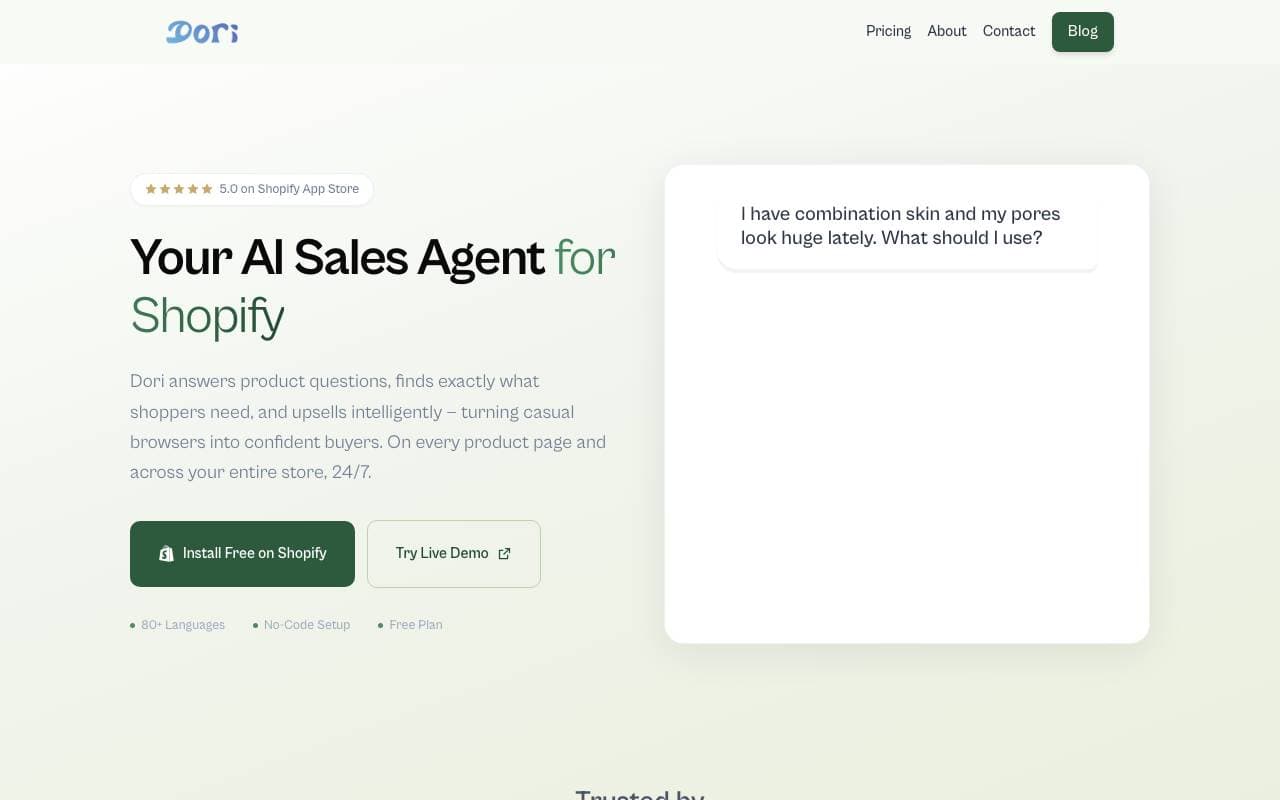

Dori
Myynti- ja Tulot Johtaminen
Myynninhoitajatietoista agenttia, joka auttaa Shopify-tuotteita saavuttamaan enemmän asiakkaita ostoikäynnistä.
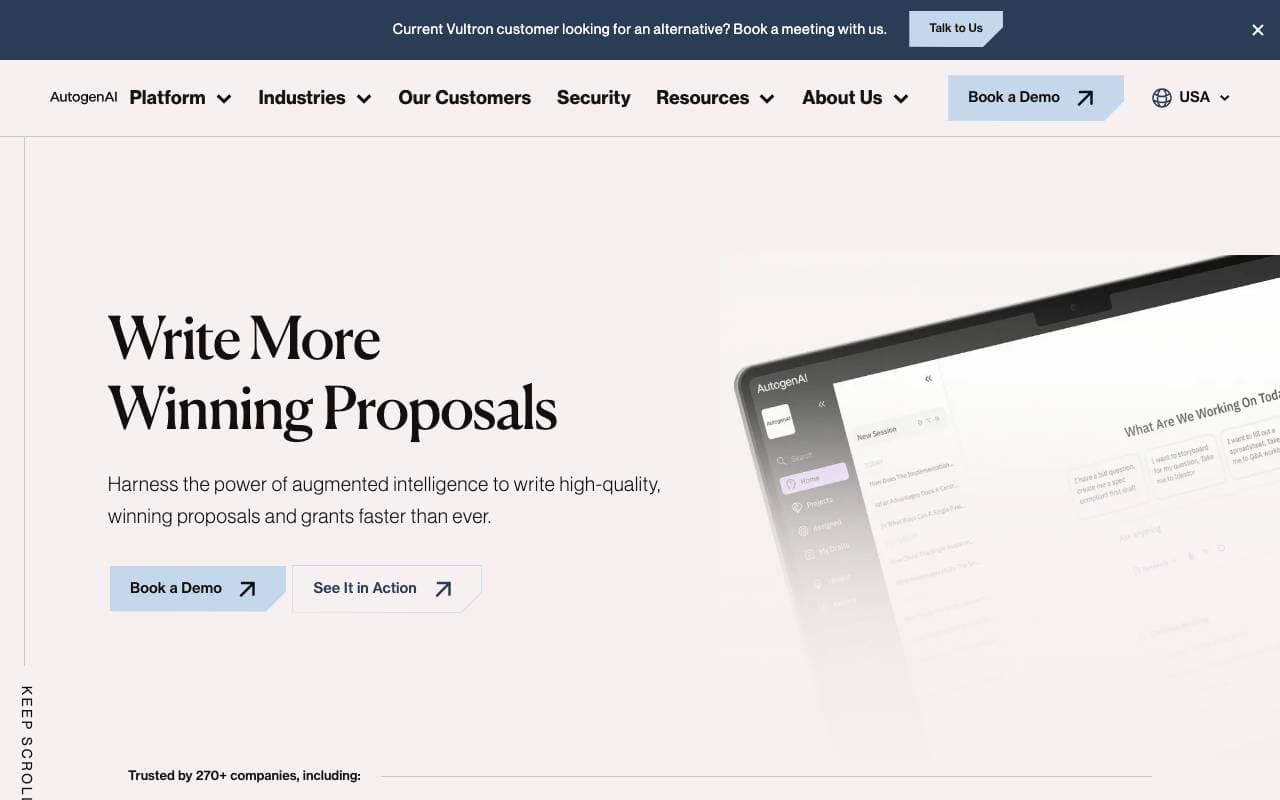
AutogenAI
Myynti- ja Tulot Johtaminen
Teollinen asiakirjan luominen ja tarjous-, tarjous- ja sijoituskilpailuvakautta varten


matmat AI
Myynti- ja Tulot Johtaminen
Yhdistetty sisäänkäyntinäytön, joka käyttää AI: ta yksinkertaisesti vastata johtohinnoitteisiin kaikilla kanavilla


Jason AI
Myynti- ja Tulot Johtaminen
AI-myyntiapu, joka etsii johdot, suorittaa ulostulon ja varaa tapaamisia autopilotilla.

Kolena Go-to-Market Agents
Myynti- ja Tulot Johtaminen
Tekoälyagentit, jotka automatisoivat markkinointiprosessit myynti- ja markkinointidataa hyödyntäen.
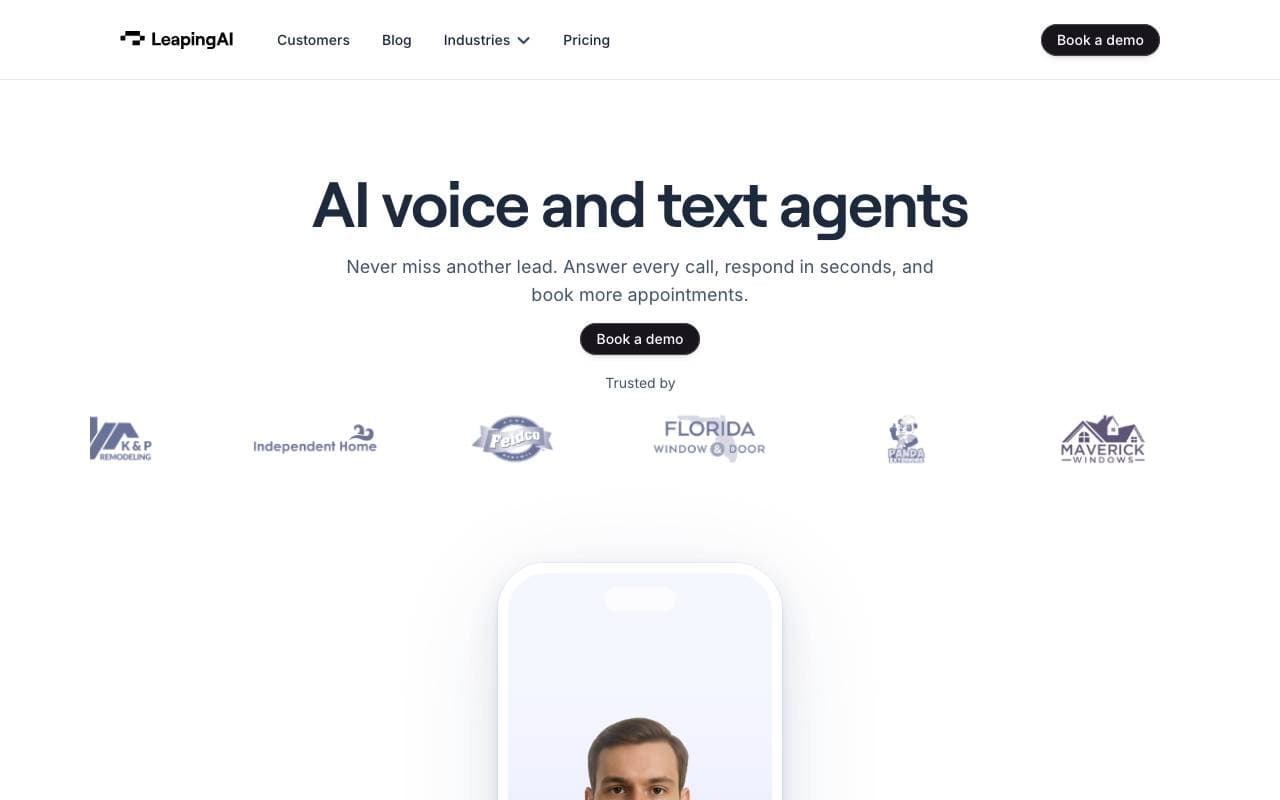

Leaping AI voice agents
Myynti- ja Tulot Johtaminen
Älykkäät ääniagentit, jotka automatisoivat suunnittelutilat ja parantavat asiakastyytyväisyyttä.
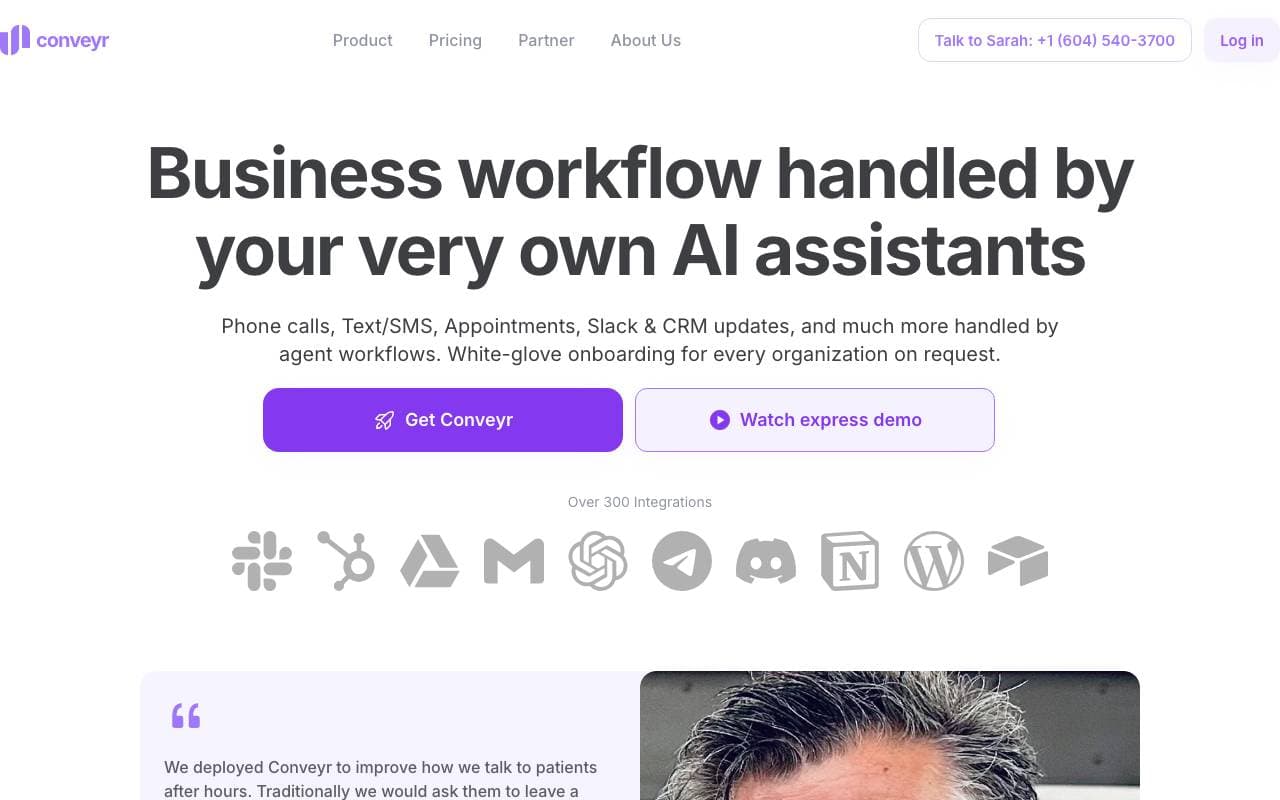
Conveyr
Myynti- ja Tulot Johtaminen
Tekoälyavustaja, joka automatisoi tietoturvakyselyt ja RFP-vastaukset
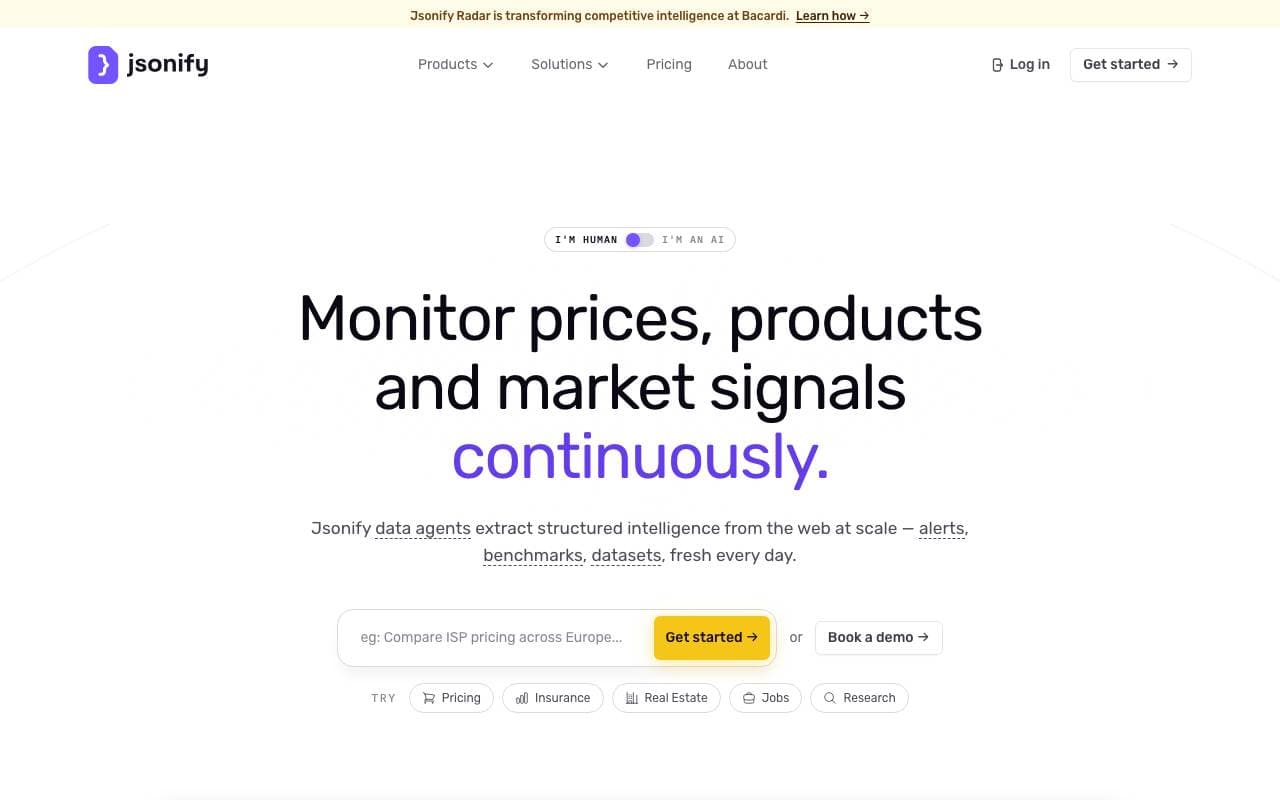
Jsonify
Myynti- ja Tulot Johtaminen
Tekoälyagentit, jotka poistavat rakenteellisia JSON-tietoja verkkosivuilta suuressa mittakaavassa
Trending now


Reducto AI
AI-toimintointirakennepalvelut
Dokumentti-intelligentti API, joka parsitsee, jaetsee, tunnistaa OCR:in ja noutaa rakennepohjaisia tietoja monimutkaisista PDF-tiedostoista, näyttelyesitelmista ja lehtikuluista.


AdCrier
Markkinointi & mainonta
Vastineiden sponsoroiminen, maksettu per klikki.


Biology AI
Koulutuksen AI
Tarkka avuksi koulutehtävissä - selitykset mukaan lukien


Pin AI
Työprosessin automaatio
Agenttinen AI-rekrytoija, joka automatisoi ehdokkaiden etsinnän, seulonnan ja yhteydenoton nopeuttaakseen rekrytointia.