
Highlight StudioMac'i ekraanisalvestaja sisseehitatud redigeerimisega viimistletud ja professionaalseks videoks.

Ülevaade
Põhifunktsioonid
- Ekraani, veebikaamera ja helisalvestus
- Sisseehitatud videoredaktor
- Kärpimine, lõikamine ja klippide jagamine
- Annotatsioonid ja visuaalsed efektid
- Ekspordimine tavapärastes videovormingutes
- Optimeeritud macOS-i jaoks
Hinnad
- Mudel
- Freemium
- Kategooria
- Video redigeerimine
- Hinnang
- 4.5 / 5 (6)
Kasutusjuhud
Loo tarkvaraõpetused
Salvesta ekraan, veebikaamera ja jutustav selgitus, seejärel kärbi ja anna klippidele kommentaare ühes rakenduses, et luua samm-sammulisi õpetusvideoid ilma tööriistu vahetamata.
Salvesta tootedemod
Kogu viimistletud toote käigud visuaalsete täiustuste ja annotatsioonidega, valmis eksportimiseks turunduse või müügikampaaniate jaoks.
Loo sisekoolituse sisu
Loo meeskondadele sissejuhatus- ja koolitusvideod, salvestades töövooge macOS-il ja redigeerides neid otse rakenduses enne sisemist jagamist.
Avalda kiireid tarkvara käiguvideoid
Kiirenda sisuloome protsessi, salvestades ja redigeerides tarkvara käiguvideoid ühes töövoos, vähendades järeltootmise koormust.
Plussid ja miinused
Plussid
- Kõik-ühes salvestus- ja redigeerimistöövoog
- Loomulik Maci jõudlus ja disain
- Sobib õpetuste ja demode jaoks
- Vähendab vajadust eraldi redigeerimistarkvara järele
Miinused
- Ainult macOS, Windowsi või Linuxi tugi puudub
- Vähem võimas kui spetsialiseeritud NLE-redaktorid
- Võib nõuda õppimiskõverat keerukamate redigeerimiste puhul
Lahingute rekord
6 lahingus Panteonis.
Last 5 battles
- #1
Video editing Showdown — August 2, 2026
Aug 2, 2026 · #1 of 5
- #1
Video editing Showdown — May 22, 2026
May 22, 2026 · #1 of 5
- #4
Video editing Showdown — September 22, 2025
Sep 22, 2025 · #4 of 5
- #2
Video editing Showdown — August 2, 2025
Aug 2, 2025 · #2 of 3
- #4
Video editing Showdown — June 13, 2025
Jun 13, 2025 · #4 of 4
Arvustused
Keskmine 6 hinnangust.
Logi sisse arvustuse jätmiseks.
Solid for our team
We rolled this out across the team last quarter and suitable for tutorials and demos. Built-in video editor fits neatly into how we already work, and built-in video editor removed a step we used to do by hand. but it has held up under daily use.
Does the job
Pretty happy overall. Built-in video editor just works and reduces need for separate editing software. MacOS only, no Windows or Linux support can be annoying, but no dealbreakers — I'd recommend it to a friend without hesitating.
Compared a few options
Evaluated this against two competitors. Where it wins: trim, cut, and split clips and native Mac performance and design. Where it lags: less powerful than dedicated NLE editors. On balance the feature set — especially optimized for macOS — justifies the 4 stars for our use case.

Compared a few options
Evaluated this against two competitors. Where it wins: trim, cut, and split clips and native Mac performance and design. Where it lags: may have a learning curve for advanced edits. On balance the feature set — especially export in common video formats — justifies the 4 stars for our use case.

Does the job
Pretty happy overall. Built-in video editor just works and suitable for tutorials and demos. Less powerful than dedicated NLE editors can be annoying, but no dealbreakers — I'd recommend it to a friend without hesitating.
Does the job
Pretty happy overall. Screen, webcam, and audio recording just works and suitable for tutorials and demos. MacOS only, no Windows or Linux support can be annoying, but no dealbreakers — I'd recommend it to a friend without hesitating.
Küsimused
What makes Highlight Studio different from other screen recorders?
Highlight Studio is a native macOS app built with SwiftUI and Metal — not Electron. It includes a full multi-track editor, AI-powered smart zoom, cursor effects, device frames, brand kits, and facial expression detection.
Asked by Tariq Aziz · Jun 12, 2026
Can I record my iPhone or iPad screen?
Yes. Connect your iOS device via USB and Highlight Studio captures the screen directly. You can wrap the recording in pixel-perfect device frames — 27+ Apple devices with accurate bezels.
Asked by Paloma Ruiz · May 29, 2026
How does the AI smart zoom work?
During recording, we track your cursor position and click events. After recording, our AI analyzes click clusters and mouse movement patterns to automatically generate zoom keyframes at the most important moments.
Asked by Elena Rossi · May 31, 2026
What export formats are supported?
MP4 and GIF. The free plan exports up to 720p. Pro unlocks 1080p, 1440p, 4K, and source quality export, plus GIF export with custom FPS settings.
Asked by Vincenzo Greco · May 21, 2026
What's the difference between Pro and Lifetime?
Same features. Pro is $50/year. Lifetime is a one-time $55 payment — you get Pro forever with all future updates included.
Asked by Ines Fernandes · May 19, 2026
Esita küsimus
Video redigeerimine alternatiivid
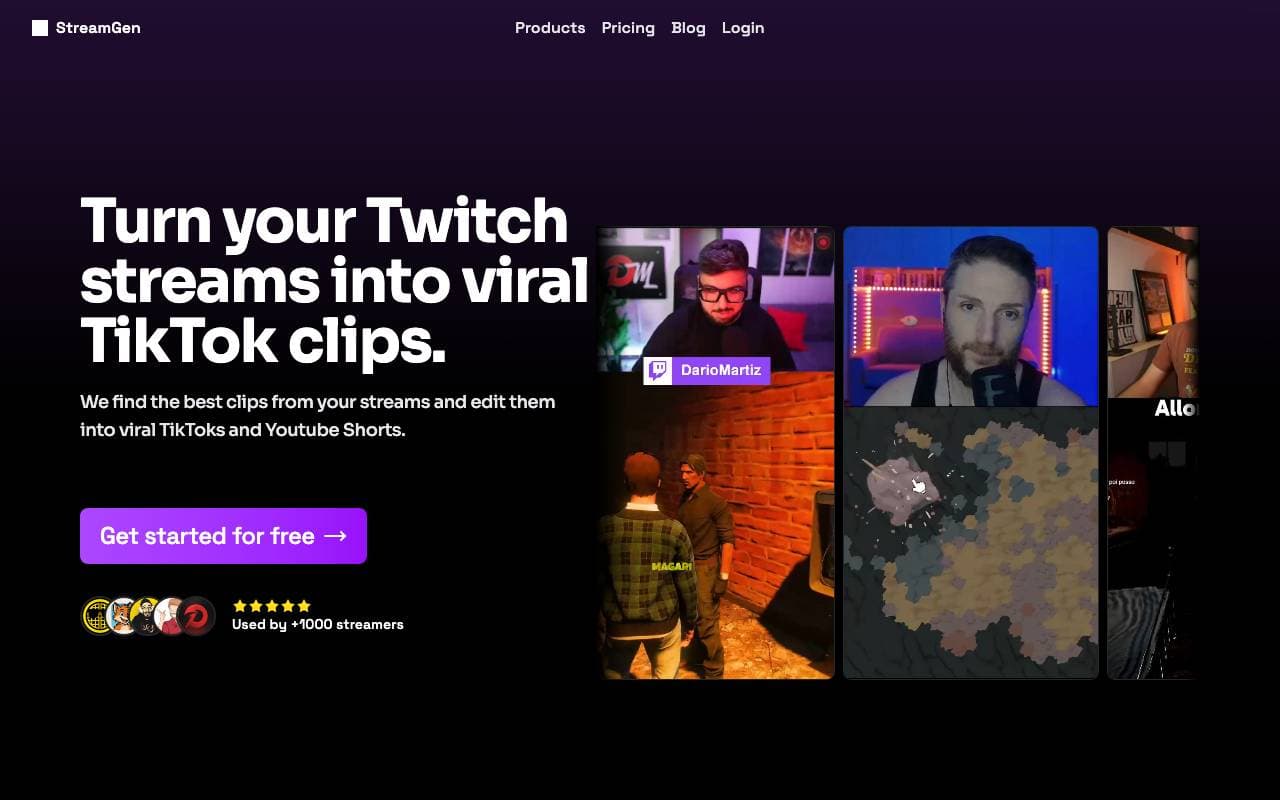

StreamGen
Video redigeerimine
Tehisintellektil põhinev Twitchi klipi toimetaja, mis tuvastab automaatselt viiruslikke hetki ja muudab need jagatavateks lühiklippideks.


Satura AI
Video redigeerimine
Videoailuvärskendamise koht
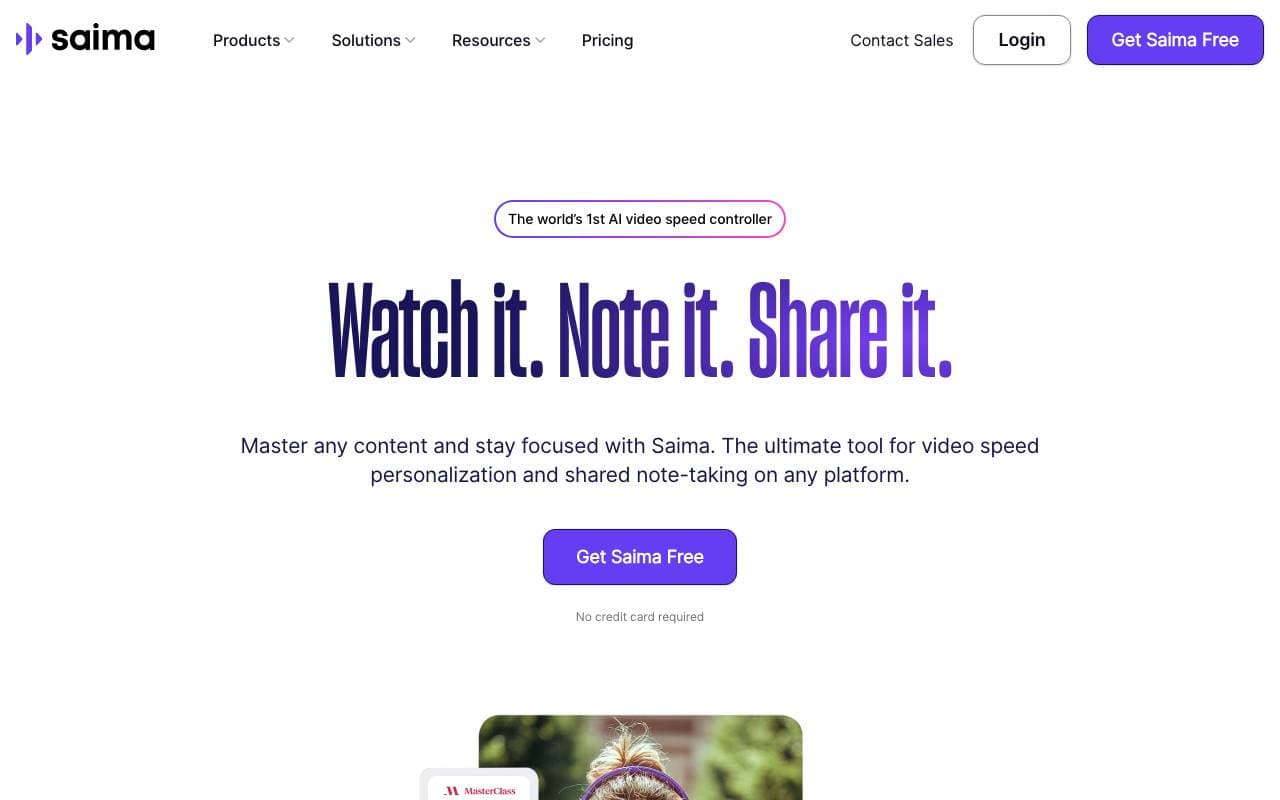

Saima
Video redigeerimine
Seadmega saada võistlus järel arvamus ning soorita eelmisega erinevad probleemid.


Lovo Ai
Video redigeerimine
Muudette võrgukoodi ala koguda Piirliku testuprobleemide väljatamine ja 3D modeld.
Trending now


Reducto AI
AI Agentide Arendusplatvormid
Dokumentide intelligentsuse API, mis parsee, lõikab, OCRib ja ekstraheerib struktureeritud andmeid keerukatest PDF-failidest, slaididest ja tabelitest.


Biology AI
Haridustehnoloogia
Täpne kodutööabi täielike selgitustega


AdCrier
Turundus & Reklam
Sponsoreeritud vastused, makstakse klikkide eest.


Pin AI
Tööjuhtimise automatiseerimine
Meie agentlik Olümp asjuajas