
Vidnoz AIGenerador de vídeo AI gratuito con miles de avatar, voces y plantillas listas

Resumen
Funciones clave
- 1500+ avatares AI
- 1380+ voces text-to-speech
- 2800+ plantillas de video
- Generación de video a partir de guión
- Dublagem multilingüe
- Editor en línea con personalización
Precio
- Modelo
- Freemium
- Categoría
- Agentes AI de Vídeo
- Valoración
- 4.2 / 5 (5)
Casos de uso
Produce vídeos explicativos sin filmación
Los publicistas pueden convertir guiones de productos en vídeos explicativos de cabeza hablando utilizando avatares AI y voces, saltando cámaras, actores y configuración de estudio.
Crea contenido de capacitación multilingüe
Los instructores y educadores generan vídeos de curso en múltiples lenguas utilizando 1380+ voces TTS, haciéndole la capacitación interna accesible a equipos globales.
Escala la salida de video de redes sociales
Los equipos pequeños utilizan 2800+ plantillas y avatares para producir videos de marca cortos rápidamente para canales de redes sociales sin contratar editores de video.
Prueba el vídeo AI en un plan gratuito
Los creadores casuales o los usuarios que prueban por primera vez pueden probar la generación de video a partir de guión en el navegador a través del plan gratuito antes de comprometerse con un plan pagado.
Pros y contras
Ventajas
- Plan gratuitosgeneroso para pruebas
- Gran selección de avatares y voces
- Amplia soporte TTS de multilenguas
- Plantillas aceleran la producción
- Accedido a través del navegador, sin instalación necesaria
Contras
- Los avatares AI pueden parecer rígidos o repetitivos
- El plan gratuito tiene límites de longitud y de marca de agua
- La calidad de salida varía por idioma y voz
- Menos control creativo de que los editores de video completos
Historial de batallas
En 3 batallas del Panteón.
Last 3 battles
Reseñas
Promedio de 5 valoraciones.
Inicia sesión para dejar una reseña.
Skeptical, then convinced
I went in skeptical — most tools in this space overpromise. It actually delivers on multilingual voiceovers, and generous free plan for testing caught me off guard. Free tier has length and watermark limits is why this isn't a perfect score, still, I'd recommend giving it a real trial.
Years in this space
I've evaluated a lot of these over the years. What stands out here is 1500+ AI avatars — handled better than most — and generous free plan for testing. Less creative control than full video editors is my one real gripe. Worth the time if this is your use case.

Skeptical, then convinced
I went in skeptical — most tools in this space overpromise. It actually delivers on 2800+ video templates, and generous free plan for testing caught me off guard. still, I'd recommend giving it a real trial.
Years in this space
I've evaluated a lot of these over the years. What stands out here is online editor with customization — handled better than most — and generous free plan for testing. Free tier has length and watermark limits is my one real gripe. Worth the time if this is your use case.
Years in this space
I've evaluated a lot of these over the years. What stands out here is 1500+ AI avatars — handled better than most — and generous free plan for testing. AI avatars can look stiff or repetitive is my one real gripe. Worth the time if this is your use case.
Preguntas y respuestas
Is any technical skill required to create videos, and how steep is the learning curve?
The platform is browser‑based and designed for non‑technical users; you simply pick an avatar, select a voice, paste a script, and customize with templates, which most users find straightforward and quick to learn.
Asked by Gabriel Duarte · Aug 5, 2025
How does Vidnoz AI integrate with existing workflows—can I export the video files for further editing?
After rendering, the video can be downloaded and used in other tools; however, the platform itself provides limited creative control compared to full‑featured video editors, so you may need to edit further elsewhere.
Asked by Urszula Kowalczyk · Jul 15, 2025
Can Vidnoz AI generate videos in languages beyond English?
Yes, Vidnoz AI offers multilingual voiceovers with a large library of TTS voices, supporting many languages including less common ones like Catalan, making it suitable for global audiences.
Asked by Bianca Ferreira · Jun 4, 2025
What limitations does the free tier have regarding video length and watermarks?
The free plan lets you create videos but imposes a maximum length and adds a watermark to the output; exact limits aren’t specified in the provided details, so you’ll need to check the pricing page for precise numbers.
Asked by Faisal Rahman · Apr 10, 2025
Hacer una pregunta
Alternativas a Agentes AI de Vídeo
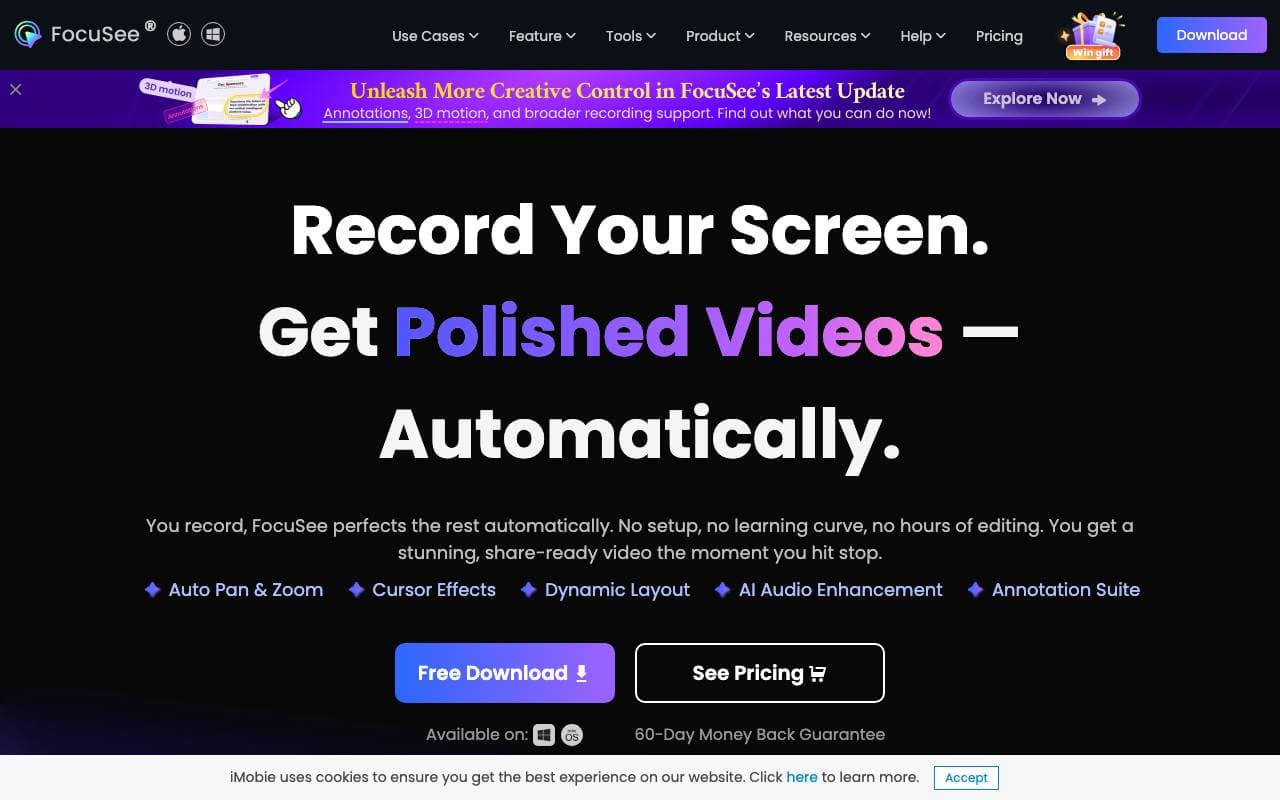
 FocuSeeAgentes AI de Vídeo
Un grabador de pantalla impulsado por IA que automatiza la edición con zoom, subtítulos y efectos para videos pulidos.
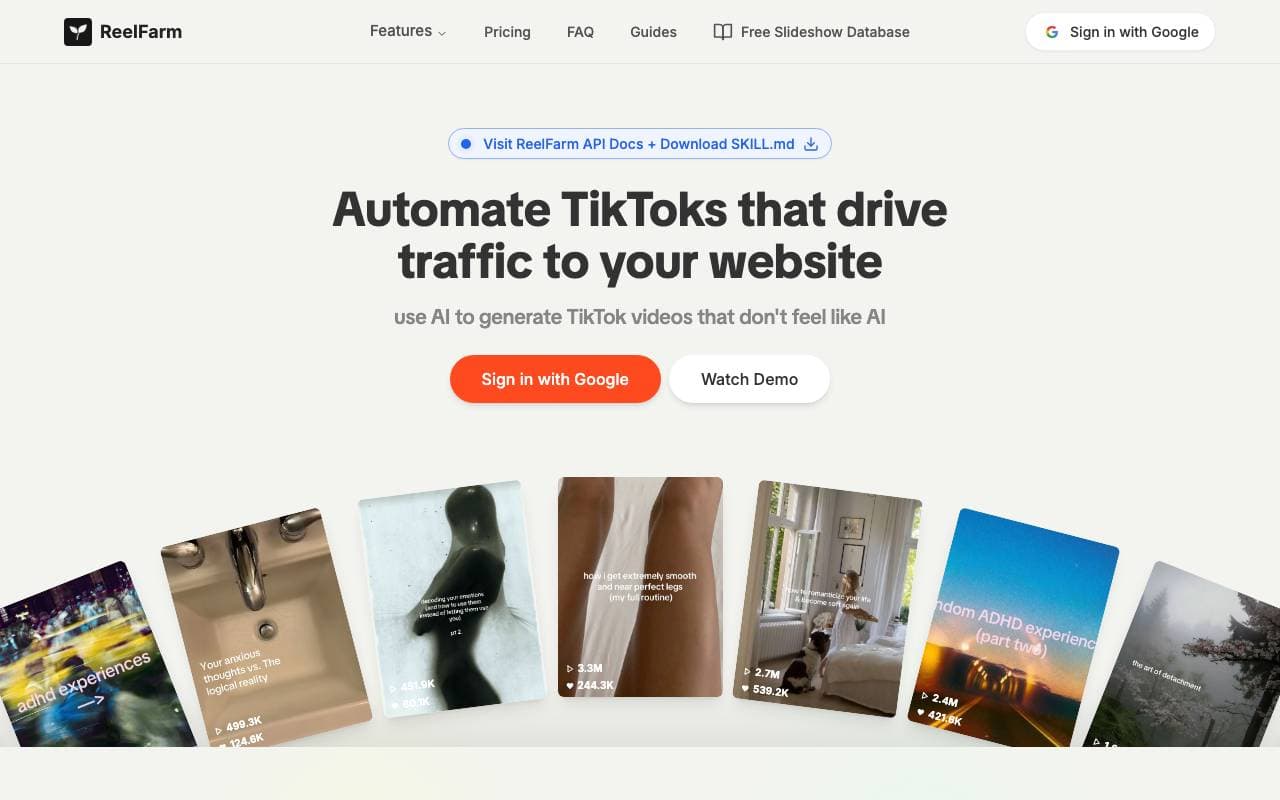
 ReelFarmAgentes AI de Vídeo
Herramienta AI para generar videos auto-UGC de TikTok y programar publicaciones para impulsar el tráfico y el desempeño de publicidad.

 D-ID Creative Reality™ StudioAgentes AI de Vídeo
Convierte texto y fotos en videos de avatares realistas que hablan

 Veo 4 Video GeneratorAgentes AI de Vídeo
Plataforma de promociones de vídeo para escenas de múltiples disparos cinematográficos con audio sincronizado y personajes consistentes.
 RunwayAgentes AI de Vídeo
Una plataforma creativa impulsada por la inteligencia artificial que proporciona herramientas para generar y editar videos, imágenes y otros contenidos multimedia.

 Wan2.2Agentes AI de Vídeo
Familia de modelos de generación de video abierta (5B/14B) para text/image/video-to-video, entregando clip de 1080p con mejor movimiento y control.

 Agent OpusAgentes AI de Vídeo
Agente de vídeo con IA que convierte ideas en vídeos pulidos y listos para publicar

 Seadance AIAgentes AI de Vídeo
Estudio de AI todo en uno para generar y editar videos y imágenes a partir de texto o fotos.
Trending now

 Reducto AIPlataformas de Desarrollo de Agentes de Inteligencia Artificial
API de inteligencia de documentos que analiza, divide, reconoce textos impresos y extrae datos estructurados desde PDF complejos, presentaciones y hojas de cálculo.

 AdCrierMarketing y Publicidad
Respuestas patrocinadas, pagadas por clic.

 Biology AIIA educativa
Ayuda precisa con las tareas de biología y explicaciones detalladas

 Pixtral 12B 24.09Modelos de lenguaje por largo contexto (LLM)
Modelo multimodal de 12G que maneja imágenes e texto intercalados con una ventana de contexto de 128K.