SlideSpeakGenerador de presentaciones AI que convierte documentos, promotorios y ideas en diapositivas de PowerPoint editables.

Resumen
Funciones clave
- Género de presentación a partir de texto
- Conversión de documentos en diapositivas (PDF, DOCX)
- Plantillas y temas integrados
- Exportación a PPTX para edición en línea
- Resumen de documentos y Q&A
- Soporte multilingüe
Precio
- Modelo
- $4
- Categoría
- Ventas y Operaciones de Ingresos
- Valoración
- 4.7 / 5 (6)
Casos de uso
Genera diapositivas a partir de un promotorio
Describe un tema en texto plano y deja que SlideSpeak redacte una diapositiva estructurada con títulos, puntos de lista y visuales listas para edición.
Convierte informes en presentaciones
Sube PDFs o documentos de Word y convierte automáticamente informes extensos en presentaciones resumidas y listas para diapositivas de PowerPoint.
Traduce diapositivas para audiencias globales
Utiliza el soporte multilingüe para traducir presentaciones existentes, ayudando a los equipos a compartir contenido en mercados y partes interesadas internacionales.
Diapositivas de proyectos estudiantiles rápidas
Los estudiantes pueden convertir notas de investigación o archivos de origen en presentaciones temáticas rápidamente y luego refinadas en PowerPoint, Google Slides o Keynote.
Pros y contras
Ventajas
- Generación rápida de diapositivas a partir de promotorios o documentos
- Exports a formato de PowerPoint editable
- Soporta resumen y reformateo de archivos existentes
- Plantillas y temas para estilos consistente
Contras
- El contenido generado por AI puede necesitar revisión manual y ediciones
- La personalización de diseño es limitada en comparación con herramientas dedicadas
- Los mejores resultados requieren promotorios de entrada claros o fuentes bien estructuradas
Historial de batallas
En 1 batalla del Panteón.
Last battle
Reseñas
Promedio de 6 valoraciones.
Inicia sesión para dejar una reseña.

Compared a few options
Evaluated this against two competitors. Where it wins: document-to-slides conversion (PDF, DOCX) and templates and themes for consistent styling. Where it lags: design customization is more limited than dedicated tools. On balance the feature set — especially text-to-presentation generation — justifies the 5 stars for our use case.
Use it every day
Honestly didn't expect to like it this much. Built-in templates and themes is exactly what I needed, and exports to editable PowerPoint format. I do wish aI-generated content may need manual review and edits, but I reach for it almost every day now and it just clicks.
Skeptical, then convinced
I went in skeptical — most tools in this space overpromise. It actually delivers on document-to-slides conversion (PDF, DOCX), and fast slide generation from prompts or documents caught me off guard. Best results require clear input prompts or well-structured sources is why this isn't a perfect score, still, I'd recommend giving it a real trial.
Skeptical, then convinced
I went in skeptical — most tools in this space overpromise. It actually delivers on built-in templates and themes, and supports summarizing and reformatting existing files caught me off guard. Best results require clear input prompts or well-structured sources is why this isn't a perfect score, still, I'd recommend giving it a real trial.
Years in this space
I've evaluated a lot of these over the years. What stands out here is built-in templates and themes — handled better than most — and exports to editable PowerPoint format. Worth the time if this is your use case.
Use it every day
Honestly didn't expect to like it this much. Document summarization and Q&A is exactly what I needed, and exports to editable PowerPoint format. but I reach for it almost every day now and it just clicks.
Preguntas y respuestas
How do I create a PowerPoint presentation with AI?
Simply enter a topic, paste your text, or upload a document like a PDF or Word file. SlideSpeak's AI analyzes your content and generates a complete, professionally designed PowerPoint presentation in minutes. You can then edit, customize, and download it as a .pptx file ready for use.
Asked by Chidi Okonkwo · Dec 8, 2025
Can I convert a PDF or Word document into a presentation?
Yes! SlideSpeak automatically transforms PDFs, Word documents, and Excel files into structured slide decks. The AI summarizes key points, organizes content logically, and applies professional layouts - no manual copying and pasting required.
Asked by Lindiwe Mahlangu · Nov 10, 2025
How does SlideSpeak compare to Gamma and other AI presentation tools?
Unlike Gamma, SlideSpeak generates native, editable PowerPoint files (.pptx) you can download and use anywhere - not locked into a web platform. SlideSpeak also lets you use your own PowerPoint templates and includes features like AI video generation and brand kits. See our full SlideSpeak vs Gamma comparison.
Asked by Fumiko Sato · Nov 6, 2025
Is SlideSpeak good for consultants and business professionals?
SlideSpeak is one of the best AI presentation tools for consultants and business professionals. Convert client briefs, reports, and research into polished slide decks in minutes. Apply your brand colors and fonts automatically, and export to PowerPoint for client-ready deliverables.
Asked by Beatriz Costa · Nov 5, 2025
Can I create a presentation with AI using my own template?
Yes! You can upload your own PowerPoint template (.pptx or .potx) or use SlideSpeak's Brand Kit feature to apply your company's fonts, colors, and logo. The AI respects your design system while generating content, so every presentation stays on-brand.
Asked by Gustav Lindberg · Oct 22, 2025
Hacer una pregunta
Alternativas a Ventas y Operaciones de Ingresos
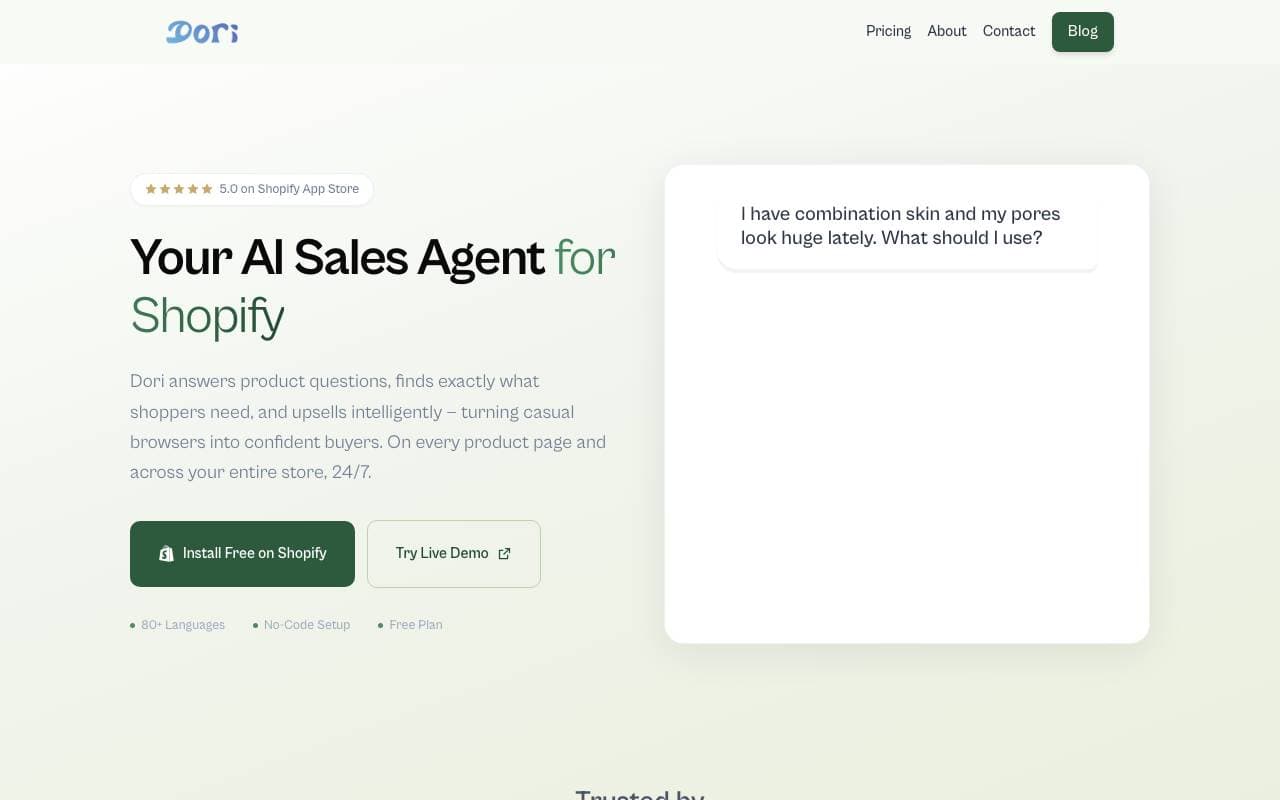

Dori
Ventas y Operaciones de Ingresos
Agente de ventas con IA que ayuda a las tiendas Shopify a convertir más compradores
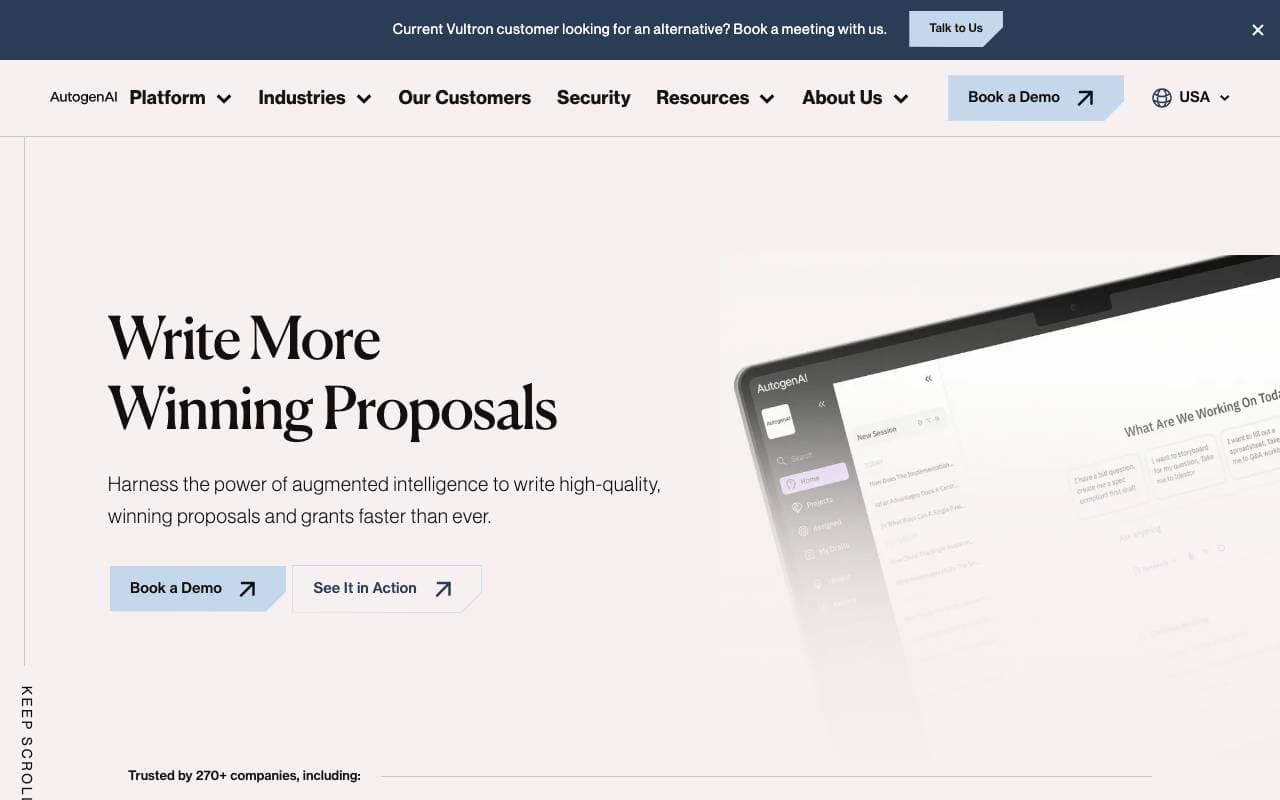
AutogenAI
Ventas y Operaciones de Ingresos
Plataforma de redacción de licitaciones, propuestas y subvenciones impulsada por IA para equipos empresariales.


matmat AI
Ventas y Operaciones de Ingresos
Un correo electrónico unificado que utiliza Inteligencia Artificial (IA) para responder inmediatamente a los leads en todos los canales.


Jason AI
Ventas y Operaciones de Ingresos
Asistente de ventas con IA que encuentra leads, ejecuta campañas de prospección y reserva reuniones automáticamente.

Kolena Go-to-Market Agents
Ventas y Operaciones de Ingresos
Agentes de IA que automatizan los flujos de trabajo de entrada al mercado utilizando tus datos de ventas y marketing.
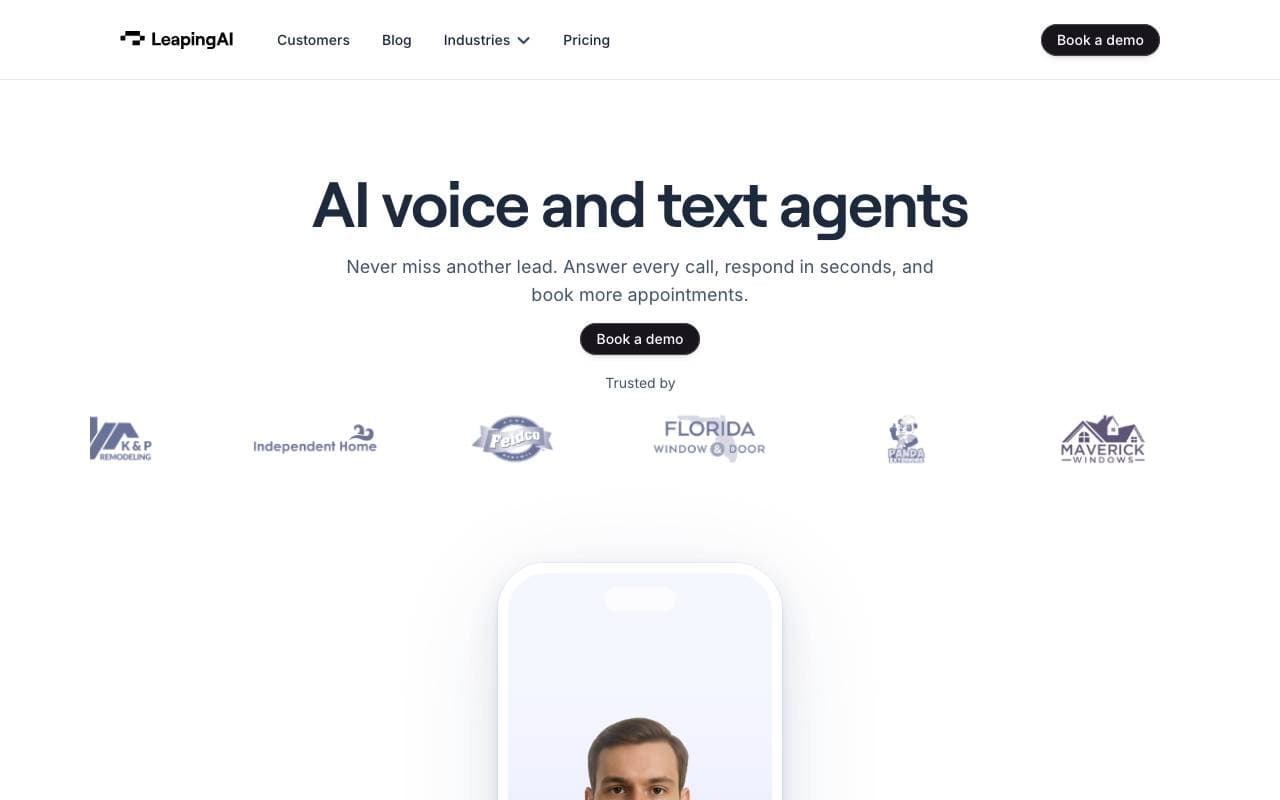

Leaping AI voice agents
Ventas y Operaciones de Ingresos
Agentes de voz AI que automatizan las operaciones de centro de llamadas y mejoran la satisfacción del cliente.
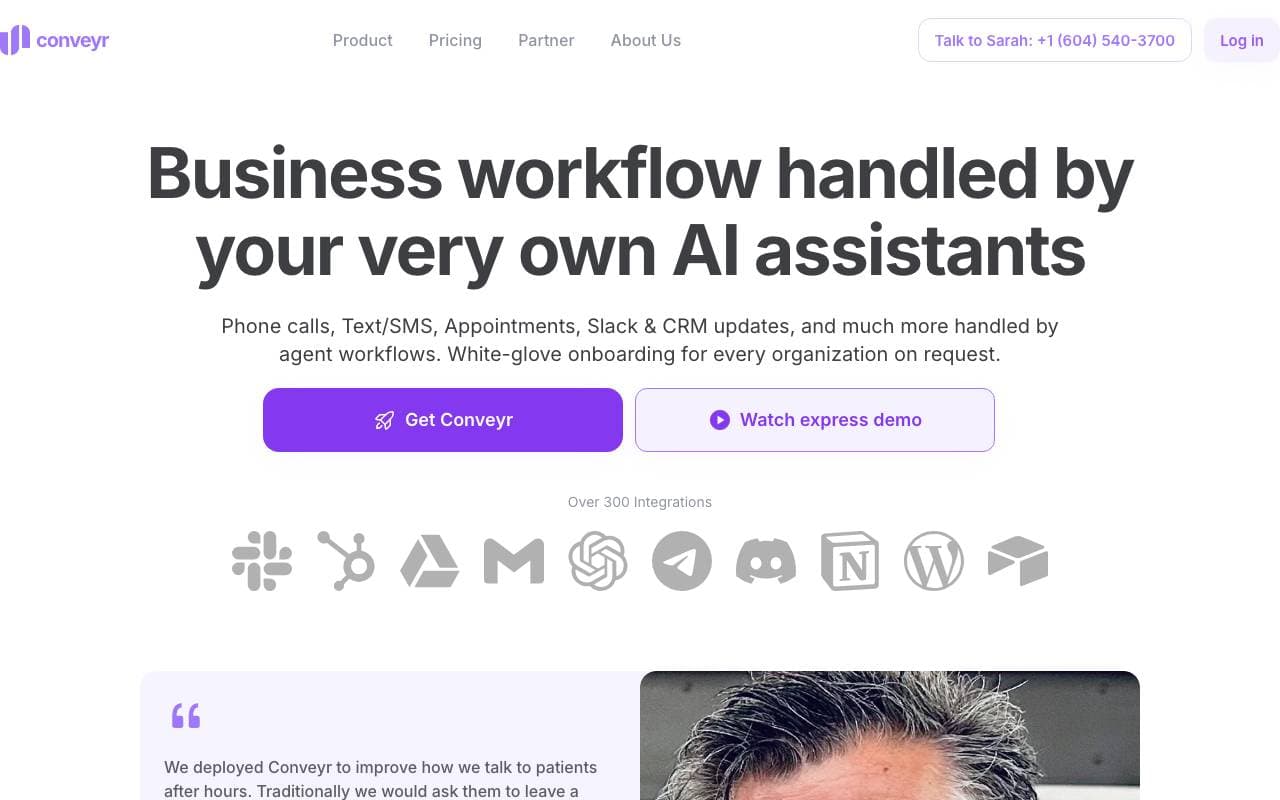
Conveyr
Ventas y Operaciones de Ingresos
Asistente AI que automatiza cuestionarios de seguridad y respuestas a RFP

Jsonify
Ventas y Operaciones de Ingresos
Agentes de IA que extraen datos JSON estructurados de sitios web a gran escala
Trending now


Reducto AI
Plataformas de Desarrollo de Agentes de Inteligencia Artificial
API de inteligencia de documentos que analiza, divide, reconoce textos impresos y extrae datos estructurados desde PDF complejos, presentaciones y hojas de cálculo.


AdCrier
Marketing y Publicidad
Respuestas patrocinadas, pagadas por clic.


Biology AI
IA educativa
Ayuda precisa con las tareas de biología y explicaciones detalladas


Pin AI
Automatización de flujo de trabajo
Contratista de AI agente que automatiza la busca, la selección y el acercamiento para acelerar el reclutamiento.