KommentDocumentación automática de código que se mantiene sincronizada con tu base de código.

Resumen
Funciones clave
- Comentarios en línea y docstrings automáticos
- Actualizaciones continuas de la documentación con cambios en el código
- Soporte para código en múltiples lenguajes
- Integración con flujos de trabajo de desarrolladores
- Resúmenes y explicaciones a nivel de base de código
Precio
- Modelo
- Free
- Valoración
- 4.6 / 5 (5)
Casos de uso
Generar docstrings automáticamente para código heredado
Ejecuta Komment sobre una base de código heredada sin documentar para producir automáticamente comentarios en línea y docstrings para funciones, clases y módulos existentes.
Mantener la documentación sincronizada con los cambios
Integra Komment en el flujo de trabajo de desarrollo para que la documentación se actualice automáticamente cada vez que el código se modifica, evitando documentación obsoleta.
Acelerar la incorporación de nuevos desarrolladores
Proporciona a los nuevos miembros del equipo resúmenes y explicaciones a nivel de base de código generados por Komment, ayudándoles a comprender sistemas desconocidos más rápidamente.
Estandarizar la documentación en proyectos poliglóticos
Utiliza el soporte multilingüe de Komment para mantener un estilo de documentación consistente en repositorios construidos con diferentes lenguajes de programación.
Pros y contras
Ventajas
- Genera documentación automáticamente a partir del código existente
- Mantiene la documentación sincronizada a medida que evoluciona la base de código
- Soporta múltiples lenguajes de programación
- Reduce el esfuerzo manual de documentación para los desarrolladores
Contras
- Las explicaciones generadas por IA pueden requerir revisión humana
- La calidad puede variar con código complejo o mal estructurado
- Menos útil para equipos que ya mantienen documentación exhaustiva
Historial de batallas
En 1 batalla del Panteón.
Last battle
Reseñas
Promedio de 5 valoraciones.
Inicia sesión para dejar una reseña.
Compared a few options
Evaluated this against two competitors. Where it wins: integration with developer workflows and supports multiple programming languages. Where it lags: quality can vary with complex or poorly structured code. On balance the feature set — especially automated inline comments and docstrings — justifies the 4 stars for our use case.
Use it every day
Honestly didn't expect to like it this much. Multi-language code support is exactly what I needed, and keeps docs in sync as the codebase evolves. but I reach for it almost every day now and it just clicks.
Solid for our team
We rolled this out across the team last quarter and keeps docs in sync as the codebase evolves. Integration with developer workflows fits neatly into how we already work, and codebase-level summaries and explanations removed a step we used to do by hand. but it has held up under daily use.

Use it every day
Honestly didn't expect to like it this much. Multi-language code support is exactly what I needed, and keeps docs in sync as the codebase evolves. I do wish aI-generated explanations may need human review, but I reach for it almost every day now and it just clicks.
Years in this space
I've evaluated a lot of these over the years. What stands out here is automated inline comments and docstrings — handled better than most — and generates documentation automatically from existing code. Worth the time if this is your use case.
Preguntas y respuestas
How do I get started with Komment?
Sign in to Komment using your email or git account, then connect a code repository. Trigger documentation jobs by clicking Quickstart or set up a schedule, and watch as Komment automatically builds your wiki.
Asked by Petra Vogel · Oct 3, 2025
Do you offer a free trial?
Yes, all new users automatically receive a 30-day free trial for any paid plan. Upon completion of the trial period, your account will automatically switch to the Free plan unless you choose to upgrade your subscription.
Asked by Fiorella Bianchi · Sep 13, 2025
How does Komment ensure accuracy?
Komment heavily leverages purpose-built algorithms, deterministic static analyses and multi-layer quality assurance to generate the best in-class output for technical documentation. Our rules-based approach to leveraging AI in production settings offers far superior performance over LLM wrappers. We also regularly run benchmarks against our output to continuously monitor reliability and performance. Fun fact — Komment's own code repos are documented by Komment as well!
Asked by Dmitri Volkov · Sep 8, 2025
Which languages and platforms does Komment support?
Languages Komment supports over 90 programming languages! Unless you're working with a highly specialized or obscure language, it's likely that Komment can generate a wiki for your codebase. Check out the full list of supported languages here. Dev Platforms You can use your GitHub, GitLab or BitBucket account to sign up and log in to Komment. You can also connect any GitHub-hosted repository to Komment for wiki generation. We plan to release adapters for GitLab and Bitbucket in 2025. Infrastructure Komment is available as a Software-as-a-Service (SaaS) solution at https://app.komment.ai. For teams that prefer self-hosting, Komment can be deployed on virtual private clouds (VPCs) via AWS, Azure, or GCP. Would you benefit from having Komment available in the AWS, Azure, or GCP Marketplace? Tell us about it and get early access to our marketplace offerings!
Asked by Nour Khalil · Aug 16, 2025
What types of documentation does Komment generate?
Komment currently generates: Usage instructions, Architectures diagrams, General overviews, Implementation details, API documentation, Security insights, Example snippets, In-code comments. Komment tailors documentation for each file based on its size, content, and complexity so that only the most relevant pieces from this list are produced for your code. Users on the Scale plan also receive documentation as markdown files submitted to their repo as a pull request, allowing them to keep their docs alongside their code. If your business needs a specific kind of documentation, let us know and we'll make it happen!
Asked by Olga Ivanova · Aug 7, 2025
Hacer una pregunta
Alternativas a Agentes de Documentación de Inteligencia Artificial


PerfectParser
Agentes de Documentación de Inteligencia Artificial
Agentes AI sin código para la extracción de datos de documentos, facturado por página.


Converzation AI
Agentes de Documentación de Inteligencia Artificial
Chatbots de IA que automatizan el soporte al cliente y responden preguntas usando tus propios datos.


GeniiAI
Agentes de Documentación de Inteligencia Artificial
Asistente de oficina AI que automatiza los flujos de trabajo empresariales cotidianos con un equipo de bots especializados.
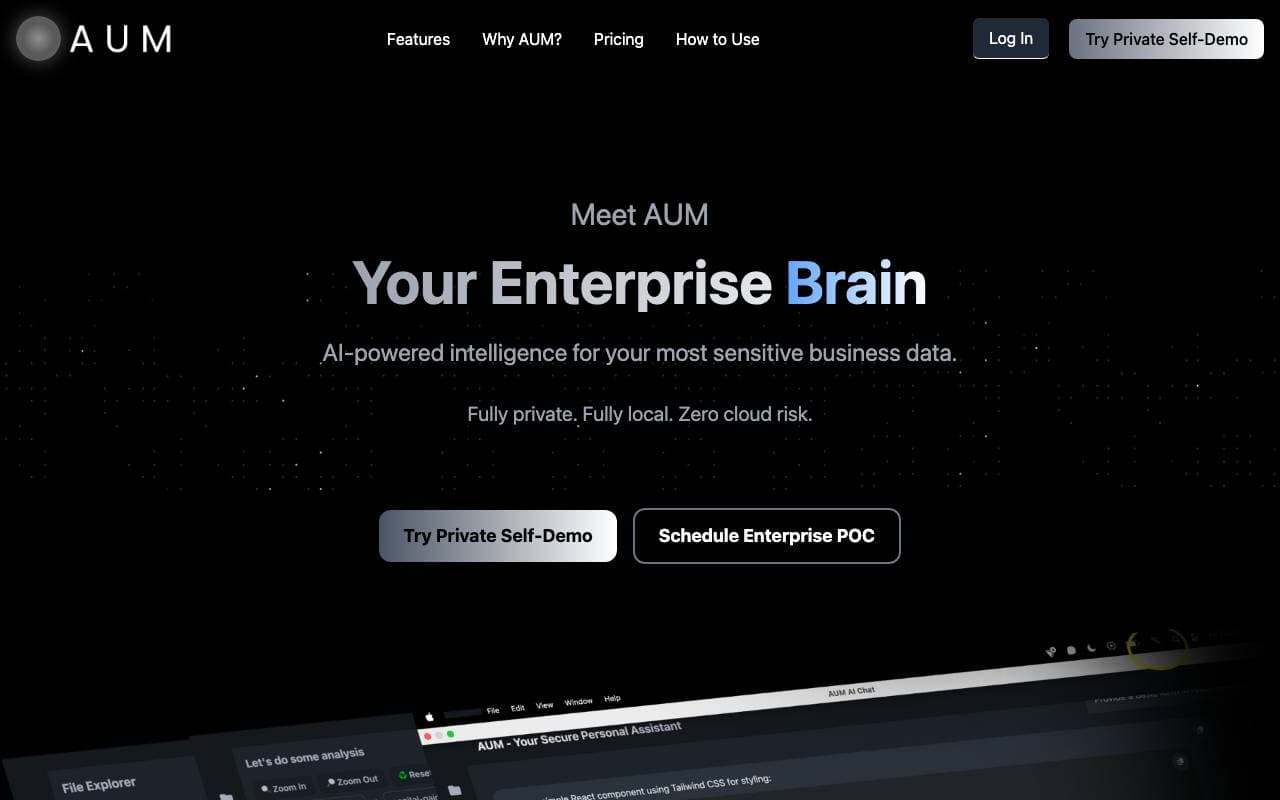

AUM
Agentes de Documentación de Inteligencia Artificial
Capa de inteligencia basada en IA para analizar datos empresariales sensibles de forma segura.

Context
Agentes de Documentación de Inteligencia Artificial
Suite de oficina AI que automatiza presentaciones, documentos y hojas de cálculo de extremo a extremo.
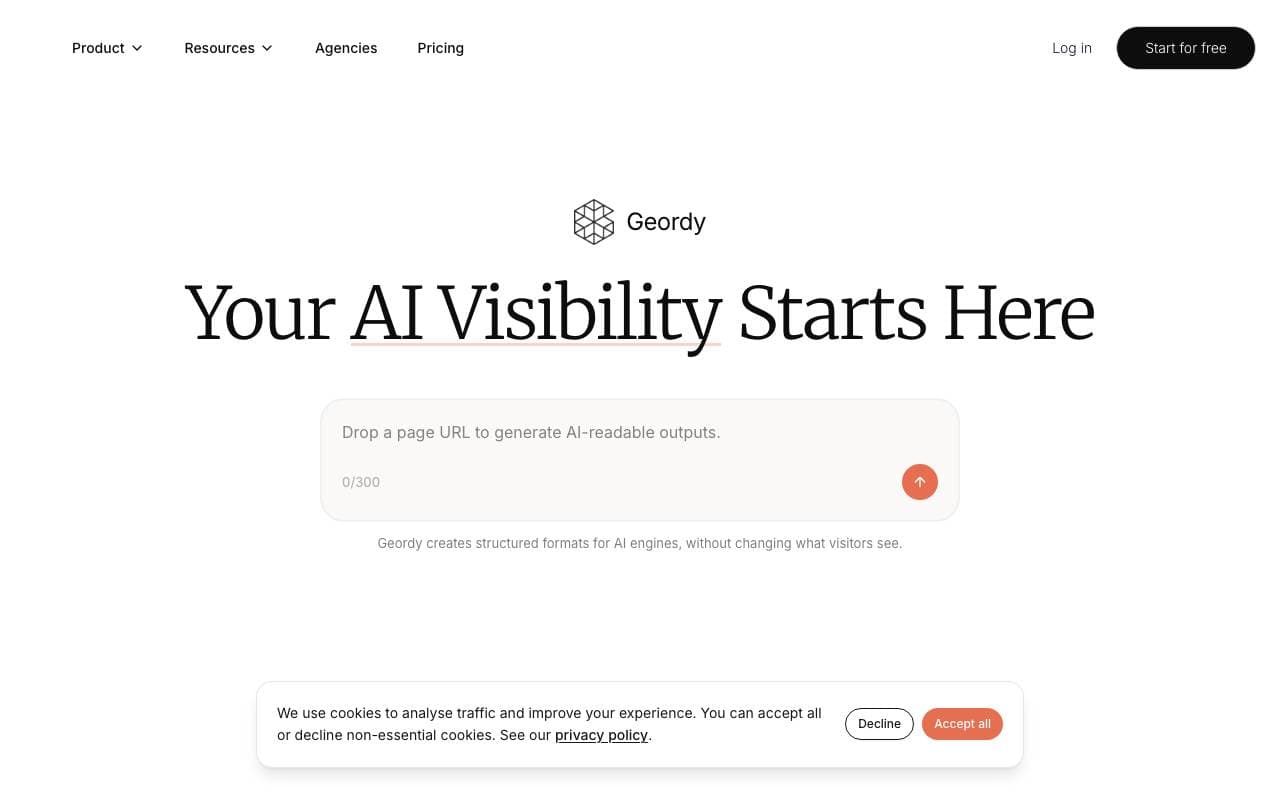

Geordy
Agentes de Documentación de Inteligencia Artificial
Haz que tu sitio sea GEO listo en segundos para la visibilidad en búsqueda IA.


Langbase Docs Agent
Agentes de Documentación de Inteligencia Artificial
Agente de IA conversacional que permite a los usuarios charlar con su documentación
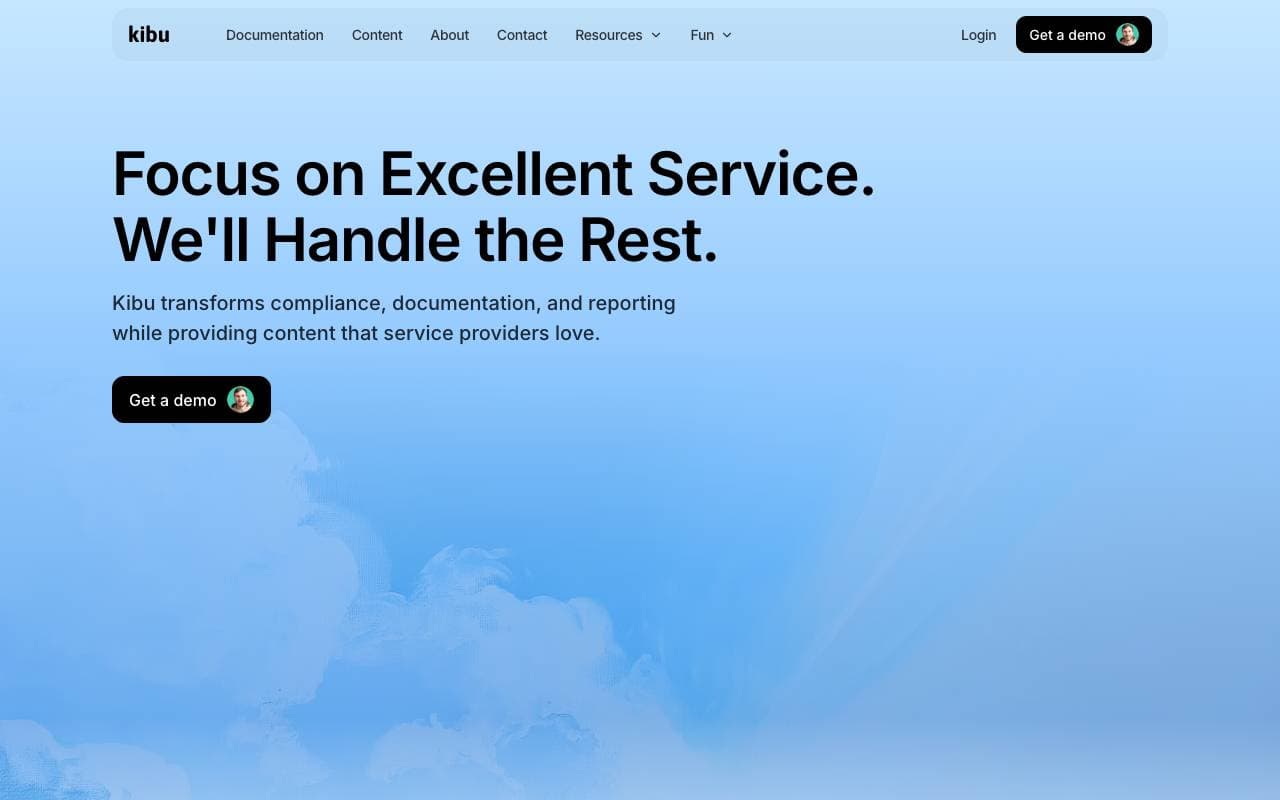

Kibu
Agentes de Documentación de Inteligencia Artificial
Plataforma de soporte impulsada por IA que agiliza la entrega de servicios para que los equipos se centren en los clientes.
Trending now


Reducto AI
Plataformas de Desarrollo de Agentes de Inteligencia Artificial
API de inteligencia de documentos que analiza, divide, reconoce textos impresos y extrae datos estructurados desde PDF complejos, presentaciones y hojas de cálculo.


Biology AI
IA educativa
Ayuda precisa con las tareas de biología y explicaciones detalladas


AdCrier
Marketing y Publicidad
Respuestas patrocinadas, pagadas por clic.


Pin AI
Automatización de flujo de trabajo
Contratista de AI agente que automatiza la busca, la selección y el acercamiento para acelerar el reclutamiento.