AutoQAAgentes de IA que prueban automáticamente tu software y detectan errores de interfaz inestables antes que los usuarios.

Resumen
Funciones clave
- Agentes de pruebas de IA autónomos
- Creación de pruebas en lenguaje natural
- Selectores con capacidad de autorreparación
- Integración con CI/CD
- Verificaciones de regresión visual y funcional
- Seguimientos detallados de fallos y capturas de pantalla
Precio
- Modelo
- Free
- Categoría
- Pruebas de software
- Valoración
- 4.8 / 5 (6)
Casos de uso
Pruebas de regresión en pipelines de CI/CD
Ejecuta verificaciones de regresión autónomas en cada pull request, detectando problemas visuales y funcionales antes de que el código llegue a producción.
Creación de pruebas en lenguaje sencillo para PMs y QA
Personas que no son ingenieros pueden describir flujos de usuario críticos en lenguaje natural, permitiendo que los agentes de IA generen y ejecuten las pruebas sin necesidad de conocimientos de programación.
Eliminación de fallos inestables en pruebas de interfaz
Utiliza selectores con autorreparación y reintentos inteligentes para adaptarte a los cambios de la interfaz, reduciendo los falsos positivos y el ruido en las compilaciones de CI.
Depuración más rápida con seguimientos de fallos
Los ingenieros diagnostican defectos rápidamente utilizando capturas de pantalla, seguimientos y pasos de reproducción generados automáticamente cuando las pruebas fallan.
Pros y contras
Ventajas
- Reduce los fallos inestables en las pruebas
- Creación de pruebas no-code mediante lenguaje natural
- Se adapta automáticamente a los cambios en la interfaz
- Se integra con pipelines de CI/CD
- Informes de fallos detallados con capturas de pantalla
Contras
- Las decisiones de la IA pueden ser difíciles de auditar
- Puede pasar por alto casos límite muy personalizados
- Requiere confianza en agentes autónomos
- El costo puede escalar según el volumen de pruebas
Reseñas
Promedio de 6 valoraciones.
Inicia sesión para dejar una reseña.
Compared a few options
Evaluated this against two competitors. Where it wins: cI/CD integration and detailed failure reports with screenshots. On balance the feature set — especially autonomous AI testing agents — justifies the 5 stars for our use case.

Skeptical, then convinced
I went in skeptical — most tools in this space overpromise. It actually delivers on self-healing selectors, and adapts to UI changes automatically caught me off guard. AI decisions can be hard to audit is why this isn't a perfect score, still, I'd recommend giving it a real trial.
Years in this space
I've evaluated a lot of these over the years. What stands out here is autonomous AI testing agents — handled better than most — and no-code test creation via natural language. AI decisions can be hard to audit is my one real gripe. Worth the time if this is your use case.
Use it every day
Honestly didn't expect to like it this much. Detailed failure traces and screenshots is exactly what I needed, and detailed failure reports with screenshots. but I reach for it almost every day now and it just clicks.
Use it every day
Honestly didn't expect to like it this much. Natural language test authoring is exactly what I needed, and integrates with CI/CD pipelines. but I reach for it almost every day now and it just clicks.
Years in this space
I've evaluated a lot of these over the years. What stands out here is visual and functional regression checks — handled better than most — and no-code test creation via natural language. Worth the time if this is your use case.
Preguntas y respuestas
Do I need to write scripts to use AutoQA?
No, teams can describe what to test in plain language and let the agents handle execution, regression checks, and reporting.
Asked by Mireille Dupont · Jan 22, 2026
Are there any limitations to using AutoQA?
Yes, AutoQA may miss highly custom edge cases, and AI decisions can be hard to audit. Additionally, the cost can scale with test volume.
Asked by Ines Fernandes · Jan 9, 2026
What are the benefits of using AutoQA?
AutoQA reduces flaky test failures, allows for no-code test creation via natural language, adapts to UI changes automatically, and provides detailed failure reports with screenshots.
Asked by Miriam Cohen · Dec 17, 2025
How does AutoQA integrate with my workflow?
AutoQA fits into existing CI/CD pipelines, making it suitable for engineering teams that want broader test coverage without the maintenance overhead of traditional end-to-end frameworks.
Asked by Piotr Baranowski · Dec 4, 2025
Hacer una pregunta
Alternativas a Pruebas de software
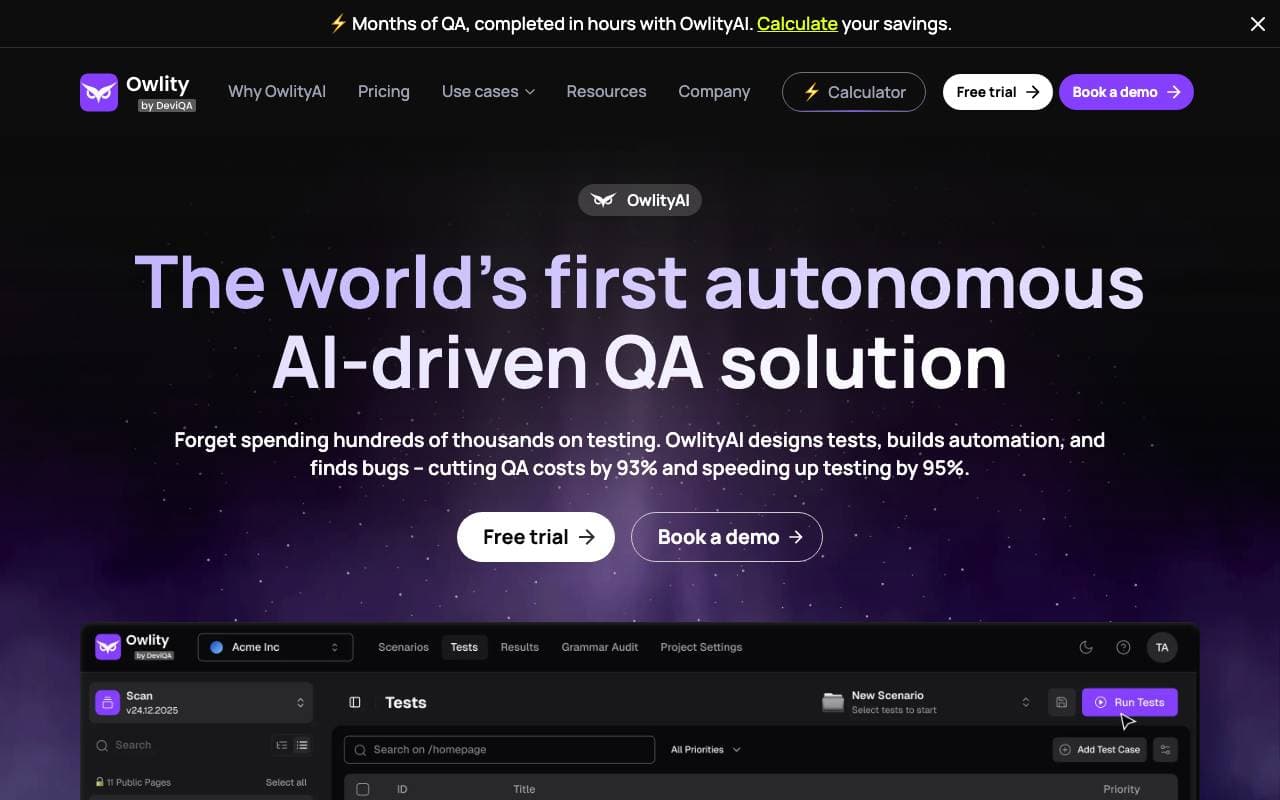

Owlity
Pruebas de software
Plataforma de garantía de calidad autónoma impulsada por IA que prueba aplicaciones web sin scriptear manualmente.
Posium
Pruebas de software
Agentes de IA que automatizan pruebas de sitios web y móviles hasta 10 veces más rápido.


TestDriver.ai
Pruebas de software
Agente de prueba de QA basado en AI que agrega cubrimiento de prueba fin-a-fino para aplicaciones web, móviles y de escritorio

CodeBeaver
Pruebas de software
Pruebas unitarias automatizadas y detección de errores que mantiene tu suite de pruebas saludable en modo autopiloto.

Credit Card Generator
Pruebas de software
Genera números de tarjeta de crédito aleatorios y personalizables para pruebas y desarrollo.
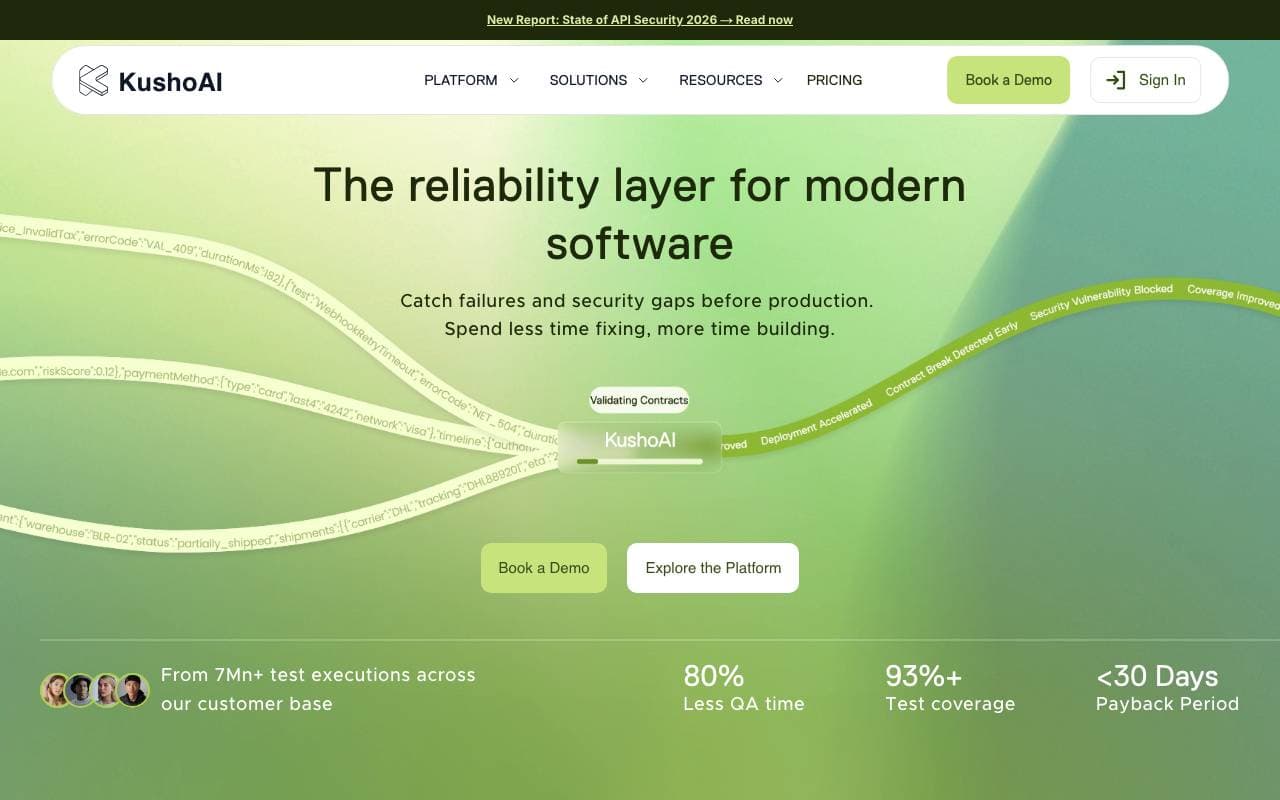
KushoAI
Pruebas de software
Agente IA que automatiza las pruebas de API y descubre errores en minutos
Bismuth
Pruebas de software
Agente de IA autónomo que analiza bases de código, detecta errores y envía correcciones probadas.


Vijil Evaluate
Pruebas de software
Plataforma de prueba y evaluación previa a la implementación para agentes de inteligencia artificial y aplicaciones LLM.
Trending now


AdCrier
Marketing y Publicidad
Respuestas patrocinadas, pagadas por clic.


Reducto AI
Plataformas de Desarrollo de Agentes de Inteligencia Artificial
API de inteligencia de documentos que analiza, divide, reconoce textos impresos y extrae datos estructurados desde PDF complejos, presentaciones y hojas de cálculo.


Biology AI
IA educativa
Ayuda precisa con las tareas de biología y explicaciones detalladas


Pin AI
Automatización de flujo de trabajo
Contratista de AI agente que automatiza la busca, la selección y el acercamiento para acelerar el reclutamiento.