
AutoGenFramework de Python de código abierto para crear aplicaciones LLM multi-agente que colaboran para resolver tareas.

Resumen
Funciones clave
- Orquestación de conversaciones multi-agente
- Roles y personalidades de agente personalizables
- Ejecución de código y llamada a herramientas
- Soporte para intervención humana (human-in-the-loop)
- Compatible con los principales proveedores de LLM
- API de Python extensible
Precio
- Modelo
- Freemium
- Categoría
- Desarrollo de Agentes
- Valoración
- 4.5 / 5 (4)
Casos de uso
Conversación en tiempo real
Crea sistemas de conversación de múltiples agentes que colaboran para resolver tareas, con aplicaciones en servicio al cliente, soporte técnico y más.
Flujos de trabajo de modelos de lenguaje
Crea flujos de trabajo que aprovechan modelos de lenguaje grandes para automatizar tareas, como el procesamiento de datos, el análisis de texto y la generación de contenido.
Sistemas de agentes múltiples
Desarrolla sistemas que permiten que varios agentes interactúen y collaborative, con posibles aplicaciones en áreas como juegos, simulaciones y educación.
Inferencia optimizada
Utiliza las APIs de inferencia de LLM mejoradas de AutoGen para optimizar el rendimiento y reducir costos en implementaciones a gran escala de modelos de lenguaje.
Pros y contras
Ventajas
- Gratuito y de código abierto
- Patrones de conversación multi-agente flexibles
- Soporta el uso de herramientas y ejecución de código
- Respaldado por Microsoft Research con una comunidad activa
Contras
- Requiere conocimientos de Python y de la API de LLM
- La documentación puede ir a la zaga de las rápidas actualizaciones
- Ejecutar bucles multi-agente puede incurrir en altos costes de tokens
- No tiene una interfaz gráfica (GUI) integrada para no desarrolladores
Historial de batallas
En 1 batalla del Panteón.
Last battle
Reseñas
Promedio de 4 valoraciones.
Inicia sesión para dejar una reseña.
Skeptical, then convinced
I went in skeptical — most tools in this space overpromise. It actually delivers on code execution and tool calling, and free and open source caught me off guard. Requires Python and LLM API knowledge is why this isn't a perfect score, still, I'd recommend giving it a real trial.
Solid for our team
We rolled this out across the team last quarter and flexible multi-agent conversation patterns. Compatible with major LLM providers fits neatly into how we already work, and multi-agent conversation orchestration removed a step we used to do by hand. but it has held up under daily use.

Compared a few options
Evaluated this against two competitors. Where it wins: human-in-the-loop support and backed by Microsoft Research with active community. On balance the feature set — especially compatible with major LLM providers — justifies the 5 stars for our use case.
Skeptical, then convinced
I went in skeptical — most tools in this space overpromise. It actually delivers on compatible with major LLM providers, and flexible multi-agent conversation patterns caught me off guard. No built-in GUI for non-developers is why this isn't a perfect score, still, I'd recommend giving it a real trial.
Preguntas y respuestas
None of the devcontainers are building due to "Hash sum mismatch", what should I do?
This is an intermittent issue that appears to be caused by some combination of mirror and proxy issues. If it arises, try to replace the apt-get update step with the following: RUN echo "Acquire::http::Pipeline-Depth 0;" > /etc/apt/apt.conf.d/99custom && \ echo "Acquire::http::No-Cache true;" >> /etc/apt/apt.conf.d/99custom && \ echo "Acquire::BrokenProxy true;" >> /etc/apt/apt.conf.d/99customRUN apt-get clean && \ rm -r /var/lib/apt/lists/* && \ apt-get update -o Acquire::CompressionTypes::Order::=gz && \ apt-get -y update && \ apt-get install sudo git npm # and whatever packages need to be installed in this specific version of the devcontainer This is a combination of StackOverflow suggestions here and here.
Asked by Vasyl Kovalenko · May 21, 2026
What should I do if I get the error "TypeError: Assistants.create() got an unexpected keyword argument 'file_ids'"?
This error typically occurs when using Autogen version earlier than 0.2.27 in combination with OpenAI library version 1.21 or later. The issue arises because the older version of Autogen does not support the file_ids parameter used by newer versions of the OpenAI API. To resolve this issue, you need to upgrade your Autogen library to version 0.2.27 or higher that ensures compatibility between Autogen and the OpenAI library. pip install --upgrade autogen
Asked by Nikolai Petrenko · May 13, 2026
Agents are throwing due to docker not running, how can I resolve this?
If running AutoGen locally the default for agents who execute code is for them to try and perform code execution within a docker container. If docker is not running, this will cause the agent to throw an error. To resolve this you have some options.
Asked by Tunde Balogun · May 6, 2026
When using autogen docker, is it always necessary to reinstall modules?
The "use_docker" arg in an agent's code_execution_config will be set to the name of the image containing the change after execution, when the conversation finishes. You can save that image name. For a new conversation, you can set "use_docker" to the saved name of the image to start execution there.
Asked by Ismael Rios · May 1, 2026
How to get each agent message?
Please refer to https://microsoft.github.io/autogen/docs/reference/agentchat/conversable_agent#chat_messages
Asked by Lucas Petit · Apr 15, 2026
Hacer una pregunta
Alternativas a Desarrollo de Agentes
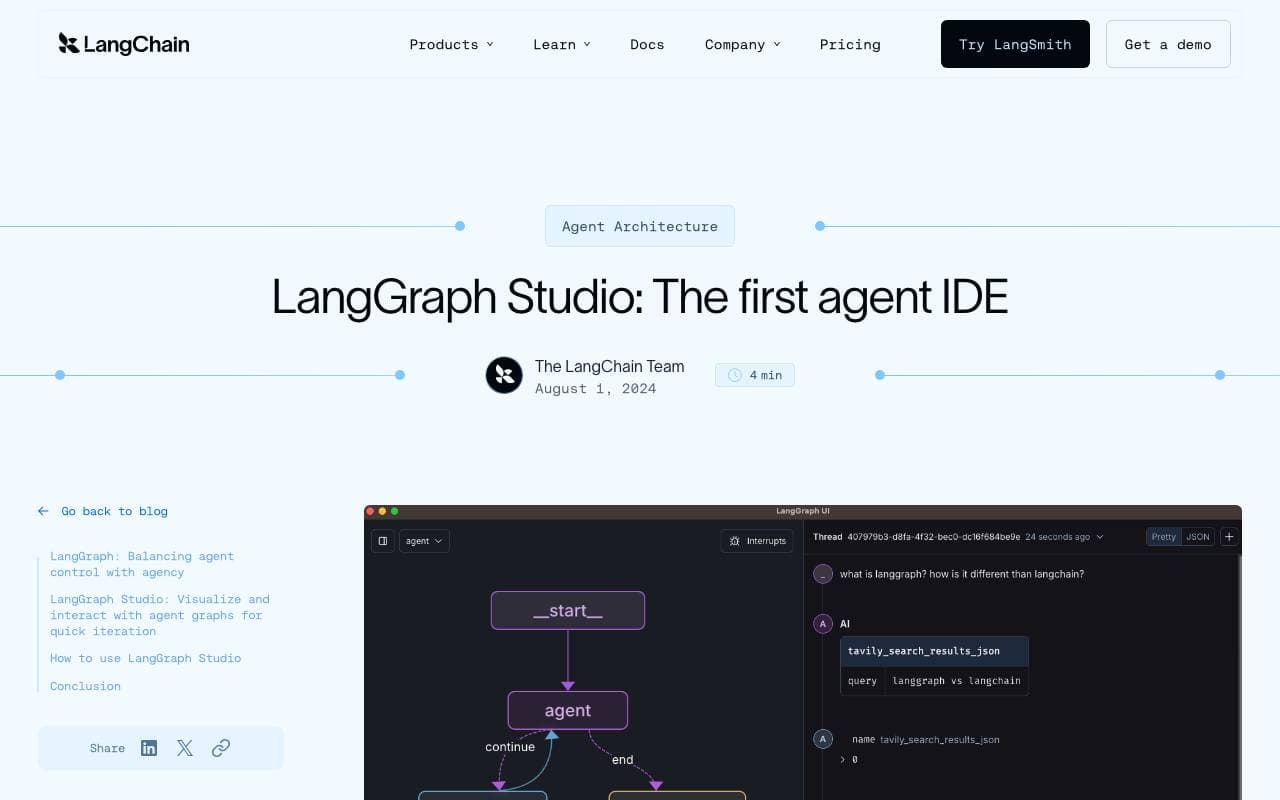

LangGraph Studio
Desarrollo de Agentes
IDE visual para construir, depurar y inspeccionar flujos de ejecución de agentes LangGraph

BrainSoup
Desarrollo de Agentes
Crea agentes de IA personalizados que automaticen tareas y flujos de trabajo mediante lenguaje natural.


Letta AI
Desarrollo de Agentes
Plataforma de código abierto para crear agentes de IA con memoria a largo plazo y razonamiento avanzado.


Snorkel Flow
Desarrollo de Agentes
Plataforma de desarrollo de modelos de IA para construir modelos de producción más rápido mediante etiquetado programático y desarrollo de datos.

NetX
Desarrollo de Agentes
Red económica modular que combina la infraestructura de blockchain con capacidades de AI.


Theoriq AI
Desarrollo de Agentes
Protocolo descentralizado para construir y gobernar sistemas de inteligencia artificial de agente múltiplo en cadena
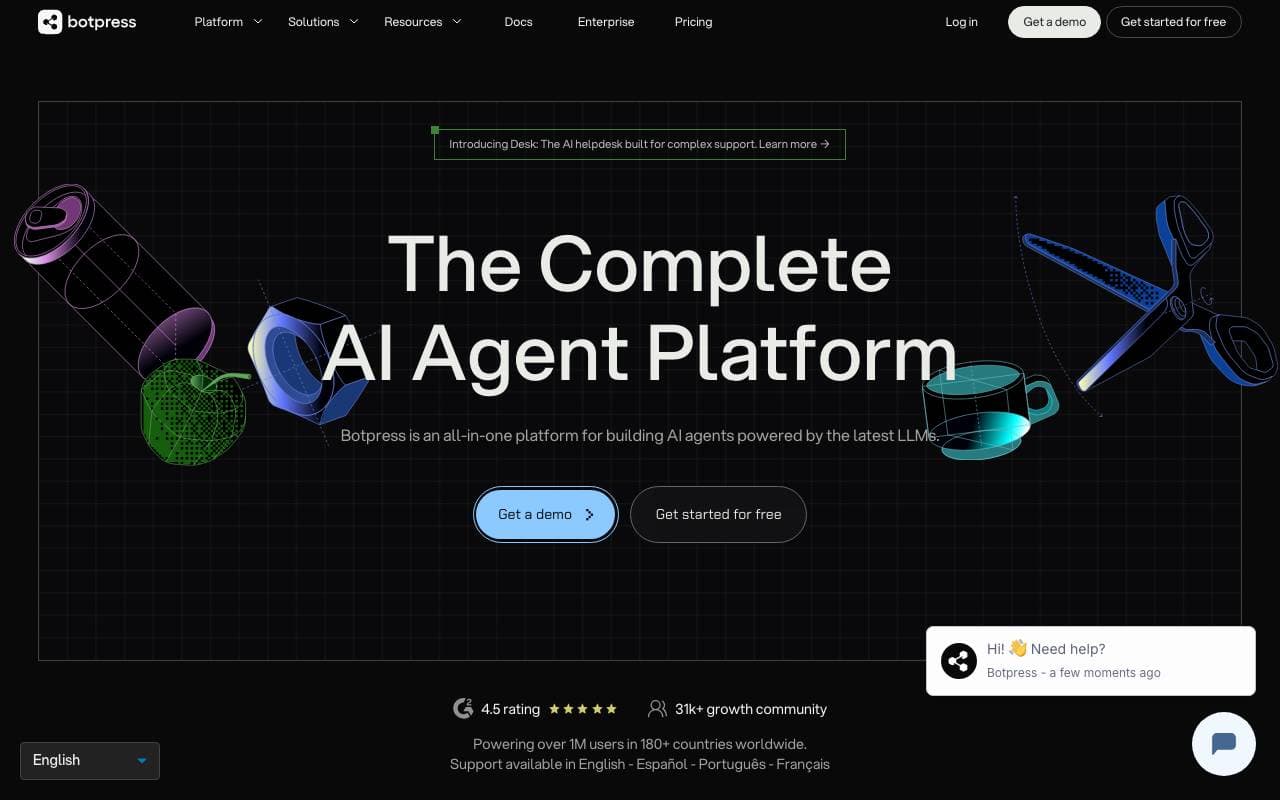

Botpress
Desarrollo de Agentes
Plataforma integral para crear, implementar y gestionar agentes de IA y chatbots.
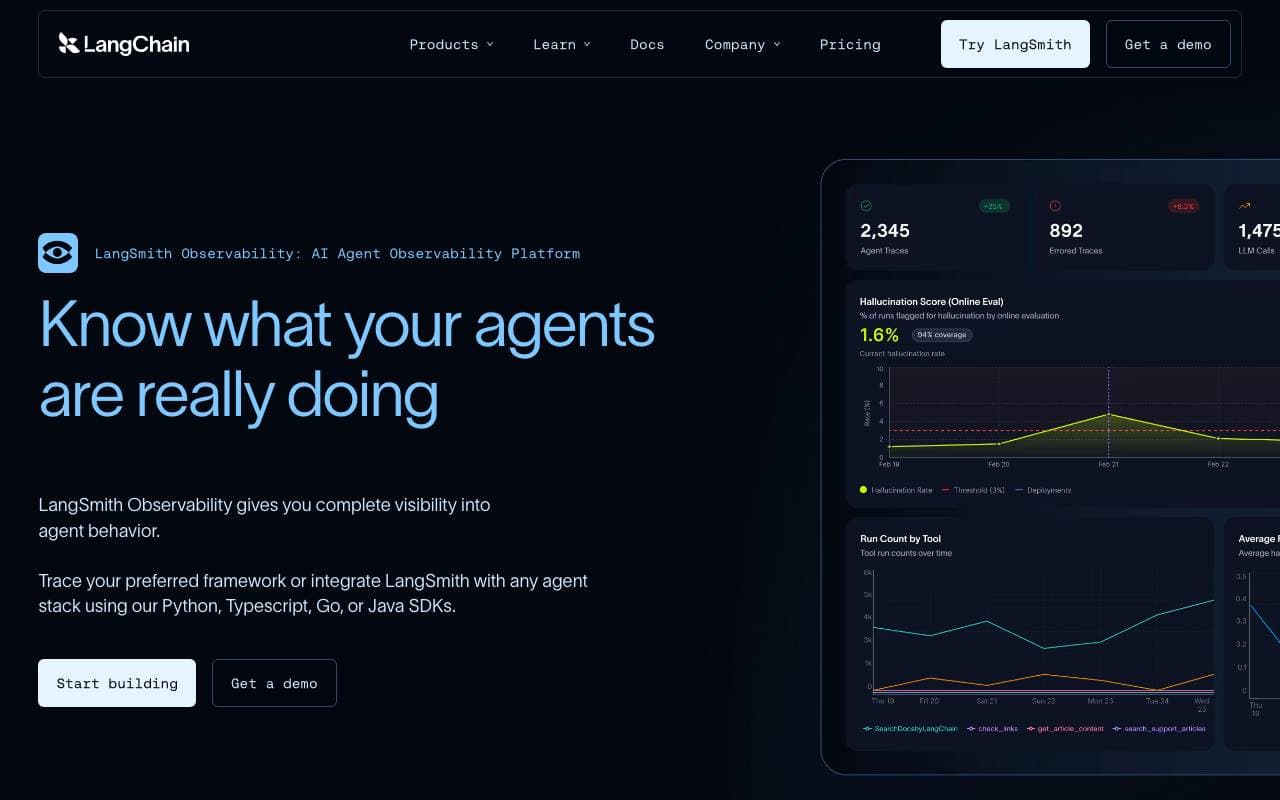

LangSmith
Desarrollo de Agentes
Plataforma de observabilidad, evaluación y depuración para aplicaciones LLM desde el equipo de LangChain
Trending now


Reducto AI
Plataformas de Desarrollo de Agentes de Inteligencia Artificial
API de inteligencia de documentos que analiza, divide, reconoce textos impresos y extrae datos estructurados desde PDF complejos, presentaciones y hojas de cálculo.


AdCrier
Marketing y Publicidad
Respuestas patrocinadas, pagadas por clic.


Biology AI
IA educativa
Ayuda precisa con las tareas de biología y explicaciones detalladas


Pixtral 12B 24.09
Modelos de lenguaje por largo contexto (LLM)
Modelo multimodal de 12G que maneja imágenes e texto intercalados con una ventana de contexto de 128K.