
Steve AiErstellen Sie Texte, Skripte und Audio in wenigen Minuten zu animierten oder generativen AI-Videos

Übersicht
Hauptfunktionen
- Text-to-Video- und Skript-to-Video-Erzeugung
- Audio-to-Video-Konversion
- generativer AI- und animierter Style Option
- Automatisiert Szenen- und Charaktermatch
- integrierte Voiceover- und Musikbibliothek
- Drag-and-drop Szeneneditor
Preise
- Modell
- Freemium
- Kategorie
- Videoerstellung
- Bewertung
- 4.8 / 5 (6)
Anwendungsfälle
Marketing-Skripte in Videos umwandeln
Marketing-Mitarbeiter können Ad-Kopien oder Kampagnen-Skripte einfügen und generierte animierte oder lebendige Style-Videos mit automatischer Szene, Voice-Over und Musik für soziale Kanäle erstellen.
Bildungsexplainer-Videos erstellen
Ausbilder wenden Lektions-Skripte in animierte Videos um, mit passenden Charaktern und Szenen, und erzeugen Unterrichts- oder Online-Lerninhalte ohne Manövrischer Animationsskille.
Audio in visuelle Inhalte umwandeln
Podcaster und Ersteller können Audio-Dateien hochladen, um automatisch passende Videofootage zu erzeugen, und erweitern somit ihre Reichweite für Video-First-Plattformen wie YouTube oder TikTok.
Rapide Prototypen von Video-Konzepten erstellen
Inhalts-Teams können schnell verschiedene Video-Style aus einem einzelnen Skript herstellen, um kreative Richtungen zu testen, bevor sie sich für eine vollständige Fertigung entscheiden.
Pro & Contra
Pro
- Mehrere Ausgabestile, einschließlich Animation und generativer AI
- Skripte oder Audio direkt in ein Video umwandeln
- Browser-basierten, einsteigerfreundlichen Editor
- integrierte Voice-Overs, Musik und Asset-Bibliothek
Contra
- Die Ausgabegüte variiert je nach Style und Prompt
- Avancierte Funktionen sind hinter bezahlten Ebenen versteckt
- Geringe Kontrollmöglichkeit aufgrund mangelnder Feinverteilung verglichen mit manuellen Editors
Schlacht-Bilanz
Aus 4 Schlachten im Pantheon.
Last 4 battles
Bewertungen
Durchschnitt aus 6 Bewertungen.
Melde dich an, um eine Bewertung abzugeben.
Compared a few options
Evaluated this against two competitors. Where it wins: built-in voiceover and music library and converts scripts or audio directly into video. On balance the feature set — especially drag-and-drop scene editor — justifies the 5 stars for our use case.
Use it every day
Honestly didn't expect to like it this much. Built-in voiceover and music library is exactly what I needed, and converts scripts or audio directly into video. but I reach for it almost every day now and it just clicks.
Compared a few options
Evaluated this against two competitors. Where it wins: automated scene and character matching and beginner-friendly browser-based editor. Where it lags: advanced features locked behind paid tiers. On balance the feature set — especially automated scene and character matching — justifies the 4 stars for our use case.
Does the job
Pretty happy overall. Audio-to-video conversion just works and converts scripts or audio directly into video. Limited fine control compared to manual editors can be annoying, but no dealbreakers — I'd recommend it to a friend without hesitating.
Years in this space
I've evaluated a lot of these over the years. What stands out here is drag-and-drop scene editor — handled better than most — and multiple output styles including animation and generative AI. Worth the time if this is your use case.
Years in this space
I've evaluated a lot of these over the years. What stands out here is built-in voiceover and music library — handled better than most — and multiple output styles including animation and generative AI. Worth the time if this is your use case.
Fragen & Antworten
Why Steve AI Wins Compared to Other AI Video Tools?
Steve AIOther AI Video ToolsPatented AI storytelling engine for creating original contentOpen APIs with generic contentEasy access to the latest generative APIs and models in one placeLimited to specific modelsFlexible Add-ons are part of all subscription plansNo flexibility with fixed subscription costMultiple video styles for diverse use casesMostly one flow with limited use casesGuaranteed bang for your buck with competitive pricingHighly priced with lower valueEthical AI and Security CompliantLimited complianceFrom the makers of Animaker Inc. (Top 50 design product globally)New and third-party dependencies Make your AI Video Now
Asked by Dovid Klein · Sep 21, 2025
Is Steve AI free?
Yes, Steve AI is free to try. It’s a great way to explore our AI video creation tool before upgrading for more downloads and premium features.
Asked by Ivo Novotný · Sep 19, 2025
Why is Steve AI better than any other AI video creation platform?
Many tools offer video creation, but users consistently rate Steve AI as the best AI video creation platform for its ease of use, value for money, and quality of output. We’re also proud to be a 5-star rated platform on Product Hunt.
Asked by Joanna Kowalski · Sep 15, 2025
Can I download videos on Steve AI for free?
Yes! With the free plan, you get 20 minutes of AI videos per month, 200 AI asset credits, unlimited video generation, and even 2 free local download. You can also publish directly to YouTube, making it easy to start creating videos.
Asked by Sven Bergqvist · Sep 13, 2025
Can Steve AI generate videos?
Absolutely! Just type in your idea or prompt, and Steve AI instantly generates ready to publish videos with visuals, narration, and music.
Asked by Jovana Petrovic · Aug 15, 2025
Frage stellen
Alternativen zu Videoerstellung


Voe Ai
Videoerstellung
Plattform für die künstliche Intelligenz-gesteuerte Videoerzeugung mit dem Veo 3.1-Modell.


Animate AI
Videoerstellung
Einzige AI-Video-Generator für animierte Serien mit konsistenten Charakteren


vidBoard AI
Videoerstellung
Günstiger AI-basierter Videoproduktion mit Avatar, Sprecherstimme und automatisierter Schnitt für Marketing- und Trainingsinhalte


Runway ML
Videoerstellung
Kreative Suite für generative Video-, Bild- und Multimedia-Editing mit künstlicher Intelligenz.


Elai.io
Videoerstellung
Eine Plattform mit künstlicher Intelligenz, die Text in professionelle Videos mit lebensechten digitalen Avatar-Animationen verwandelt, um den Inhalt von verschiedenen Branchen hin zu erleichtern


HeyOz
Videoerstellung
Mit AI-generierten Sozialposts, -anzeigen und UCG-Inhalten in Minuten fertig.


Lumen5
Videoerstellung
Ein AI-gestütztes Videoerstellungs-Tool, das Texte in fesselnde Videos verwandelt, müheloses Content-Recycling und höhere Zuschauerbindung ermöglicht...
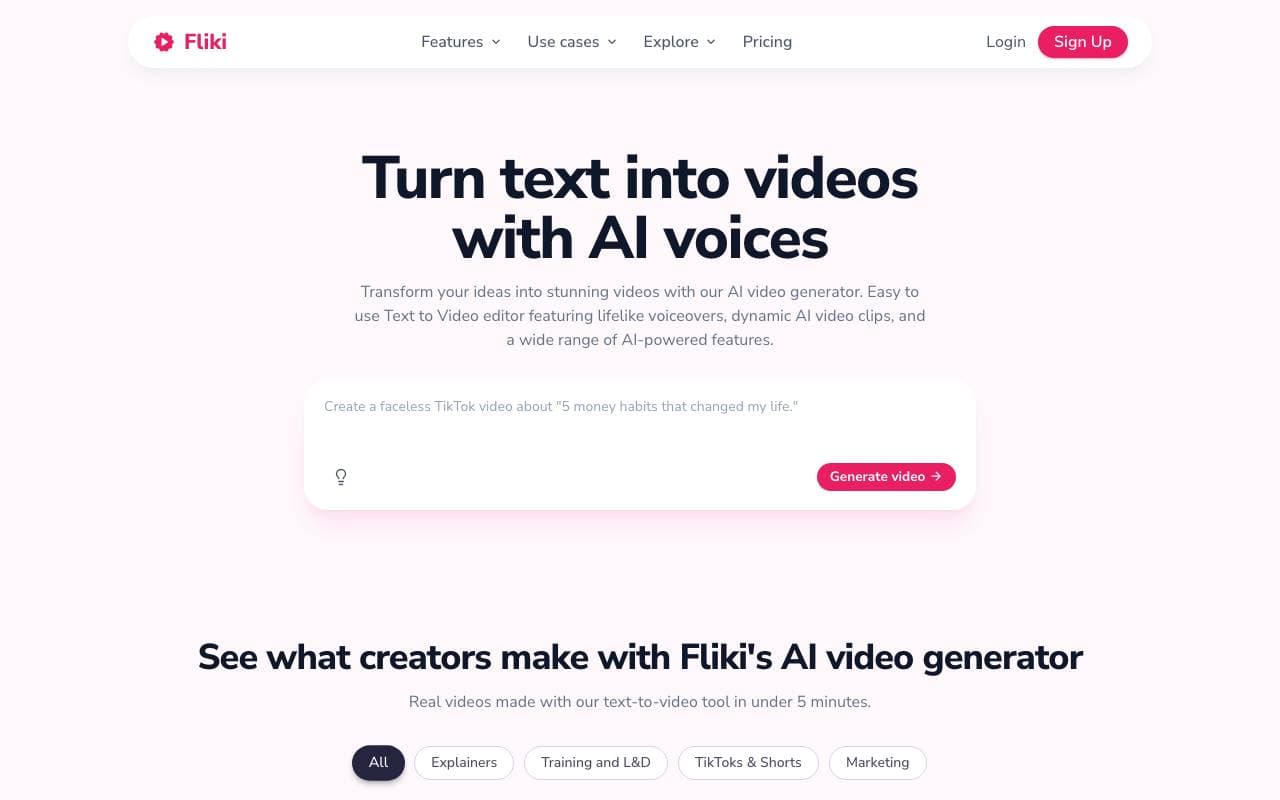

Fliki
Videoerstellung
Text und Drehbücher in nur Minuten in besetzte Videos mit künstlicher Intelligenz und Stock-Videos verwandeln.
Trending now


Reducto AI
Plattformen für die Entwicklung von Agenten mit künstlicher Intelligenz
Intelligenter Dokument API zur Analyse, Trennung, OCR-Analyse und Strukturierung von komplexen PDFs, Präsentationen und Tabellenkalkulationen.


AdCrier
Marketing & Werbung
Gepflichtete Antworten mit Provision pro Klick.


Biology AI
Bildung AI
Genaue Hilfe bei Hausaufgaben mit ausführlichen Erklärungen


Pin AI
Arbeitsablaufautomatisierung
Agentic AI Recruiter, der Sourcing, Screening und Outreach automatisiert, um den Einstellungsprozess zu beschleunigen.