
Runway MLKreative Suite für generative Video-, Bild- und Multimedia-Editing mit künstlicher Intelligenz.

Übersicht
Hauptfunktionen
- Text-to-Videogeneration und Bild-to-Videogeneration
- KI-grüne Leinwand und Hintergrundentfernung
- Einfärben und Objektentfernung in Videoclips
- Bewegungs- und Kamera-Steuerung
- Kollaborativer Browser-basierter Editor
- Bibliothek von trainierbaren und vorgebauten KI-Modellen
- pros
- :
- Breite Palette an generativen Video- und Bild-Tools,Browser-basierter mit keinem schweren lokalen Setup,Häufige Updates mit neuen Modellen wie Gen-3,Für Prototyping und fertige Arbeit nutzbar,cons,:,Fristen-gesteuerter Kreditnutzen kann bei großem Nutzen kostspielig sein,Aufwand für die Ausgabegüte
Preise
- Modell
- Freemium
- Kategorie
- Videoerstellung
- Bewertung
- 4.8 / 5 (4)
Anwendungsfälle
Rapide Konzeption von Videovorlagen
Filmemacher und Regisseure generieren Text-zu-Video- oder Bilddatei-zu-Video-Klips, um Szenen und Storyboards vor der endgültigen Produktion zu visualisieren.
Erstellung von Social-Media-Inhalten
Marketer und Creators erstellen kurze Form generative Videos und stilisierte Visuals im Browser, um sie schnell für Veröffentlichung auf sozialen Plattformen bereitzustellen.
Lese- und Abwärmearbeiten
Editoren verwenden AI-Green-Screen, Inpainting und Objektentfernung, um Hintergründen-Ersatz und entbehrliche Elemente ohne komplexe VFX-Software zu bearbeiten.
Kollaborative Kreativitätsiteration
Verteilte Teams teilen einen browser-basierten Projektumgebung, um sich auf Szenen, AI-Effekte und Exportergebnisse in größeren Produktionspipelines abzuspielen.
Pro & Contra
Pro
- Breites Spektrum an generativen Video- und Bildwerkzeugen
- Browser-basiert, heavy lokal Installation ist nicht erforderlich
- Regelmäßige Updates mit neuen Modellen wie Gen-3
- Nützlich sowohl für Prototypen als auch für fertige Arbeiten
Contra
- Kreditbasiertes Nutzung kann mit steigender Skalierung teuer werden
- Qualität der Ausgaben variiert je nach Vorlage und Modell
- Beschränkte präzise Kontrolle im Vergleich zu traditionellen NLEs
- Generierungen können während Spitzenzeiten langsam sein
Bewertungen
Durchschnitt aus 4 Bewertungen.
Melde dich an, um eine Bewertung abzugeben.
Skeptical, then convinced
I went in skeptical — most tools in this space overpromise. It actually delivers on aI green screen and background removal, and frequent updates with new models like Gen-3 caught me off guard. still, I'd recommend giving it a real trial.

Years in this space
I've evaluated a lot of these over the years. What stands out here is text-to-video and image-to-video generation — handled better than most — and frequent updates with new models like Gen-3. Worth the time if this is your use case.
Compared a few options
Evaluated this against two competitors. Where it wins: aI green screen and background removal and frequent updates with new models like Gen-3. Where it lags: generations can be slow during peak times. On balance the feature set — especially text-to-video and image-to-video generation — justifies the 4 stars for our use case.
Solid for our team
We rolled this out across the team last quarter and browser-based with no heavy local setup. Collaborative browser-based editor fits neatly into how we already work, and motion tracking and camera controls removed a step we used to do by hand. but it has held up under daily use.
Fragen & Antworten
Can I change my plan after subscribing?
Yes. You can upgrade at any time and the change takes effect immediately — upgrades are prorated, so you only pay the time-adjusted difference and receive the additional credits right away. If you downgrade, the unused balance is applied as a credit toward your next billing cycle and your current plan stays active until then.
Asked by Olamide Fashola · Jul 6, 2025
How do credits work?
Credits are the unit you spend to generate images, video, and audio on Runway. Each model uses a set number of credits per generation depending on the model, duration, and resolution — for example, Gen-4.5 uses 12 credits per second of generated video. Paid plans include a monthly credit allotment, and the Free plan includes a one-time deposit of 125 credits that doesn't expire.
Asked by Ivo Novotný · Jun 24, 2025
Do my credits roll over or expire?
On the Standard and Pro plans, monthly credits don't roll over — they reset within 24 hours of your billing date each cycle. On the Max plan, up to one month of unused credits rolls over to the following month. Any additional credits you purchase never expire.
Asked by Sanjay Gupta · May 30, 2025
What if I need more credits?
If you need more credits, you can purchase additional credits from the Plans & Billing page in your dashboard. The minimum purchase is 1,000 credits.
Asked by Ines Zeković · May 31, 2025
Frage stellen
Alternativen zu Videoerstellung


Steve Ai
Videoerstellung
Erstellen Sie Texte, Skripte und Audio in wenigen Minuten zu animierten oder generativen AI-Videos


Voe Ai
Videoerstellung
Plattform für die künstliche Intelligenz-gesteuerte Videoerzeugung mit dem Veo 3.1-Modell.


Animate AI
Videoerstellung
Einzige AI-Video-Generator für animierte Serien mit konsistenten Charakteren


vidBoard AI
Videoerstellung
Günstiger AI-basierter Videoproduktion mit Avatar, Sprecherstimme und automatisierter Schnitt für Marketing- und Trainingsinhalte


Elai.io
Videoerstellung
Eine Plattform mit künstlicher Intelligenz, die Text in professionelle Videos mit lebensechten digitalen Avatar-Animationen verwandelt, um den Inhalt von verschiedenen Branchen hin zu erleichtern


HeyOz
Videoerstellung
Mit AI-generierten Sozialposts, -anzeigen und UCG-Inhalten in Minuten fertig.


Lumen5
Videoerstellung
Ein AI-gestütztes Videoerstellungs-Tool, das Texte in fesselnde Videos verwandelt, müheloses Content-Recycling und höhere Zuschauerbindung ermöglicht...
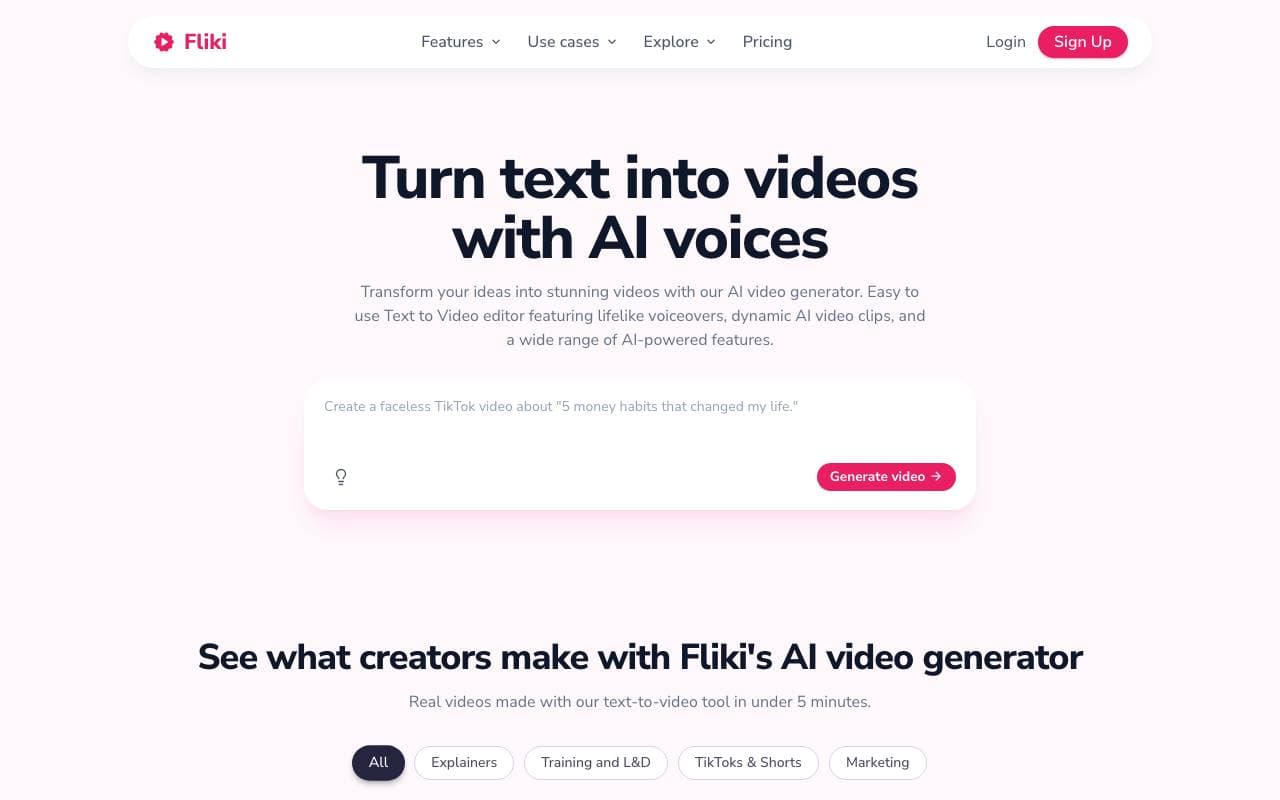

Fliki
Videoerstellung
Text und Drehbücher in nur Minuten in besetzte Videos mit künstlicher Intelligenz und Stock-Videos verwandeln.
Trending now


AdCrier
Marketing & Werbung
Gepflichtete Antworten mit Provision pro Klick.


Reducto AI
Plattformen für die Entwicklung von Agenten mit künstlicher Intelligenz
Intelligenter Dokument API zur Analyse, Trennung, OCR-Analyse und Strukturierung von komplexen PDFs, Präsentationen und Tabellenkalkulationen.


Biology AI
Bildung AI
Genaue Hilfe bei Hausaufgaben mit ausführlichen Erklärungen


Pin AI
Arbeitsablaufautomatisierung
Agentic AI Recruiter, der Sourcing, Screening und Outreach automatisiert, um den Einstellungsprozess zu beschleunigen.