
MusicArtKostenloser KI-Musikgenerator, der Textaufforderungen in originelle Songs und Instrumentals verwandelt.

Übersicht
Hauptfunktionen
- Text-zu-Musik-Prompt-Erstellung
- Mehrere Genres und Stimmungen
- Instrumentale und vokale Spur-Optionen
- Schnelles Rendern und Herunterladen
- Benutzerfreundliche Oberfläche für Anfänger
- Urheberrechtsfreundliche Ausgaben für Kreative
Preise
- Modell
- Free
- Kategorie
- Musik
- Bewertung
- 4.5 / 5 (6)
Anwendungsfälle
Hintergrundmusik für Videos
Content Creator können urheberrechtsfreundliche Soundtracks für YouTube-Videos, Vlogs oder Social-Media-Posts erzeugen, indem sie die gewünschte Stimmung und das Genre in einer Textaufforderung beschreiben.
Podcast-Intros und Übergänge
Podcaster können schnell individuelle Instrumentals für Intros, Outros und Segmentübergänge produzieren, ohne Lizenzgebühren oder Produktionskenntnisse.
Spiele- und App-Soundtracks
Indie-Entwickler und Hobbyisten können thematische Instrumentals für Spielstände, Menüs oder App-Erlebnisse mithilfe einfacher promptbasierter Generierung erstellen.
Marketing- und Werbemusik
Marketer können markenkonforme Hintergrundmusik für Anzeigen, Produktdemonstrationen oder Werbevideos erzeugen, indem sie Genre, Instrument und Stimmung angeben.
Pro & Contra
Pro
- Kostenlos nutzbar für Grundfunktionen
- Einfacher Text-zu-Musik-Workflow
- Keine Musiktheorie- oder Produktionskenntnisse erforderlich
- Nützlich für schnelle Content-Erstellung
Contra
- Begrenzte feinabgestimmte Bearbeitungssteuerungen
- Ausgabequalität variiert je nach Prompt
- Weniger geeignet für professionelle Studioarbeit
Schlacht-Bilanz
Aus 1 Schlacht im Pantheon.
Last battle
Bewertungen
Durchschnitt aus 6 Bewertungen.
Melde dich an, um eine Bewertung abzugeben.

Solid for our team
We rolled this out across the team last quarter and no music theory or production skills required. Quick rendering and download fits neatly into how we already work, and text-to-music prompt generation removed a step we used to do by hand. Output quality varies by prompt, which is the main caveat, but it has held up under daily use.
Compared a few options
Evaluated this against two competitors. Where it wins: multiple genres and moods and simple text-to-music workflow. Where it lags: output quality varies by prompt. On balance the feature set — especially text-to-music prompt generation — justifies the 5 stars for our use case.
Solid for our team
We rolled this out across the team last quarter and free to use for basic generation. Text-to-music prompt generation fits neatly into how we already work, and multiple genres and moods removed a step we used to do by hand. Less suited for professional studio work, which is the main caveat, but it has held up under daily use.

Does the job
Pretty happy overall. Instrumental and vocal track options just works and simple text-to-music workflow. Limited fine-grained editing controls can be annoying, but no dealbreakers — I'd recommend it to a friend without hesitating.
Skeptical, then convinced
I went in skeptical — most tools in this space overpromise. It actually delivers on text-to-music prompt generation, and simple text-to-music workflow caught me off guard. Less suited for professional studio work is why this isn't a perfect score, still, I'd recommend giving it a real trial.

Use it every day
Honestly didn't expect to like it this much. Text-to-music prompt generation is exactly what I needed, and simple text-to-music workflow. I do wish output quality varies by prompt, but I reach for it almost every day now and it just clicks.
Fragen & Antworten
Do I own the rights to music created with MusicArt?
Yes, every piece made with MusicArt's AI Music Maker is fully royalty-free and yours to use across any medium or release.
Asked by Mohammed Al-Amin · Jan 10, 2026
Can I use MusicArt for professional studio work?
MusicArt is less suited for professional studio work due to its limited editing controls and varying output quality.
Asked by Ines Fernandes · Dec 31, 2025
What kind of editing controls does MusicArt offer?
MusicArt has limited fine-grained editing controls, focusing on accessibility rather than deep DAW-style editing.
Asked by Dalia Haddad · Dec 19, 2025
Is MusicArt free to use?
Yes, MusicArt is free to use for basic music generation.
Asked by Femi Adebayo · Nov 27, 2025
Frage stellen
Alternativen zu Musik

 Create Music AIMusik
KI-gestützte Suite zum Erstellen und Bearbeiten von urheberrechtsfreien Musik online.
 AtmoscapiaMusik
Studio für die Erstellung von Backgroundmusik für Schaffende von Fokus-, Film- und Spielkulissen.
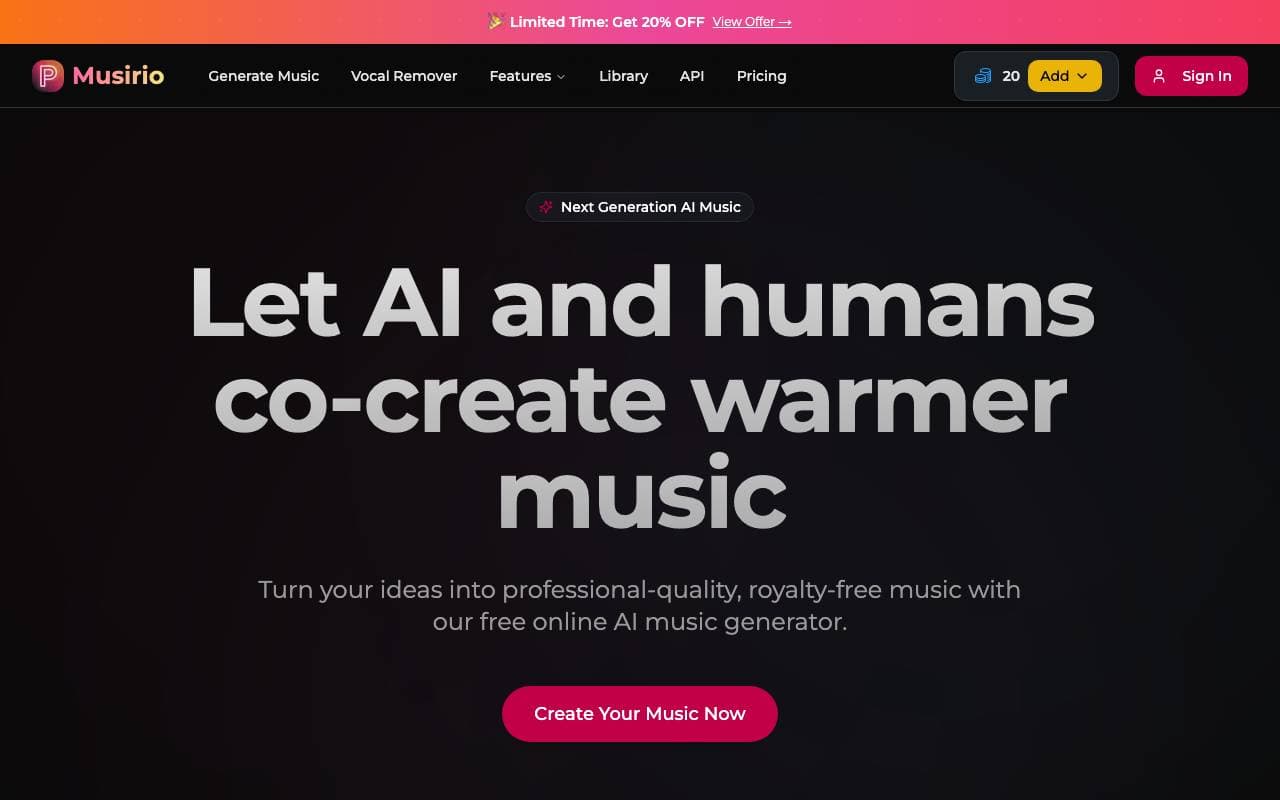
 MusirioMusik
Kostenloser KI-Song- und Musikgenerator für schnelle Originaltracks aus Textprompt

 Musiccreator AIMusik
Kostenloser AI-Musikgenerator, der lizenzfreie Tracks aus Textanweisungen erstellt.
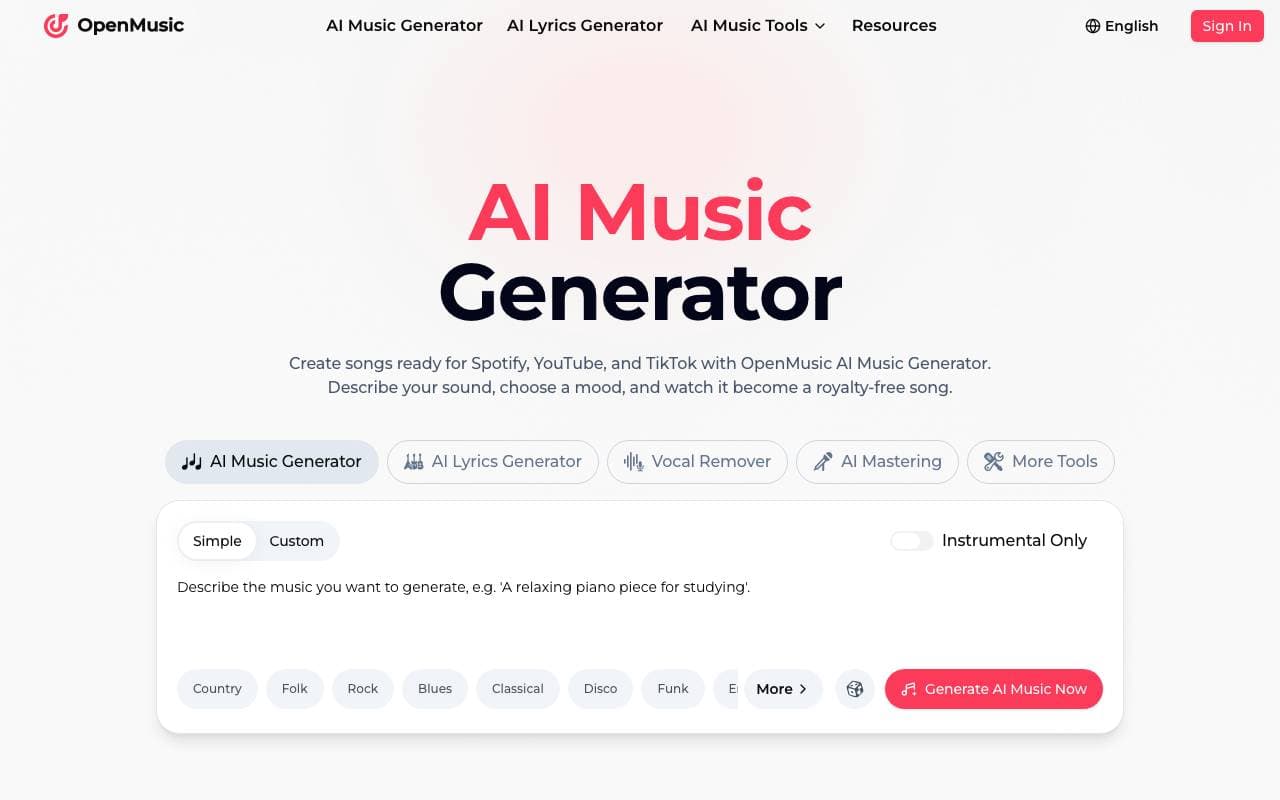
 OpenMusicMusik
AI-Musikgenerator, der Textbefehle und Ideen in originale Tracks verwandelt

 Generator AI MusicMusik
Erste royalty-freie AI-Musik in mehreren Genres mit einem einfachen Prompt erstellen.

 MakeSong-AIMusik
All-in-one KI-Musikgenerator für die Erstellung origineller Songs aus einfachen Eingabeaufforderungen.

 Custom SongMusik
Erstelle personalisierte Lieder in Minuten mit KI-gestützter Musikkomposition.
Trending now

 Reducto AIPlattformen für die Entwicklung von Agenten mit künstlicher Intelligenz
Intelligenter Dokument API zur Analyse, Trennung, OCR-Analyse und Strukturierung von komplexen PDFs, Präsentationen und Tabellenkalkulationen.

 AdCrierMarketing & Werbung
Gepflichtete Antworten mit Provision pro Klick.

 Biology AIBildung AI
Genaue Hilfe bei Hausaufgaben mit ausführlichen Erklärungen

 Pixtral 12B 24.09Large Language Model
Offenes multimodales 12B-Modell, das ineinander verschachtelte Bilder und Text mit einem Kontextfenster von 128 K verarbeitet.