SlideSpeakGenerátor prezentací na základě AI, který přeměňuje dokumenty, pokyny a nápady na editovatelné PowerPointové prezentace.

Přehled
Klíčové funkce
- Generování prezentací z textu
- Konverze dokumentů do slájdi (PDF, DOCX)
- Vyhledávané šablony a témy
- Export do PPTX pro offline editaci
- Sumarizace dokumentů a Q&A
- Podpora více jazyků
Ceník
- Model
- $4
- Kategorie
- Prodeje a Operace Revenuu
- Hodnocení
- 4.7 / 5 (6)
Případy užití
Generování slájdi na základě promptu
Popisujte téma v běžném textu adejte SlideSpeak navrhnout strukturovanou prezentaci se štítky, body pro bullet list a vizualizace připravene jako editovatelné.
Konverze zpráv do prezentací
Nahraďte PDF soubory nebo Word dokumenty a automaticky přeměňte prodloužené zprávy do shrnuté a připravené pro prezentaci PowerPointovou prezentaci.
Překlad prezentací pro globální publikum
Použijte podporu více jazyků k překlad existing prezentací, pomoci týmům sdílet své výsledky na mezinárodní úrovni a mezi zúčastněnými stranami.
Rychlé projektové decky pro studenty
Studenti mohou převést poznámkové listy nebo zdrojové soubory do předem připravených a tematických prezentací rychle, pak je dále upravíte v PowerPoint, Google Slides či Keynote.
Pro a proti
Pro
- Rychlé generování slajíd z promptů nebo dokumentů
- Exportuje do editovatelného formátu PowerPoint
- Podporuje shrnování a reformátování existujících souborů
- Šablony a témy pro konsistentní uspořádání
- Podpora více jazyků
Proti
- Generovaný obsah AI nemusí být nutně požadovanou úroveň kvality a vyžaduje manuální kontrolu a editaci
- Designová personalizace je omezená oproti specializovaným nástrojům
- Nejlepší výsledky vyžadují zřetelné inputové pokyny nebo dobře strukturované zdroje
Rekord bitev
Ve 1 bitvě v Pantheonu.
Last battle
Recenze
Průměr z 6 hodnocení.
Přihlas se, abys mohl napsat recenzi.

Compared a few options
Evaluated this against two competitors. Where it wins: document-to-slides conversion (PDF, DOCX) and templates and themes for consistent styling. Where it lags: design customization is more limited than dedicated tools. On balance the feature set — especially text-to-presentation generation — justifies the 5 stars for our use case.
Use it every day
Honestly didn't expect to like it this much. Built-in templates and themes is exactly what I needed, and exports to editable PowerPoint format. I do wish aI-generated content may need manual review and edits, but I reach for it almost every day now and it just clicks.
Skeptical, then convinced
I went in skeptical — most tools in this space overpromise. It actually delivers on document-to-slides conversion (PDF, DOCX), and fast slide generation from prompts or documents caught me off guard. Best results require clear input prompts or well-structured sources is why this isn't a perfect score, still, I'd recommend giving it a real trial.
Skeptical, then convinced
I went in skeptical — most tools in this space overpromise. It actually delivers on built-in templates and themes, and supports summarizing and reformatting existing files caught me off guard. Best results require clear input prompts or well-structured sources is why this isn't a perfect score, still, I'd recommend giving it a real trial.
Years in this space
I've evaluated a lot of these over the years. What stands out here is built-in templates and themes — handled better than most — and exports to editable PowerPoint format. Worth the time if this is your use case.
Use it every day
Honestly didn't expect to like it this much. Document summarization and Q&A is exactly what I needed, and exports to editable PowerPoint format. but I reach for it almost every day now and it just clicks.
Otázky
How do I create a PowerPoint presentation with AI?
Simply enter a topic, paste your text, or upload a document like a PDF or Word file. SlideSpeak's AI analyzes your content and generates a complete, professionally designed PowerPoint presentation in minutes. You can then edit, customize, and download it as a .pptx file ready for use.
Asked by Chidi Okonkwo · Dec 8, 2025
Can I convert a PDF or Word document into a presentation?
Yes! SlideSpeak automatically transforms PDFs, Word documents, and Excel files into structured slide decks. The AI summarizes key points, organizes content logically, and applies professional layouts - no manual copying and pasting required.
Asked by Lindiwe Mahlangu · Nov 10, 2025
How does SlideSpeak compare to Gamma and other AI presentation tools?
Unlike Gamma, SlideSpeak generates native, editable PowerPoint files (.pptx) you can download and use anywhere - not locked into a web platform. SlideSpeak also lets you use your own PowerPoint templates and includes features like AI video generation and brand kits. See our full SlideSpeak vs Gamma comparison.
Asked by Fumiko Sato · Nov 6, 2025
Is SlideSpeak good for consultants and business professionals?
SlideSpeak is one of the best AI presentation tools for consultants and business professionals. Convert client briefs, reports, and research into polished slide decks in minutes. Apply your brand colors and fonts automatically, and export to PowerPoint for client-ready deliverables.
Asked by Beatriz Costa · Nov 5, 2025
Can I create a presentation with AI using my own template?
Yes! You can upload your own PowerPoint template (.pptx or .potx) or use SlideSpeak's Brand Kit feature to apply your company's fonts, colors, and logo. The AI respects your design system while generating content, so every presentation stays on-brand.
Asked by Gustav Lindberg · Oct 22, 2025
Polož otázku
Alternativy k Prodeje a Operace Revenuu
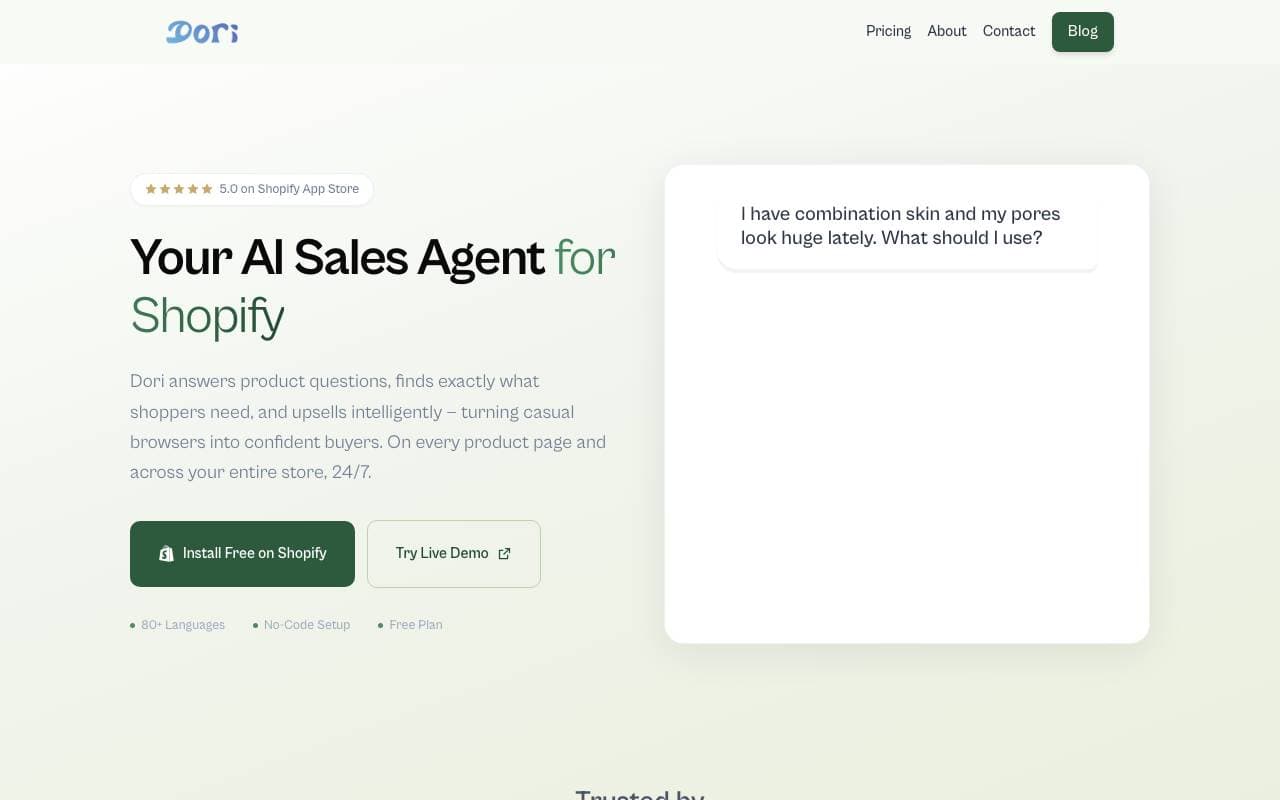

Dori
Prodeje a Operace Revenuu
Inteligentní prodejní agentura pro Shopify, která pomáhá konvertovat více nakupujících do kupujících.
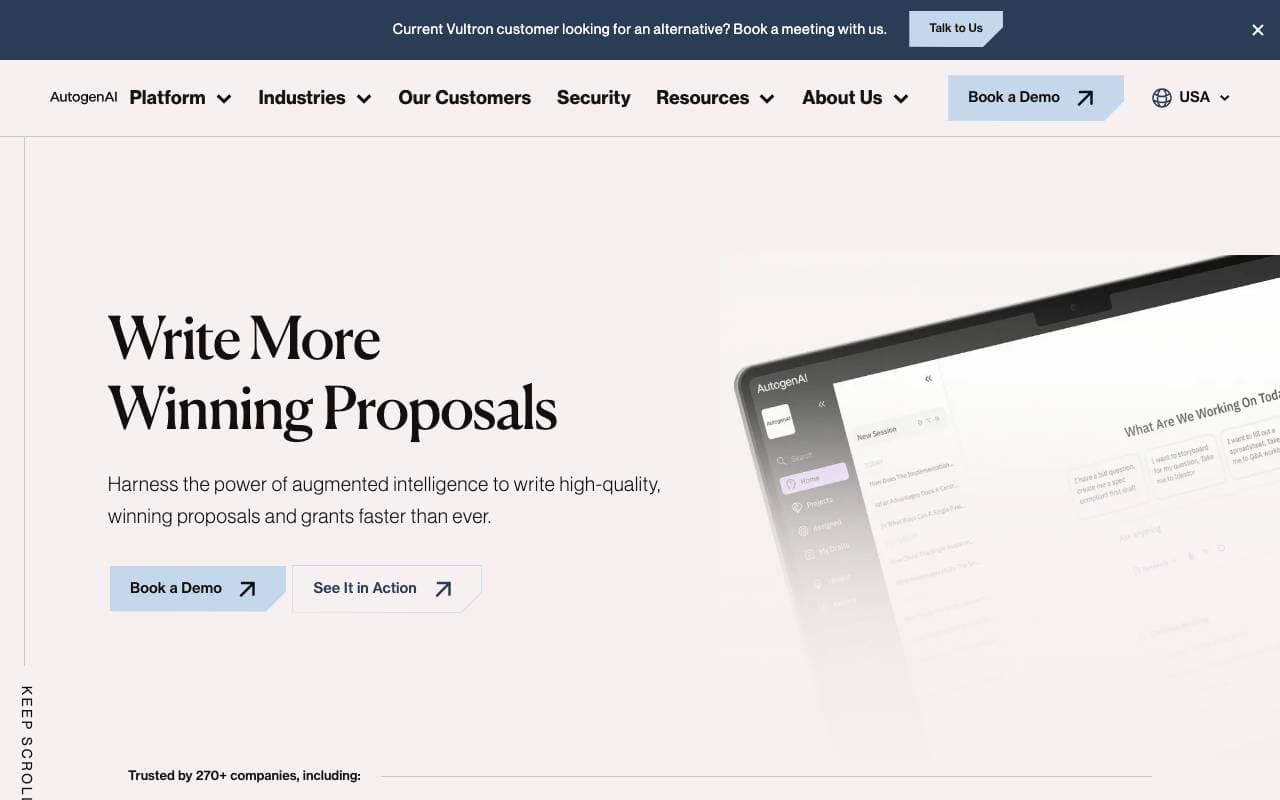
AutogenAI
Prodeje a Operace Revenuu
Platforma založená na umělé inteligenci pro návrh nabídek, podání a státem podpořených projektů pro podnikové týmy.


matmat AI
Prodeje a Operace Revenuu
Unifikovaný poštovní schránka, která používá AI k okamžitému vyústění náboru na všech kanálech.


Jason AI
Prodeje a Operace Revenuu
AI prodávací asistent, který najde cílové skupiny, spustí kontakt a naplánuje schůzky samočinně.

Kolena Go-to-Market Agents
Prodeje a Operace Revenuu
AI agenty vyvíjející na trh pomocí vašich prodejních a marketingových dat.
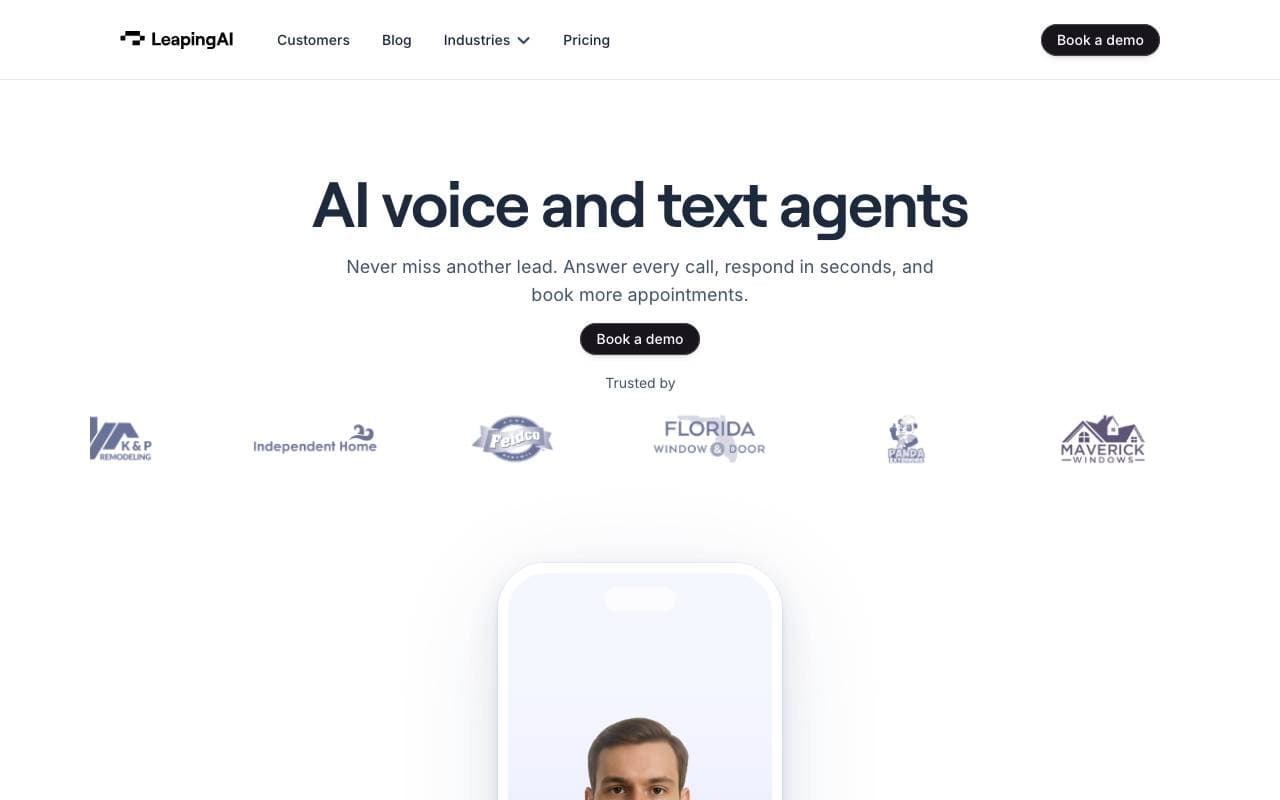

Leaping AI voice agents
Prodeje a Operace Revenuu
Voicí agenti AI, které automaterují operace contact center a zlepšují spokojenost zákazníků.
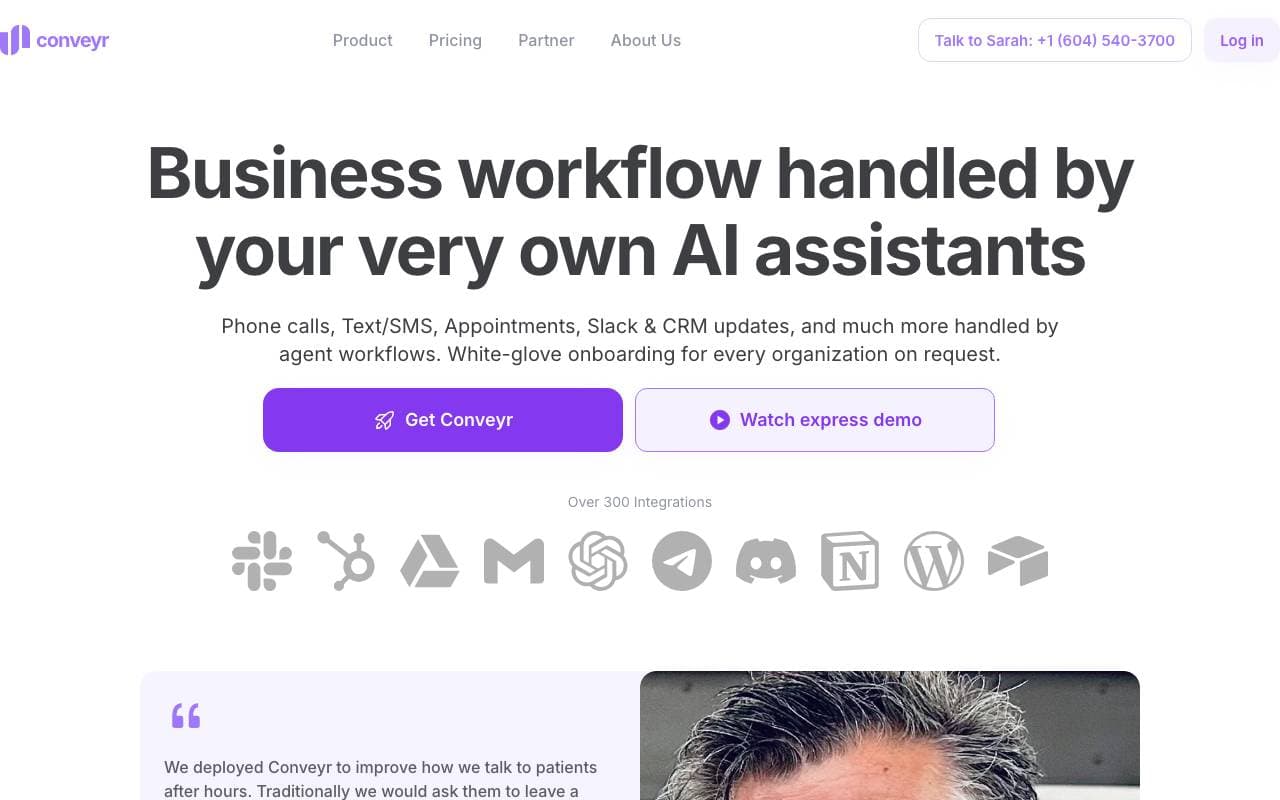
Conveyr
Prodeje a Operace Revenuu
Asistent na AI, který automatizuje bezpečnostní dotazníky a RFP odpovědi
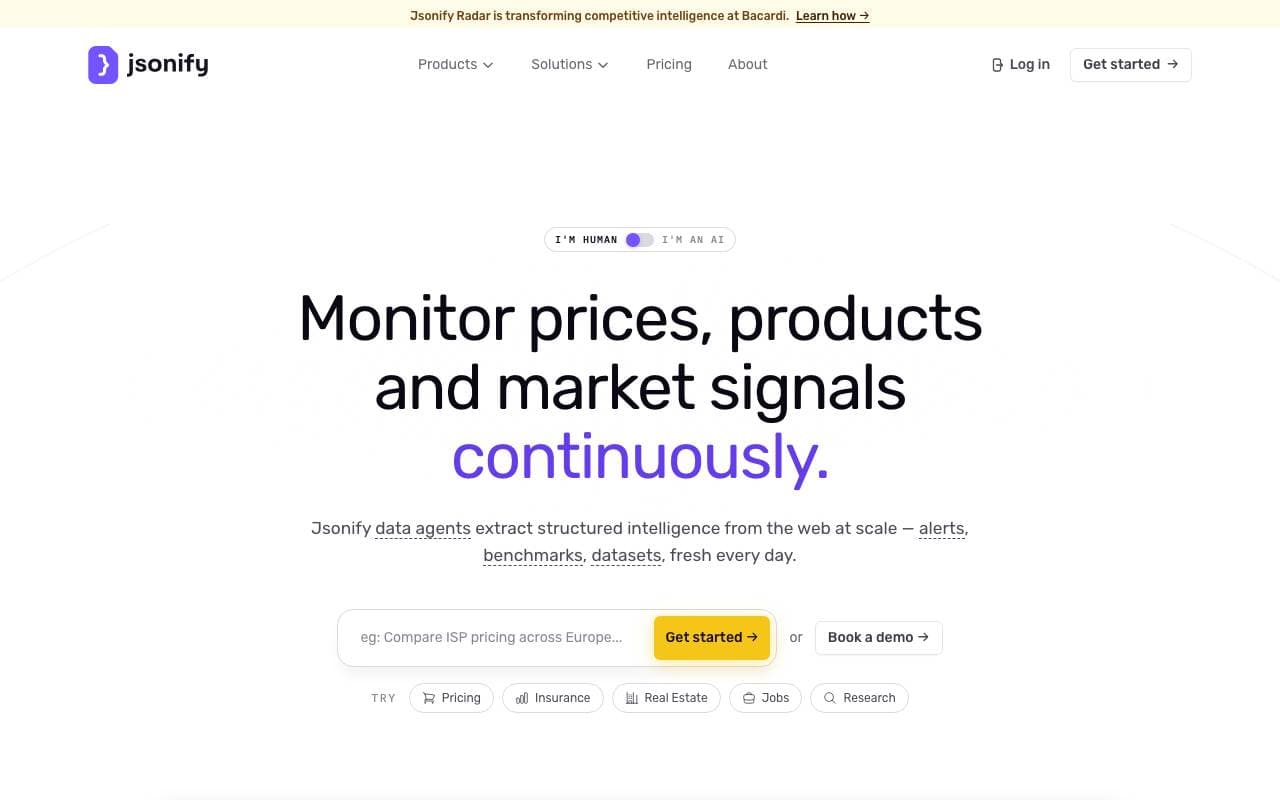
Jsonify
Prodeje a Operace Revenuu
AI agenty, které na měřítku vyčleňují strukturovanou JSON data ze stránek na webu
Trending now


Reducto AI
Platformy pro vývoj AI Agentů
Inteligentní dokumentová API, které rozpoznává, rozděluje, převede na text a extrahuje strukturovaná data z komplexních dokumentů PDF, prezentací a-tabulkových formulářů.


AdCrier
Marketing & reklama
Sponzorované odpovědi, platba za klik


Biology AI
Vzdělávání s umělou inteligencí
Přesné domácí úkoly s vysvětlením


Pin AI
Automatizace pracovních procesů
Agenturní AI-recruiter, který automatizuje hledání, screenování a outreach pro zrychlené obsazení pozice.