KommentAutomatisierte Code-Dokumentation, die sich mit Ihrem Codebasis im Einklang befindet.

Übersicht
Hauptfunktionen
- Automatisierung von Inline-Kommentaren und Dokumentationszeichenketten
- Fortlaufende Dokumentationsaktualisierungen bei Codeänderungen
- Unterstützung mehrerer Programmiersprachen
- Integration mit Entwickler-Workflows
- Übersichtliche Zusammenfassungen und Erklärungen für das gesamte Codebasis
Preise
- Modell
- Free
- Kategorie
- KI-Dokumenten-Agenten
- Bewertung
- 4.6 / 5 (5)
Anwendungsfälle
Automatisierte Erstellung von Dokumentationszeichenketten für Legacy-Code
Führen Sie Komment auf einem nicht dokumentierten Legacy-Codebasis aus, um Inline-Kommentare und Dokumentationszeichenketten für existierende Funktionen, Klassen und Module automatisch zu produzieren.
Halten Sie die Dokumentation aktuell mit Änderungen
Integrieren Sie Komment in den Entwickler-Workflow, damit Dokumentation automatisch aktualisiert wird, wenn der Code geändert wird, um veraltete oder veraltete Dokumentation zu vermeiden.
Beschleunigen Sie die Onboarding-Prozesse für neue Entwickler
Übergaben Ihnen neuen Teammitgliedern mit Komment-generierten Abschnitten auf Codebasis-Ebene, die ihnen dabei helfen, unbekannte Systeme schneller zu verstehen.
Standardisieren Sie die Dokumentation in polyglotten Projekten
Verwenden Sie die Unterstützung für mehrere Sprachen in Komment, um eine konsistente Dokumentationsanwendung auf Repositories mit verschiedenen Programmiersprachen zu sichern.
Pro & Contra
Pro
- Automatische Erstellung von Dokumentationen aus vorhandenen Code
- Dokumentation bleibt im Gleichgewicht während sich der Codebasis entwickelt
- Unterstützung für mehrere Programmiersprachen
- Reduzierung manueller Dokumentationsaufgaben für Entwickler
Contra
- Möglicher menschlicher Überprüfungsbedarf bei AI-generierten Erklärungen
- Qualität kann variieren bei komplexem oder schlecht strukturierten Code
- Weniger nützlich für Teams, die bereits umfassende Dokumentation aufrechterhalten
Bewertungen
Durchschnitt aus 5 Bewertungen.
Melde dich an, um eine Bewertung abzugeben.
Compared a few options
Evaluated this against two competitors. Where it wins: integration with developer workflows and supports multiple programming languages. Where it lags: quality can vary with complex or poorly structured code. On balance the feature set — especially automated inline comments and docstrings — justifies the 4 stars for our use case.
Use it every day
Honestly didn't expect to like it this much. Multi-language code support is exactly what I needed, and keeps docs in sync as the codebase evolves. but I reach for it almost every day now and it just clicks.
Solid for our team
We rolled this out across the team last quarter and keeps docs in sync as the codebase evolves. Integration with developer workflows fits neatly into how we already work, and codebase-level summaries and explanations removed a step we used to do by hand. but it has held up under daily use.

Use it every day
Honestly didn't expect to like it this much. Multi-language code support is exactly what I needed, and keeps docs in sync as the codebase evolves. I do wish aI-generated explanations may need human review, but I reach for it almost every day now and it just clicks.
Years in this space
I've evaluated a lot of these over the years. What stands out here is automated inline comments and docstrings — handled better than most — and generates documentation automatically from existing code. Worth the time if this is your use case.
Fragen & Antworten
How do I get started with Komment?
Sign in to Komment using your email or git account, then connect a code repository. Trigger documentation jobs by clicking Quickstart or set up a schedule, and watch as Komment automatically builds your wiki.
Asked by Petra Vogel · Oct 3, 2025
Do you offer a free trial?
Yes, all new users automatically receive a 30-day free trial for any paid plan. Upon completion of the trial period, your account will automatically switch to the Free plan unless you choose to upgrade your subscription.
Asked by Fiorella Bianchi · Sep 13, 2025
How does Komment ensure accuracy?
Komment heavily leverages purpose-built algorithms, deterministic static analyses and multi-layer quality assurance to generate the best in-class output for technical documentation. Our rules-based approach to leveraging AI in production settings offers far superior performance over LLM wrappers. We also regularly run benchmarks against our output to continuously monitor reliability and performance. Fun fact — Komment's own code repos are documented by Komment as well!
Asked by Dmitri Volkov · Sep 8, 2025
Which languages and platforms does Komment support?
Languages Komment supports over 90 programming languages! Unless you're working with a highly specialized or obscure language, it's likely that Komment can generate a wiki for your codebase. Check out the full list of supported languages here. Dev Platforms You can use your GitHub, GitLab or BitBucket account to sign up and log in to Komment. You can also connect any GitHub-hosted repository to Komment for wiki generation. We plan to release adapters for GitLab and Bitbucket in 2025. Infrastructure Komment is available as a Software-as-a-Service (SaaS) solution at https://app.komment.ai. For teams that prefer self-hosting, Komment can be deployed on virtual private clouds (VPCs) via AWS, Azure, or GCP. Would you benefit from having Komment available in the AWS, Azure, or GCP Marketplace? Tell us about it and get early access to our marketplace offerings!
Asked by Nour Khalil · Aug 16, 2025
What types of documentation does Komment generate?
Komment currently generates: Usage instructions, Architectures diagrams, General overviews, Implementation details, API documentation, Security insights, Example snippets, In-code comments. Komment tailors documentation for each file based on its size, content, and complexity so that only the most relevant pieces from this list are produced for your code. Users on the Scale plan also receive documentation as markdown files submitted to their repo as a pull request, allowing them to keep their docs alongside their code. If your business needs a specific kind of documentation, let us know and we'll make it happen!
Asked by Olga Ivanova · Aug 7, 2025
Frage stellen
Alternativen zu KI-Dokumenten-Agenten


PerfectParser
KI-Dokumenten-Agenten
No-code KI-Agenten zur Dokumentdatenextraktion, abgerechnet pro Seite.


Converzation AI
KI-Dokumenten-Agenten
KI-Chattbots, die Kundenunterstützung automatisieren und Fragen mit eigenen Daten beantworten.


GeniiAI
KI-Dokumenten-Agenten
Dienstwagen als KI-Agent für die Automatisierung täglicher Geschäftsprozesse mit einer Besatzung spezialisierter Boten.
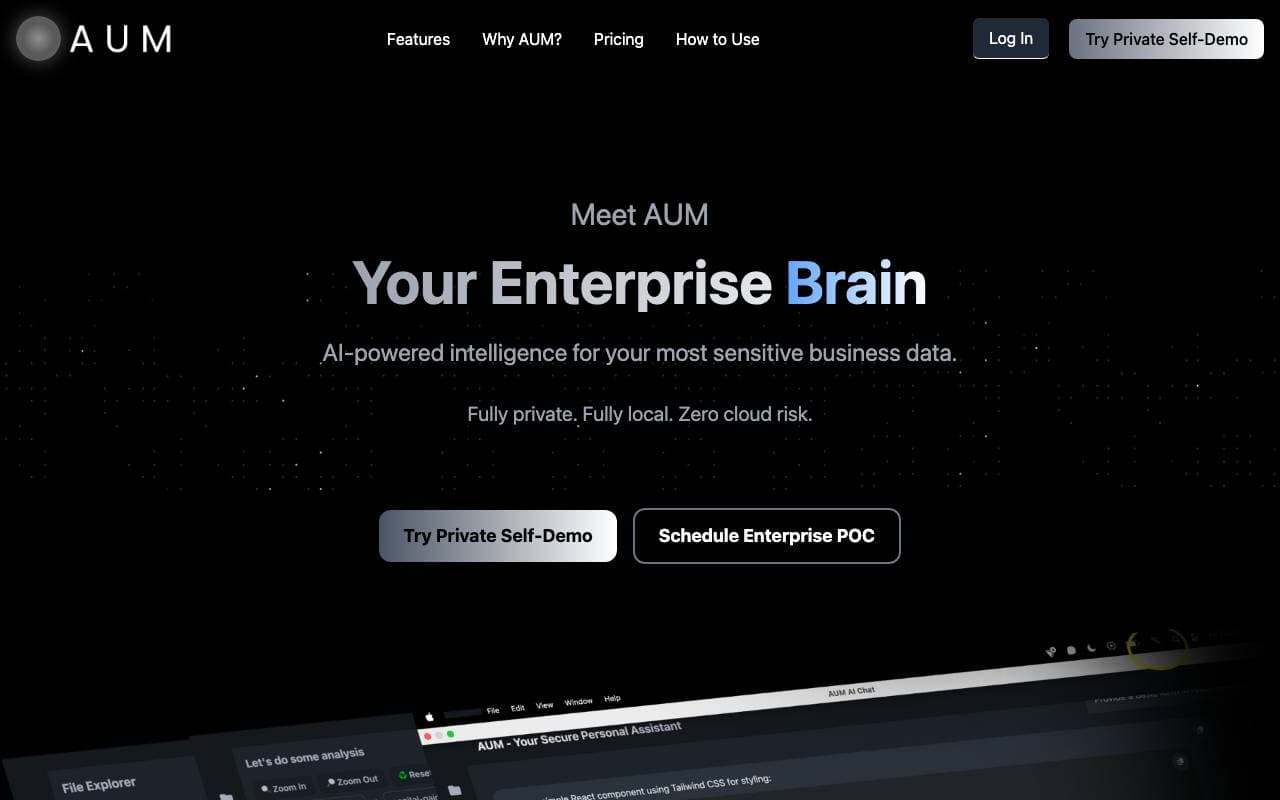

AUM
KI-Dokumenten-Agenten
Künstliche-Intelligenz-gestütztes Einschichtenlayer für die sichere Analyse von geschützten Enterprise-Daten.

Context
KI-Dokumenten-Agenten
AI-Office-Suite, die Präsentationen, Dokumente und Tabellenblätter von Anfang bis Ende automatisiert.
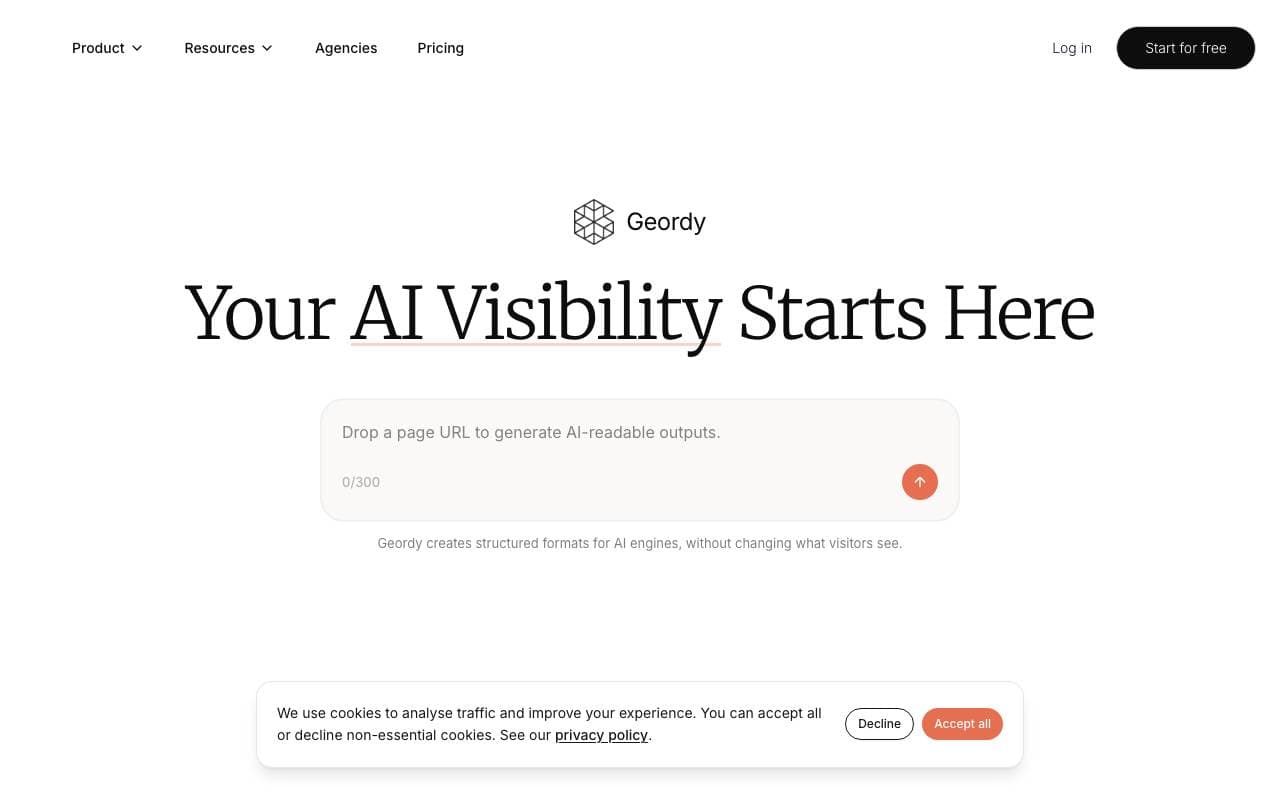

Geordy
KI-Dokumenten-Agenten
Mach dein Web-Portal schnell GEO-fit für Sichtbarkeit in AI-gesteuerten Suchergebnissen.


Langbase Docs Agent
KI-Dokumenten-Agenten
Kommunikations-AI-Agent, mit dem die Benutzer mit Ihrem Dokumentationsinhalt chatten können
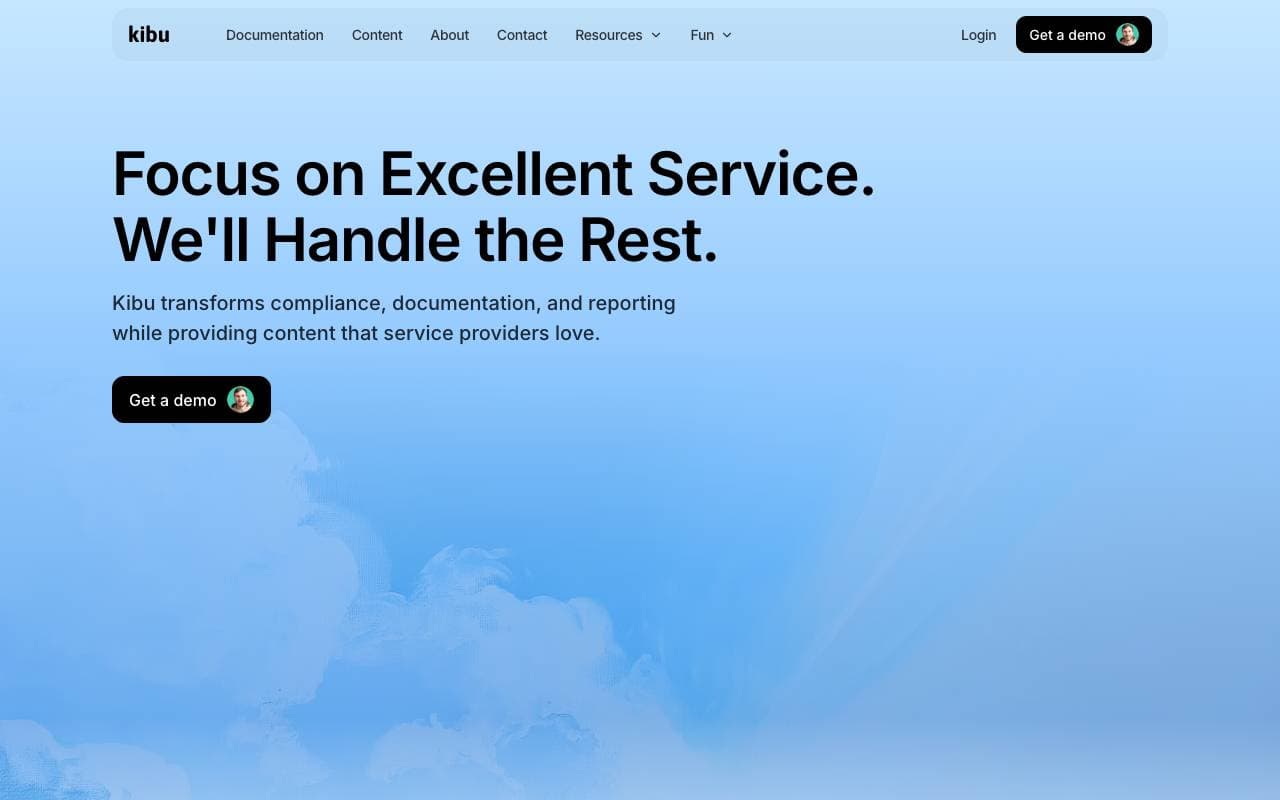

Kibu
KI-Dokumenten-Agenten
KI‑gestützte Support-Plattform, die die Servicebereitstellung optimiert, damit Teams sich auf Kunden konzentrieren können.
Trending now


Reducto AI
Plattformen für die Entwicklung von Agenten mit künstlicher Intelligenz
Intelligenter Dokument API zur Analyse, Trennung, OCR-Analyse und Strukturierung von komplexen PDFs, Präsentationen und Tabellenkalkulationen.


AdCrier
Marketing & Werbung
Gepflichtete Antworten mit Provision pro Klick.


Biology AI
Bildung AI
Genaue Hilfe bei Hausaufgaben mit ausführlichen Erklärungen


Pin AI
Arbeitsablaufautomatisierung
Agentic AI Recruiter, der Sourcing, Screening und Outreach automatisiert, um den Einstellungsprozess zu beschleunigen.