ClipistPrevedite odabrani tekst iz Makosa u taskove za Todoist jednim tastatom za unos.

Pregled
Ključne značajke
- Globalni tastat za brzo snimanje
- Šalje odabrani tekst direktno u Todoist
- Radno u aplikacijama za macOS koje koristite
- Radno u tragu menija s malom potrošnjom resursa
- Brzo podešavanje računa Todoist i skracača
Cijene
- Model
- Freemium
- Kategorija
- Odjeljak za obuku inteligentnih sustava
- Ocjena
- 4.3 / 5 (4)
Slučajevi uporabe
Snimanje akcione stavke iz elektroničke pošte
Izdvajaj zahtjev za ponovnim kontaktom u e-mailu i pritisni tastatom za snimanje kako bi ga direktno šalio u Todoist bez odlaska iz e-mail klijenta!
Pretvori Slack'ske poruke u zadaće
Kada će kolega uputiti zahtjev preko Slacka, odabiraj mu poruku i odmah napravi Todoist zadatak. Zadrži tok konverzacije bez oboravanja.
Spremi to-do čarice dok se čitaju tekstovi
Klipiraj akcione primijete iz tekstova, dokumentacije ili internet strana direktno u Todoist tako da možete kasnije vrati na njih bez prelaska između više staza.
Brapne brzo i snimanje od dokumenta
Radi si u dokumentu ili pdf u aplikacijama za macOS? Selektiraj bilo koji red i izazvaš Clipist da zapisi tu liniju kao zadatak bez treba ponovnog unositi ili otvarati Todoist.
Prednosti i nedostaci
Prednosti
- Snimanje sa jednim tastatom iz bilo koje aplikacije za Mac
- Odziva izvorne upotrebe tokom vašeg radnog procesa
- Lak, jednosvrstan alat s malim podešavanjima
- Nativa integracija s Apple macOS
Nedostaci
- Toliko je dostupno samo na Macu, nema inačice za Windows nikako nikada ili mobilno izdanje
- Ograničen samo na Todoist kao destinaciju
- Minimalne opcije formiranja zadataka
Rekord bitaka
U 1 bitki u Panteonu.
Recenzije
Prosjek iz 4 ocjena.
Prijavi se za ostavljanje recenzije.

Compared a few options
Evaluated this against two competitors. Where it wins: runs in the menu bar with low overhead and one-shortcut capture from any Mac app. Where it lags: limited to Todoist as a destination. On balance the feature set — especially quick configuration of Todoist account and shortcut — justifies the 4 stars for our use case.
Does the job
Pretty happy overall. Works across any macOS application just works and simple, single-purpose tool with little setup. Mac-only, no Windows or mobile version can be annoying, but no dealbreakers — I'd recommend it to a friend without hesitating.
Solid for our team
We rolled this out across the team last quarter and native macOS integration. Runs in the menu bar with low overhead fits neatly into how we already work, and runs in the menu bar with low overhead removed a step we used to do by hand. Mac-only, no Windows or mobile version, which is the main caveat, but it has held up under daily use.

Years in this space
I've evaluated a lot of these over the years. What stands out here is quick configuration of Todoist account and shortcut — handled better than most — and native macOS integration. Mac-only, no Windows or mobile version is my one real gripe. Worth the time if this is your use case.
Pitanja
Where do I find my Todoist API token?
Go to Todoist Settings > Integrations > Developer. Your API token will be displayed there. Copy and paste it into Clipist's preferences.
Asked by Idris Suleiman · Apr 7, 2026
Why isn't the keyboard shortcut working?
Make sure you've granted both Accessibility and Input Monitoring permissions in System Settings > Privacy & Security. Restart Clipist after enabling these permissions.
Asked by Nadia Petrova · Mar 16, 2026
How do I set up Clipist for the first time?
After downloading from the App Store, launch Clipist and follow the setup wizard. You'll need to grant accessibility permissions and add your Todoist API token in the preferences.
Asked by Willa Thompson · Feb 23, 2026
Is my data secure?
Yes! Clipist only accesses text you explicitly select and only sends it to your Todoist account. No data is stored or transmitted elsewhere.
Asked by Dovid Klein · Feb 14, 2026
Can I change the keyboard shortcut?
Currently, Clipist uses Cmd+Shift+T as the global shortcut. Custom shortcuts will be available in a future update based on user feedback.
Asked by Dalia Haddad · Jan 13, 2026
Postavi pitanje
Alternative za Odjeljak za obuku inteligentnih sustava


Pandorabots
Odjeljak za obuku inteligentnih sustava
Platforma za razvoj chatbota zasnovana na skripto-vjezbištu AIML za agente zasnovane na pravilima u interaktivnim razgovorima.
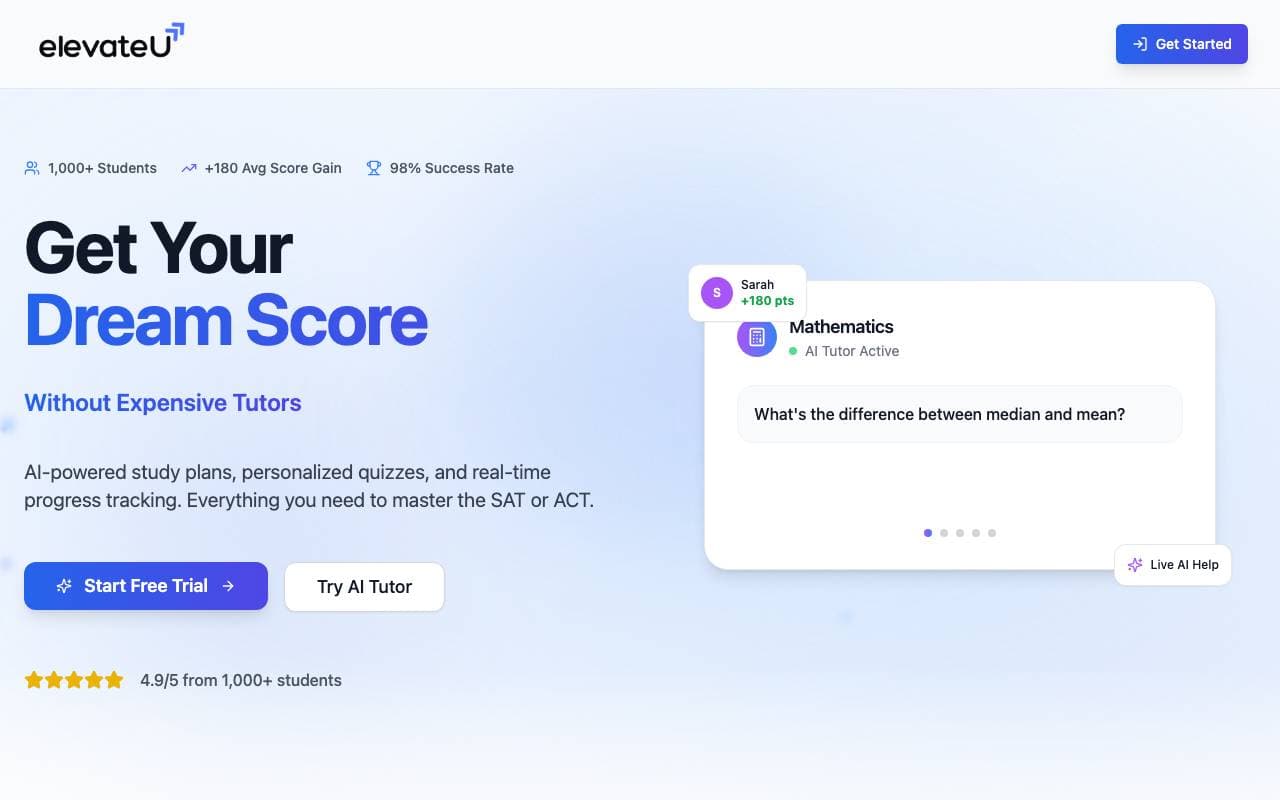

ElevateU
Odjeljak za obuku inteligentnih sustava
Priprema za SAT i ACT podržana umjetnom inteligencijom s personaliziranim planovima učenja i adaptivnim vježbanjem.


Biology AI
Odjeljak za obuku inteligentnih sustava
Točno pomoć pri domaćem radu s potpunim objašnjima


Physics AI Solver Tool
Odjeljak za obuku inteligentnih sustava
Uvažajte kompleksne fizikalne problema s našime alatkom za rješavanje fizike uz pomoć umnog intelekta.

ShowAndTell
Odjeljak za obuku inteligentnih sustava
UMjetnici za dentalne prakse koje edukativno obrazuju pacijente i poboljšavaju prihvat zadataka.
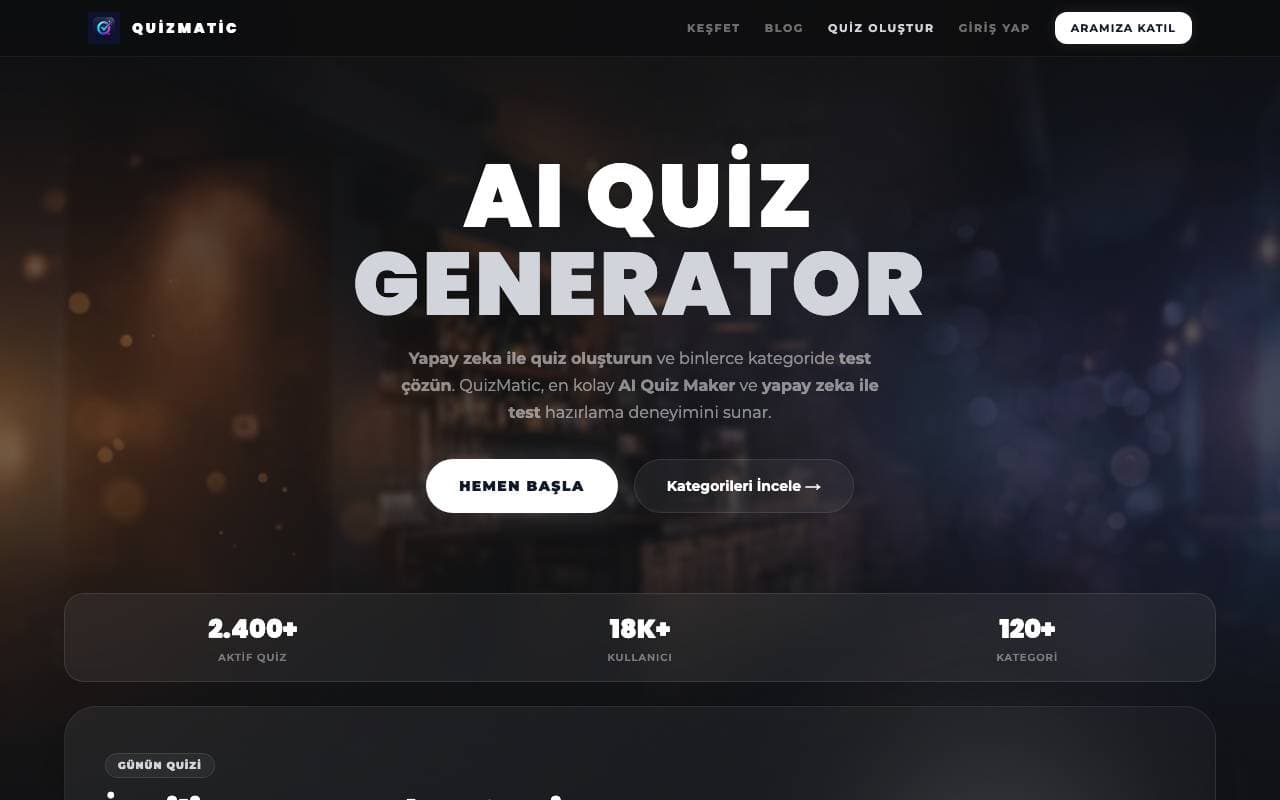

QuizMatic
Odjeljak za obuku inteligentnih sustava
Generirajte test često pomoću AI koji gradit će prilagođene probe u sekundama u 120+ kategorija.


CourseFactory AI
Odjeljak za obuku inteligentnih sustava
Plataforma za pomoć AI za izradu i objavljivanje online kursova brže


DrugandAlcoholCourse.com
Odjeljak za obuku inteligentnih sustava
Florida state-approved online TLSAE kurs o drogama i alkoholu za prvotimace vozače
Trending now


Reducto AI
Platforme za razvoj inteligentnih agenata AI
API za inteligenciju dokumenata koji parsira, dijeli, OCR-uje i iskreće strukturirane podatke iz složnih PDF-a, dijaloga i tablica s podacima.


AdCrier
Marketing i Oglašavanje
Sponzirani odgovori, plaća po klik
Biology AI
Odjeljak za obuku inteligentnih sustava
Točno pomoć pri domaćem radu s potpunim objašnjima


Pin AI
Automatizacija radnog protoka
Recruiterski agent koji automatisira pristupanje kandidatima, ekraniranje i outreach kako bi ubrzao proces zaposljavanja.